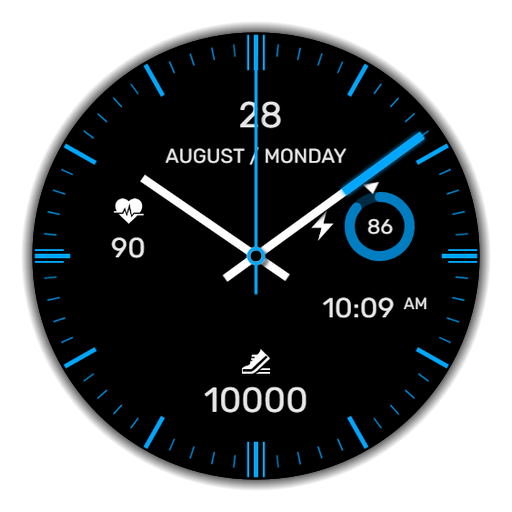
WaTchG005: Analog watch face v1.0.2
WatchFaceDesign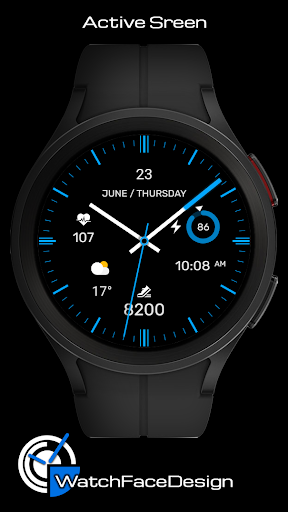




About this app
Developer Description
Analog watch face for Wear OS with the possibility of user settings.
https://www.facebook.com/WatchFacesForSamsung
[ This watch face is only for Wear OS devices ]
This watch face supports all Wear OS devices with API level 30+, such as Samsung Galaxy Watch 4, 5, 6, 7, etc.
FEATURES
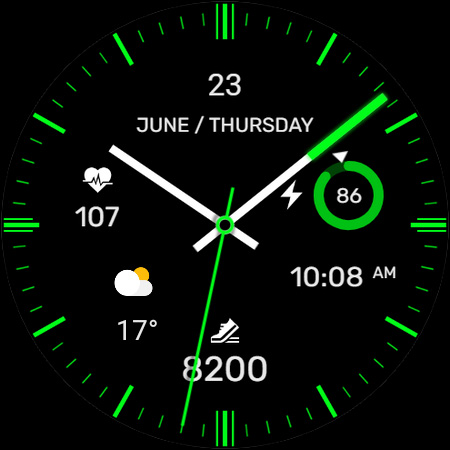
★ Theme Options (changing the color themes)
★ More possible theme combinations
★ Complication ready for weather icon
★ 1 touch shortcuts
★ Simple and battery friendly AOD
TOUCH CONTROLS
★ Battery info (click on battery)
★ Theme customization (touch and hold in the middle watch, click on customize button)
Customizable field (complications):
You can customize the complication field with some data. Primarily, for example, to select the weather, sunset/sunrise and possibly some others.
***some features may not be available on some watches.
INSTALLATION NOTES:
Where can I find the watch face? In the watch open the watch faces menu, go to the end of the list and click on Add watch face. You will find the new watch face in the list of watch faces. Click the icon to activate the watch face.
1 - Make sure the watch is properly connected to the phone.
After a few minutes the watch face will transferred on watch : check the watch faces installed by the Wearable app on the phone.
2 - If you are having synchronization problems between your phone and Play Store, install the app directly from watch: search "WaTchG005: Analog watch face" from Play Store on watch and hit on install button.
3 - Alternatively, try installing the watch face from web browser on your PC.
4 - Also please make sure you enabled all needed permissions.
Please, any problems on this side are NOT caused by the developer.
You can uninstall this mobile app later.
CONTACT
If you need a support or talk about our Privacy Policy, contact us on:
cezarekwatch@gmail.com
What's New
Version Information
- Version
- 1.0.2
- Downloads
- 100+
- Updated on
- Jul 14, 2025
- Released
- Sep 11, 2022
- Requires
- Android Varies with device
Statistics
Google Play Rating History
Rating Distribution
Downloads Over Time
WaTchG005: Analog watch face has been downloaded times. Over the past 30 days, it averaged downloads per day.
Shaded area shows 30-day prediction based on historical trends
Historical data collection started recently. More data points will be available over time.
ApkTrusted Ratings & Reviews
More from WatchFaceDesign
See more apps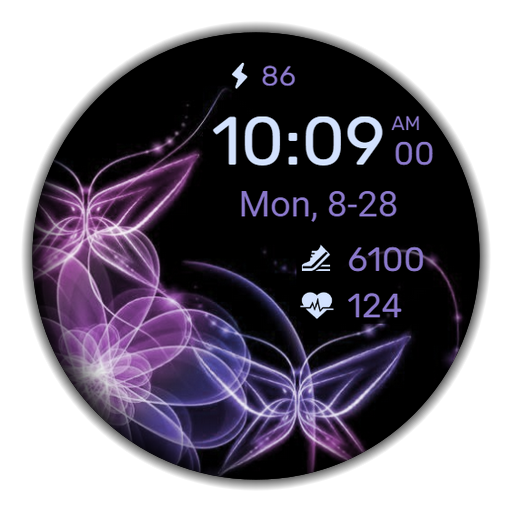
WaTchG008: Digital watch face
Paid

WaTchG004: Analog watch face
Paid
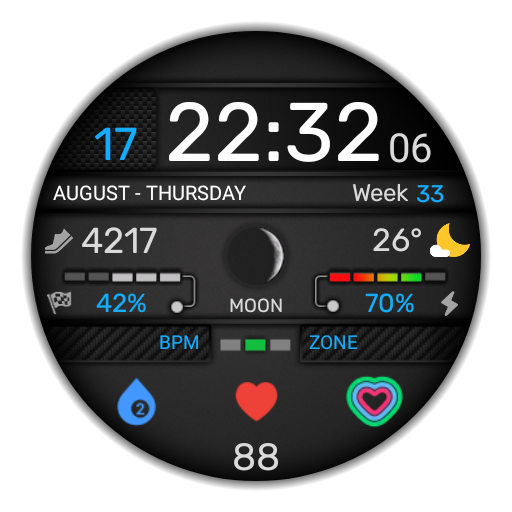
WaTchG003: Digital watch face
Paid

WaTchG001: Analog watch face
Paid

WaTchG006: Digital watch face
Paid
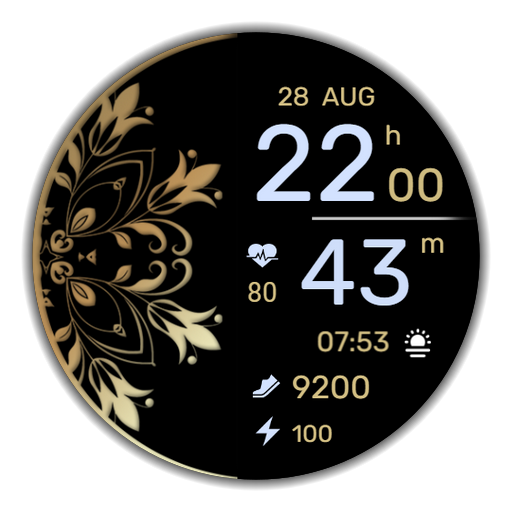
WaTchG007: Digital watch face
Paid

WaTchG002: Analog watch face
Paid
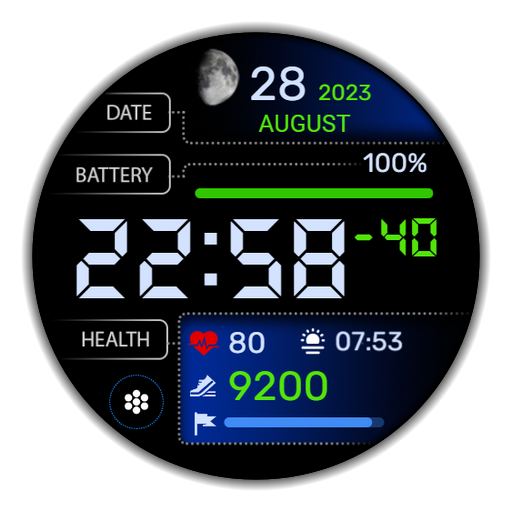
WaTchG010: Digital watch face
Free
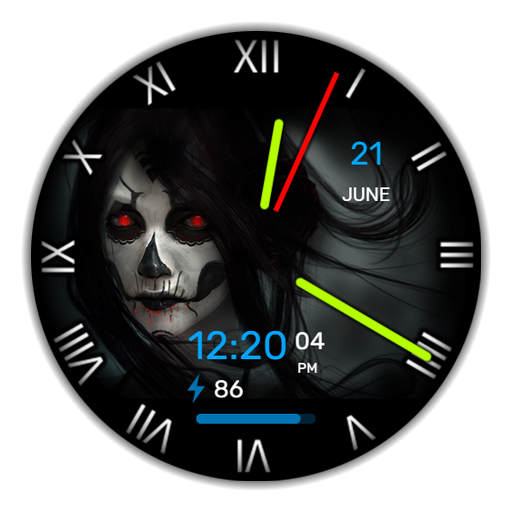
WaTchG012: Halloween
Paid

WaTchG013: Halloween
Paid

WaTchG015: Analog watch face
Free
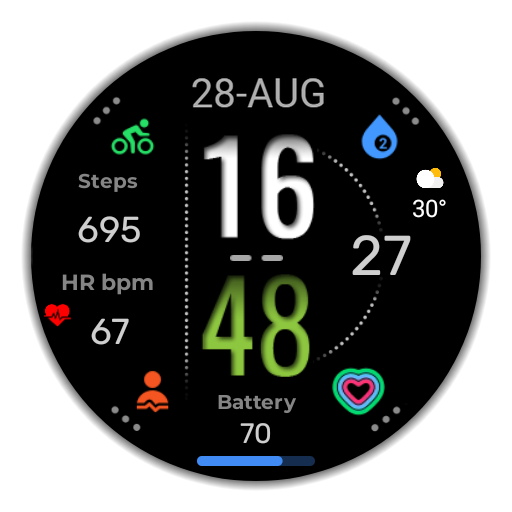
WaTchG018: Digital watch face
Free
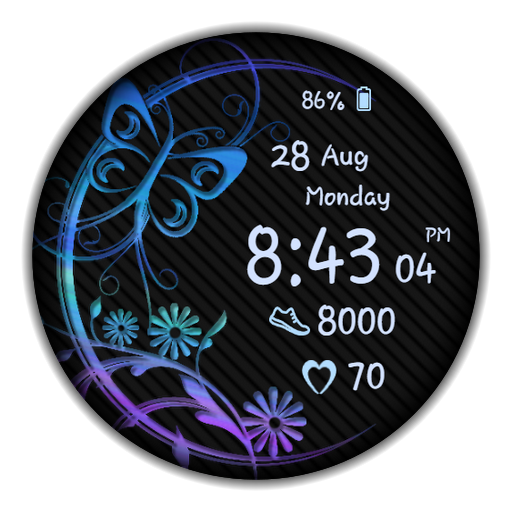
WaTchG023: Digital watch face
Free
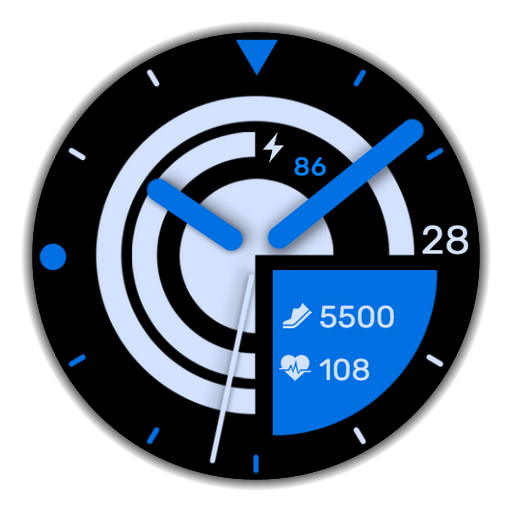
WatchFaceDesign
Free
Scan this QR code to download

Forwarding you to the page at Google Play market in seconds...
Open Google Play market now