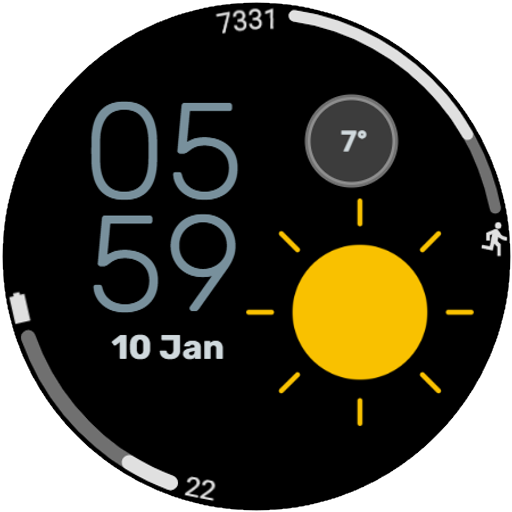
Weather 2 Watch face vVARY
VG Faces





About this app
Developer Description
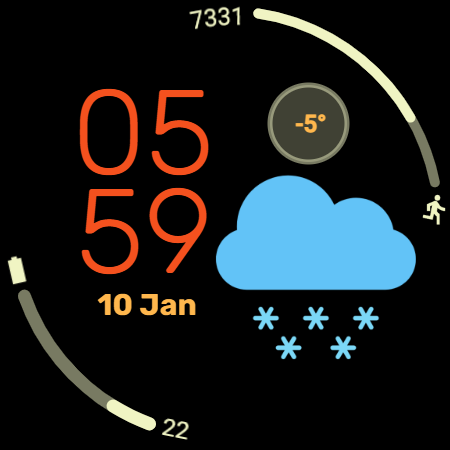
Digital watch face Weather 2 for Wear OS: Your Personal Forecast on Your Wrist
Weather 2 – Your Stylish Weather Watch Face for Wear OS
Stay ahead of the weather with Weather 2, a sleek and modern watch face designed to display real-time weather updates right on your wrist.
Stay ahead of the elements with Weather 2, a modern digital watch face designed for Wear OS. This face places clear, high-contrast weather visualization at the center of your day, ensuring you never get caught in the rain without an umbrella. Perfect for daily commuters, outdoor enthusiasts, and anyone who values information at a glance.
Key Features:
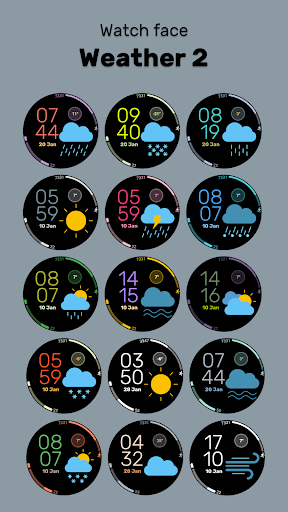
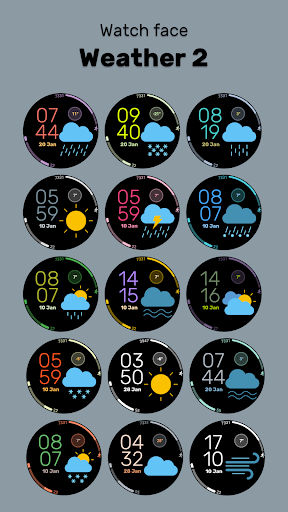
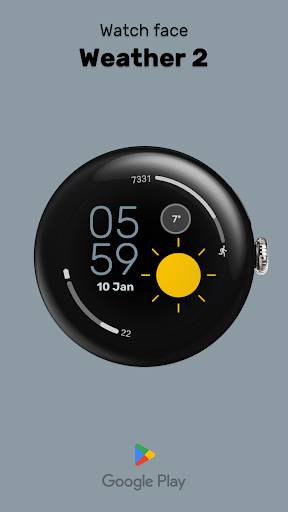
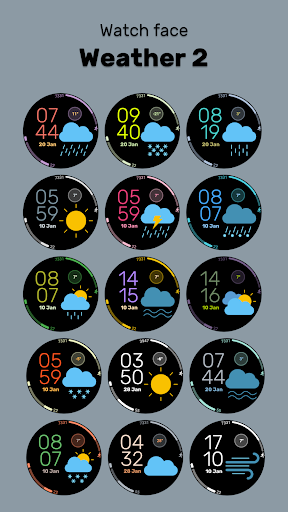
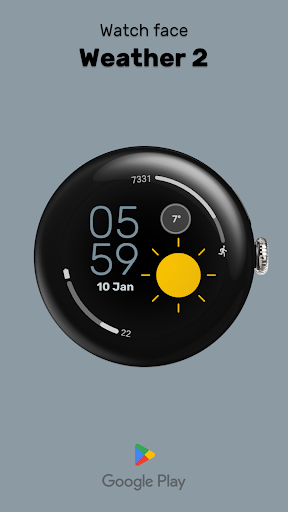
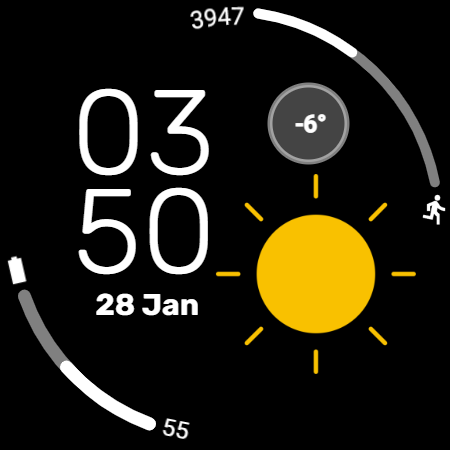
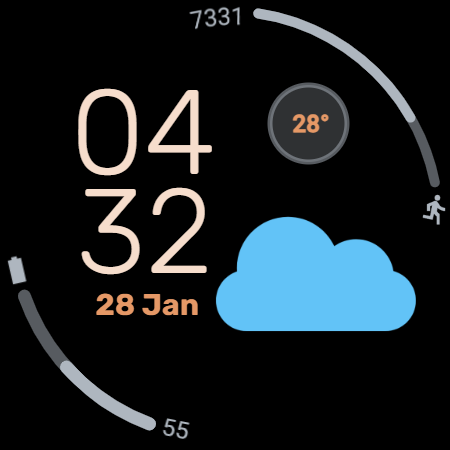
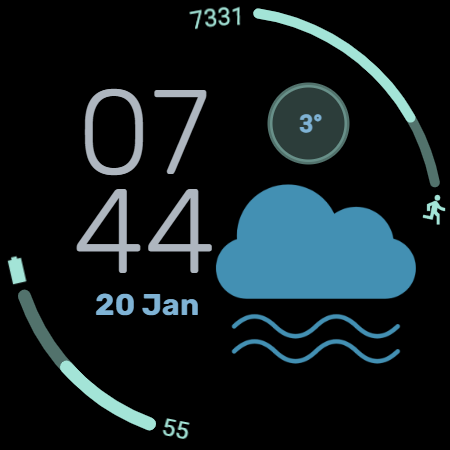
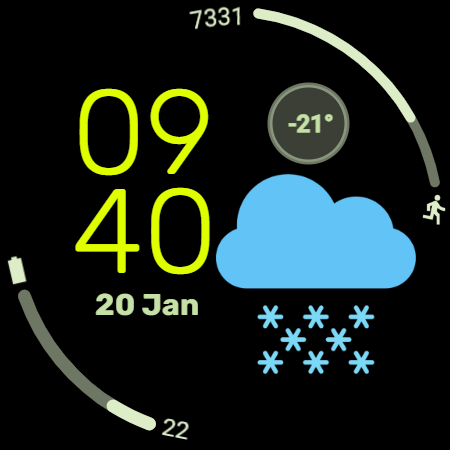
• Dynamic Weather Display: The centerpiece of this watch face is a large, beautiful weather icon that updates to show current conditions (Rain, Sun, Clouds, etc.) alongside the live temperature.
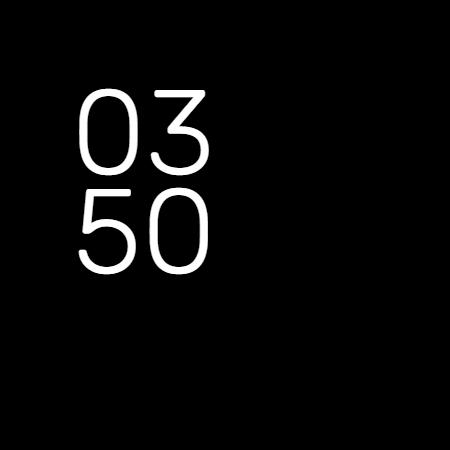
• Smart "Leading Zero" Control: We know style is personal. You can toggle the Leading Zero (On/Off) for the hour digit (e.g., switch between "09:00" and "9:00") to match your preferred aesthetic.
• Essential Health & Power: Keep track of your daily activity with the integrated Steps Counter and monitor your device with the clear Battery Status indicator.
• Global Time Formats: The watch face supports both 12-hour and 24-hour modes, automatically syncing with your phone's system settings.
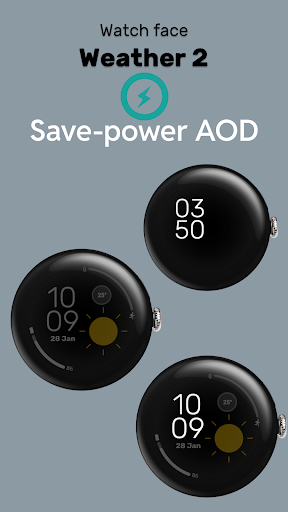
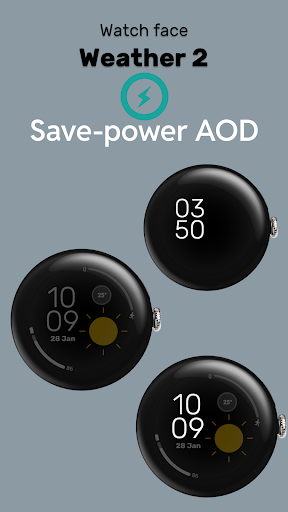
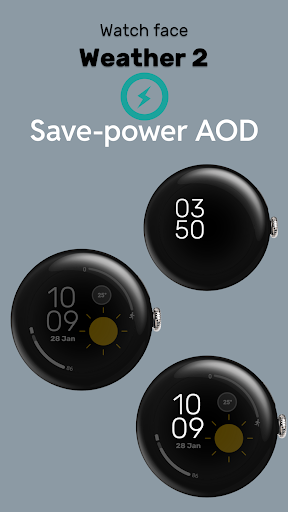
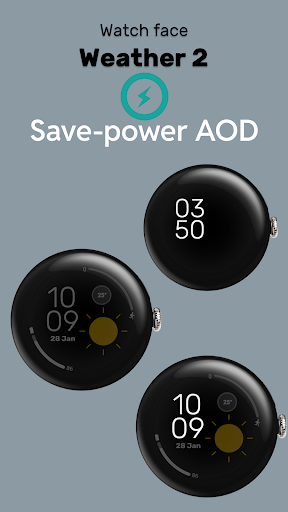
• Save-Power AOD: The optimized Always-On Display (AOD) shows you the time and essential info in a minimalist, battery-friendly mode, so your watch lasts longer.
Interactive Shortcuts:
Navigate your watch faster with 5 integrated tap zones designed for maximum efficiency:
• Tap Date: Instantly opens your Calendar
• Tap Hours (HH): Custom App Shortcut
• Tap Minutes (MM): Custom App Shortcut
• Tap Weather Icon: Custom App Shortcut
• Tap Temperature: Custom App Shortcut
Installation:
• Ensure your watch is connected to your phone via Bluetooth.
• Download Weather 2 from the Google Play Store.
• Long-press your watch screen and select "Weather 2" from your list of installed faces.
Compatibility:
Designed for Wear OS 5+ devices, including:
• Samsung Galaxy Watch
• Google Pixel Watch
• TicWatch
• Fossil
This watchface has been designed using resources from Flaticon.com
https://www.flaticon.com/authors/rosa-suave
What's New
- 12/24h mode (auto-sync)
- Added App Shortcuts
- Added Color Themes
- Optimized weather icon display for different times of day
Version Information
- Version
- -
- Downloads
- 500+
- Updated on
- Jan 6, 2026
- Released
- Jan 2, 2025
- Requires
- Android Varies with device
Statistics
Google Play Rating History
Rating Distribution
Downloads Over Time
Weather 2 Watch face has been downloaded times. Over the past 30 days, it averaged downloads per day.
Shaded area shows 30-day prediction based on historical trends
Historical data collection started recently. More data points will be available over time.
Weather 2 Watch face users say on Google Play
 David S
Nice-looking watch face
 David
David
cant get it to install. says i need to login to my google account when it is already logged in. .
ApkTrusted Ratings & Reviews
More from VG Faces
See more apps
Christmas WF for Wear OS
Paid

Watchface Art 1
Free

Digital Watchface D11
Paid

Digital Watchface D8
Free

LCD Watch face
Free

WatchFace M2
Free
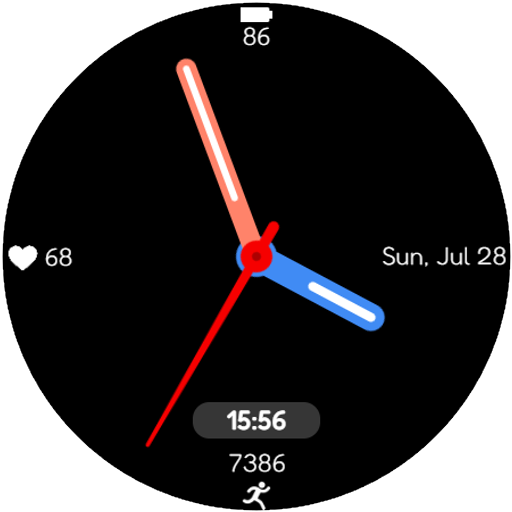
Watch Face Minimalism
Paid

Watch Face Minimalism 3
Paid

Paper weather Watch face
Paid

PRIDE Watch Face
Paid

Ukraine Watch face
Paid

Tacho Watch Face
Paid

Digital Watchface D1
Free

Analog Watchface A2
Paid
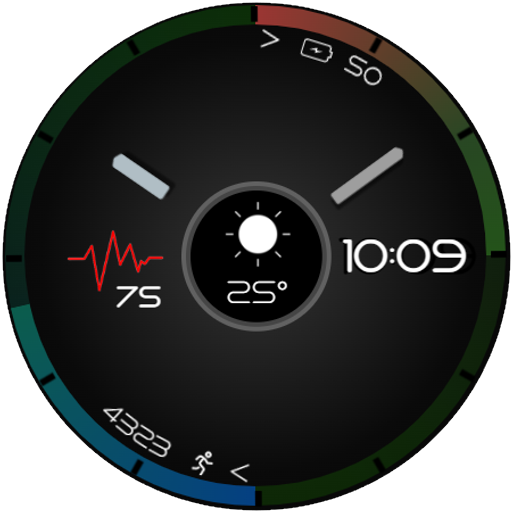
Analog Watch face A3
Paid

Analog watchface A5
Paid
Similar Apps

Digital Time Watch Face
Paid
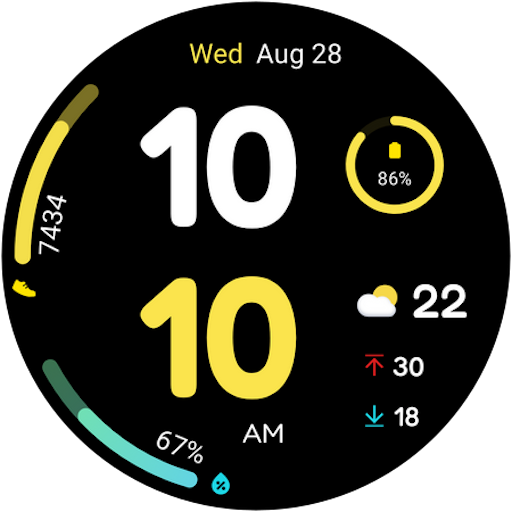
Color Time- For Wear OS 5
Paid
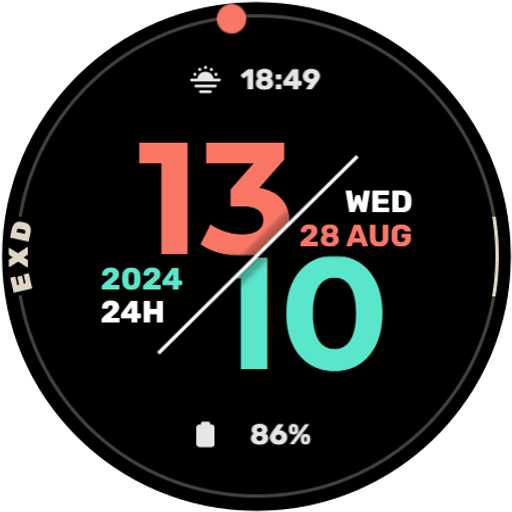
EXD039: Minimal Watch Face
Paid

Iris552 Multi-Function Digital
Paid

Digital Minimal Watch Face
Paid

Key047 Digital Watch Face
Paid

CELEST5585 Sport Watch
Paid

5W036 MN Deck Engine Officer
Paid

Digital Watch Face: OMG 53
Paid

D0004 VNApps
Free

OT | Weather Watch Face 2
Free

OT | Digital Minimalist 3
Free

Digital Weather Sports Face
Free

Digital Weather Watch Iris541
Paid

TVV Fitness 4 Watch Face
Free

Weather Watch MB405
Paid
Scan this QR code to download

Forwarding you to the page at Google Play market in seconds...
Open Google Play market now