
App Manager v1.3.0.3
wssc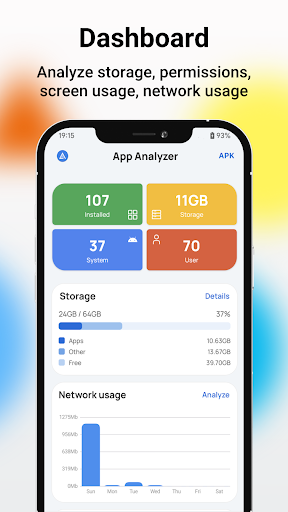
About this app
Developer Description
App manager, batch install and uninstall, screen time tracker and network track
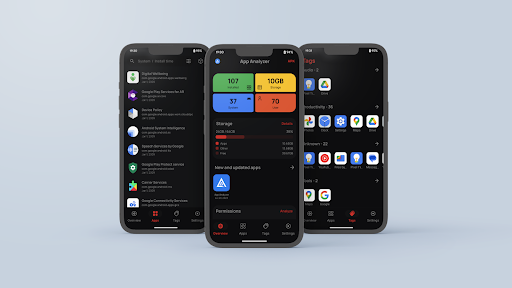
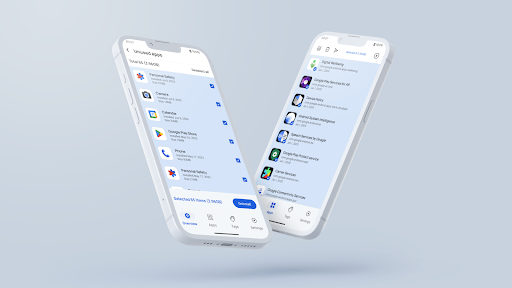
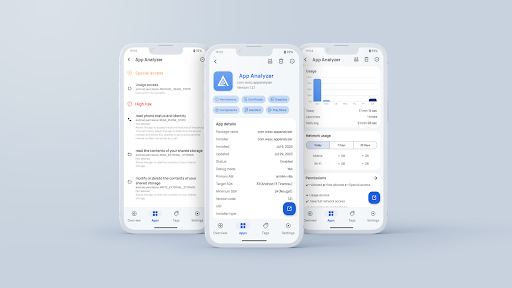
App manager is a powerful application that helps you manage and analyze the apps in your phone, features include:
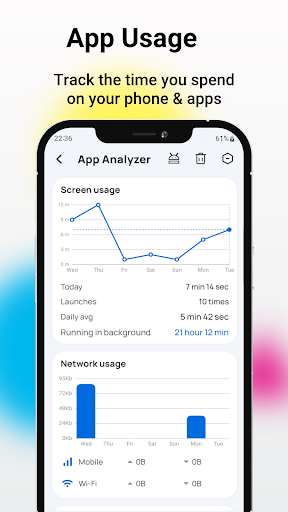
- App usage time summary to see how long an app has been used.
- App Network Data Usage to see the Wifi or data traffic usage of installed apps.
- Automatic updates and installation schedules for installed apps.
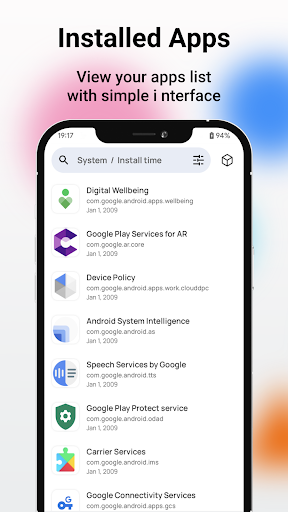
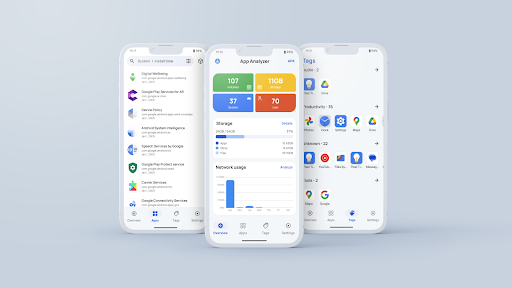
- Sort apps by install time, update time, size, name, screen time, number of opens, network usage
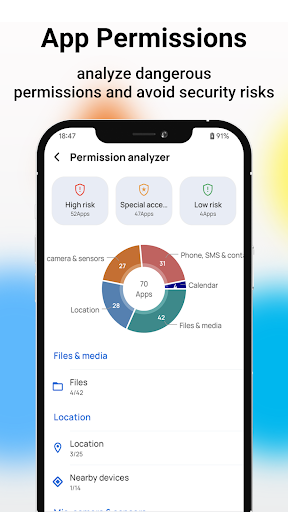
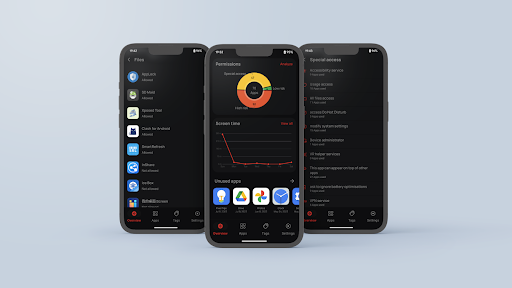
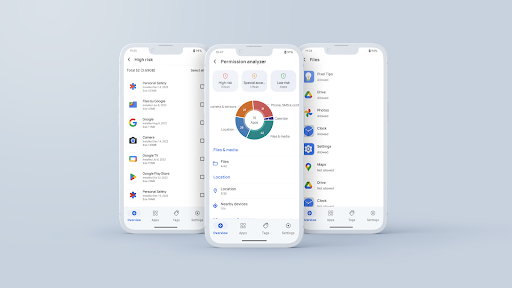
- Analyze app permissions to help you analyze and view dangerous permissions to avoid security risks.
- Manage and view applications running in the background, end applications running in the background, and free up running memory space.
- Clear cache generated by apps to free up storage space on your memory card.
- Sort apps by type to quickly find specific apps.
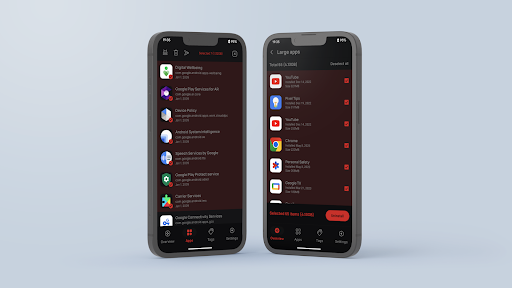
- Batch operations:
- Uninstall applications
- Install applications
- Clear application cache
- End applications running in the background
- Sharing applications
- Reinstalling
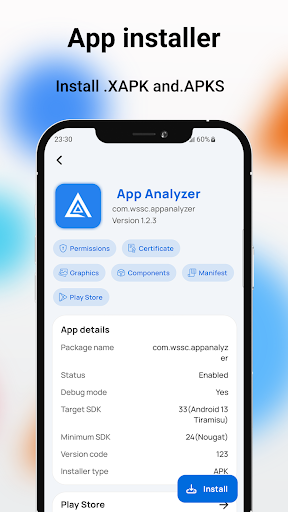
- Install .APK, .APKs, .XAPK, .APKM files
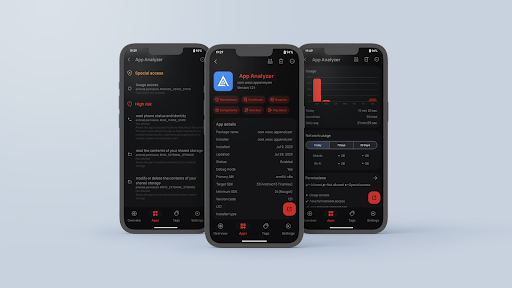
- Perform actions on selected individual applications:
- Run the application
- Uninstall the application
- Export the APK file
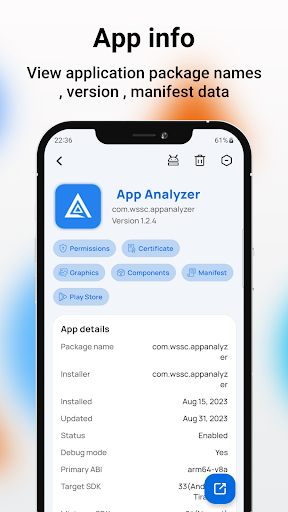
- Viewing the AndroidManifest file
- Component information
- Metadata Information
- Play Store information
- Permission List
- Certificates
- Signature information
Note: 👇 👇 👇 👇 👇 👇 👇 👇 👇
Apps use the Accessibility permission to help people with disabilities or other users freeze all background apps and clear app cache with just one click.
Permissions: 👇 👇 👇 👇 👇 👇 👇 👇 👇
- READ_PHONE_STATE to read phone status for network information
- REQUEST_DELETE_PACKAGES -> helps users uninstall unused, redundant and potentially dangerous applications
- PACKAGE_USAGE_STATS -> analyzes the most frequently used applications.
Feedback: 👇 👇 👇
Share your ideas to help improve the app.
You can recommend new features directly through the Settings-Feedback option in the app, or email wssc2dev@gmail.com
What's New
Version Information
- Version
- 1.3.0.3
- Downloads
- 5K+
- Updated on
- Sep 19, 2025
- Released
- Jul 9, 2023
- Requires
- Android 7.0
Statistics
Google Play Rating History
Rating Distribution
Downloads Over Time
App Manager has been downloaded times. Over the past 30 days, it averaged downloads per day.
Shaded area shows 30-day prediction based on historical trends
Historical data collection started recently. More data points will be available over time.
App Manager users say on Google Play
 Sarah Stemp
So far, (about an hour or two) it's been great. It has zero ads & the layout is simple. It's extremely easy to understand, very thorough on the app details & amount of your apps (though surprising to most,) is honest & appreciated. Been on so long due to the unknown details on "settings apps" I had NO IDEA even existed. And I love "cleaning & info" apps, so I've seen damn near every one of them. This also is so helpful & easy to fix the problem right there! Just download it! You won't regret it!
 THU Kha
Good for Samsung galaxy
 Manish Bakhada
Not Bad
 Frésnœ Bhlænko
It's really nice looking and well laid out. When I filter for running apps, it definitely isn't only showing running apps, and I can't see how to kill them, as the app description says is supported.
 Rudra Verma
Not even starting
ApkTrusted Ratings & Reviews
More from wssc
See more apps




Scan this QR code to download

Forwarding you to the page at Google Play market in seconds...
Open Google Play market now