Simple Photo Editor v1.6.0.565Q
GIF Maker & GIF Editor & Video Maker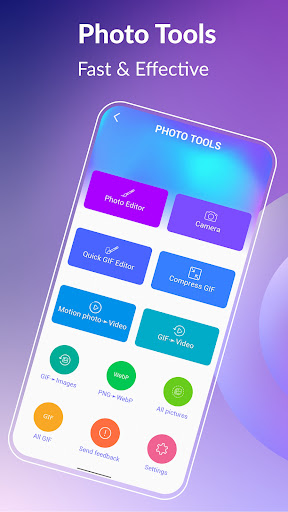


About this app
Developer Description
Effortless and high-quality photo editing with fast results and no watermarks.
Experience a user-friendly interface with stunning clarity and an array of powerful tools and features. Choose from a dark or light theme to suit your preference.
Effortlessly handle your image files with support for popular formats including PNG, JPEG, and WebP. Benefit from a user-friendly interface designed to provide a seamless experience for all.
Support up to 22 languages: English, Français, Español, Italian, 대한민국, 中文, 日本語, Deutsche, हिंदी, Pусский, Tiếng Việt, Português, Ελληνικά, Bahasa, Türk, ไทย, Polski, Dansk, Suomen kiel, Nederlands, Norsk, Svenska
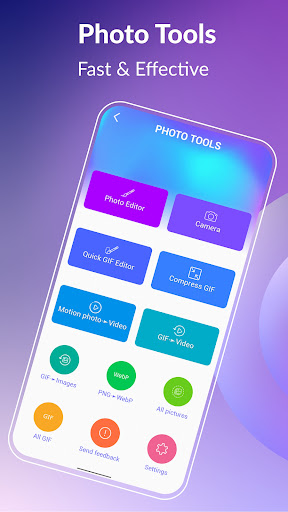
Photo Editor:
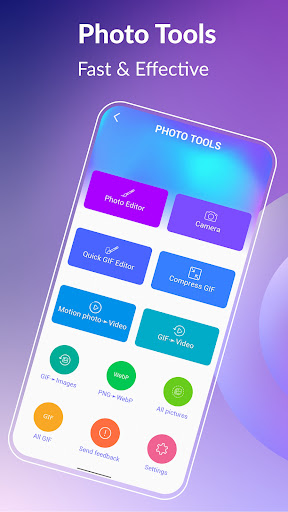
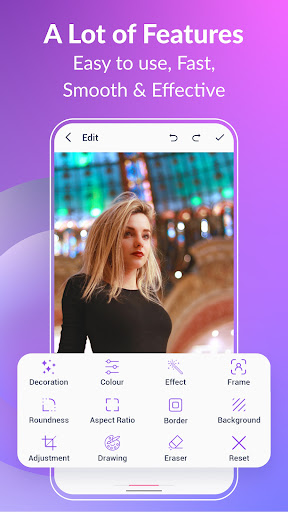
Transform your photos with ease using a comprehensive range of features including cropping, resizing, emojis, handwriting, color filters, effects, stickers, undo/redo, roundness, and more. Save your final creations in high-quality, watermark-free formats.
Compress GIF:
Easily share smaller, more manageable GIFs and animated images with our file size reduction tool. Choose from multiple quality options to find the perfect balance between file size and image quality.
Convert GIF to Video:
Effortlessly convert GIF to video with just three clicks. Maintain the same quality and resolution for seamless transitions.
Photo background:
Make your photos come alive with background options like transparent, black, white, solid color, gradient colors, blur, and more.
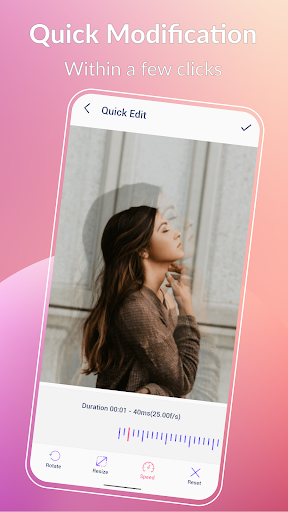
Quick GIF editor:
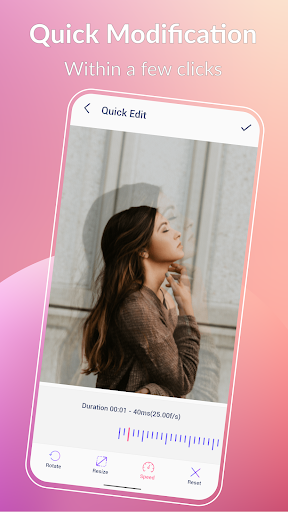
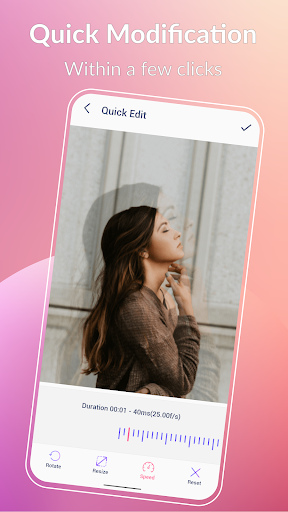
Transform your photos with ease using our quick modification tools. Resize, adjust play speed, and more in just a few seconds.
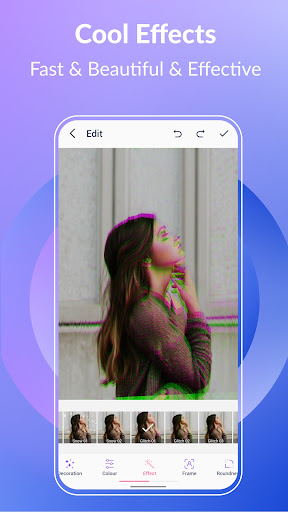
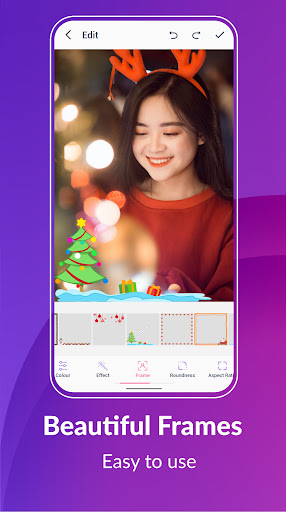
Effects and Frames:
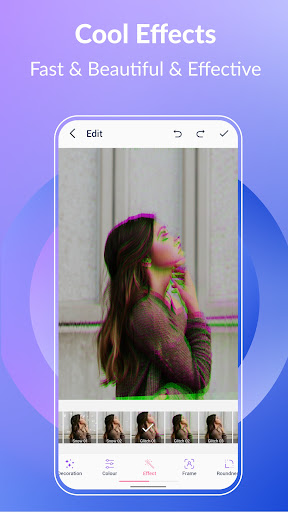
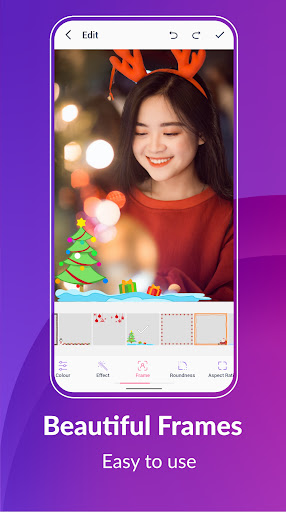
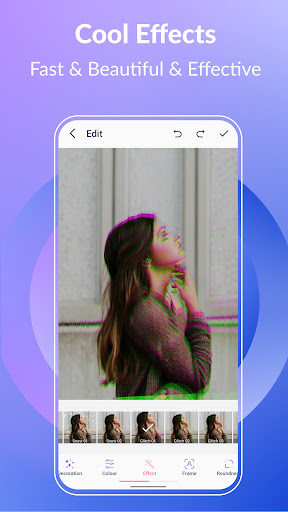
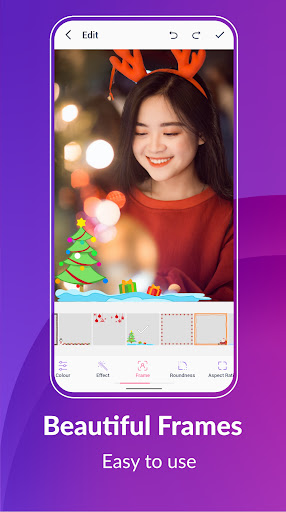
Add some style to your photos with our cool effects and beautiful picture frames. Choose from popular options like 1977, Amaro, Brannan, Early Bird, Hefe, Glitches, VHS, and more.
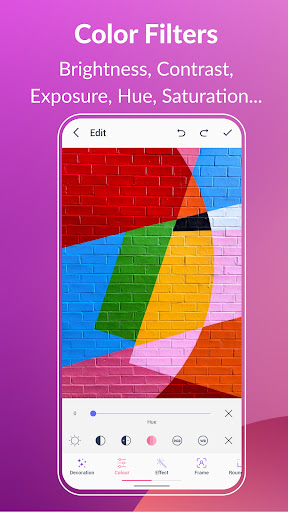
Color filters:
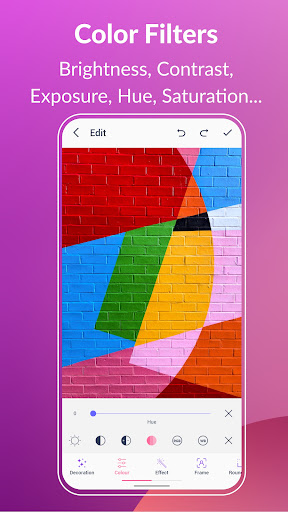
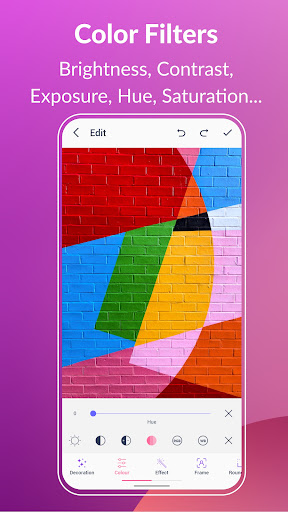
Bring your photos to life with our color filters. Adjust brightness, contrast, exposure, hue, saturation, and white balance.
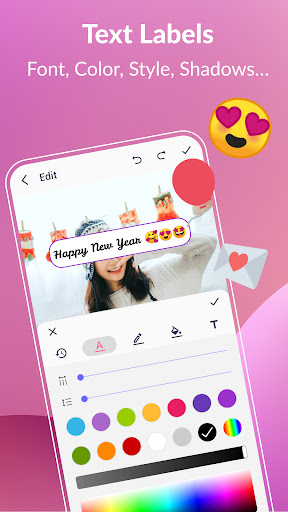
Text label and Meme:
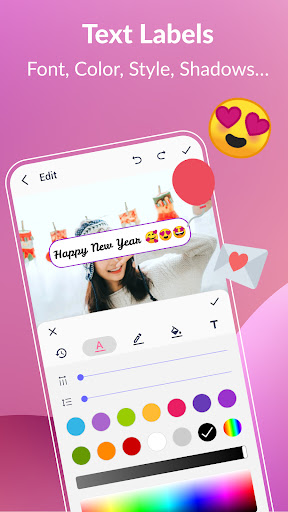
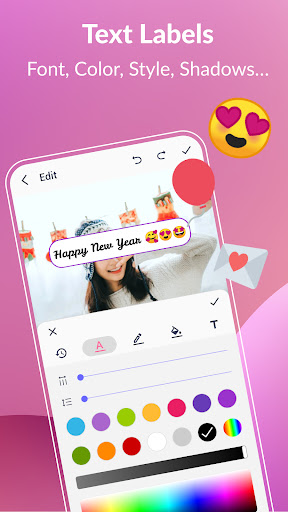
Add captivating text labels to your photos with ease. Choose from a variety of styles, colors, shadows, border, background color, spacings, font, and more.
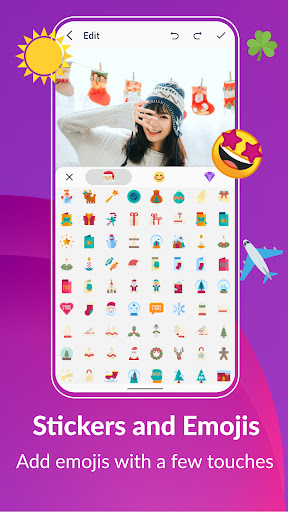
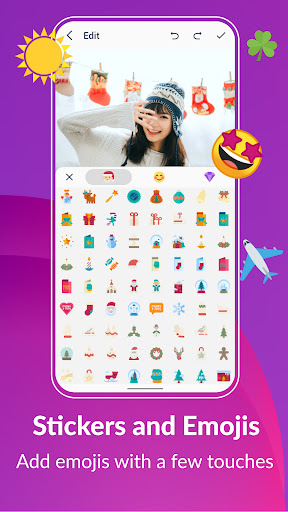
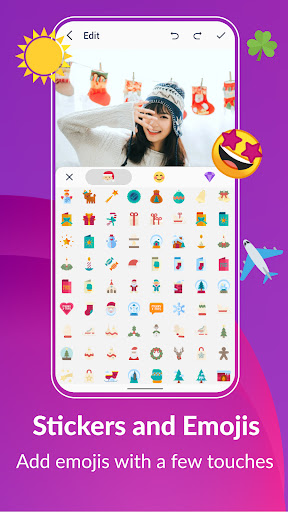
Stickers and Emojis:
Bring some fun and personality to your GIFs with our collection of funny stickers and emojis.
Export frames from a GIF:
Effortlessly extract GIF frames with just three clicks. Quickly and easily split your animations into individual frames.
Convert PNG to WebP format:
Easily convert PNG to WebP with just 3 clicks.
Share on social media:
Easily share your photos with a wide audience on platforms such as WhatsApp, Facebook, Messenger, Twitter, Skype, and more.
Get creative and have fun as you edit and enhance your photos in your personal style.
What's New
In-app purchases
$1.99 per item
Version Information
- Version
- 1.6.0.565Q
- Downloads
- 5K+
- Updated on
- Jan 4, 2026
- Released
- Dec 4, 2022
- Requires
- Android 10
Statistics
Google Play Rating History
Rating Distribution
Downloads Over Time
Simple Photo Editor has been downloaded times. Over the past 30 days, it averaged downloads per day.
Shaded area shows 30-day prediction based on historical trends
Historical data collection started recently. More data points will be available over time.
Simple Photo Editor users say on Google Play
 Michelle Becker
I HAVE A GREAT TIME WITH THIS APP NOT MUCH WORK AND GREAT FUN ,FANTASTIC RESULTS LOVE IT...THANK YOU ....
 AVATAR
[1.6.0.448Q] In the [Background Editor] feature, please make sure that the added background image does not need to be blurred.
 Fred Morgan
Biggest Problem is It does not list sub folders ... most of my files are under Sub Folder UNDER DCIM. If you open DCIM... it shows no folders Next... only a Quick Gif Edit. No gif in gif or other options.
ApkTrusted Ratings & Reviews
More from GIF Maker & GIF Editor & Video Maker
See more apps

Similar Apps






Scan this QR code to download

Forwarding you to the page at Google Play market in seconds...
Open Google Play market now