M3U IPTV icon

M3U IPTV v3.0.9.4

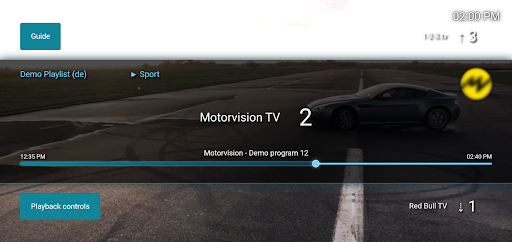
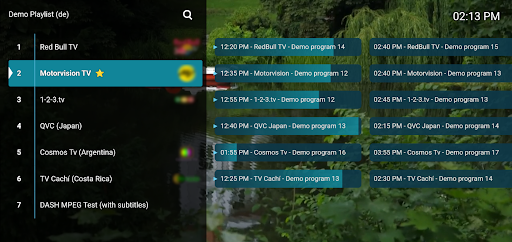
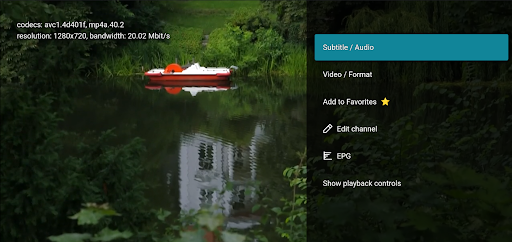
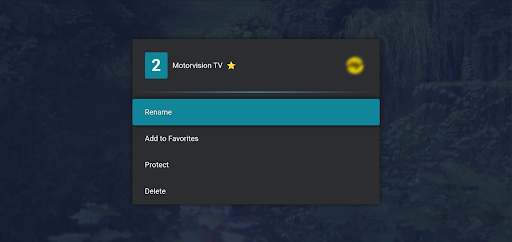
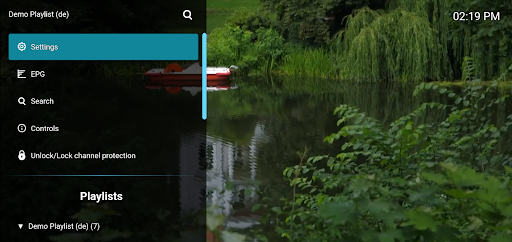
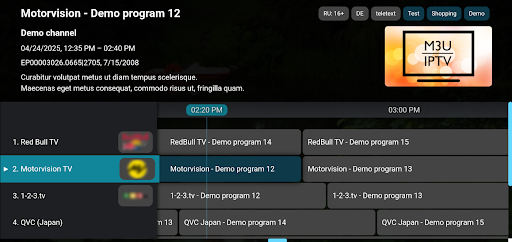
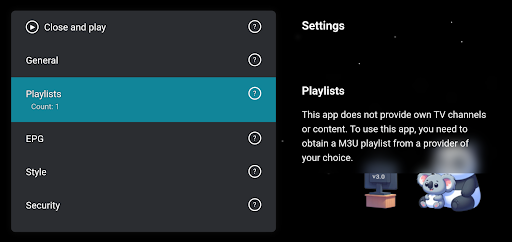
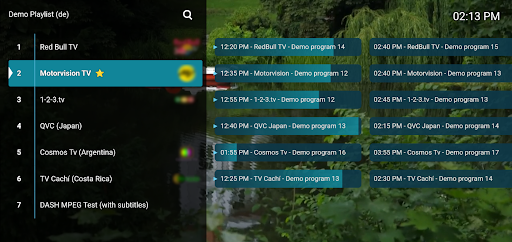
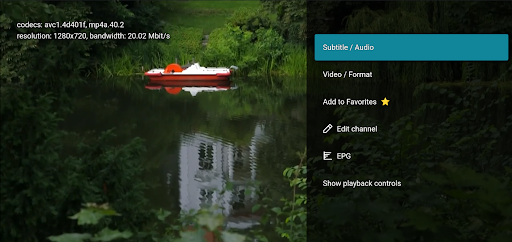
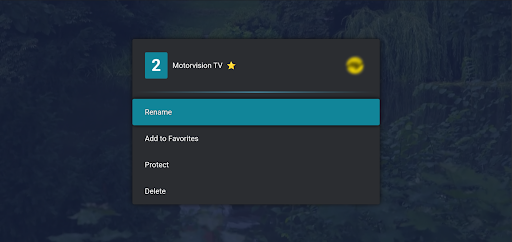
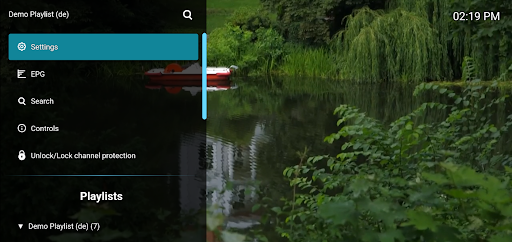
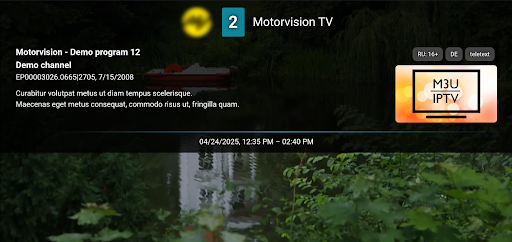
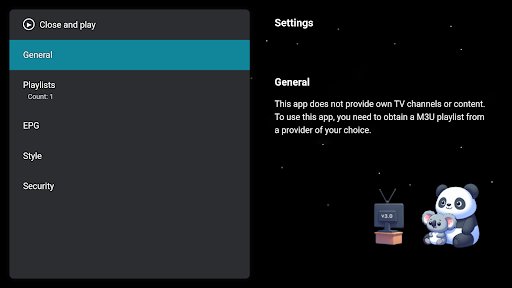
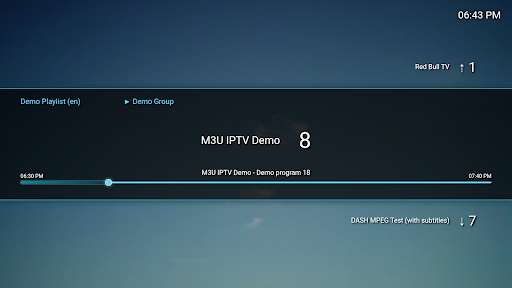
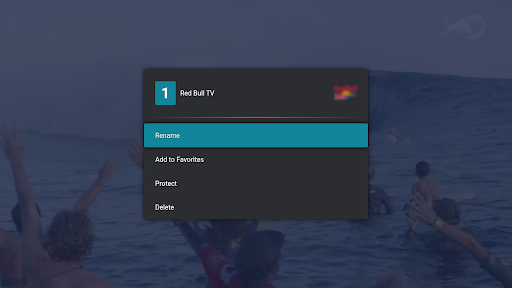
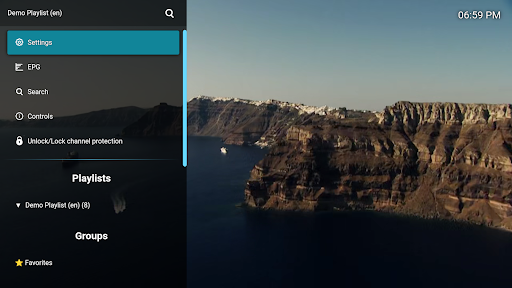
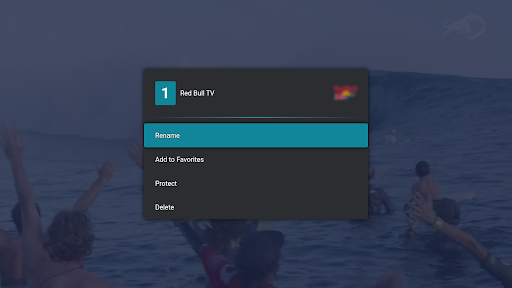
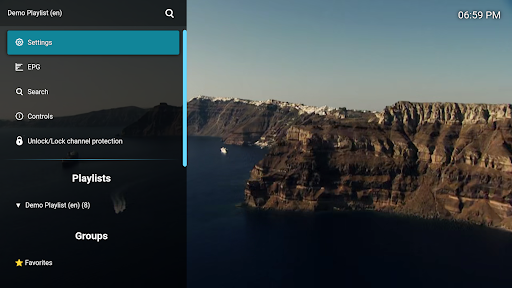
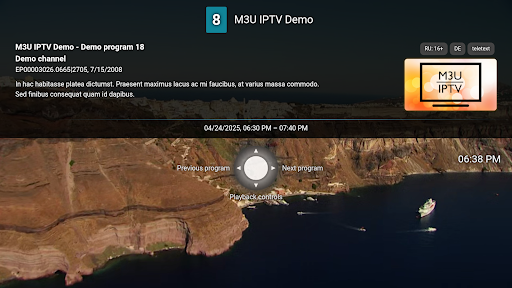
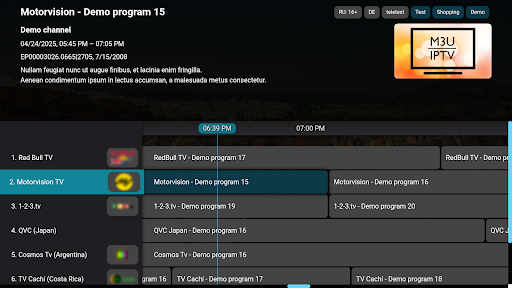
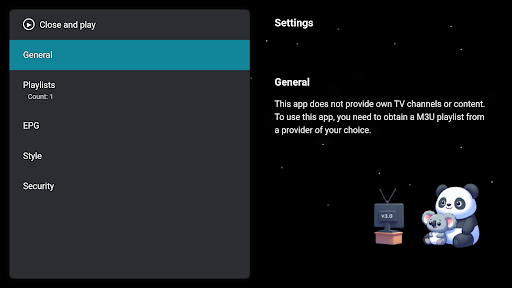
M3U IPTV screenshot 0 M3U IPTV screenshot 1 M3U IPTV screenshot 2 M3U IPTV screenshot 3 M3U IPTV screenshot 4 M3U IPTV screenshot 5 M3U IPTV screenshot 6 M3U IPTV screenshot 7 M3U IPTV screenshot 8 M3U IPTV screenshot 9 M3U IPTV screenshot 10 M3U IPTV screenshot 11 M3U IPTV screenshot 12 M3U IPTV screenshot 13 M3U IPTV screenshot 14 M3U IPTV screenshot 15 M3U IPTV screenshot 16 M3U IPTV screenshot 17 M3U IPTV screenshot 18 M3U IPTV screenshot 19 M3U IPTV screenshot 20 M3U IPTV screenshot 21 M3U IPTV screenshot 22 M3U IPTV screenshot 23 M3U IPTV screenshot 24 M3U IPTV screenshot 25 M3U IPTV screenshot 26 M3U IPTV screenshot 27 M3U IPTV screenshot 28 M3U IPTV screenshot 29 M3U IPTV screenshot 30 M3U IPTV screenshot 31 M3U IPTV screenshot 32 M3U IPTV screenshot 33 M3U IPTV screenshot 34 M3U IPTV screenshot 35 M3U IPTV screenshot 36 M3U IPTV screenshot 37 M3U IPTV screenshot 38 M3U IPTV screenshot 39 M3U IPTV screenshot 40 M3U IPTV screenshot 41 M3U IPTV screenshot 42 M3U IPTV screenshot 43 M3U IPTV screenshot 44 M3U IPTV screenshot 45 M3U IPTV screenshot 46

About this app

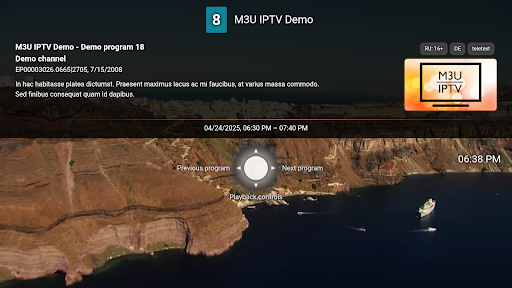
M3U IPTV solves the problem of streaming personal IPTV playlists by providing a simple and straightforward app for users to access their m3u files, benefiting those who have existing IPTV subscriptions and want a hassle-free viewing experience. Compared to other Video Players, M3U IPTV stands out with its focus on IPTV streaming and lack of ads, making it a great option for those seeking an ad-free experience. However, its simplicity might fall short for users seeking more advanced features. The app's high rating and significant download numbers indicate a well-received product.

Pros

  • With over 1 million downloads and a 4.0-star rating, M3U IPTV has demonstrated its reliability and user satisfaction, indicating a well-designed app that meets the needs of its target audience.
  • The absence of ads and in-app purchases ensures an uninterrupted viewing experience, aligning with the app's goal of providing simple IPTV streaming.
  • M3U IPTV requires no permissions, which is a significant advantage in terms of privacy and security, as users do not have to worry about their data being accessed or shared.
  • The app's developer, Herber Entertainment, provides a professional website and contact email, suggesting a commitment to user support and feedback.
  • The app's offline capability and lack of dependencies on external services make it a reliable choice for streaming IPTV playlists.

Cons

  • One concern is the app's limited feature set, which, while simple and easy to use, might not cater to users looking for more advanced IPTV streaming features or customization options.
  • The lack of detailed information about the app's update frequency and roadmap might raise concerns about its long-term support and development.
  • Some users might find the app's simplicity to be a drawback if they are accustomed to more feature-rich media players, potentially leading to a learning curve or disappointment.
  • There is a risk that the app's reliance on user-provided m3u files could lead to issues with stream quality or availability, depending on the source of these files.

Best for: The ideal user for M3U IPTV is likely an individual with an existing IPTV subscription looking for a straightforward, ad-free way to stream their m3u playlists, possibly with a moderate level of technical skill to manage their own IPTV files and settings, and valuing simplicity and ease of use over advanced features or complex customization options.

Developer Description

Simple app to stream your own IPTV playlists (m3u files)

Stream your IPTV channels on the go or on Android TV. And that completely free of charge and without registration. Simply load your IPTV playlist from the USB stick/phone memory or URL (as m3u or m3u8 file format) and off you go.

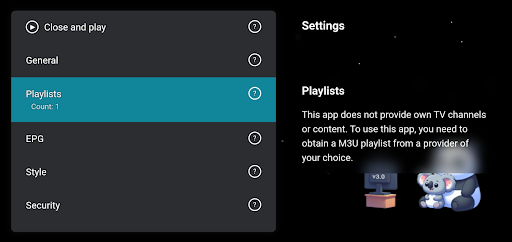
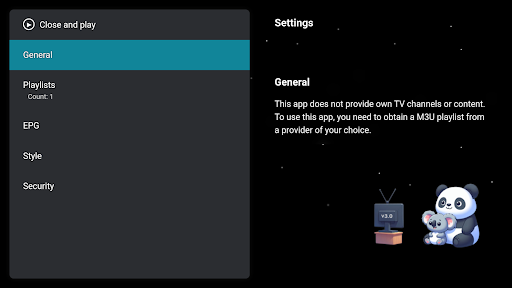
Note: This M3U player app does not contain its own playlist or any other content.

More information at https://m3u-ip.tv

Privacy

Given that M3U IPTV requires no permissions, the risk of data collection or privacy breaches appears to be minimal. However, users should still be cautious about the sources of their m3u files and ensure they are obtaining them from trusted providers to avoid potential security risks. Regularly reviewing the app's terms of service and privacy policy on the developer's website is also advisable.

Tips

For the best experience with M3U IPTV, users should start by ensuring their m3u files are properly formatted and sourced from reliable providers. To optimize performance, closing unnecessary apps and ensuring a stable internet connection can help prevent buffering or stream interruptions. Additionally, users can explore the app's settings for any customization options that might enhance their viewing experience.

What's New

Changelog: https://m3u-ip.tv/changelog/

Version Information

Version
3.0.9.4
Downloads
1M+
Updated on
Dec 15, 2025
Released
Aug 21, 2022
Requires
Android 6.0

Statistics

Google Play Rating History

Current
Average
Range

Rating Distribution

Total Ratings:

Downloads Over Time

M3U IPTV has been downloaded times.

Total Downloads
Last 30 Days
Avg Daily Est.

Shaded area shows 30-day prediction based on historical trends

Historical data collection started recently. More data points will be available over time.

M3U IPTV users say on Google Play

★★★★★
Gee Nick Gee Nick

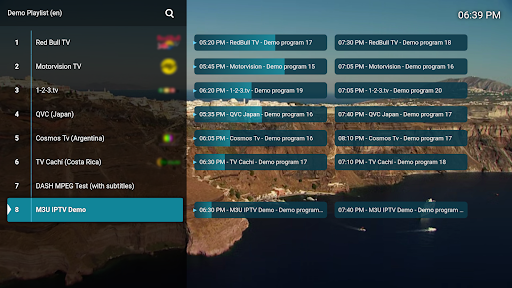
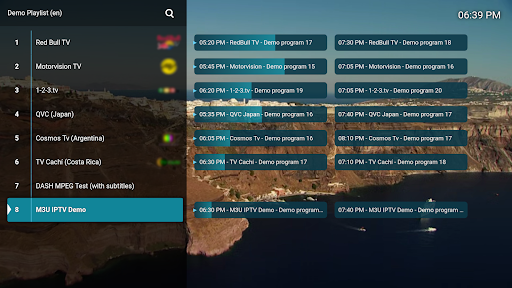
Personally, im really not sure why people even left a review at anying below 4 stars. This app has been nothing but excellent and resourceful. M3U IPTV is an excellent app/project and I hope they do more for the app! If you have any issues with the video/audio/quality, it's the file or URL you're using. You need to find a better source to use. You have access to a menu that shows you what's playing, allows you to edit the URL, and even does subtitles, audio/video changes, and filters genres.

13 Mar 31, 2025
★★★★
Marko Smiljanic Marko Smiljanic

Everything runs perfectly, sometimes there is a little lag, but I think it's due to network load. On a mobile phone, the application works almost perfectly, 5 Stars⭐️⭐️⭐️⭐️⭐️. Only on Samsung SmartTV, when I watch movies, so I don't stream live directly, the options for rewinding, speeding up, playback controls don't work - more precisely, they don't exist, just play/pause. To the right, in the menu where there are subtitles, there is no option like on a mobile phone.

7 Nov 26, 2024
★★★
Agani S Agani S

I like it, simple and light, and perfect for a simple remote. also, Great even with free version. it is best for a standard m3u lists. it does struggle with large list, might be not the best interface for extream codes. It doesn't work well with local m3u though, maybe in Android latest updates, it might need to create its own folder somewhere accessible. Google's own file manager, or what they call a file manager is not good enough for browsing and linking local files with this app.

2 Oct 2, 2025
★★
Larry Domaruk Larry Domaruk

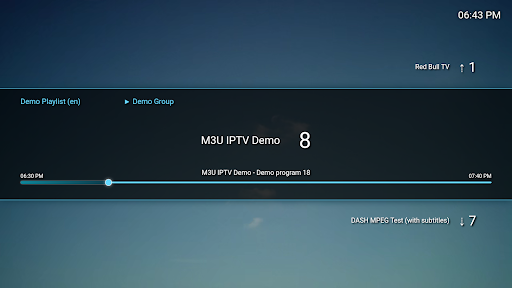
I really would love to give this application five stars because it works great and beautifully and loads all my streams but the layout is complete Trash!! The pictures in the description does not show what it really is once you get into the streams you can only go up or down to change channels not easily accessible

1 Feb 22, 2025
Lou Cypher Lou Cypher

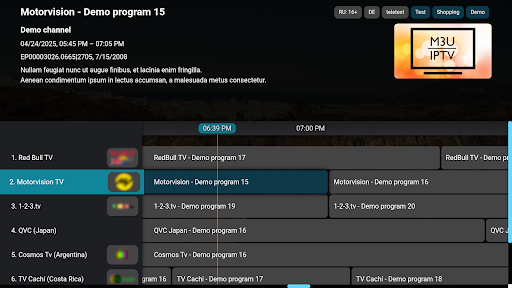
was great until V2 when they made EPG a paid only feature

4 May 24, 2025

ApkTrusted Ratings & Reviews

0.0
0 ratings
5
0
4
0
3
0
2
0
1
0
✓ Thank you! Your review has been submitted and will be published after admin approval.
Be the first to write a review...

More from Herber Entertainment

See more apps

Similar Apps

Explore Tags

Browse all tags