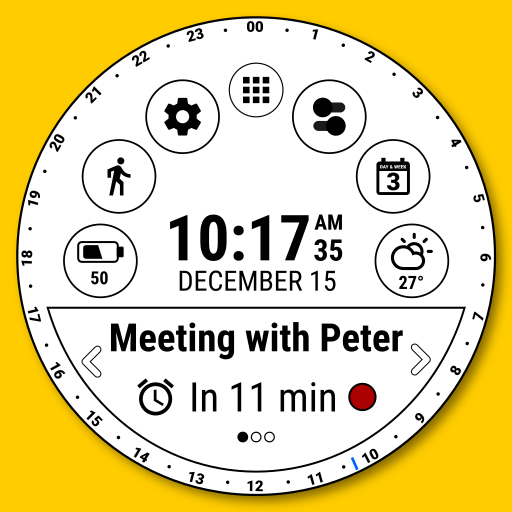
Calendar Watch Face v1.27
HuskyDev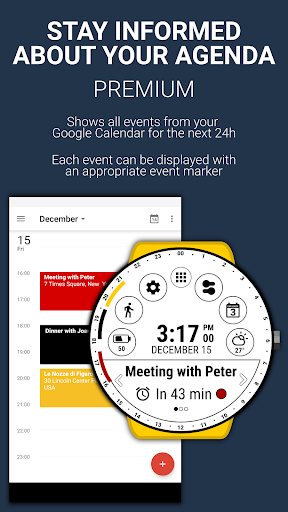



About this app
Developer Description
Stay informed about your daily agenda and enjoy all other cool features
★ Wear OS 2 and Wear OS 3 integrated features
• external complication support
• fully standalone
• iPhone compatible
The Calendar Watch Face has the ability to:
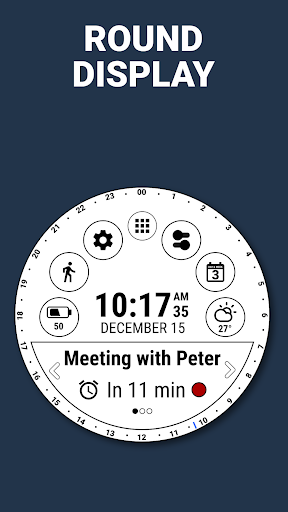
• Show the first upcoming event in the bottom message bar
• Show all events from your Google Calendar for the next 24h (PREMIUM)
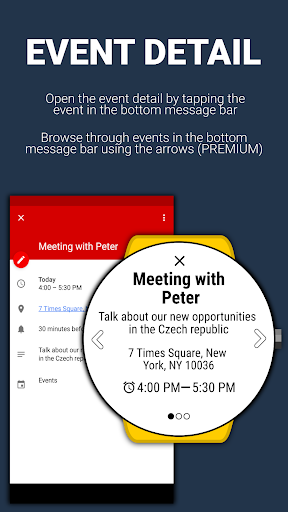
Open event detail by touching on the event in the bottom message bar
• Browse between events in the bottom message bar (PREMIUM)
• Display upcoming event markers using arcs (round displays) or lines (square displays) (PREMIUM)
• Set 5 styles of event markers - solid line, dashed line, colored, etc... (PREMIUM)
• Display all types of events (today, multiday, all-day)
You can also set 6 indicators to predefined views, actions or watch app shortcuts (PREMIUM).
The Calendar Watch Face is built for use every day, it simplified many use cases such as launching programs or being informed about battery usage.
The application is completely free and has basic features and options. You can also purchase the PREMIUM version with many useful features and options.
FREE version includes:
★ Show the first upcoming event from the Google Calendar with the ability to view event detail
★ Own launcher
★ Weather forecast for the current day
★ Detailed information about the watch battery and the phone battery
★ Day & Week stats (informing about the day of the week, day of the month, day of the year, week of the month, week of the year, is a leap year)
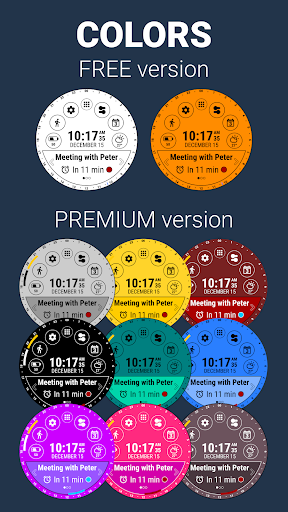
★ 2 background colors
PREMIUM version includes:
★ All features from the FREE version
★ Show all events from the Google Calendar for the next 24h with the ability to view all events detail
★ Set 5 styles of events markers
★ Set 6 indicators with predefined views, actions or watch app shortcut
★ 4 predefined trackers for coffee, water, tea, sugar (etc...) intake with daily, weekly, monthly, and yearly statistics
★ Ability to edit options with the Watch Face preview. You can adjust options like background color, set text color, or set indicator options using LIVE EDIT mode
★ More than 15 language translations
★ Endless color combinations
★ Ability to set the background color
★ Ability to set message bar color
★ Ability to set message bar border color
★ Ability to set text and icon color
★ Weather forecast for upcoming hours and days
★ Ability to change battery indicator type. Watches only or dual indicator (phone and watch)
★ Watch battery history chart
★ Ability to change Keep watch screen awake interval
★ Ability to change the Weather update interval
You can change any settings or adjust all features(the PREMIUM version) or all free features in the Watch Face configuration in the watch. You can also install a companion application that allows you to conveniently change any settings or adjust all features.
The Calendar Watch Face works great with squared and round watches.
What's New
In-app purchases
$0.99 - $9.99 per item
Version Information
- Version
- 1.27
- Downloads
- 100K+
- Updated on
- Aug 25, 2025
- Released
- Dec 15, 2017
- Requires
- Android Varies with device
Statistics
Google Play Rating History
Rating Distribution
Downloads Over Time
Calendar Watch Face has been downloaded times. Over the past 30 days, it averaged downloads per day.
Shaded area shows 30-day prediction based on historical trends
Historical data collection started recently. More data points will be available over time.
Calendar Watch Face users say on Google Play
 A Google user
The most informative and functional watch face I have seen yet, I love it!
A Google user
I own the premium version of this watch face. This is one of the very very few watch faces that does the calendar (events) properly. I LOVE THIS WATCH FACE. If there is one suggestion I would make is that the choices of background colors would be a bit more varied. There are plenty of colors to choose from but the colors are flat. It'd be great to have some more "depth" to the background.....perhaps some textures. That's the only reason I took off 1 star. Otherwise, well worth it!
A Google user
Bought it! Good but need more: watch face back ground by own ficture, add clock-hand, week view in calendar... Delete second to reduce battery
A Google user
Does not sync with Google Fit data. It keeps on asking for permission.
A Google user
I want to love this app. It's exactly what I've been looking for, but it doesn't work at all. After I download it and then launch the app, it requests permissions, which I grant, but then it takes me to a screen that says "device is not connected: please check your wearable device connection settings, and try again" and then a clickable link that says "reconnect now," which doesn't do anything. I've tried their entire troubleshooting process, but no luck. No response from developer via email.
ApkTrusted Ratings & Reviews
More from HuskyDev
See more apps
Black Classic Watch Face
Free
Flower Watch Face by HuskyDEV
Free
Data WF by HuskyDEV
Free
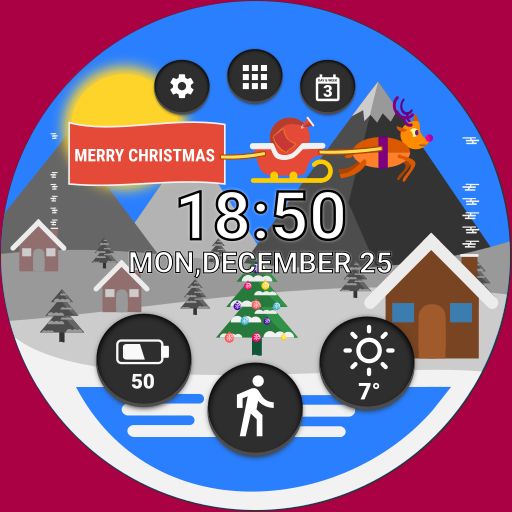
Christmas Watch Face
Free
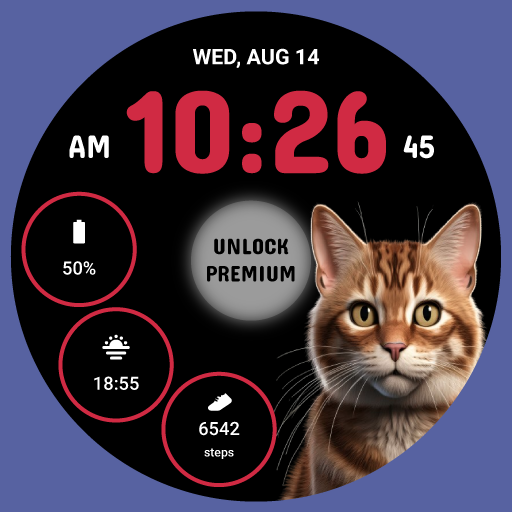
CuteCat WF by HuskyDEV
Free
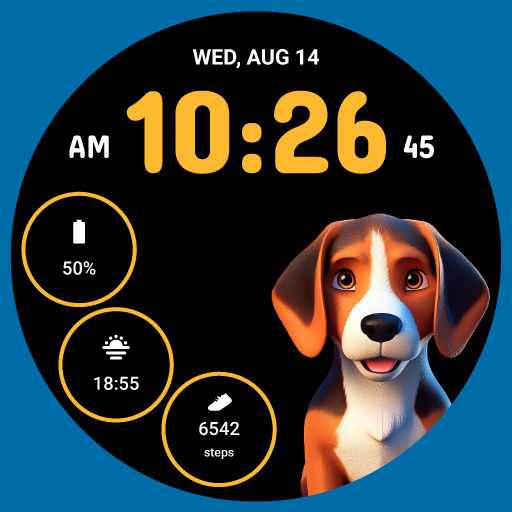
CuteDog WF Premium by HuskyDEV
Paid
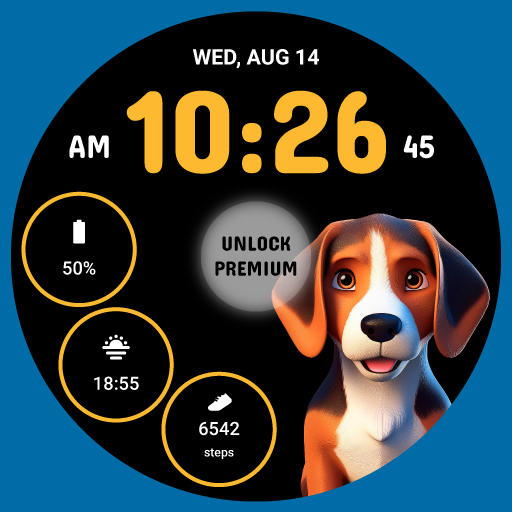
CuteDog WF by HuskyDEV
Free
Data WF Premium by HuskyDEV
Free
Classic Watch Face
Free
CuteCat WF Premium by HuskyDEV
Paid
Grid Watch Face by HuskyDEV
Paid

Halloween 2024 WF Premium
Paid
Horse WF Premium by HuskyDEV
Free
Horse WF by HuskyDEV
Free
Info Watch Face
Free
Photo Watch Face by HuskyDEV
Free
Similar Apps

Big Bold Digital WearOS NTV584
Paid

KZY021
Paid
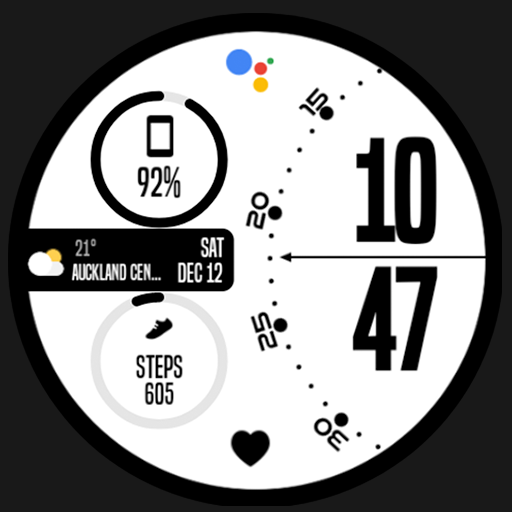
Night 78 - watch face
Paid

EXD132: Energy Time
Free

Paper Watch Face Wear OS
Paid

WIN - White Sports V3
Paid

MPW01 Digital Watch Face
Paid

NW064: Digital watch face
Free
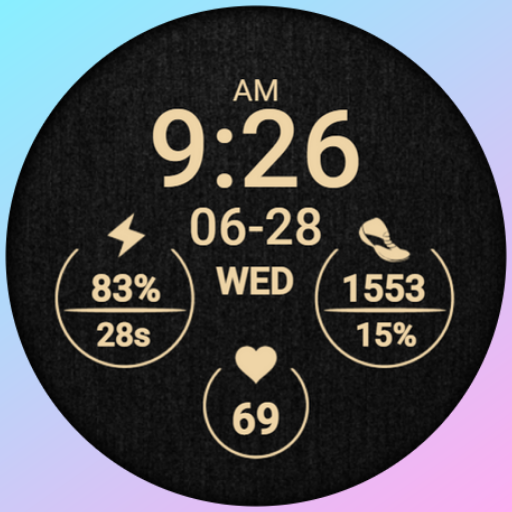
PW77 Simple Lady Watch Face
Free

MAHO005 Wear OS Watch Face
Free
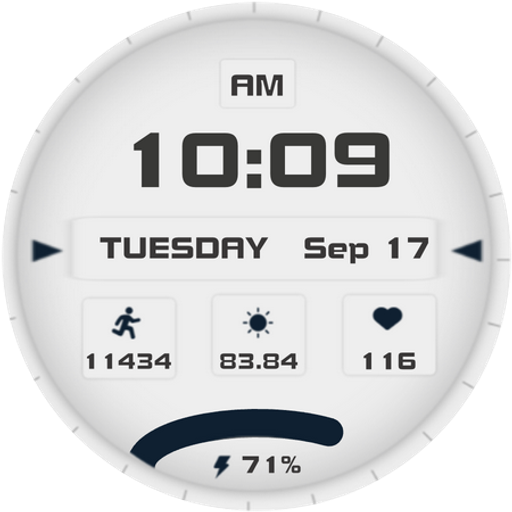
Calm- for Wear OS 5
Free
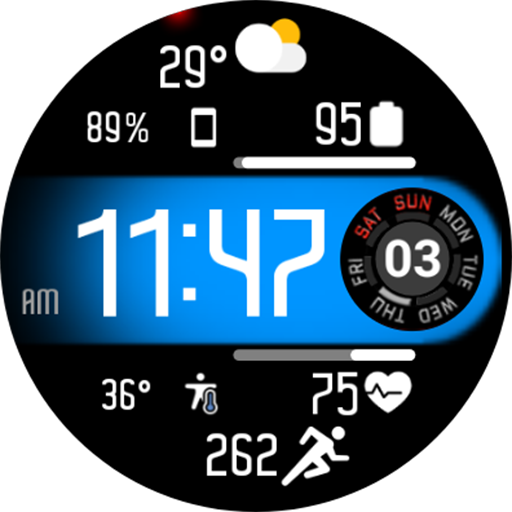
Aircraft Digital Face NTV558
Paid

ZKin Watch Light And Shadow
Paid

Digital Retix Watch Face
Paid

Night ver 15 - watch face
Paid
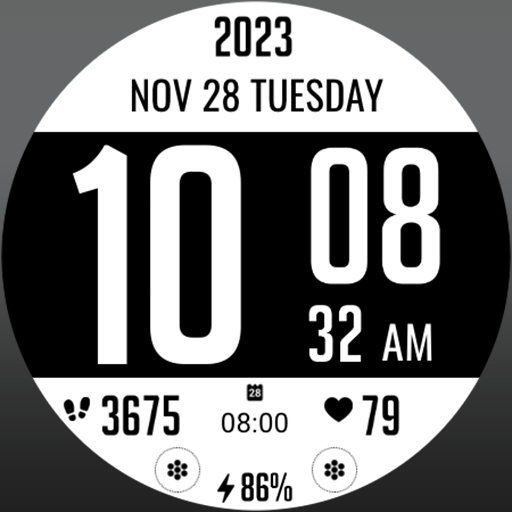
MJ117 Inverted
Paid
Scan this QR code to download

Forwarding you to the page at Google Play market in seconds...
Open Google Play market now