LazyDog calligraphy practice vVARY
I.H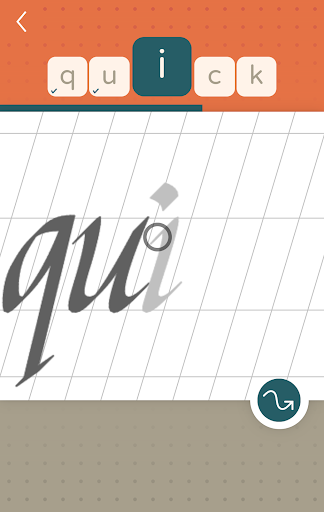


About this app
Developer Description
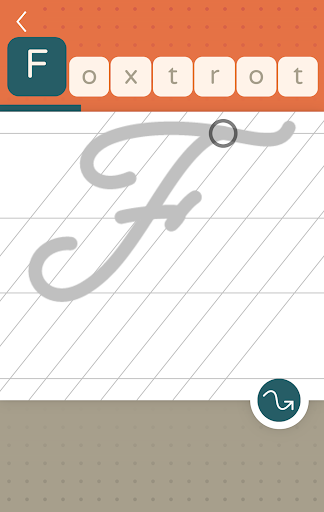
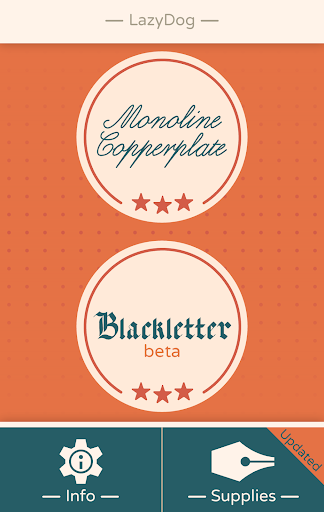
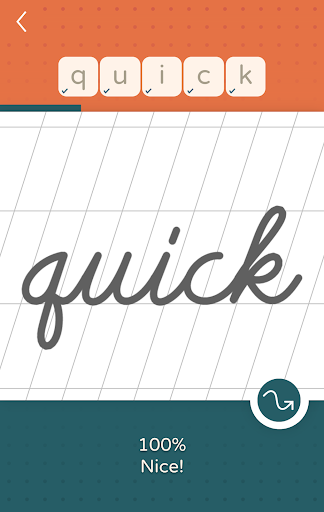
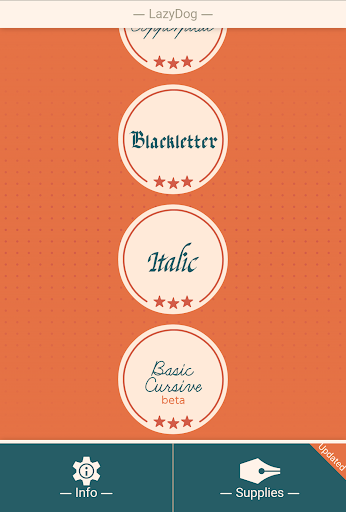
LazyDog calligraphy and cursive writing practice
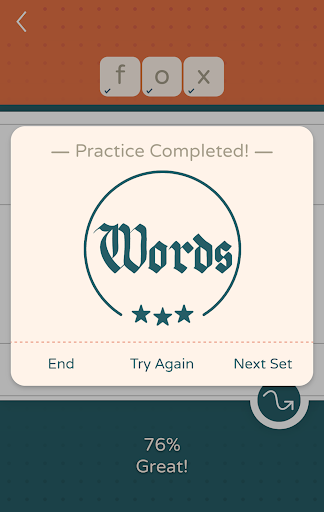
Keep track of your progress with individual letter scores.
Print worksheets.
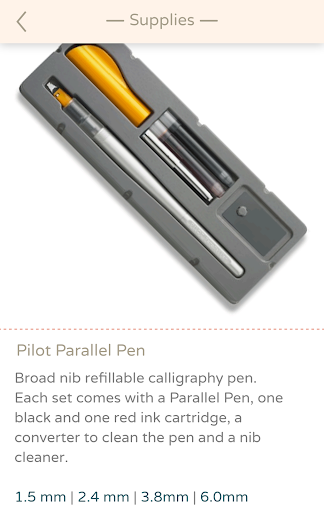
Get a quick access to relevant calligraphy supplies to help you get started.
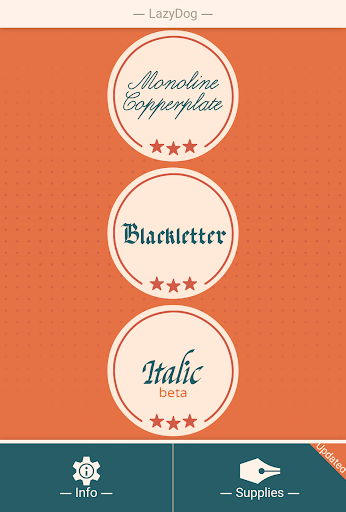
- Basic cursive
- Copperplate / Roundhand
- Blackletter / Gothic script
- Italic script / Chancery cursive
* Left hand writing mode is not available at the moment
Ad free version available here
For Hebrew calligraphy try 'Ktav' by this developer
Version Information
- Version
- -
- Downloads
- 500K+
- Updated on
- -
- Released
- Nov 14, 2016
- Requires
- Android Varies with device
Statistics
Google Play Rating History
Rating Distribution
Downloads Over Time
LazyDog calligraphy practice has been downloaded times. Over the past 30 days, it averaged downloads per day.
Shaded area shows 30-day prediction based on historical trends
Historical data collection started recently. More data points will be available over time.
LazyDog calligraphy practice users say on Google Play
 kevin balbaboco
Such a well thought out app. I kept using this app for a few minutes now and this for sure going to improve my cursive, or writing in general. If you have a tablet with a S pen. You wiIl for sure appreciate how well made and easy it is to follow through the guide. Plus, You won't have any pressure towards yourself. So, take your time and enjoy the hobby or learning a new skillset. Also, would be amazing if the App developer could add more fonts to learn.
 Ashley Kinkel
This app is really helping me learn how to do blackletter font with my stylus correctly outside of the app when I use it for reference! I really enjoy the interface and the way it teaches you to do the strokes, I also love the custom words option. I just wish that there were more fonts than the handful that they offer, I'd probably even consider buying more fonts if they were appealing enough.
 Lindsay
I've kept this app on my phone for the last several years. I wish they'd add some more fonts. The last one they added feels like forever ago.
 Kaleb Barbour
Pretty app but makes you draw EVERY letter INDIVIDUALLY! the whole point of cursive is to flow. Not to stop between each one like print. Also there is no ability to scale or move the letters for larger screens.
 Js Bchad
Spyware! Upon down load, a user agreement pops up wanting the user to allow access to device personal info. Info that requires the user to give rights to the owners of the software to collect data and use it as the devotees want to. You down load a see for yourself.
ApkTrusted Ratings & Reviews
More from I.H
See more apps


Scan this QR code to download

Forwarding you to the page at Google Play market in seconds...
Open Google Play market now