
VaxCertPH v9
DICT eGovernment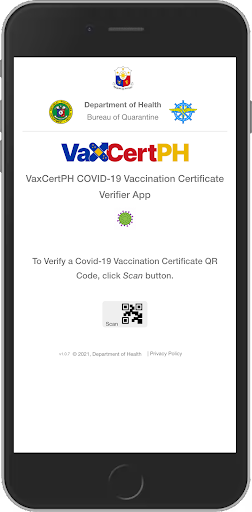
About this app
Developer Description
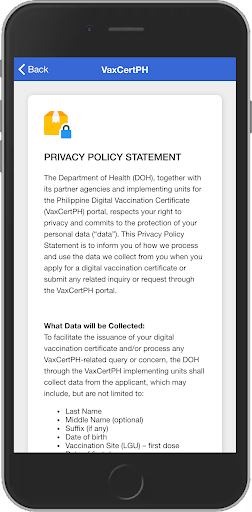
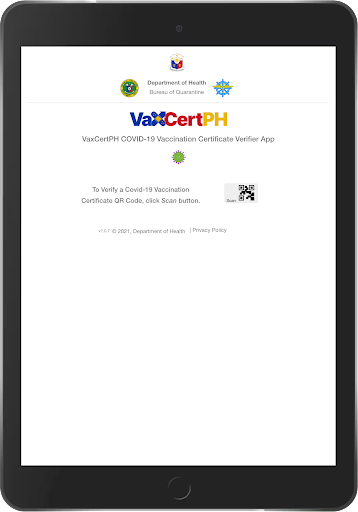
VaxCertPH COVID-19 Vaccination Certificate Verifier App.
How the app works
• Click on “Scan” button
• Point the camera to the QR code found on the upper left portion of the certificate issued and scan
• Please keep the following points in mind while scanning the QR code
o QR code should cover at-least 70%-80% of screen Complete QR code should be part of camera frame
o QR code should be parallel to the camera - Camera should be held steadily for at-least 5 sec
o The red line should be at the middle of the QR code
• For scanning QR codes on paper, please ensure to place the QR code under proper lighting so that the scanner can read it easily
Upon successful scanning of the QR code, a screen will display showing it has been verified. It will also display the full name, date of birth, gender, dose number of last vaccination, date of last vaccination, vaccine brand and vaccine manufacturer.
If the QR code is not valid, the screen will display “Invalid Certificate”
What's New
Version Information
- Version
- 9
- Downloads
- 100K+
- Updated on
- Feb 16, 2022
- Released
- Nov 1, 2021
- Requires
- Android 5.0
Statistics
Google Play Rating History
Rating Distribution
Downloads Over Time
VaxCertPH has been downloaded times. Over the past 30 days, it averaged downloads per day.
Shaded area shows 30-day prediction based on historical trends
Historical data collection started recently. More data points will be available over time.
VaxCertPH users say on Google Play
 Unsi Layagin
My vaccine cert
 ROBERTO JR. DINEROS
Good
 John William Aberilla
Good
 Jojami Davignon
Needs to allow you to change camera used to scan. Like others said having the qr code printed smaller will be very hard or impossible to scan on some devices. Tried to scan with a device with a 13mp camera i could scan okay, but another device with 64mp any closer makes it super blurred.
 Mailene Munar
It doesn't work at all. I printed the qr code for 3.5 inch, I didn't even edited or drag the qr code to avoid unbalanced resizing. It still doesn't work. It's so hard to scan. I would rate it zero really.
ApkTrusted Ratings & Reviews
More from DICT eGovernment
See more apps

Scan this QR code to download

Forwarding you to the page at Google Play market in seconds...
Open Google Play market now