Document Scanner - PDF or JPEG v1.1.13
Yarsa Labs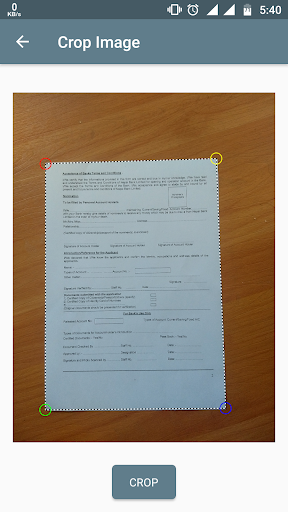





About this app
Developer Description
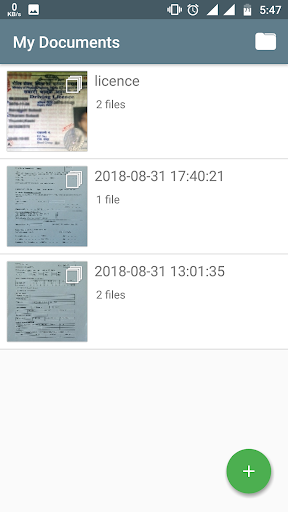
Document Scanner lets you scan with camera, combine pages & print as a PDF/JPEG.
Document types you can scan with Paper Scanner:
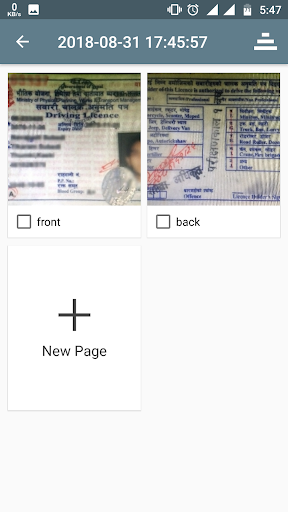
1. Easily scan ID card or photo ID
2. Scan government-issued documents like citizenship or passport
3. Scan local documents like license or PAN card
4. Scan paper documents
5. Scan presentations, screen and more
6. Scan visiting cards
7. More features to come...
Salient Features of Paper Scanner:
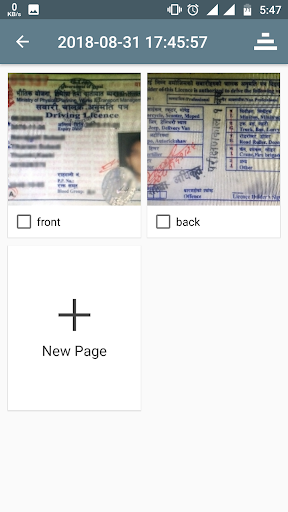
1. Scan using camera, or load a photo from gallery
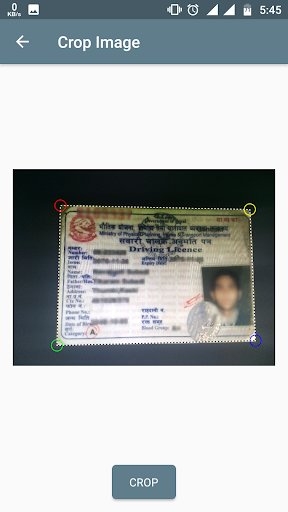
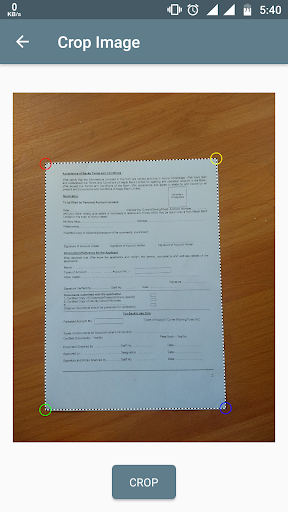
2. Automatic corners detection for quick scan
3. Manually adjust corners for fine-tuned selection
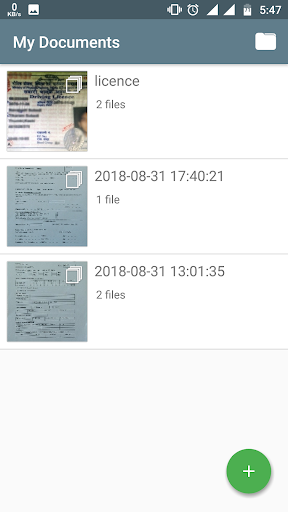
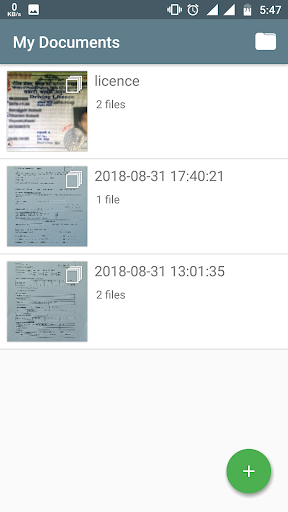
4. Sort by date
5. Save scanned documents as individual JPEG image
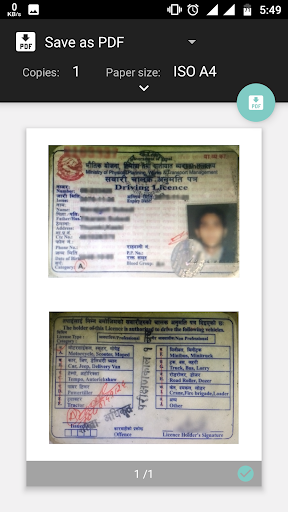
6. Save selected pages as PDF or JPEG image
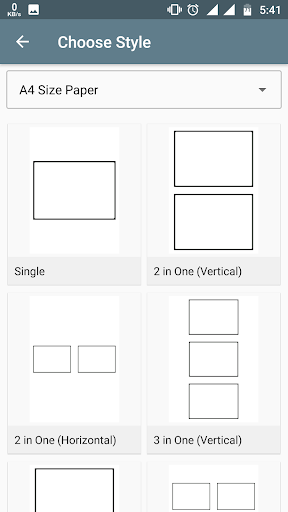
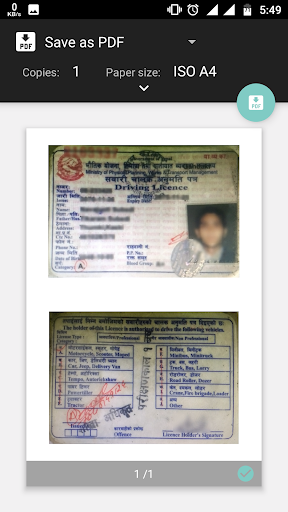
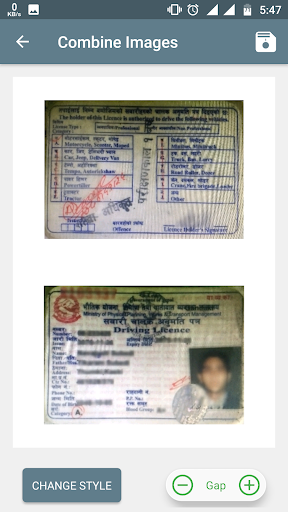
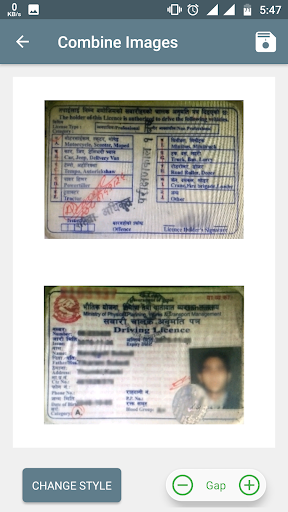
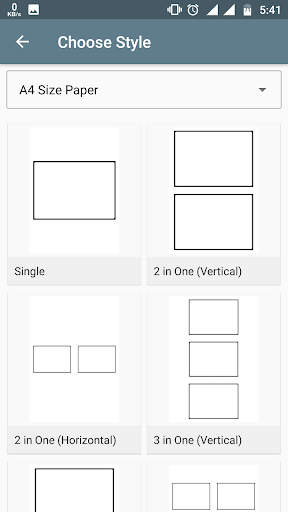
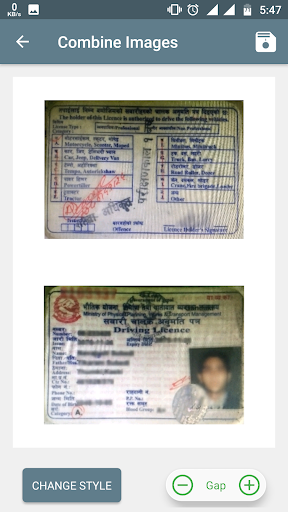
7. Combine two sides of a scanned document into a single paper
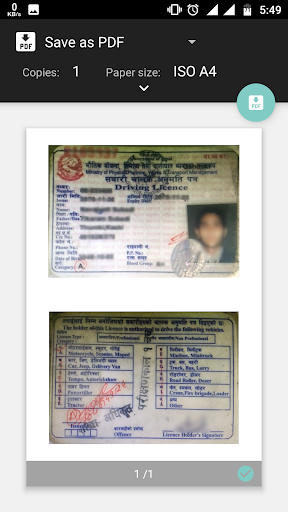
8. Export combined document as JPEG or PDF document
What's New
Scan any kind of documents
Load documents from gallery
Combine into single or multiple pages
Export individually or combined
Save as JPEG or PDF
Version Information
- Version
- 1.1.13
- Downloads
- 100K+
- Updated on
- Mar 23, 2023
- Released
- Aug 31, 2018
- Requires
- Android 5.0
Statistics
Google Play Rating History
Rating Distribution
Downloads Over Time
Document Scanner - PDF or JPEG has been downloaded times. Over the past 30 days, it averaged downloads per day.
Shaded area shows 30-day prediction based on historical trends
Historical data collection started recently. More data points will be available over time.
Document Scanner - PDF or JPEG users say on Google Play
 Aisyah Sanusi
Really easy to use. Plus the picture isn't blurry at all (*´◕ω◕`*)+✿.*
 Hassan Osman
Very nice application and saves time when editing
 Karuppa Samy
பிறகு சொல்கிறேன்
 Heidi E.
I'm not sure what this app is good for. I can scan documents but it dosen't look like I can share them or print them. What's the use if you can't move these documents around?
 A Google user
I have face the problem whenever i open the application i have show eror Unfortunately, Doc Scanner has stopped Send bug report to Mi for analysis? This report may contain Personally Identifiable Information. Your report will be used to help fix this bug and will never be shared in any commercial context.
ApkTrusted Ratings & Reviews
More from Yarsa Labs
See more apps



Similar Apps








Scan this QR code to download

Forwarding you to the page at Google Play market in seconds...
Open Google Play market now