Q8n Control v1.2.0.18
ZOOM Corporation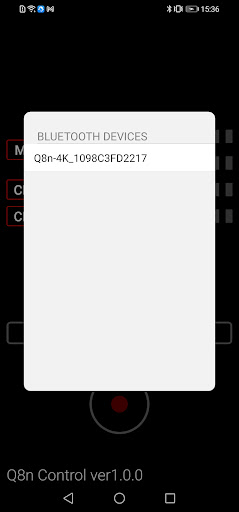
About this app
Developer Description
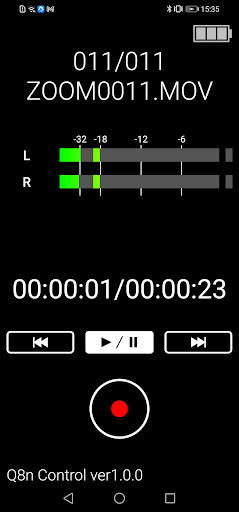
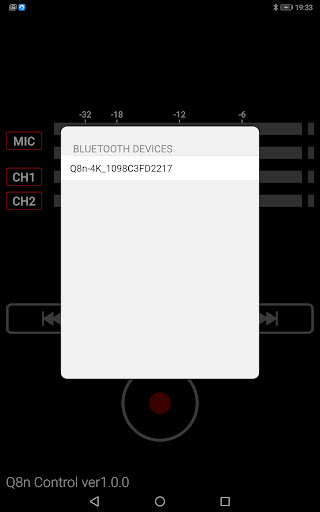
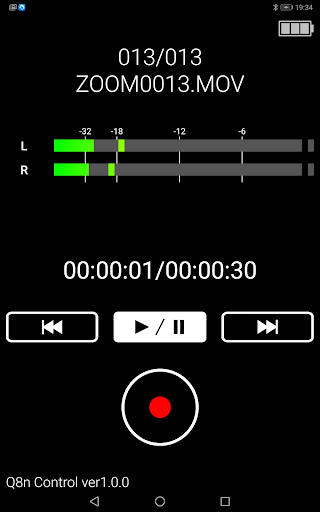
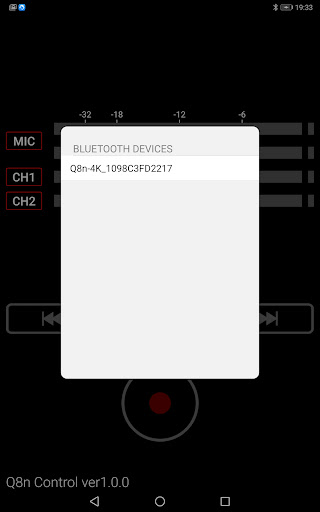
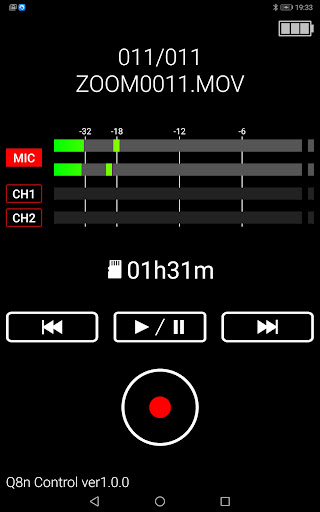
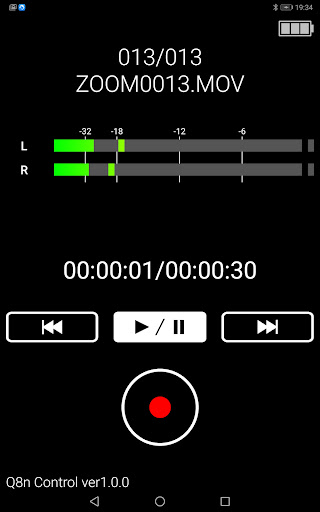
Q8n Control enables wireless control of the ZOOM Q8n-4K Handy Video Recorder
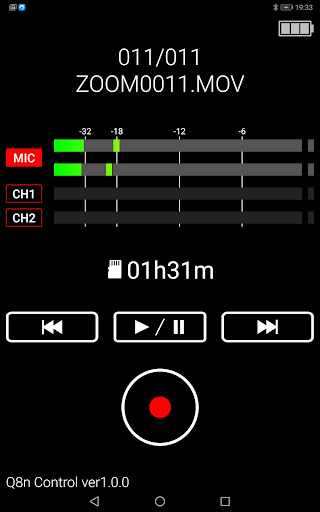
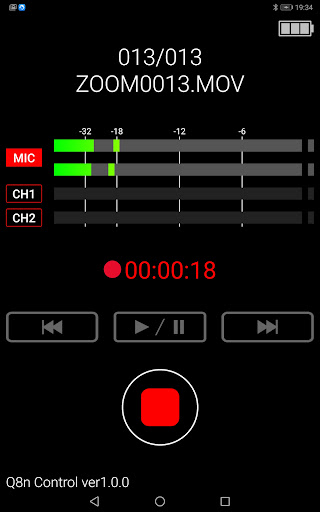
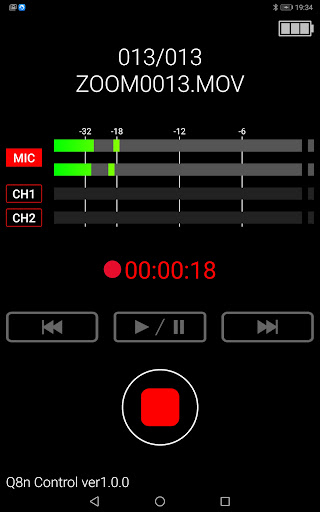
An Android device can be used as a remote control for an Q8n-4K.
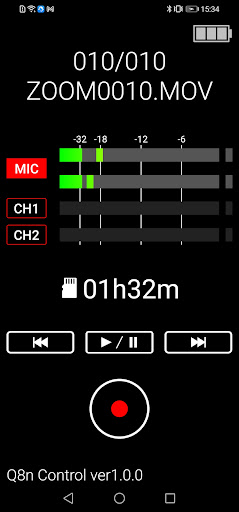
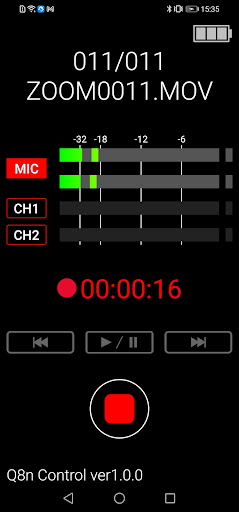
Key functions, including recording, playback, stopping and searching forward, are possible.
Input levels can also be monitored.
Note: A BTA-1 wireless adapter is necessary to operate an Q8n-4K with Q8n Control.
What's New
Version Information
- Version
- 1.2.0.18
- Downloads
- 1K+
- Updated on
- Aug 4, 2025
- Released
- Feb 22, 2022
- Requires
- Android 8.0
Statistics
Google Play Rating History
Rating Distribution
Downloads Over Time
Q8n Control has been downloaded times. Over the past 30 days, it averaged downloads per day.
Shaded area shows 30-day prediction based on historical trends
Historical data collection started recently. More data points will be available over time.
Q8n Control users say on Google Play
 Elia Paul
Good
 W. OBrien
I use Zoom 8Qn to record open-mic nights . I just want to set the camera up and let it record the full session, usually 3 hours. One of the problems I encountered is this camera is it shuts down when recording in 4K due to thermal issues. I thought I'd get round the problem by purchasing the Bluetooth module and install the app on my phone which works perfectly, that enables me to stop recording between acts at the open mic and let the camera cool a little. That works in principle but the other issue I encountered was powering the camera via a power pack. Even when you set the camera to PC power in the settings it still runs from the internal battery when then drains and shuts down. So far I have never managed to get a full open-mic session using this camera. I have contacted Zoom regarding this issue some weeks ago but have never had a reply. I give the camera 1 star and the app 4.
 Dave Stephenson
It works, but very lacking in function. Allows me to mount the Q8 on a pole and start and stop automatically ..also to view, but not adjust recording levels. Probably the limitation is in the camera
 David Pettis
grainy snowy video, using the app doesn't record to phone like even my Cheapest $40 action camera, needs work.
 David Horne
You can not control the volume of the input . You can only monitor the volume and start / stop the recording. If your levels are off, you have to stop and go to the camera and change them at the camera. I am using an android phone.
ApkTrusted Ratings & Reviews
More from ZOOM Corporation
See more apps

Similar Apps




Scan this QR code to download

Forwarding you to the page at Google Play market in seconds...
Open Google Play market now