
ゆうちょ認証アプリ vVARY
ゆうちょ銀行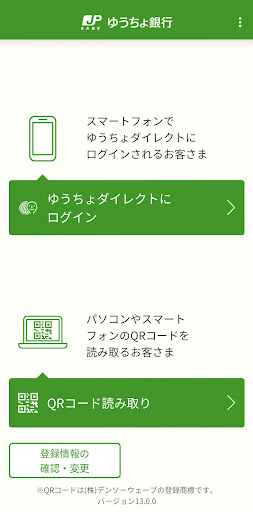
About this app
Developer Description
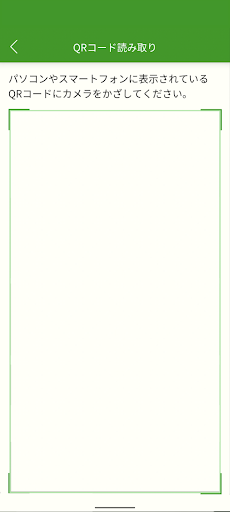
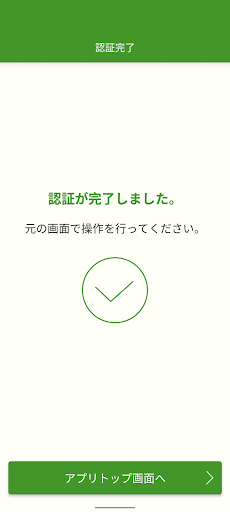
An app dedicated to personal authentication of smartphones. You can use it easily and free of charge as a personal authentication function when logging in and sending money to Yucho Direct.
1. Easy Login
- You can log in to Yuucho Direct using biometric authentication or a six-digit passcode with the "Yucho Authentication App."
2. Convenient Money Transfer
- By using biometric authentication or a six-digit passcode with the "Yucho Authentication App," you can transfer money with Yuucho Direct without using a one-time password (authentication with the Yuucho Authentication App is required when transferring money using the Yuucho Passbook App).
3. Reliable Security
- Identity authentication is performed using authentication information registered on your smartphone, preventing traditional password theft and unauthorized access by third parties.
■ Notes
- To use biometric information from your device, you must first register your biometric information on your smartphone.
- When using Yuucho Direct, once you register your authentication information, authentication will switch to this app. One-time password authentication using tokens will no longer be available and cannot be reversed.
- To verify your identity, an identity verification code will be sent to the phone number registered to your account. Please register in an environment where you can receive notifications.
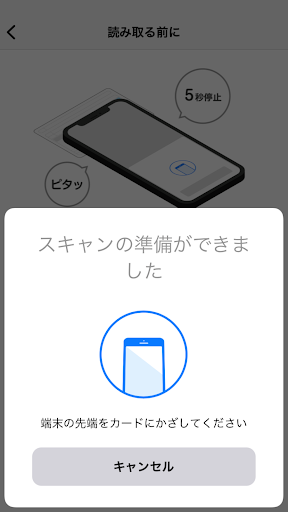
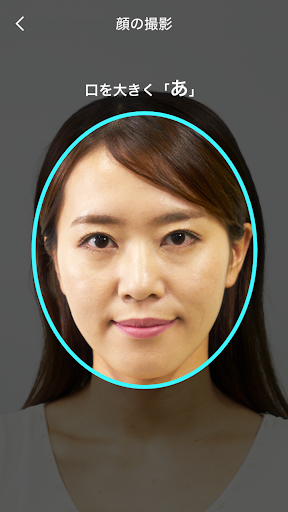
- When you register, your identity will be verified (eKYC) by reading the IC chip on your identification document and taking a photo of your appearance. You can use the app even if you do not complete document-based identity verification (eKYC), but some services will be restricted.
- Transfers, etc. will not be available for accounts with transaction authentication set to "No."
- If you do not use the app for a certain period of time, you may need to re-register the app.
- Registering a transaction code is optional, but we recommend it for security reasons.
- Never tell your identity verification code, passcode, or transaction code to anyone.
- Do not reuse passcodes or transaction codes that you use for other services. Also, do not register numbers that are easy to guess, such as your date of birth or phone number.
- Please check your usage environment on the Japan Post Bank website.
- There is no charge for using this app. However, you are responsible for data communication charges associated with app download, updates, use, etc.
Version Information
- Version
- -
- Downloads
- 1M+
- Updated on
- -
- Released
- Jan 16, 2026
- Requires
- Android Varies with device
Statistics
Google Play Rating History
Rating Distribution
Downloads Over Time
ゆうちょ認証アプリ has been downloaded times. Over the past 30 days, it averaged downloads per day.
Shaded area shows 30-day prediction based on historical trends
Historical data collection started recently. More data points will be available over time.
ゆうちょ認証アプリ - Google Play Rankings
Top Rankings
| Rank | Country | Category | List | Change |
|---|---|---|---|---|
| — |
Ranking History in
No ranking data available yet. Rankings are updated daily.
#5 in Top Free Finance in Japan

#95 in Top Free Apps in Japan


ゆうちょ認証アプリ users say on Google Play
 May Lwin Aung
Very useful and convenience. Thanks
 Muhammad shazwan Suhairy
it would be better to have international language 🙏
 Nyan Lin Aung
good app
 Mr. GoodKat
A separate app, for the sole purpose of verification, yet the app doesn't recognize my face 9 times out of 10. Takes you 15-20 minutes to transfer money. There is no help desk to explain the problem, no language settings, as I said in my other review, JP Post bank is outdated by 20 years.
ApkTrusted Ratings & Reviews
More from ゆうちょ銀行
See more apps


Scan this QR code to download

Forwarding you to the page at Google Play market in seconds...
Open Google Play market now