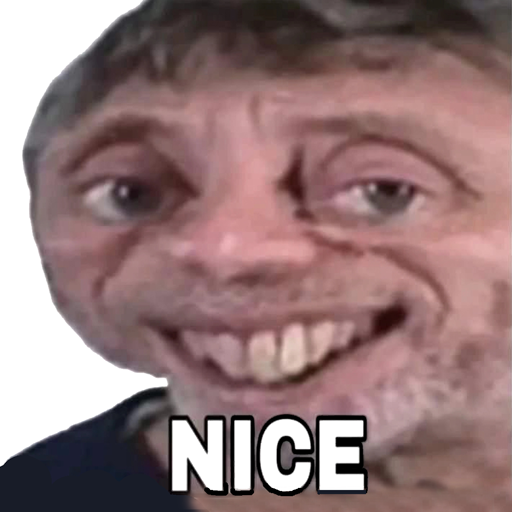
Content Aware Scale Meme Maker v1.5.8
MAA FOR APPS
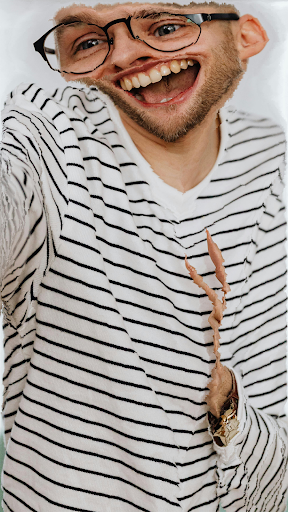
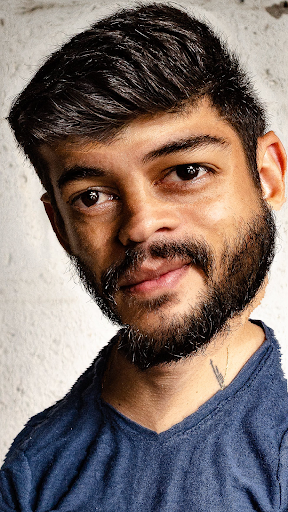
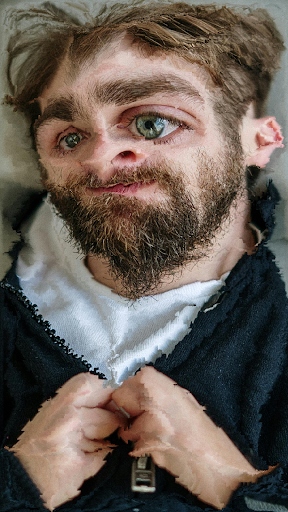
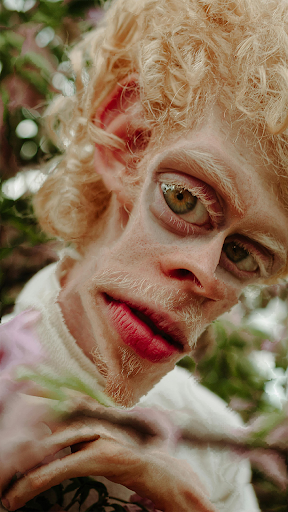
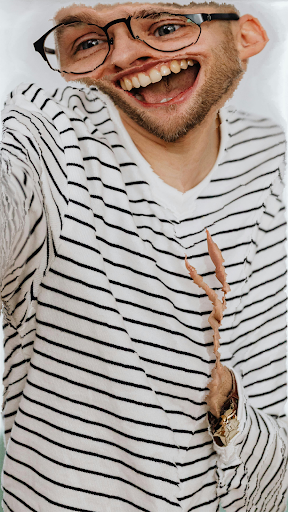
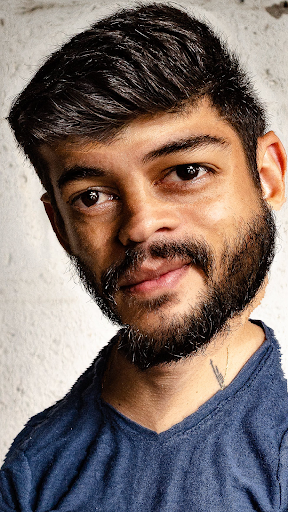
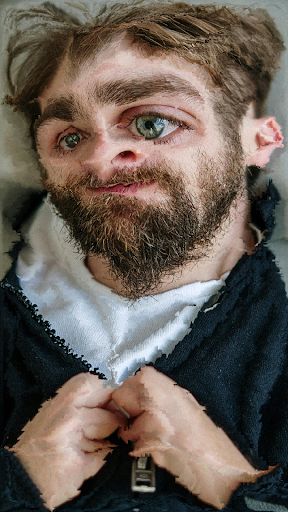
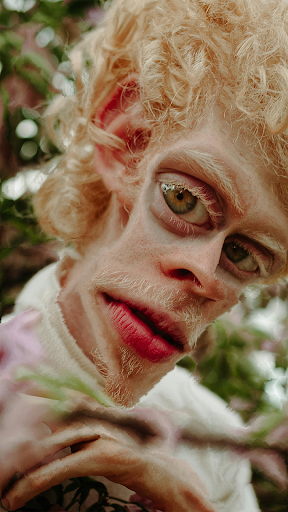
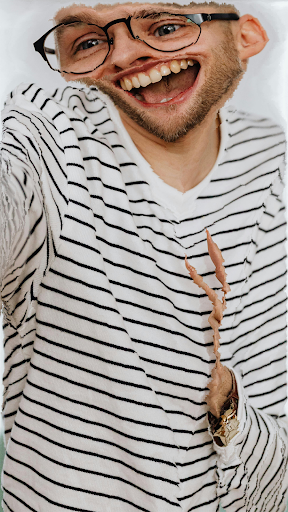
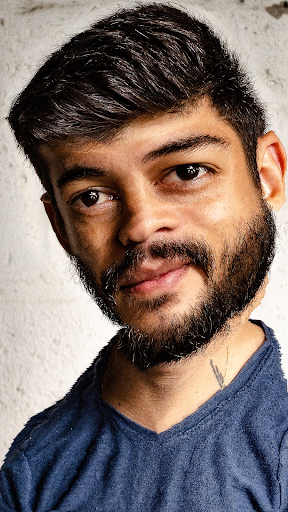
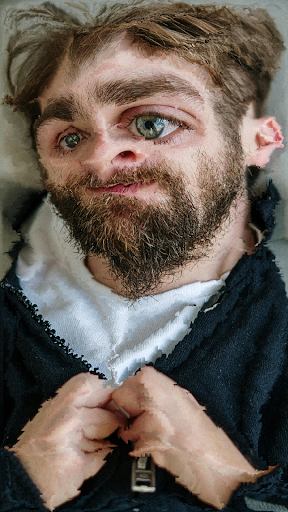
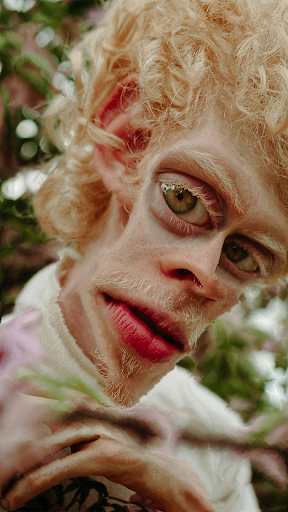
About this app
Developer Description
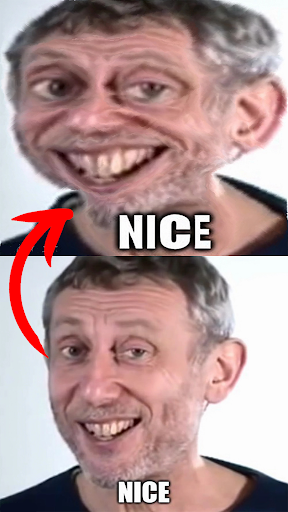
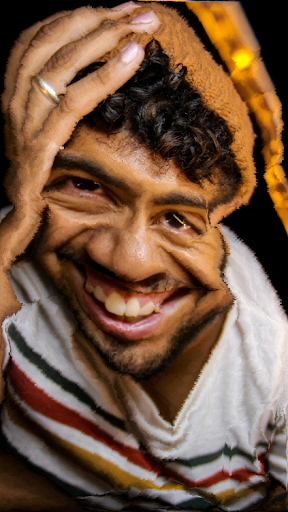
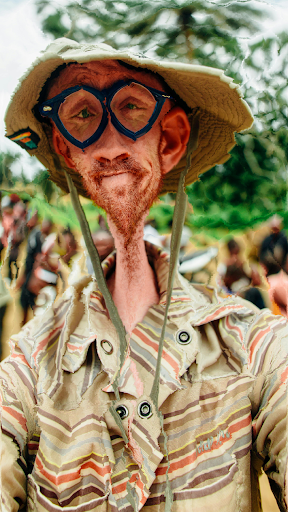
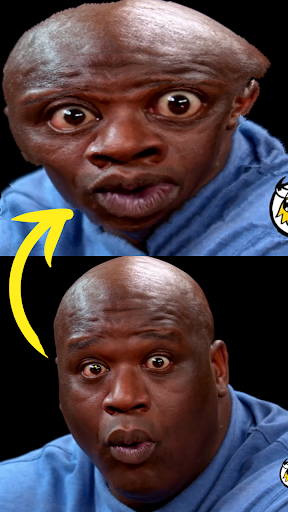
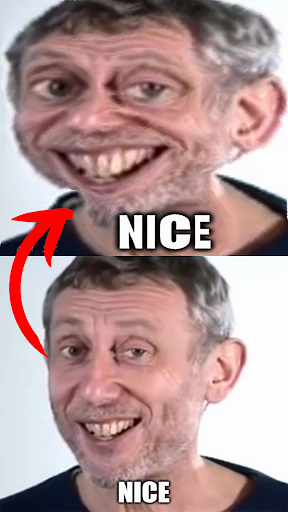
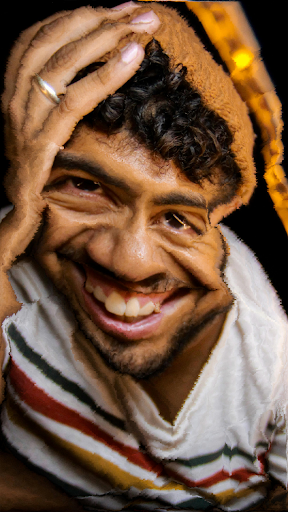
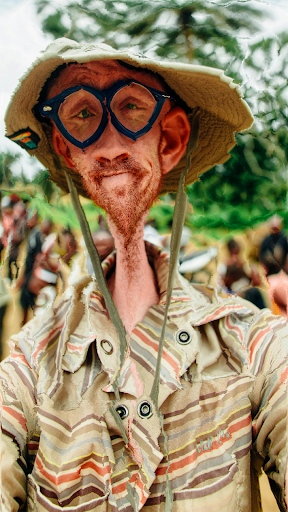
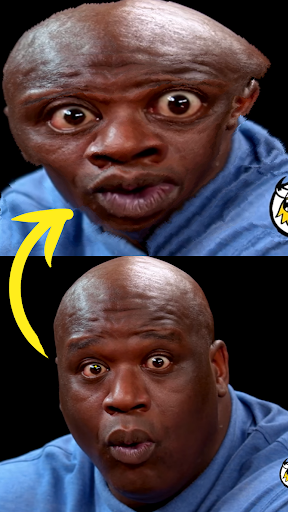
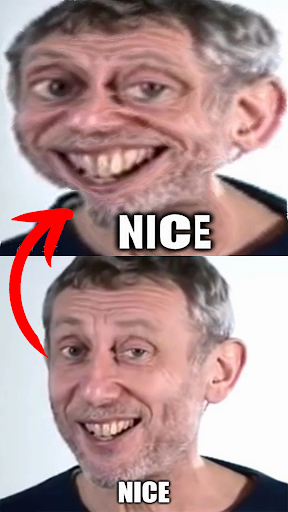
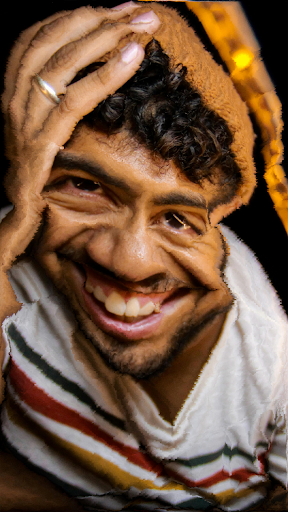
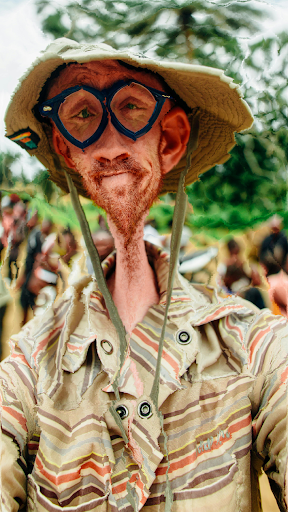
Resize, warp, and create hilarious memes with the content aware scale meme maker
At the heart of our app lies the powerful technology of seam carving and content-aware scaling. Seam carving, a technique used in image processing, allows users to intelligently resize images without distorting important elements. Content-aware scaling takes this a step further, allowing for the resizing of images and videos while preserving the most critical parts of the content.
With the Content Aware Scale Meme Maker, users have the flexibility to choose between seam carving and content-aware scaling, depending on their specific needs and preferences. Whether you're looking to subtly resize a photo or dramatically warp a video for comedic effect, our app has you covered.
But that's not all – we understand that humor is subjective, which is why we've incorporated advanced controls to give users complete freedom over the threshold of the content-aware scale filter. Want to exaggerate the distortion for maximum laughs? No problem. Prefer a more subtle touch? You got it. Our app puts the power in your hands to customize your memes exactly the way you want them.
And it's not just photos – the Content Aware Scale Meme Maker supports videos too! Transform ordinary footage into sidesplitting clips that are guaranteed to go viral. Whether you're creating short skits, reaction videos, or just having fun with friends, our app provides endless possibilities for comedic expression.
But what truly sets the Content Aware Scale Meme Maker apart is its user-friendly interface and intuitive design. We've prioritized simplicity without sacrificing functionality, ensuring that even novice users can dive in and start creating memes with ease. From selecting images and videos to applying effects and sharing the final product, every step of the process is streamlined for maximum enjoyment.
So whether you're a casual user looking to add some humor to your social media feed or a seasoned memer looking to take your content to the next level, the Content Aware Scale Meme Maker is the ultimate tool for unleashing your creativity and spreading joy in the digital world. Download now and join the meme revolution!
* How to use the app.
- The Content Aware Scale app offers two options: one for seam carving images and the other for videos.
- If you choose an image, import it from the gallery.
- The Content Aware app will automatically apply the default 50% seam carving filter to your image.
- Select your preferred value: 10%, 25%, or 50%.
- You can choose the direction of the content aware scale: horizontal, vertical, or both directions.
- Once you're done, click the save button to save your Content Aware Scale meme to your gallery.
- If you choose a video, import it from the gallery.
- The app will automatically start applying the content aware filter to your video.
- Once the app finishes, the content aware video will be saved in your gallery.
What's New
+ Note: If you encounter any issues while using the app, please let us know at support@maaforapps.com.
Version Information
- Version
- 1.5.8
- Downloads
- 10K+
- Updated on
- Dec 20, 2025
- Released
- Feb 25, 2024
- Requires
- Android 6.0
Statistics
Google Play Rating History
Rating Distribution
Downloads Over Time
Content Aware Scale Meme Maker has been downloaded times. Over the past 30 days, it averaged downloads per day.
Shaded area shows 30-day prediction based on historical trends
Historical data collection started recently. More data points will be available over time.
Content Aware Scale Meme Maker users say on Google Play
 zemdeggs
Works perfectly for shrinking people in pictures! I like to cut the people out from the gallery then use this scale app then add them back in after removing them from the original image with AI
 NAME REDACTED
coming from a ytper, this is actually pretty good! just wish the processor didn't give up at 99% for most of my vids ;3;
 Mason Lindstrom
It is useless. It keeps pulling up the stupid "something went wrong" and it takes almost 10 minutes to edit an 8 SECOND LONG VIDEO.
 Ryan Appleton
Would go higher, but for some reason a lot of videos get stuck at 99%, then tell me something went wrong.
 Super Mario 64 Fan2000
So why did it not make my video? but exported it as frames and why did it make another copy of my video but it is the same?
ApkTrusted Ratings & Reviews
More from MAA FOR APPS
See more apps


Similar Apps
WOMBO Elections: AI Memes
Free

Funny Ringtones - Ai Sound App
Paid

Avatarify: AI Face Animator
Free

Mimic - AI Photo Face Animator
Free

3D Photo: Imager
Paid

FaceViral: AI Video Face Swap
Free

AI Song Generator - Mozart AI
Free

GoVoice: Female Voice Changer
Paid
Voice Changer - Audio Effects
Free

Video Face Swap AI: DeepFace
Free

WOMBO Dream - AI Art Generator
Free

Hair: Style & Analysis
Paid

Snap Live
Free

Mug Life - 3D Face Animator
Free

Revive: AI Photo Animator
Free

Banano Pro İmage Generator
Paid
Scan this QR code to download

Forwarding you to the page at Google Play market in seconds...
Open Google Play market now