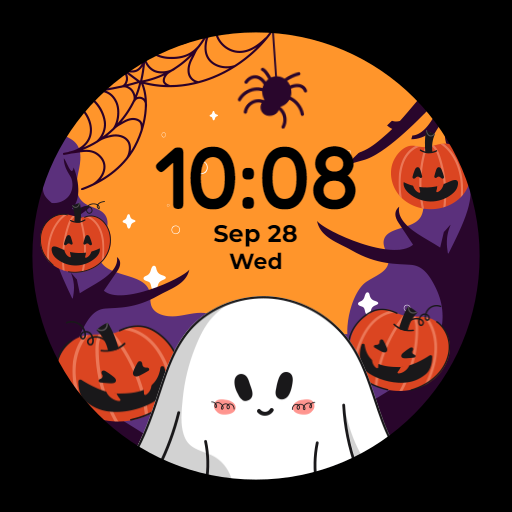
Halloween Watch Face vVARY
Moepaw



About this app
Developer Description
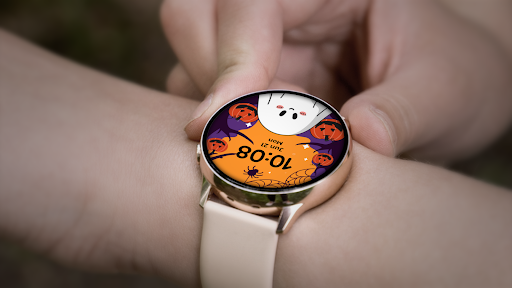
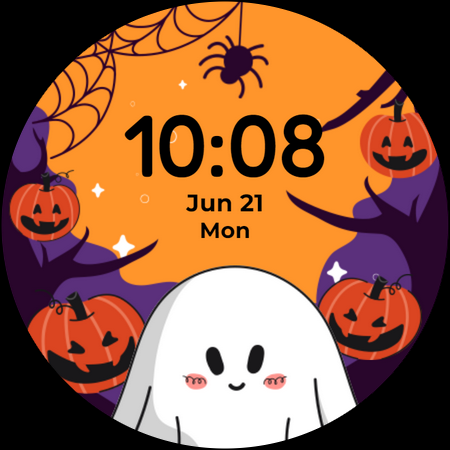
Halloween Watch Face for Watch OS 3+.
Only for Wear OS 3+ (API 30+) devices.
Features:
High resolution display.
12h/24h time format(follows device's settings).
Battery friendly AOD(always on display) mode.
Fun animated ojbects: spider, ghost and pumpkins.
Shortcuts:
Tap the time area to open the alarm app.
Tap the date area to open the calendar app.
Installation:
- Download directly to your watch: select your watch device from the "INSTALL" drop-down menu.
- Use the companion app: download this app on your phone and connect to your watch, tap the "INSTALL" button.
How to apply the watch face:
- After installation, long press on the clock screen on your watch, scroll right and tap the add button, you will see a list of all watch faces installed on your watch, then you can choose the watch face to add and apply.
- If your watch is a Samsung Galaxy Watch, you can also change it from Galaxy Wearable > Watch faces.
Attention:
- This watch face designed for smartwatches running on Watch OS 2.0(API 28+) and above.
- For full functionality of all indicators, please grant all permissions after installation.
- Some shortcut functions may depend on the device you are using, as some apps may not work on certain devices, such as Heart Rate Monitor and Music player etc.
What's New
Version Information
- Version
- -
- Downloads
- 500+
- Updated on
- Oct 30, 2023
- Released
- Sep 21, 2022
- Requires
- Android Varies with device
Statistics
Google Play Rating History
Rating Distribution
Downloads Over Time
Halloween Watch Face has been downloaded times. Over the past 30 days, it averaged downloads per day.
Shaded area shows 30-day prediction based on historical trends
Historical data collection started recently. More data points will be available over time.
Halloween Watch Face users say on Google Play
 surya kh
Crispy design watch face , very cute
 Machelle Sanders
It's cute ..I like it ..but I am unable to change it out of military time and into regular time ... I dont like that I can't "customize" it ...I feel like 90%of people are more accustomed to regular time and not military time ... this is a bummer 😕
 Jessica Bly
Cute but I should've read the reviews before installing. No way to change it out of military time. Would be perfect if it was in 12H format.
 Jessica Daniels
Where's the customization? Shows in app previews there's ways to customize but once downloaded and installed there is not. Military time? Really? No thank you.. disappointed that I spent money on this one. So cute but the functionality is not up to par.
ApkTrusted Ratings & Reviews
More from Moepaw
See more apps
Anime Girl Watch Face
Free

Moepaw AW001 Watch Face
Paid
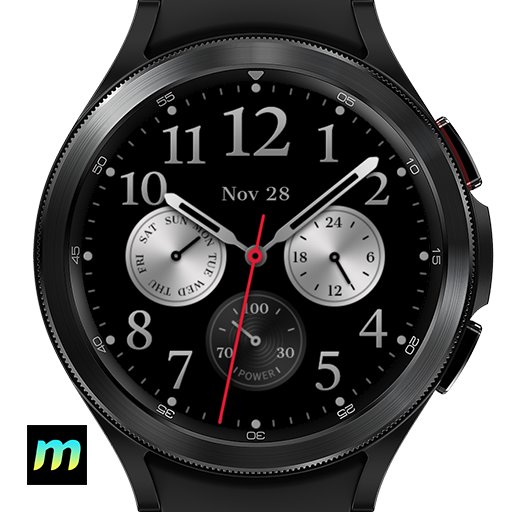
Classic Analog Watch Face
Paid

Moepaw Christmas Watch Face 01
Paid
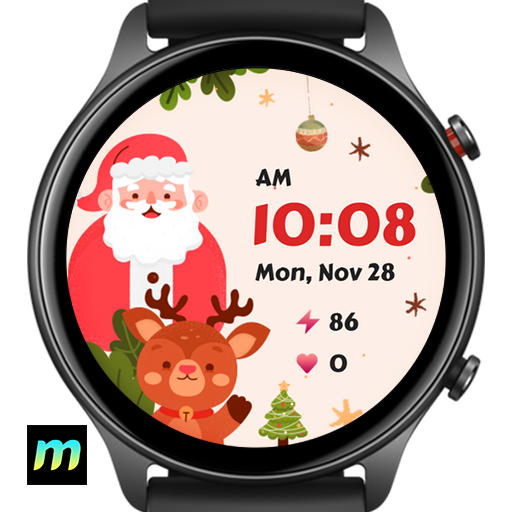
Moepaw Christmas Watch Face 02
Free

Moepaw Christmas Watch Face 03
Free

Minimal Dashboard Watch Face
Free

Minimal Dashboard Watch Face 2
Paid

Moepaw LED 2 Watch Face
Paid
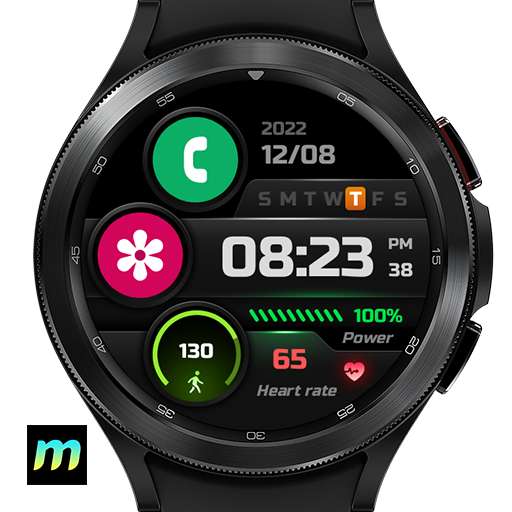
Mordern Sport 2 Watch Face
Free
Scan this QR code to download

Forwarding you to the page at Google Play market in seconds...
Open Google Play market now