
InBrowser - Incognito Browsing vVARY
PIA Private Internet Access, Inc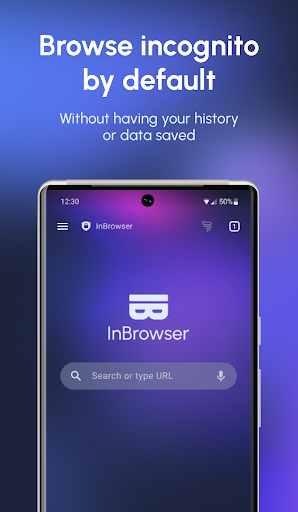

About this app
Developer Description
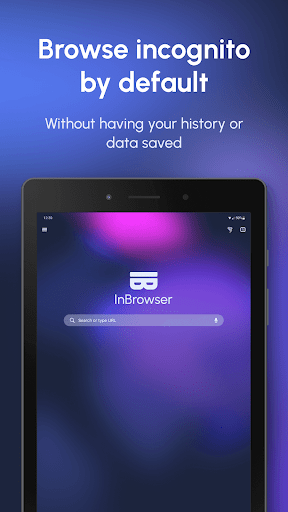
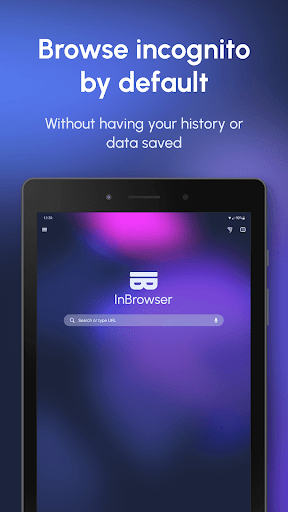
InBrowser is an incognito/private browser for Android with video support
☆ This is the optimal browser if you want to visit adult websites, dating sites, medical sites, check Facebook on a friends device, watch a video or anything else without anyone finding out! ☆
Features:
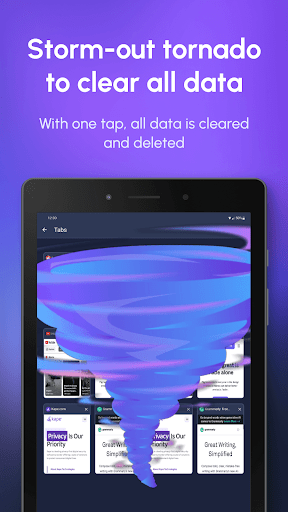
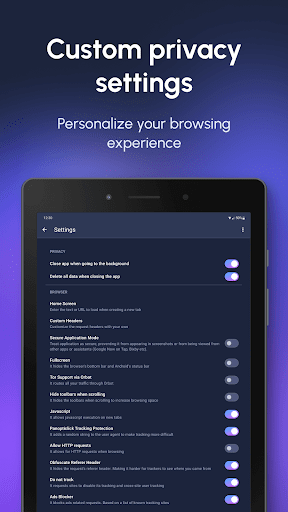
✓ Absolutely no data is saved.
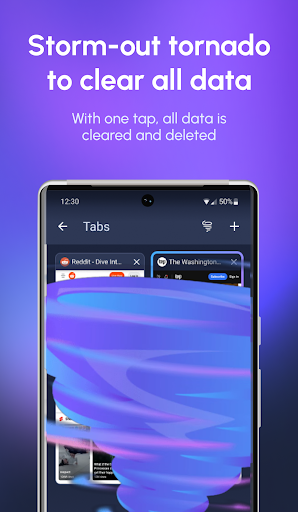
When you exit the app, all data and history is removed. Everything that goes on in the browser is removed when you hit Home, Exit, or Close.
✓ The Onion Router (TOR) support via Orbot.
Browse the Internet anonymously and encrypted through the TOR network and access content that has been blocked by your ISP, network or government. Requires Orbot to be installed and running.
✓ Search engines
InBrowser support searching via DuckDuckGo, StartPage (Ixquick), Bing, Google and Yahoo.
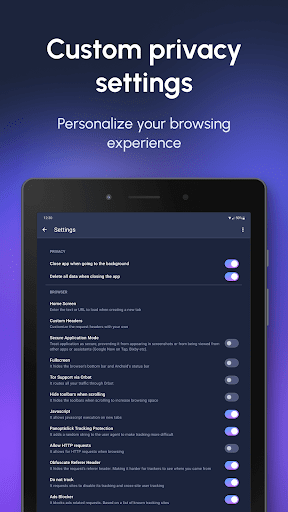
✓ No first or third party ads or trackers are bundled in the app. Your information is secure from leakage.
✓ Supports agent cloaking (no more mobile-version of sites!)
Make websites think that you're visiting from Google Chrome, Internet Explorer, Firefox, or Android.
✓ Deep integration with LastPass
LastPass can automatically fill passwords in InBrowser. Stay secure with strong passwords without any hassle.
✓ In-App video support
Click on a video-link and an in-app video player will play the video. Any trace of this is removed when you exit the app.
✓ Tabbed Browsing
InBrowser’s tabbed browsing feature has the ability to quickly switch between several open webpages within a single browsing session.
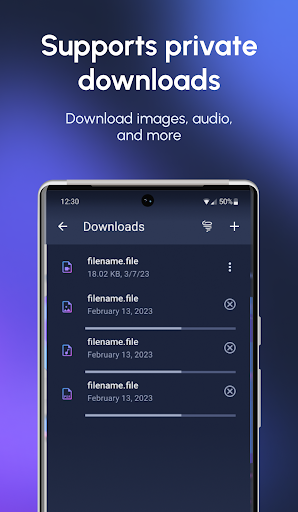
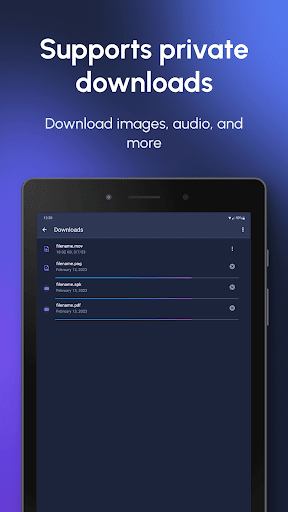
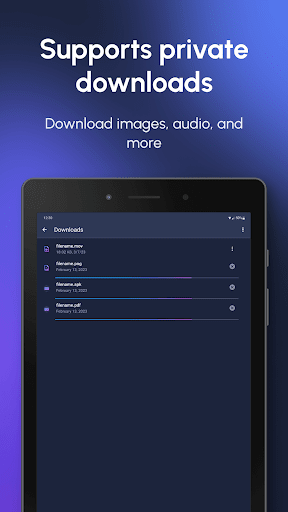
✓ Download files, images, and video to your SD Card in the InBrowser folder.
Long-press on a link to download a file comfortably to your SD-card.
✓ Minimalistic, maximum space for browsing
No junk, no ads, no extra bars - just maximum space for your browsing experience
For Adobe Flash-support, ensure that you have the appropriate flash-plugins installed and that your device supports Flash. InBrowser will not provide Flash out of the box, but it does support Flash-content.
Notice that Orbot is required for TOR to work. Orbot is made by the Tor Project and you can download it for free on Google Play, just search for “orbot” and download the one made by “The Tor Project”.
What's New
This new version includes:
- A New product tour (for new users)
- New UI for Tabs screen
- View app in Light and Dark themes
- Load site in Desktop and Mobile modes
- Biometric protections for bookmarks
- The ability to copy the current page's URL
- Improved RTL support
Version Information
- Version
- -
- Downloads
- 5M+
- Updated on
- Jun 22, 2023
- Released
- Dec 5, 2010
- Requires
- Android Varies with device
Statistics
Google Play Rating History
Rating Distribution
Downloads Over Time
InBrowser - Incognito Browsing has been downloaded times. Over the past 30 days, it averaged downloads per day.
Shaded area shows 30-day prediction based on historical trends
Historical data collection started recently. More data points will be available over time.
InBrowser - Incognito Browsing users say on Google Play
 Er Fi
Er Fi
Great App have always been reliable and fast for browsing on line.
 Ved Ganeshe
On chrome my tablet is very old and on Google Chrome my youtube is outdated but on this it is not
 John Byrne
This browser that comes with PIA VPN fails to download half of the pages that should come up depending on what am looking up, buying or personal if it's for personal confirmation and banking. It might be okay fir using every now and then when using the Internet if you want to do it with anominitity, but to use as a day to day browser its rubbish if honest.
 Le Samuel Alviola
If power is pressed, and then unlock the phone. It will now remain in the foreground. before it automatically close the app. I want that it automatically close it and not just clear. It is because of the update. Inbrowser Beta which have the red icon is better.
 T
T
Used to be good prior to 2022, but since then it is no longer a private browser, also somehow the UI is worse. A once great app gone down the toilet, bye.
ApkTrusted Ratings & Reviews
More from PIA Private Internet Access, Inc
See more apps
Similar Apps

Stargon Browser
Free

Pure Web Browser-Ad Blocker
Free

Banana Browser: Adblock, Secur
Free

Fiery Browser - Fast & Private
Free

Power Browser-Block Ads & Earn
Free

Via Browser - Fast & Light
Free

Seekly
Free

Smart Search & Web Browser
Free
Startpage
Free

Incognito Browser - Go Private
Free

Web Browser - Fast & Privacy
Free

Quetta - Video Adblock Browser
Free

Puffin Web Browser
Free

Hola-Private&Fast web Browser
Free

Vivaldi Browser - Fast & Safe
Free
Lemur Browser - Extensions
Free
Scan this QR code to download

Forwarding you to the page at Google Play market in seconds...
Open Google Play market now