
Challenger Comics Viewer vVARY
The Challenger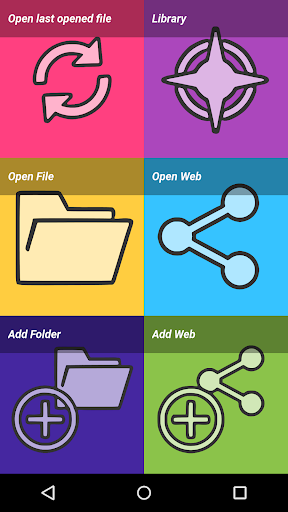







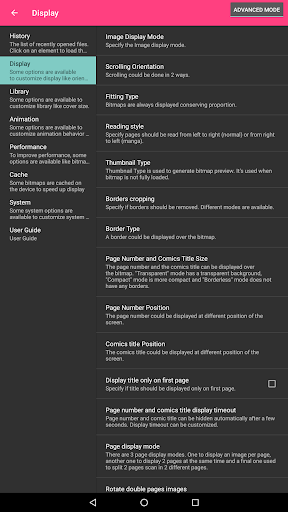
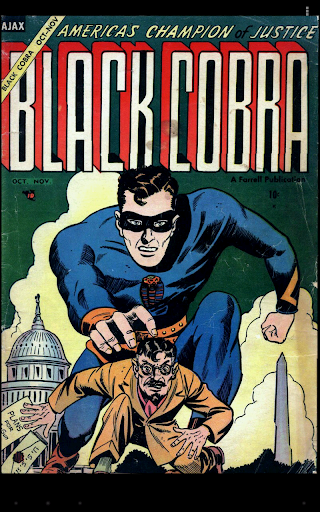
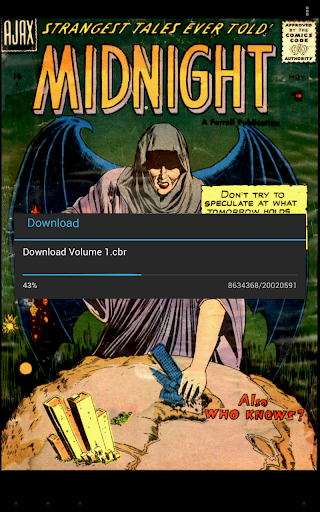


About this app
Developer Description
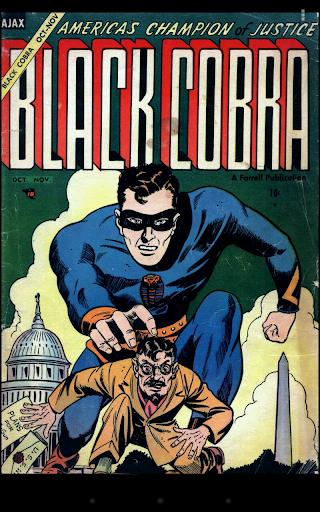
The Best comics Viewer ! Read PDF, ePUB, CBR, CBZ, CBT, CB7, JPG, PNG, BMP, GIF
It's really simple to use. You just have to scroll ! Pages are automatically loaded and displayed (no need to click to go to next page).
It's FREE and THERE ARE NO ADS.
This version works perfectly on phones AND tablets.
Supported image file formats are JPG, PNG, GIF, WebP (Android 4.0+) and BMP.
Supported book file formats are PDF, CBZ/ZIP, CBR/RAR, CBT/TAR, CB7/7Z, DjVu and ePUB.
Main features are :
• Automatic page loading
• Zoom using multi-touch
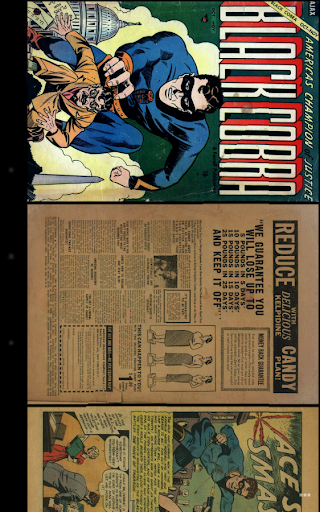
• Vertical/Horizontal scrolling
• 2 display modes (Simple View which displays pages one by one and Multiple Image View which displays all pages one after the other)
• Scale filters: Bilinear, Bicubic, Lanczos4
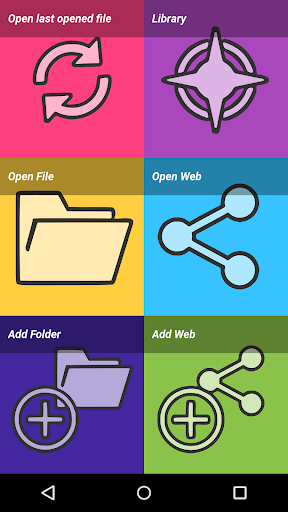
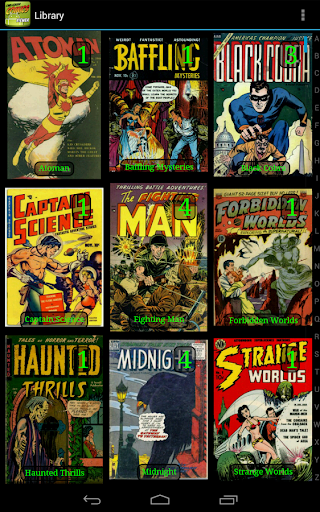
• Library with covers displayed to quickly open comics (multiple kind of views available)
• Automatically switch to next issue when last page of the comic is displayed
• Border cropping
• Read from left to right or right to left
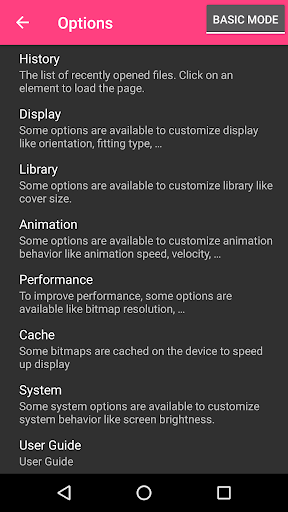
• Actions can be customized
• Single page and "2 page" display mode
• Filter to improve displayed image quality
• Manual scrolling by moving finger on screen
• Autoscrolling by long pressing on screen
• Tap to go to Next/Previous pages
• Fit to Width/Height/Screen display
• Multiple Image preview type
• Option to direct access to page
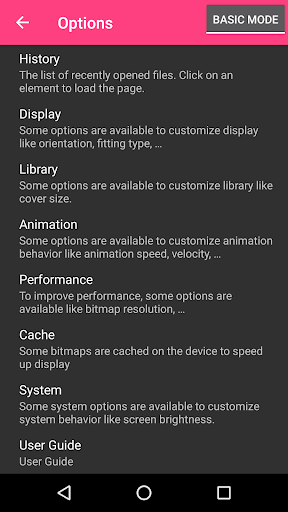
• History management
• Support multi-language (for now, english, french, russian, italian)
• Border can be display over Bitmap to easily identify each pages
• Contrast/Brightness/Saturation management
• Screen brightness management
• Application can be moved to SD Card
• Cached data can be stored in internal memory or SD Card
• Supports Samsung "Multi-Window" mode
• Color themes
Files can be accessed on the device or network.
Supported network protocols are :
• Google Drive
• OneDrive/SkyDrive
• Mega
• Ubooquity (http://vaemendis.net/ubooquity)
• DLNA/Upnp (Need Android >= 4.0.3)
• OPDS (beta)
• Windows/SAMBA/CIFS
• DropBox
• Webdav/Cloud (like box.com, 4shared.com, alwaysdata.com, ...)
• FTP
• SFTP
The application needs a phone/tablet with lots of memory and a powerful processor, so don't be disappointed if your phone is quite old and performance is not good.
For instance, it works perfectly on Nexus 4, Nexus 7, Nexus 10, Galaxy S2, Galaxy S3, Galaxy S4, Galaxy S5, Galaxy S6, Galaxy S7, Galaxy Tab, ...
Documentation is available at : http://challengerviewer.wordpress.com/challenger-comics-viewer-documentation/
An FAQ is available at : http://challengerviewer.wordpress.com/challenger-comics-viewer-faq/
The English forum : http://forum.xda-developers.com/showthread.php?t=1389440
Please add comments if you like this app or if you have some new features idea.
To report bugs, don't hesitate to send me e-mail.
Thanks !
What's New
Version Information
- Version
- -
- Downloads
- 1M+
- Updated on
- Oct 10, 2025
- Released
- Dec 12, 2011
- Requires
- Android 5.0
Statistics
Google Play Rating History
Rating Distribution
Downloads Over Time
Challenger Comics Viewer has been downloaded times. Over the past 30 days, it averaged downloads per day.
Shaded area shows 30-day prediction based on historical trends
Historical data collection started recently. More data points will be available over time.
Challenger Comics Viewer - Google Play Rankings
Top Rankings
| Rank | Country | Category | List | Change |
|---|---|---|---|---|
| — |
Ranking History in
No ranking data available yet. Rankings are updated daily.
#33 in Top Free Comics in France

#36 in Top Free Comics in Russia


#37 in Top Free Comics in Spain


#40 in Top Free Comics in Italy

Challenger Comics Viewer users say on Google Play
 Ed Joji
Honestly, didn't think a free app with no ads let alone annoying ones could exist. Plus it's amazing for cbr and epub files
 Harrison Nguyen
Reader has been great, been using it for awhile. However, even though it says it can read cbr files, when viewing the files in the library they don't show the cover, and upon opening the file, nothing but a black screen.
 Alpha Weeb
This app is great.I can read whatever I want with it.The Only issue I have is that some epub files in library doesn't display covers.Please fix it....Thanks. Edit..! Still no fixing.So I had to re-rate it to 3 stars.
 Galih Candra
Back button exit option screen, very annoying when trying to setup. Tapping when reading instead of showing navbar it slides changing pages. No option to zoom to actual resolution. I have to manually go back and forth to option to change reading mode if I want to read manga, comic, and vertical webtoon. Overall awkward and a bit unintuitive navigation. But it still a lot better than other readers including perfect viewer.
 Niks india1
poor quality of image..
ApkTrusted Ratings & Reviews
More from The Challenger
See more apps
Similar Apps

Cantook by Aldiko
Free

VoyceMe: Manga and Webtoons
Free

Wuxiaworld - Online Novels
Free

Bravonovel - Fictions & Webnov
Free

ePlatform Digital Libraries
Free

Tapas – Comics and Novels
Free

Pocket Toons: Comics & Webtoon
Free

CloudLibrary
Free

BooKeep
Paid

Bookshelf
Free

VIZ Manga
Free

Limitless Charts
Free

Starynovel: Read Novel & Story
Free

Storyroom-Romance Stories
Free

Manta - Manhwa, Comics, Novels
Free

Key Collector Comics
Free
Scan this QR code to download

Forwarding you to the page at Google Play market in seconds...
Open Google Play market now