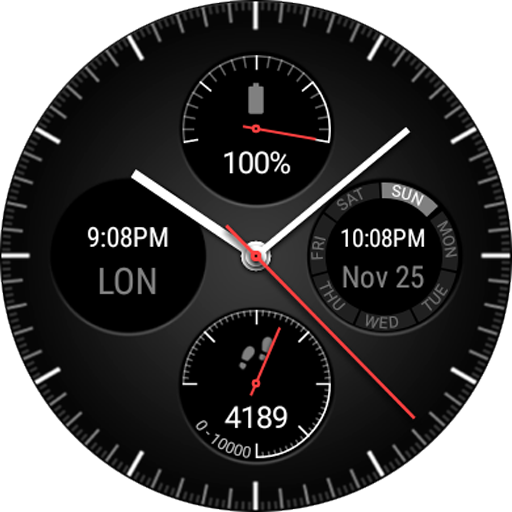
Wear Chronograph Watch Face vVARY
Stefan Thomas


About this app
Developer Description
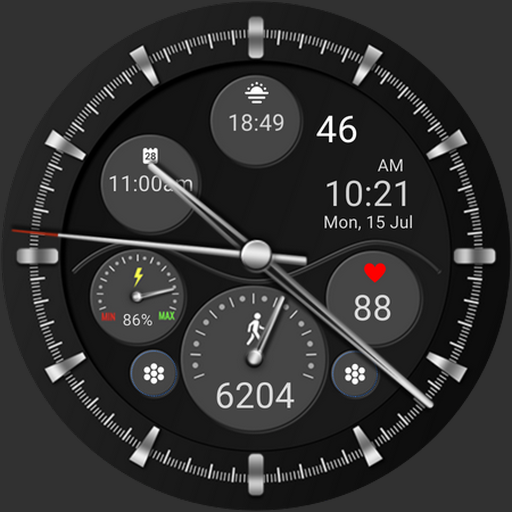
Analog Chronograph with 4 cutomizable complications for your Wear OS Watch
★ 9 different background images
★ 3 different index styles
★ 5 different hand styles
★ 15 different hand colors for seconds hands and hour/minutes hands
★ Ranged value complications will be shown as analog hand
★ Dimmable complications for Ambient mode
★ Third-party complications
Some options can be used for free, but most options needs a one-time-for-all In-App-Purchase of approx. 1$.
To change all these options, please open the settings of the watch face on the smartwatch. To change the complication, just tap on preview image and choose between a large selection of complications data providers.
The mobile companion app is just for installing, not for customizing the watchface.
The watchface runs standalone without a companion.
Supported devices
- Works on all Wear OS and Wear 3 devices
- Supports round (e.g. Huawei Watch 2) and rectangular smartwatches
- Does NOT work on Samsung Gear and smartwatches using Tizen OS
For further support, please look at http://www.qooapps.com or contact: support@qooapps.com
What's New
In-app purchases
$0.99 per item
Version Information
- Version
- -
- Downloads
- 100K+
- Updated on
- Sep 9, 2023
- Released
- Nov 25, 2018
- Requires
- Android 7.0
Statistics
Google Play Rating History
Rating Distribution
Downloads Over Time
Wear Chronograph Watch Face has been downloaded times. Over the past 30 days, it averaged downloads per day.
Shaded area shows 30-day prediction based on historical trends
Historical data collection started recently. More data points will be available over time.
Wear Chronograph Watch Face users say on Google Play
 RAMDAS VISWANATH
it remained as an absolutely excellent watch face till I used my Galaxy watch 6 but it is becoming obsolete for the higher version like Galaxy 7 or 8. I take this opportunity to request Mr thomas to update this app so as to make it work even with Galaxy 8 I salute you Mr Thomas for developing such a wonderful watch face
 Dan Schofield
Personalisation is great and overall the face looks great and doesn't seem to consume a lot of battery. The only snag is that recently the battery and step complications counters are stuck when I first put it on and the only way to resolve this is to restart the watch. It's a pain, but a daily restart of the watch is probably good practice anyway, I suppose.
 shivam lal
The watch face work well. Premium only changes the background wallpaper and colours, and let's you update the complications. But for a simple black and white background and default complications, it works without premium. Few improvement points: 1. The chronograph rings do not appear in the ambient mode (only the right most ring appears), it would be good if all the rings could be shown. 2. There is currently no option to customize the watch face using the watch app or the wear os app.
 Chris Fells
Looks great, but it performs poorly. The watch looks good, but most of the dials dont work properly. The step counter often doesn't reset at midnight, the heart rate is always behind, and the date is sometimes wrong. Have to change faces, then backbl again to get it to correct.
 Paul Wharton
CURRENT VERSION DOESN'T WORK: Unfortunately, the current version does not work. After loading, and trying to change any complication, you are notified that you need to pay for the upgrade. That in itself is not the problem. The problem is that when you try to add the functionality, you get the following error statement: "Error This version of the application is not configured for billing through Google Play. Check the help center for more information." This watch face as is is worthless.
ApkTrusted Ratings & Reviews
More from Stefan Thomas
See more apps





Similar Apps
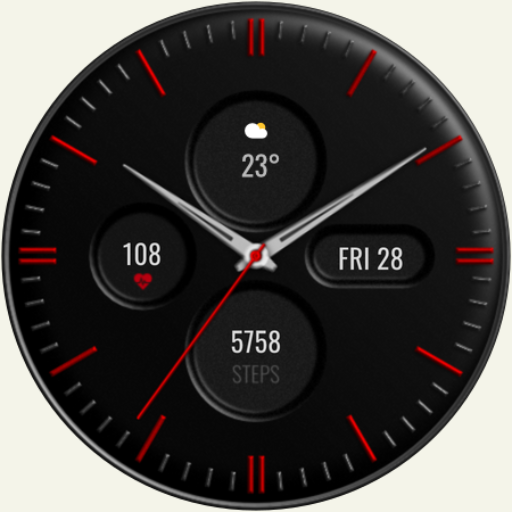
DADAM60: Minimal Watch Face
Paid
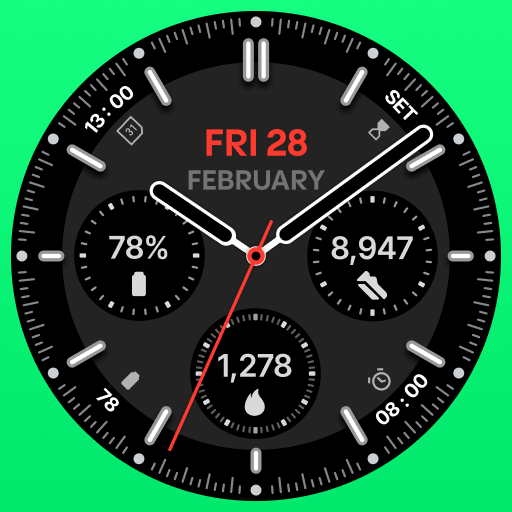
Avanta Elegant Watch Face
Paid
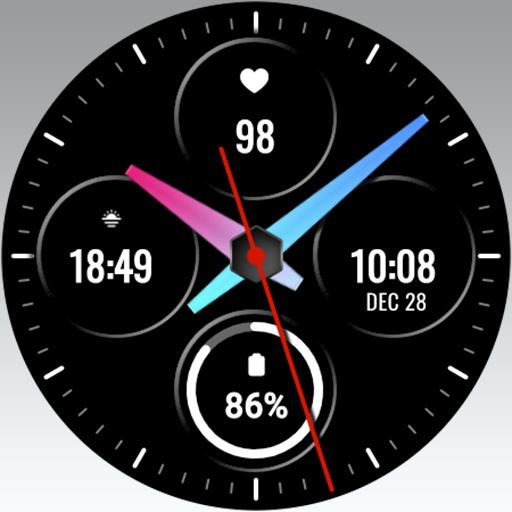
MJ122 Color Analog
Free

Accelmaster Watch Face
Paid
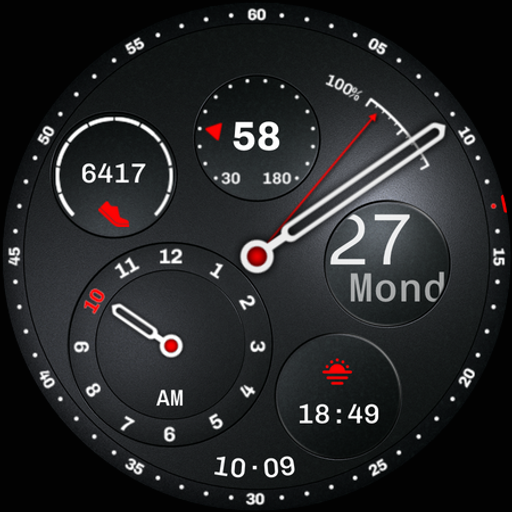
Regulator Watch Face
Paid

Aurora Analog Watch Face
Paid
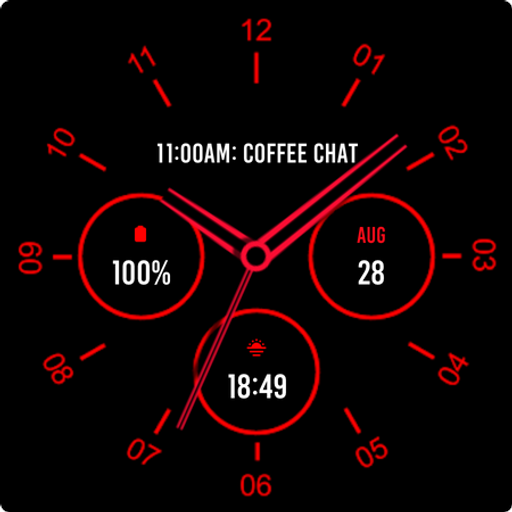
Analogue Red Watch Face
Paid

GM2 Analog watch face
Paid
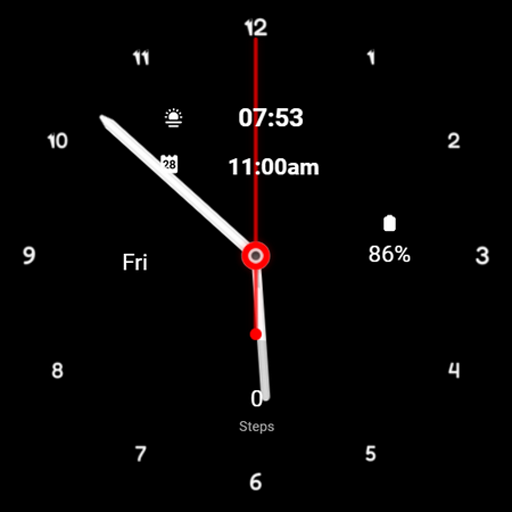
A0002 VNApps
Free
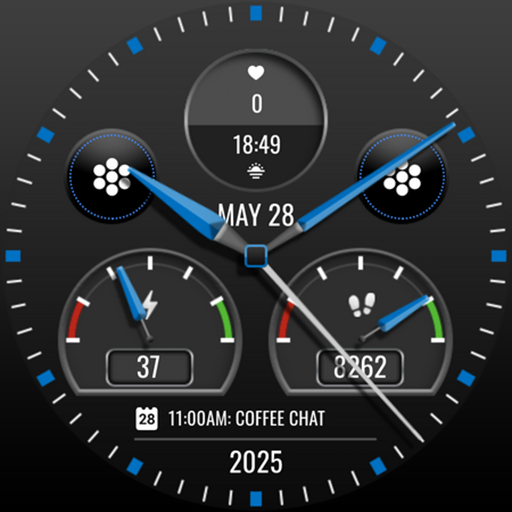
MJ172 Elegant Night Analog
Paid
CLA006 Analog Classic
Paid

Key WF26 Hybrid Watch Face
Paid

SG-97
Free

Firefighter
Paid

Romani Ite Domum Watch Face
Paid

PT12 Hybrid Watch Face
Free
Scan this QR code to download

Forwarding you to the page at Google Play market in seconds...
Open Google Play market now