
Alior Business Mobile vVARY
Alior Bank S.A.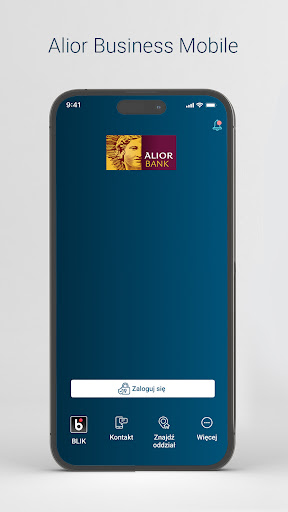






About this app
Developer Description
Alior Business Mobile provides quick and convenient access to your company's finances
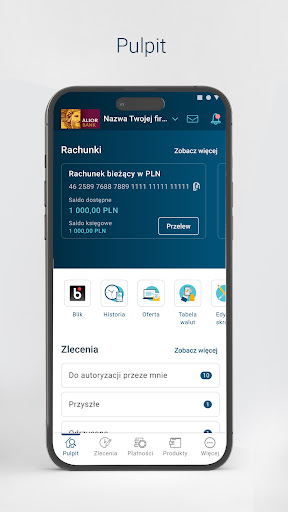
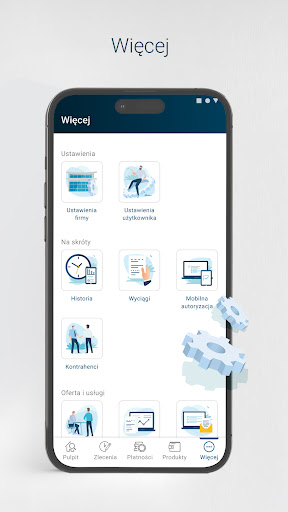
Our application enables convenient access to Alior Bank products and services dedicated to business customers and authentication of orders made in online and mobile banking.
This is the first version of the mobile application for Alior Business users. Our goal was to create a tool for everyday work that will support our customers in achieving their business goals through an intuitive and transparent interface.
The application will enable you to:
• easy access to the Bank's products used by your company (accounts, deposits, cards, loans);
• make domestic transfer orders (including express transfers), your own, tax and foreign transfers;
• create domestic transfer templates and contractor templates;
• authenticate orders placed in Alior Business online banking using a mobile authentication (PUSH);
• access to the history of operations and statements;
• use of BLIK (BLIK codes).
Security and convenience:
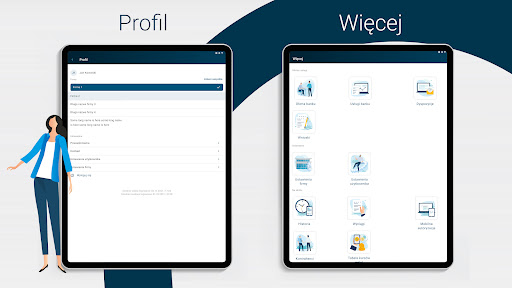
• use the application on multiple devices, e.g. phones and tablets;
• log in conveniently using biometrics (fingerprint or facial scan) or using the PIN code that you set when activating the application;
• securely authenticate orders entered in online and mobile banking.
ACTIVATION
To activate the application, follow a few simple steps:
1. Download the Alior Business Mobile application.
2. Accept our privacy policy.
3. Enter your CIF customer number (customer identifier) and answer the questions control.
4. Enter the code that you will receive via text message or as a voice message from a phone call.
5. Set your PIN (if you are installing the application on another device, you will be asked to enter the previously set PIN).
6. In the last step, you will be asked to confirm the installation of the application on a given device - log in to the Alior Business online banking system and confirm.
Done! Your application is active. You will log in to the application with the PIN and confirm orders in the Alior Business Mobile application.
SECURITY
• Do not install the Alior Business Mobile application from untrusted sources. Only install the application downloaded from an official source, i.e. from application stores provided by the system manufacturers.
• Never install any programs or applications at the request of people posing as employees of a bank, institution or law enforcement agency. Employees will never instruct you to install an additional program or application. If in doubt, decline and contact us to clarify the situation.
• Remember that your mobile device is the key to your account! Its loss or takeover by criminals may result in taking over access to the application and bank account, and as a result, loss of funds. Do not share your device with third parties and remember to install up-to-date antivirus software from a reputable manufacturer.
• Secure access to your device with a hard-to-guess code, password, gesture or by using biometrics. If you choose to log in using a fingerprint, remember that the fingerprint can only belong to the device owner. Remember that the PIN for your Alior Business Mobile application should be different from the one you use to unlock your phone!
• Do not use open or suspicious Wi-Fi networks that can be controlled by criminals and used, for example, to take control of the connection from your phone.
Version Information
- Version
- -
- Downloads
- 5K+
- Updated on
- -
- Released
- May 9, 2025
- Requires
- Android Varies with device
Statistics
Google Play Rating History
Rating Distribution
Downloads Over Time
Alior Business Mobile has been downloaded times. Over the past 30 days, it averaged downloads per day.
Shaded area shows 30-day prediction based on historical trends
Historical data collection started recently. More data points will be available over time.
Alior Business Mobile users say on Google Play
 Andrzej Rydzewski
Dno
ApkTrusted Ratings & Reviews
More from Alior Bank S.A.
See more apps


Scan this QR code to download

Forwarding you to the page at Google Play market in seconds...
Open Google Play market now