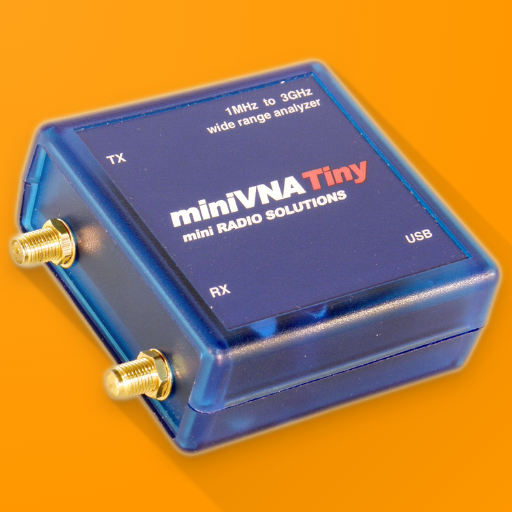
Blue VNA v3.1.2
Dan Toma








About this app
Developer Description
miniVNA Antenna Analyzer
- fully control the data acquisition from a miniVNA, with or without the Extender;
- work over USB, bluetooth or WiFi (if available);
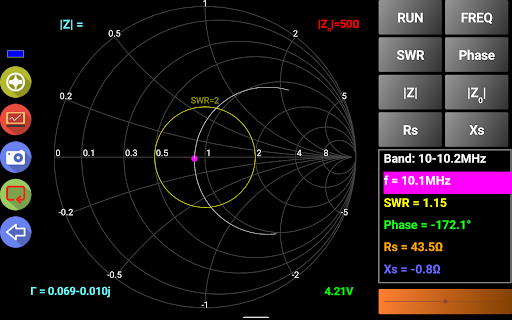
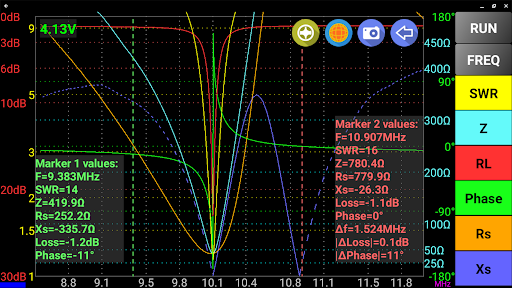
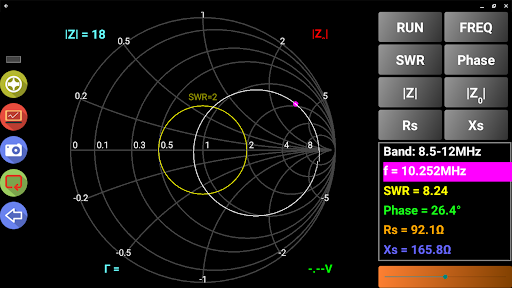
- can display reflection data in rectangular or Smith Chart mode;
- export data in CSV, ZPLOTS or S1P formats compatible with many existing applications;
- parameters that can be measured : SWR, |Z|, Return Loss, Phase, Rs, |Xs| for miniVNA and signed Xs for miniVNA Pro;
- you can select one of the predefined bands (all HAM bands), HF (0.1 – 30MHz), or a custom frequency interval (anywhere between the frequency range of the connected analyzer);
Frequency generator mode with the following features:
- 2 independent channels (for miniVNA pro) or 1 channel (for miniVNA standard or Tiny);
- normal or sweeper mode;
- independent attenuator control per each channel (from -60dB to 0dB), only for miniVNA Pro;
- adjustable phase difference between the channels (0-180 deg);
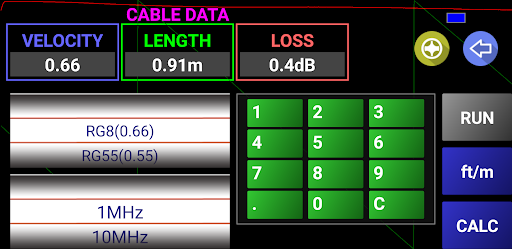
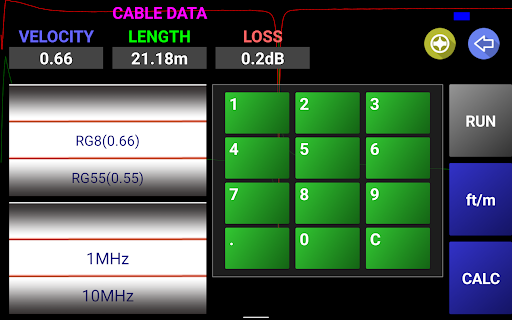
Cable data mode with the following features:
- cable length is measured in 2 steps, for a better precision (second step reduce the frequency interval);
- operate in meter or feet mode;
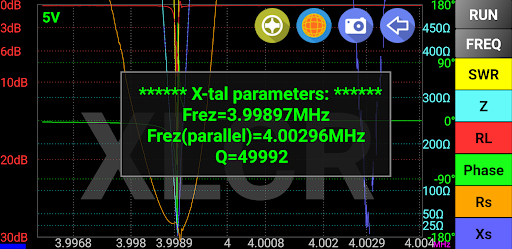
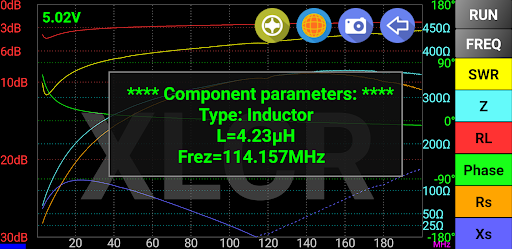
L,C,R,X-tal mode:
- measure x-tal resonance frequency and Q in manual or auto mode
- automatically measure inductors, capacitors and resistors
For the full list of features check included help or user guide available on my web site.
Thank you in advance for your feedback.
Dan YO3GGX
What's New
In-app purchases
$0.99 - $7.99 per item
Version Information
- Version
- 3.1.2
- Downloads
- 50K+
- Updated on
- Jan 10, 2023
- Released
- Nov 9, 2012
- Requires
- Android 4.1
Statistics
Google Play Rating History
Rating Distribution
Downloads Over Time
Blue VNA has been downloaded times. Over the past 30 days, it averaged downloads per day.
Shaded area shows 30-day prediction based on historical trends
Historical data collection started recently. More data points will be available over time.
Blue VNA users say on Google Play
 A Google user
MiniVNA Tiny works as supposed with my Samsung Galaxy J5 over a standard OTG USB cable. No problems. Many thanks for this. I can't define the number of samples on the calibration though. I think it has a fixed number of cal points. (update 19/08/2016: I've noticed that there is some great discrepancy on the measurements between the Android Blue VNA and the desktop application vna/J 3.1.9. For example, the cable loss of a 0.5m RG58 at 144MHz is given as 0.6dB, while on the vna/J as 0.28dB, which is half of the BlueVNA calculation. I can, however, suspect that the limited cal points on the BlueVNA, compared with the 20000 cal points on the vna/J I used can be a reason for this difference.)
A Google user
Used to work extremely well via bluetooth but now fails (unusable) with a lot of Java exceptions since phone upgraded to 6.0.1 - is this a known issue?
 Solly Matshopa
Good
ApkTrusted Ratings & Reviews
More from Dan Toma
See more apps

Similar Apps



Scan this QR code to download

Forwarding you to the page at Google Play market in seconds...
Open Google Play market now