
ComicMe — comics photo editor v1.0.29
Android Tools (ru)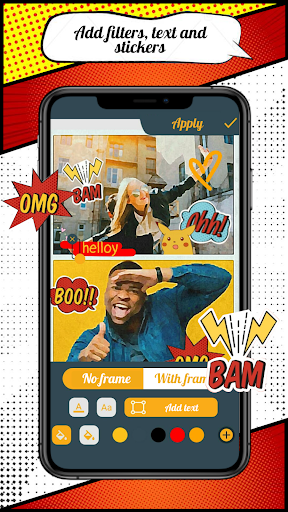










About this app
Developer Description
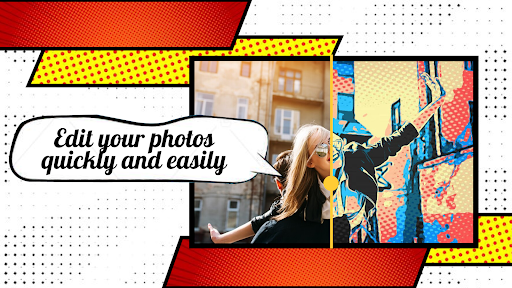
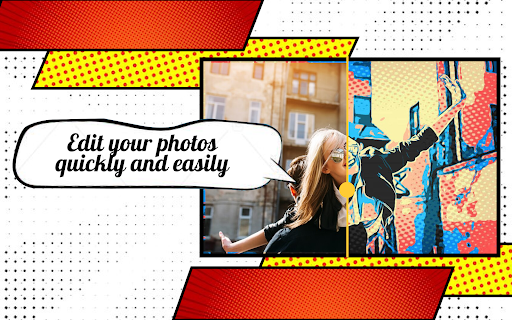
Turn a photo into a comic, drawing or cartoon with ComicMe Photo Editor
All your comics are stored in the ComicMe gallery, where you can continue editing the comic, share it,or create a new comic.
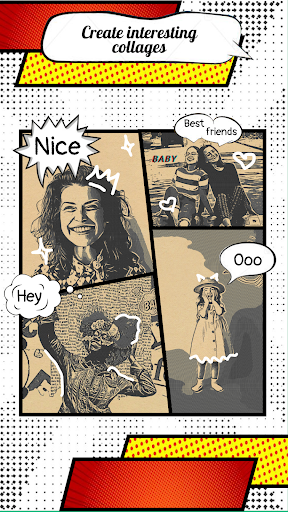
With the help of high-quality premium filters, you can create a photo into an interesting cartoon styles. Turn yourself into a cartoon. The comic book creator is perfect for creating a meme, poster or sketch.
ComicMe Features:
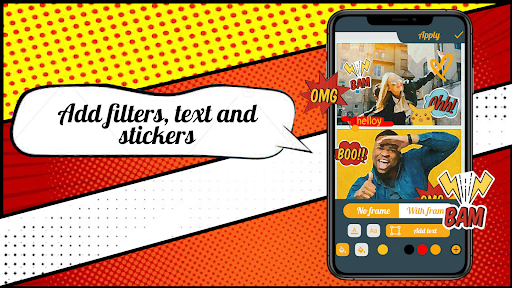
- more than 60 filters for your photos;
- more than 20 fonts for creating text on photos;
- ability to create original hand lettering;
- text labels with a choice of font, size and color;
- add backgrounds to text with any border color;
- rotate and mirror photos;
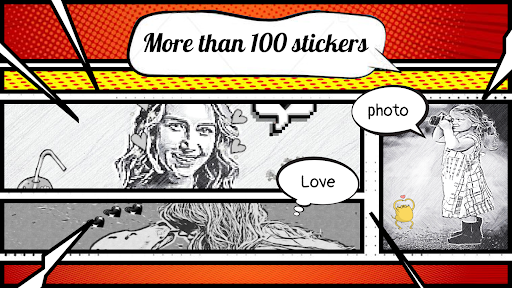
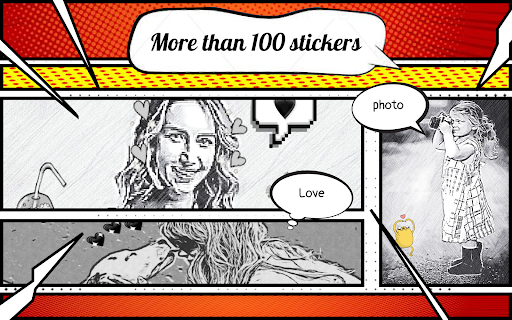
- more than 130 stickers of different themes;
- proportional automatic photo cropping and customizable cropping;
- "Beauty" mode: lightening the tone and leveling the skin relief;
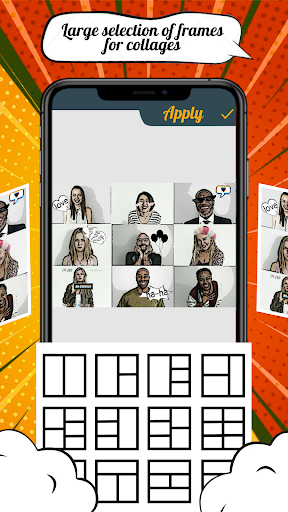
- create comics based on your photos or ready-made images from the ComicMe gallery;
- save comics in PDF and PNG formats;
- ability to edit the project at all stages of creation;
- send images by mail or to any messenger directly from the app;
- delete projects, comics, and photos from the gallery.
ComicMe provides a subscription option for unlimited access to premium filters, a full set of stickers, and the use of all popular fonts.
In unlimited access mode, you will have access to:
- premium filters;
- 60+ comics stickers;
- stylish and catchy fonts.
And most importantly-no more advertising when creating comics from photos, cartoons from photos and just beautiful projects. Create interesting photos, memes or posters and share them with your friends in ComicMe. Bring your ideas to life with the help of a comic book Creator.
What's New
💎improved design
🔧bugs fixed
In-app purchases
$1.99 - $29.99 per item
Version Information
- Version
- 1.0.29
- Downloads
- 50K+
- Updated on
- Oct 15, 2025
- Released
- Sep 21, 2020
- Requires
- Android 6.0
Statistics
Google Play Rating History
Rating Distribution
Downloads Over Time
ComicMe — comics photo editor has been downloaded times. Over the past 30 days, it averaged downloads per day.
Shaded area shows 30-day prediction based on historical trends
Historical data collection started recently. More data points will be available over time.
ComicMe — comics photo editor users say on Google Play
 vincent peterson
Comic me is cool , not the best but top 5 in my little book
 Udarita
This app is good
 christine boyd
I don't mind paying for an app if it does what I want, but I will buy it outright. None of this yearly subscription
 Steven Milner
Offers less than other free options and crammed with ads
ApkTrusted Ratings & Reviews
More from Android Tools (ru)
See more apps
Countries of the World - quiz
Free
Comic Book Reader (cbz/cbr)
Free

PDF Reader & Viewer
Free
Sketcher PRO
Paid
Timer and Stopwatch
Free

eReader: reader of all formats
Free

Apk Extractor
Free

Live Minecraft Wallpaper 3D
Free

Avatar Maker: Characters
Free
Gentle alarm clock with music
Free

DjVu Reader & Viewer
Free

Wi-Fi password manager
Free

Flashlight
Free

Educational cards for children
Free

Cosmo Connect - connect dots
Free
Epub Reader
Free
Similar Apps

AR Drawing – Trace & Sketch
Paid

AR Drawing - Paint and Sketch
Free

Banano Pro İmage Generator
Free

Mirror: Emoji maker, Stickers
Free

Ai Logo Maker : Design Studio
Paid

Artlette
Free

Prisma Art Effect Photo Editor
Free

Apowersoft Background Eraser
Free

Photo Editor by BeFunky
Free
Drawify - Photo to Sketch
Free

Easy Draw Animals
Free

PicMonkey Photo Editor
Free

pixiv Sketch
Free

Anime AI - Photo Enhancer
Free

Logo Maker Design AI Generator
Free

DesignEvo - Logo Maker
Free
Scan this QR code to download

Forwarding you to the page at Google Play market in seconds...
Open Google Play market now