
Scientific Calculator Pro v18.1.0
Philip David Stephens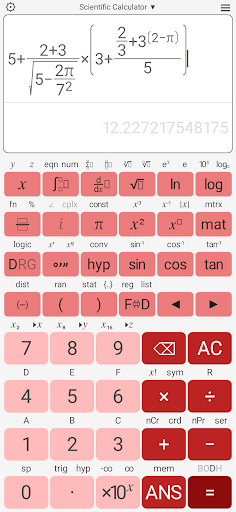

About this app
Developer Description
A powerful scientific and graphing calculator with matrices and complex numbers.
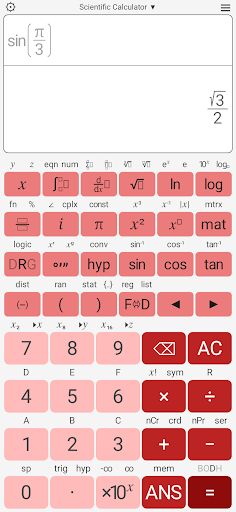
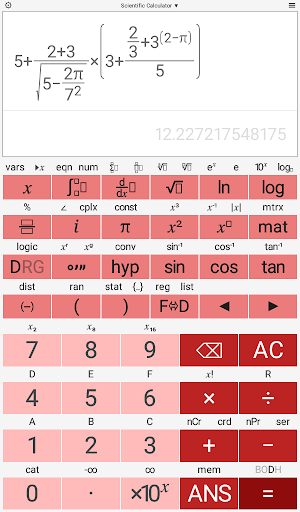
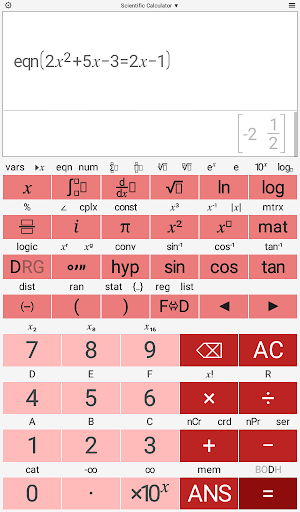
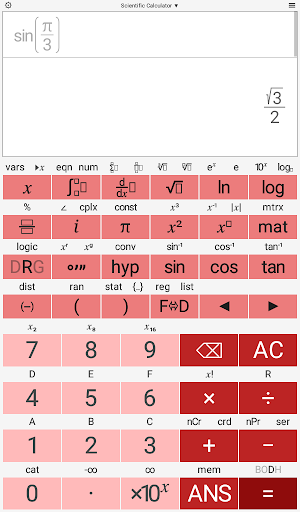
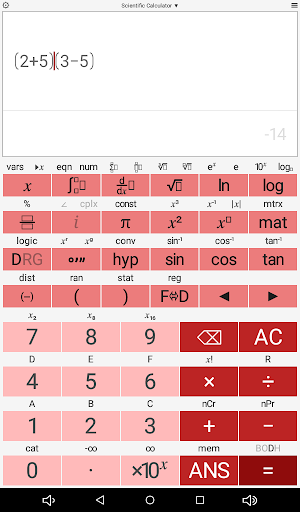
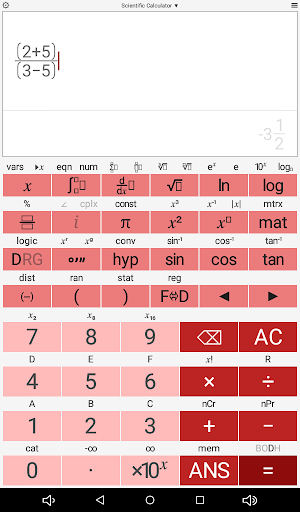
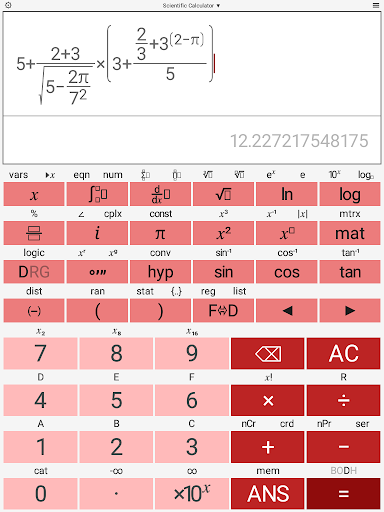
This scientific calculator offers a number of useful features allowing you to carry out advanced calculations. Its simple and intuitive design makes it a pleasure to use. The calculator has all the functions that would be expected of a scientific calculator and a number of more advanced features too, including complex numbers and matrices.
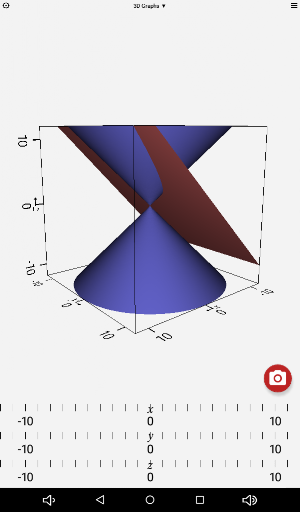
The super fast algorithms allow the scrolling and zooming of 2D and 3D graphs in real time, using the touch sensitive screen.
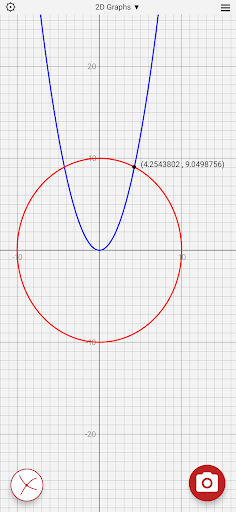
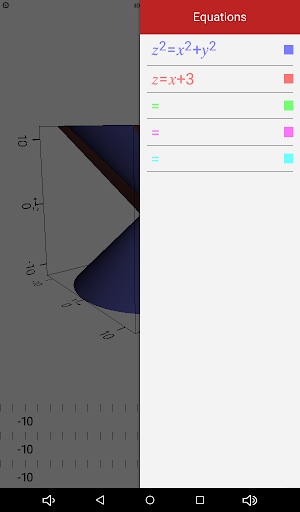
Graph implicit equations in 2 and 3 dimensions. e.g. x²+y²+z²=5².
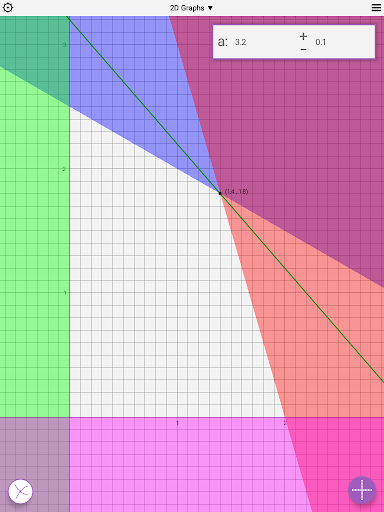
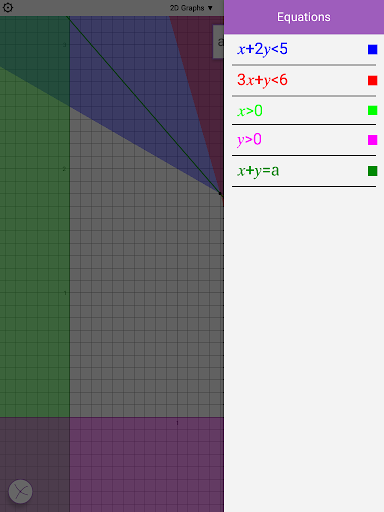
Graph inequalities in 2 dimensions. e.g. 2x+5y<20.
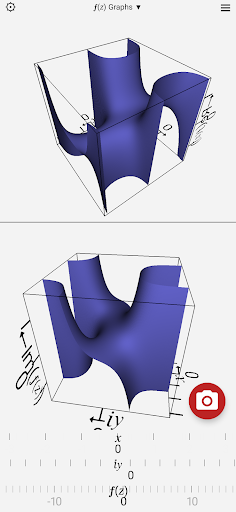
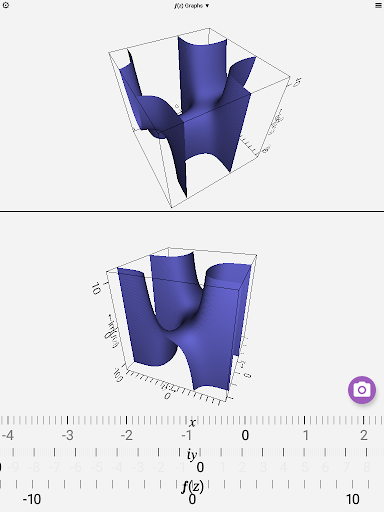
Graph functions of a complex variable.
Display up to 5 graphs on the same screen.
Active analysis of functions, for better graphing of 2D functions with singularity points. e.g. y=tan(x) or y=1/x.
Intersections on 2D graphs.
The calculator is customizable allowing you to change the colors of the screen, background and all the individual buttons, allowing you to personalize its appearance.
The Scientific Calculator's features include:
• polar, spherical and cylindrical graphs.
• basic mathematics operators addition, subtraction, multiplication, division, remainder and powers.
• conversion between decimal and surd answers.
• indices and roots.
• logarithms base 10, e (natural logarithm) and n.
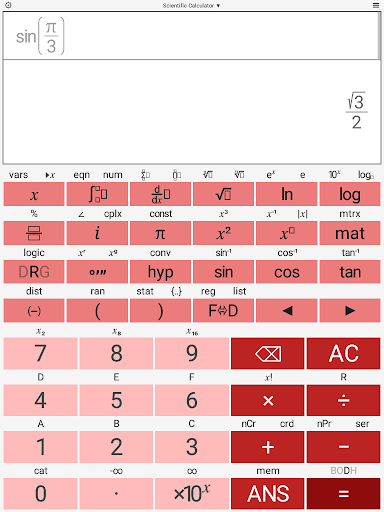
• trigonometric and hyperbolic functions and their inverses.
• complex numbers can be entered and displayed in polar or component form.
• all valid functions work with complex numbers, including trigonometric and inverse trigonometric functions, when set to radians.
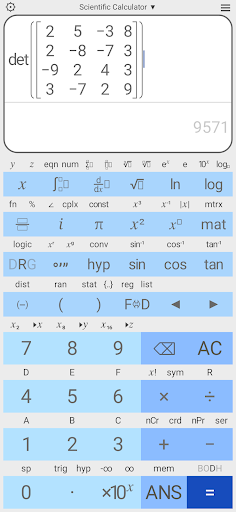
• calculate the determinant, inverse and transpose of a matrix.
• Matrices of up to 10×10.
• LU decomposition.
• vector and scalar product.
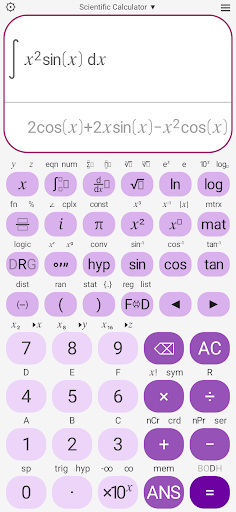
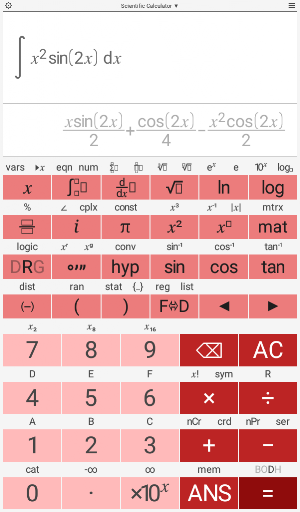
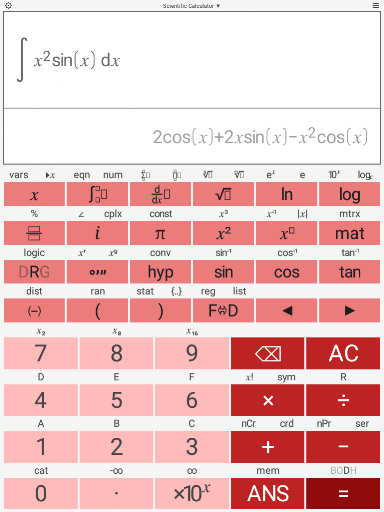
• Numerical integration.
• Double integrals and triple integrals.
• Differentiation.
• Second derivatives.
• Partial derivatives.
• Div, grad and curl.
• Choose the precedence (order of operations) for implied multiplication:
2÷5π → 2÷(5×π)
2÷5π → 2÷5×π
• 26 scientific constants.
• 12 Mathematical constants.
• unit conversions.
• factorials, combinations and permutations.
• double factorial.
• degrees, minutes, seconds, radians and gradians conversions.
• fractions and percentages.
• absolute function.
• Gamma function.
• Beta function.
• Floor, ceiling, Heaviside, sgn and rect functions.
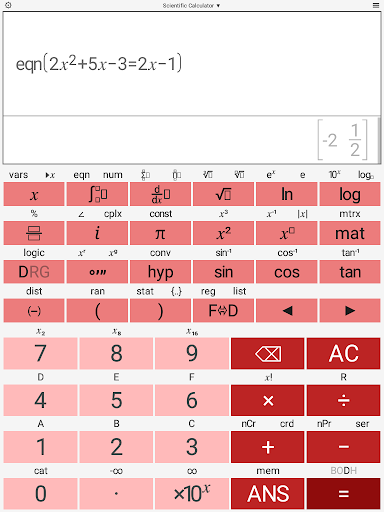
• Equation solver.
• Regressions.
• Prime number factorization.
• Base-n conversions and logic functions.
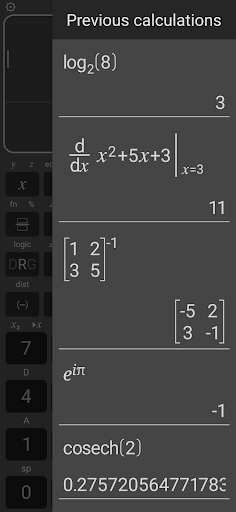
• previous 10 calculations stored and re-editable.
• last answer key (ANS) and five separate memories.
• random number generators including normal, poisson and binomial as well as uniform distributions.
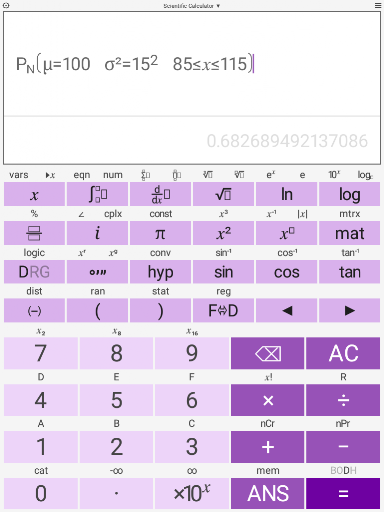
• probability distribution calculator for normal, poisson, binomial, student-t, F, chi-squared, exponential and geometric distributions.
• One and Two variable statistics, confidence intervals and chi-squared tests.
• user definable decimal marker (point or comma).
• automatic, scientific or engineering output.
• optional thousands separator. Choose between space or comma / point (depends on decimal marker).
• variable precision up to 15 significant figures.
• scrollable screen allowing arbitrarily long calculations to be entered and edited.
What's New
Version Information
- Version
- 18.1.0
- Downloads
- 1K+
- Updated on
- Sep 8, 2025
- Released
- Mar 31, 2018
- Requires
- Android 6.0
Statistics
Google Play Rating History
Rating Distribution
Downloads Over Time
Scientific Calculator Pro has been downloaded times. Over the past 30 days, it averaged downloads per day.
Shaded area shows 30-day prediction based on historical trends
Historical data collection started recently. More data points will be available over time.
Scientific Calculator Pro users say on Google Play
 Luca
Luca
This is the best calculator I have ever used. Everything one could possibly want and use (from statistics over linear algebra and plotting to physical constants) is included. I really noticed my dependance on it when I got an iPad and couldn't find ANY calculator (and I tried really hard) comparable to this one on the AppStore. Thank you for the great work you put in!
 A Google user
Very good calculator. Very comprehensive but also complicated. NEEDS A HELP FUNCTION so user can use all of the features
ApkTrusted Ratings & Reviews
More from Philip David Stephens
See more apps








Similar Apps
Champ Scientific Calculator
Free
Scientific Calculator
Free
Real Scientific Calculator
Free

CalcTape Calculator with Tape
Free

MalMath: Step by step solver
Free
Scientific Calculator He-580
Free

Tally Counter & Score Clicker
Free

OneCalc: All-in-one Calculator
Free
Calculator Pro: Calculator App
Free
HiPER Calc Pro
Paid
HiPER Scientific Calculator
Free

Numerade - Homework Help
Free
All in One Calculator
Free

Electrical Calculation PRO
Paid

Cymath - Math Problem Solver
Free

Abacus: Math Trainer
Free
Scan this QR code to download

Forwarding you to the page at Google Play market in seconds...
Open Google Play market now