
Midnight Display Watch Face vVARY
Time Flies Watch Faces



About this app
Developer Description
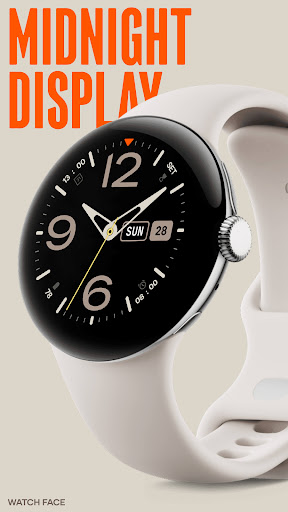
Tailor your watch face experience with up to 8 complications and sleek design
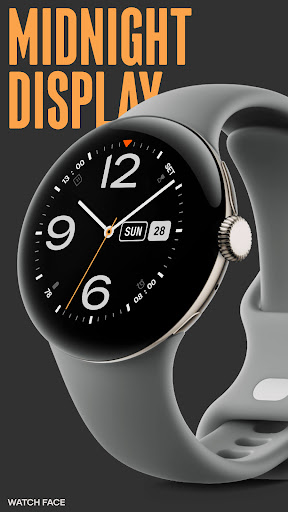
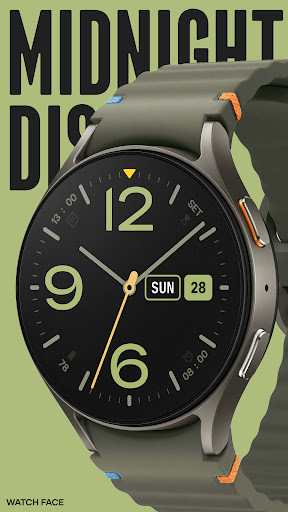
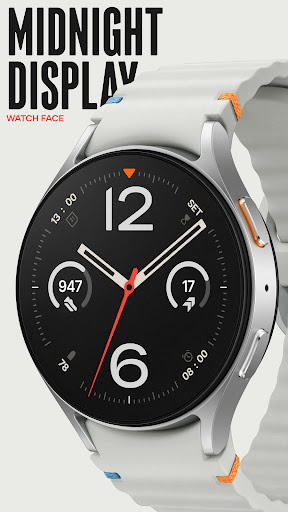
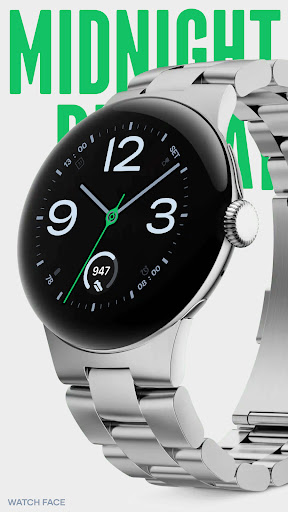
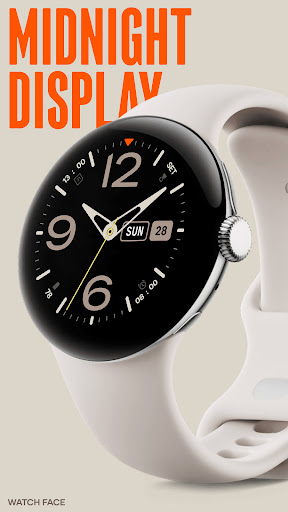
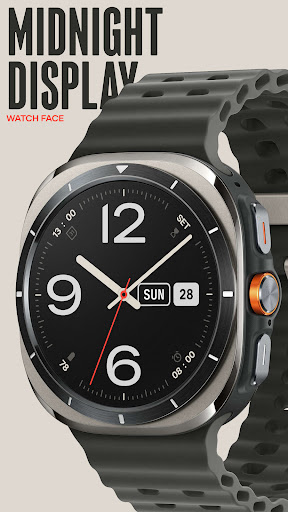
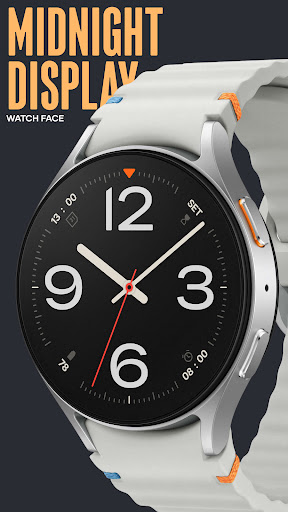
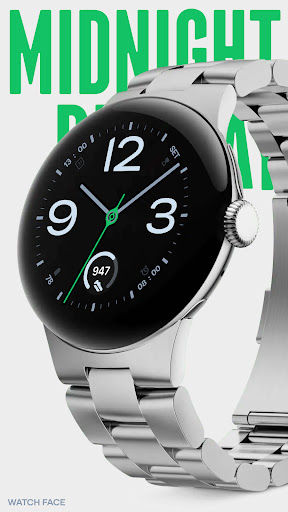
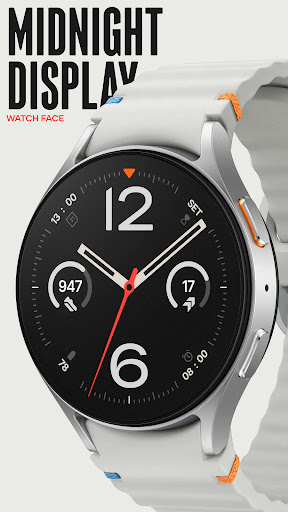
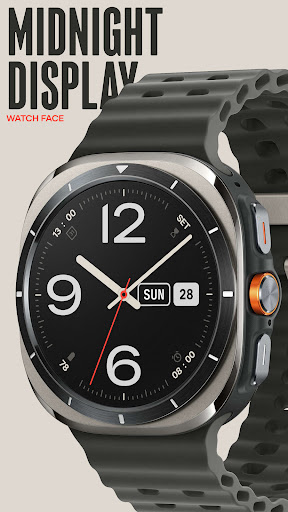
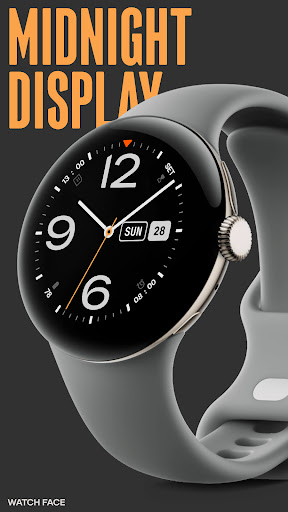
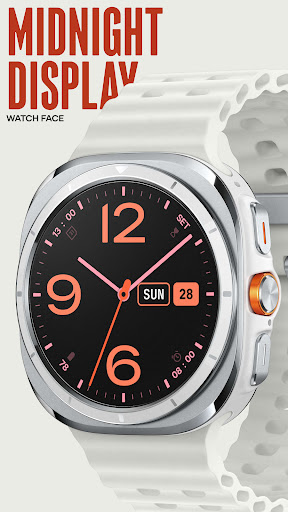
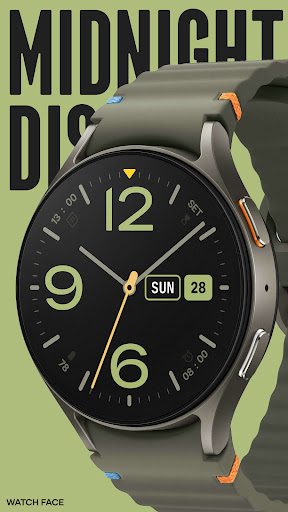
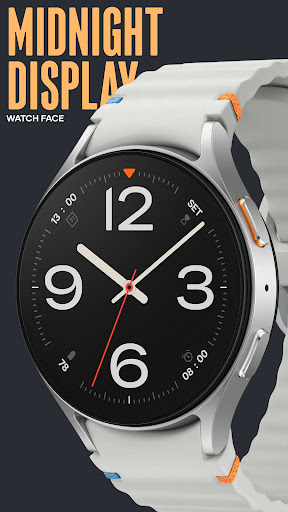
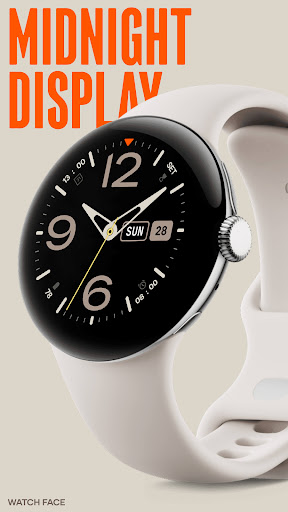
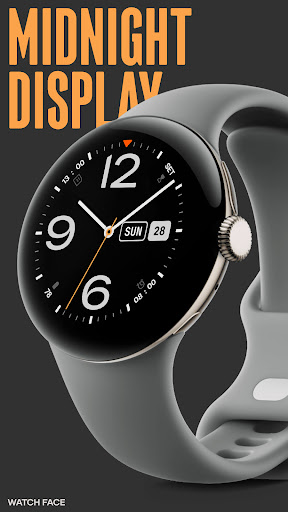
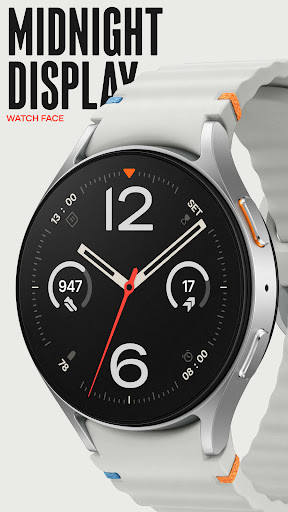
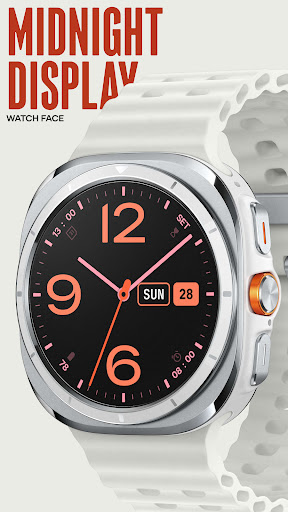
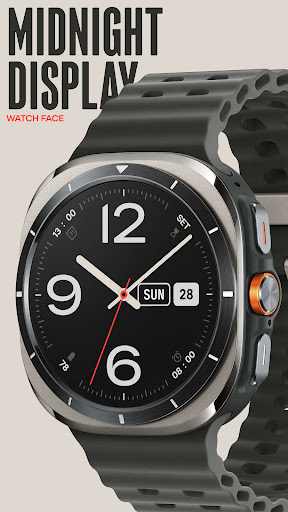
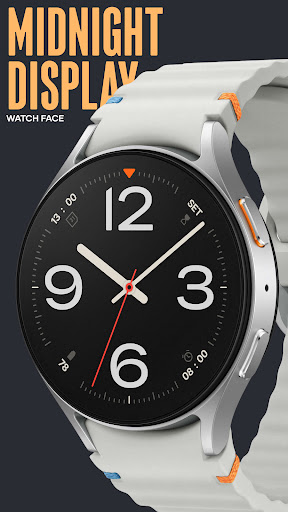
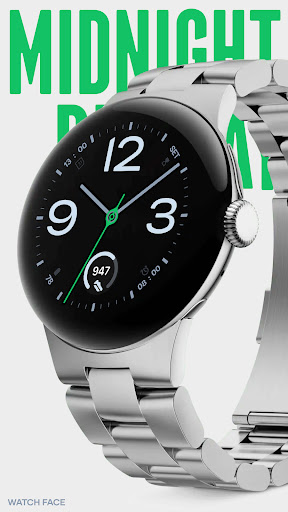
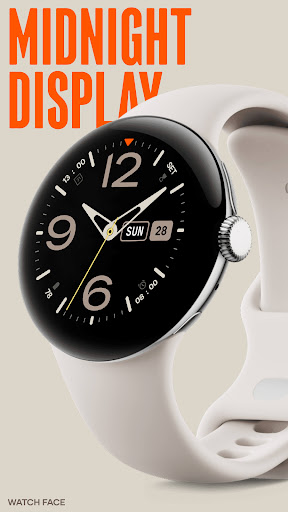
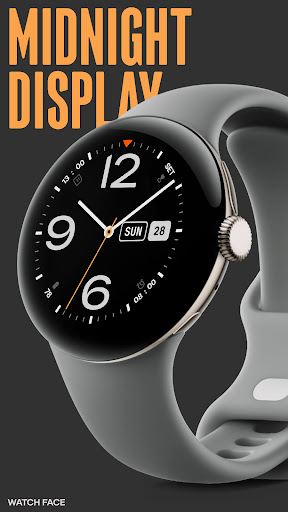
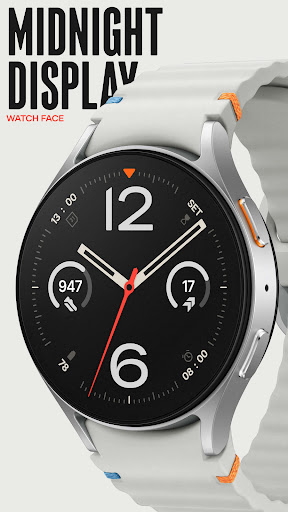
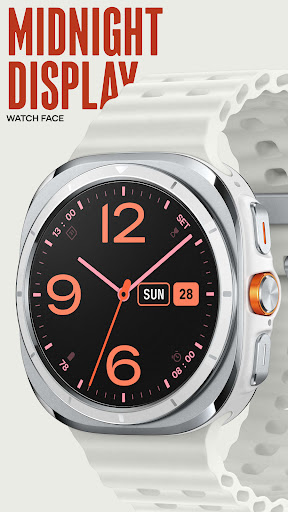
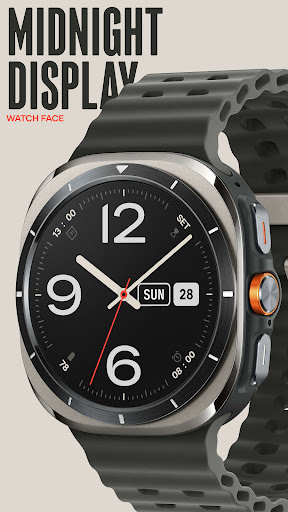
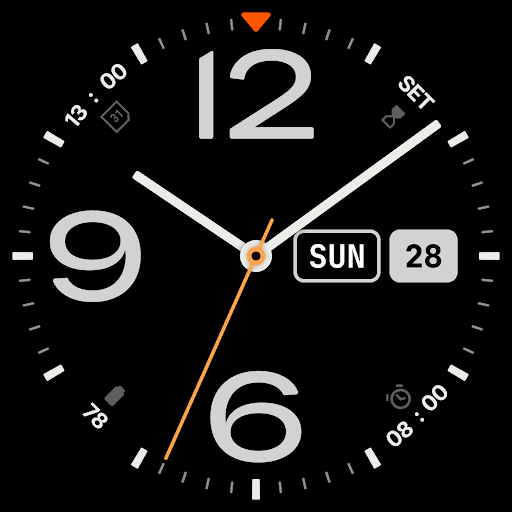
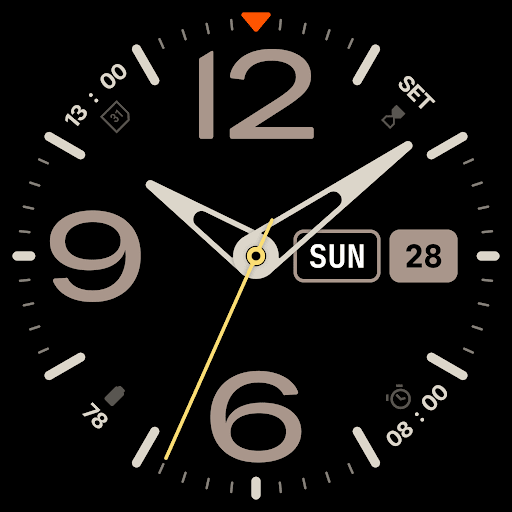
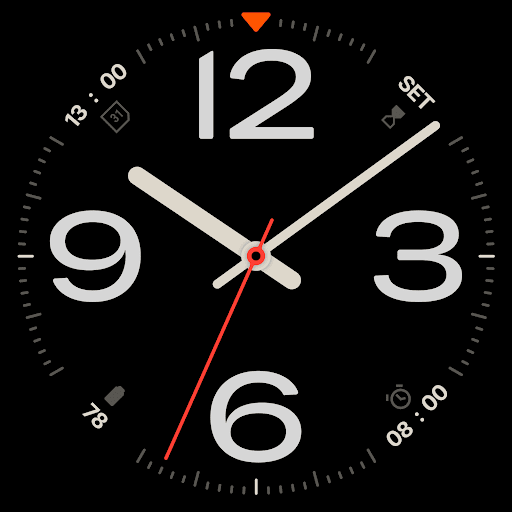
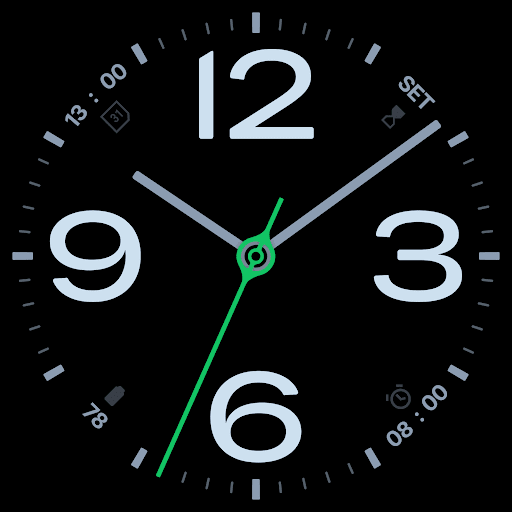
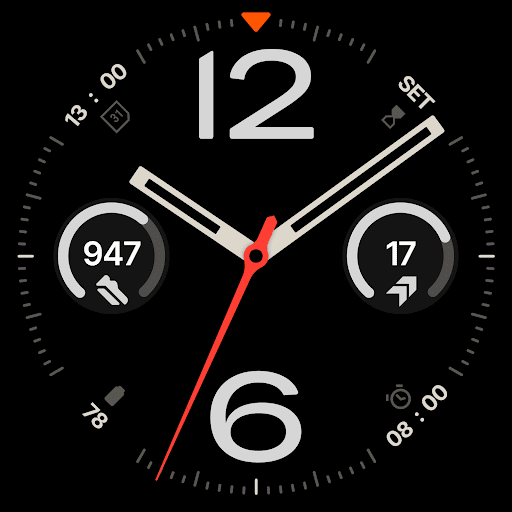
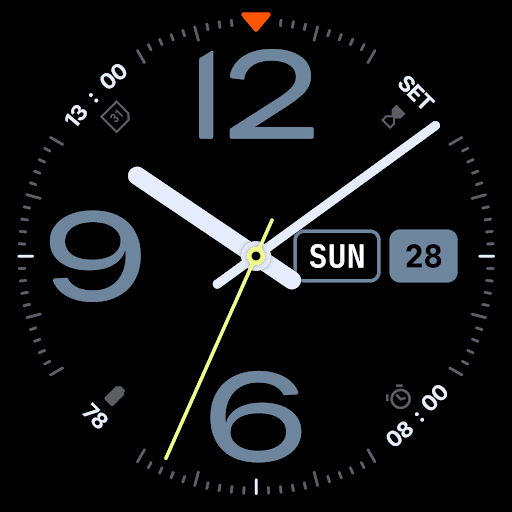
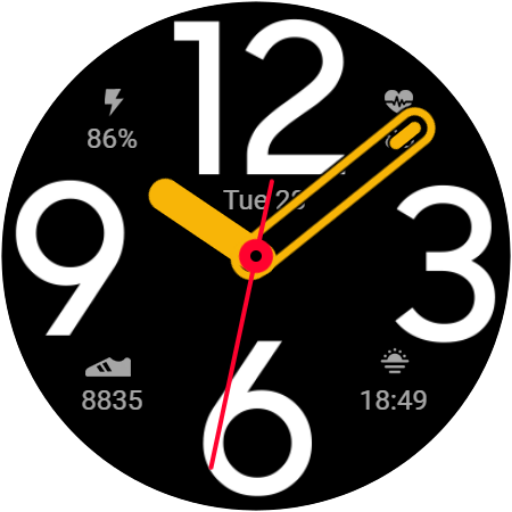
With bold numerals at 12, 9, 3, and 6 offer immediate clarity. What makes this analog watch face stand out is its versatility: each number can be swapped for a customizable circle complication, allowing you to view up to eight data points at once.
Prefer the day and date displayed, or want to replace the number 3 with a complication like weather or fitness stats? You can configure the display to suit your needs. This watch face is designed to adapt to your lifestyle, offering useful information without sacrificing style.
Wear OS App Features:
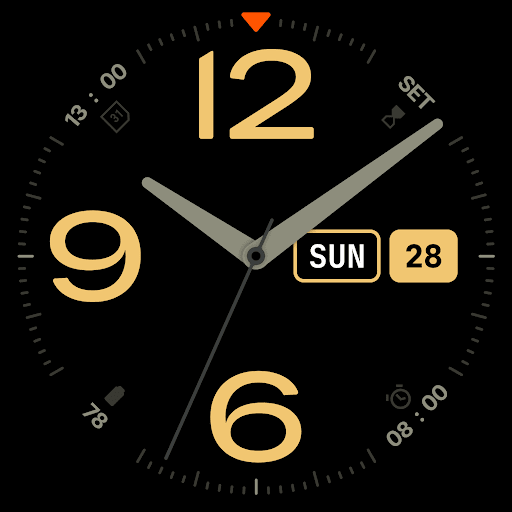
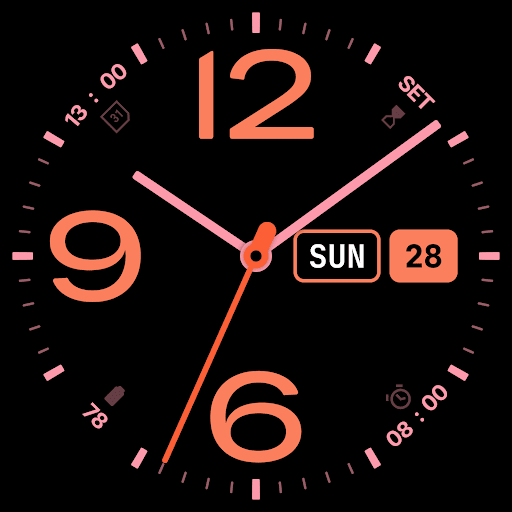
Midnight Display watch face gives you the power to personalize every detail. Select from 30 color schemes and 10 dial styles to match your look.
Add an optional triangle pointer in 9 colors, and choose between 10 hand styles with separate customization for the second hand.
You can also select from five different Always-on Display (AoD) modes, ensuring your watch remains visually striking even in low-power settings.
Optional Android Companion App Features:
The companion app makes it easy to explore the full Time Flies collection, stay updated on new releases, and receive notifications about special offers. It also streamlines the process of installing new watch faces on your Wear OS device.
Time Flies Watch Faces delivers a refined experience for your Wear OS smartwatch. All watch faces are built using the modern Watch Face File format, ensuring better energy efficiency, performance, and security. This enables you to enjoy all the features of your smartwatch without compromising battery life.
Our designs take inspiration from the tradition of watchmaking, blending timeless craftsmanship with modern smart technology for a contemporary, stylish look.
Key Highlights:
- Modern Watch Face File Format: Optimized for efficiency, performance, and security.
- Inspired by Watchmaking History: Designs that honor traditional craftsmanship.
- Customizable Designs: Adjust the look of your watch face to suit your preferences.
- Adjustable Complications: Personalize complications for useful information at a glance.
Explore the Midnight Display and other designs to find a watch face that fits your style and enhances your Wear OS experience.
Version Information
- Version
- -
- Downloads
- 1K+
- Updated on
- Jul 25, 2025
- Released
- Sep 13, 2024
- Requires
- Android Varies with device
Statistics
Google Play Rating History
Rating Distribution
Downloads Over Time
Midnight Display Watch Face has been downloaded times. Over the past 30 days, it averaged downloads per day.
Shaded area shows 30-day prediction based on historical trends
Historical data collection started recently. More data points will be available over time.
Midnight Display Watch Face users say on Google Play
 Stephen St. Agathe
Great face with functional AOD. Could use a couple more color options, but I'm nit-picking here.
 Arif Esat
I love this watch face. However on AOD, it always shows a few minutes late. When I wake the screen up it is flawless but after staying at AOD for a while it shows the time a few minutes off again.
 Gs Ben
I like the look of this face but I have never had a watch face drain more battery and as quickly as this one. Tried outside of updates and I have used this devs other watch faces which I haven't encountered this problem. I'd like to try the field analog but to pay the steep price for another face with potentially the same problem isn't something I can do right now
 John Rizzo
has a nice look, but the seconds hand jumps as if it's a broken mechanical watch. The settings are awful, with numbers rather than thumbnails (hard to explain, but it's really poorly done). You also cannot select colors that you want- you have to use preset pallets. Like, the closest to what I want would give me orange numbers and second hand, but a pink hour and minute hands?? Please update to allow us to choose colors on a per-item basis. And please figure out what's up with that seconds hand.
ApkTrusted Ratings & Reviews
More from Time Flies Watch Faces
See more apps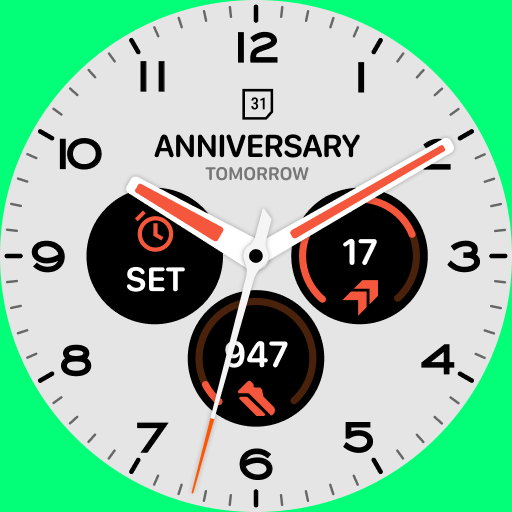
Clearly Light Watch Face
Paid
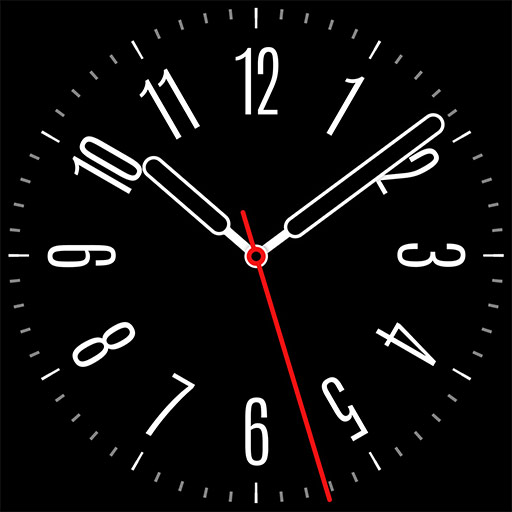
Nice and Round Watch Face
Free
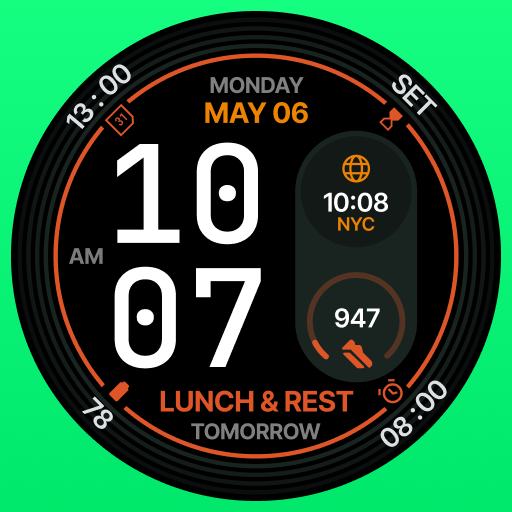
Complicationist Watch Face
Paid

Granza Analog Watch Face
Paid

FIELD Analog Watch Face
Paid
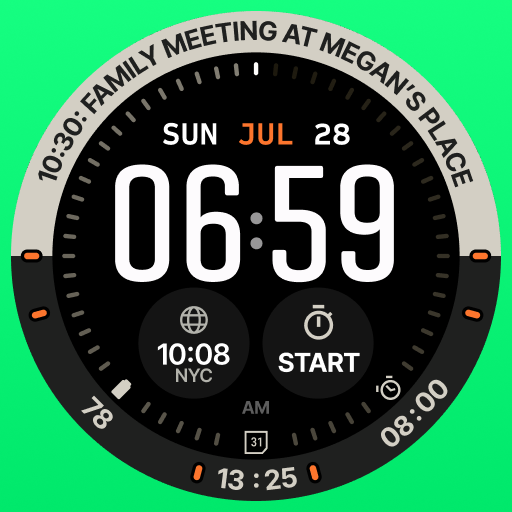
Eventura Digital Watch Face
Paid

Drivora Digital Watch Face
Paid

Eventura Analog Watch Face
Paid

Aerion digital watch face
Paid

Arbiter Analog Watch Face
Paid

Dakota Analog Watch Face
Paid
Avanta Elegant Watch Face
Paid

Acontria Hybrid Watch Face
Paid

Floralis Digital Watch Face
Paid
Focus Time Analog Watch Face
Paid

Accelmaster Watch Face
Paid
Similar Apps
Simple Dial - Watch face
Paid

IA118 Classic Watchface
Paid

Classic Signature 7
Paid

rens watchface91
Paid

Analog Watch Face CUE136PLUS
Paid

Climber Watch Face, WearOS
Paid
Big Number
Free

Analog Watch Face CUE136
Free

Nocturne
Paid

EXD143: Hybrid Watch Face
Paid

Dynamic Hue Watch Face
Paid

Orange Tosca Analog Watch Face
Paid
Analog Watch Face-WF1
Free
Tancha Armor Watch Face
Paid

Night ver 75 - watch face
Paid
Incremental Watch Face
Paid
Scan this QR code to download

Forwarding you to the page at Google Play market in seconds...
Open Google Play market now