
Big Cold Watch Face vVARY
zolawatchfaces


About this app
The Big Cold Watch Face app solves the problem of bland watch faces for Wear OS users, offering a unique and visually appealing design in blue and purple colors. This app benefits users who value customization and personalization, particularly those with a keen eye for design. Compared to alternatives in the Personalization category, Big Cold Watch Face stands out with its simplicity and focus on aesthetics, but may fall short in terms of feature diversity. The app's paid model and lack of ads are notable advantages, but its limited user base and mixed ratings raise some concerns.
Pros
- The app's unique and beautiful design is a major advantage, offering users a distinctive look that sets their watch apart from others.
- With no ads and a one-time payment model, users can enjoy the app without interruptions or ongoing costs, enhancing the overall user experience.
- The developer's decision to not request any permissions is a significant pro, as it alleviates privacy concerns and suggests a focus on user data security.
- The app's simplicity and ease of use make it accessible to a wide range of users, including those who are not tech-savvy.
- The fact that the app is available for a relatively low price of $1.99 makes it an affordable option for those looking to customize their watch face.
Cons
- The mixed user rating of 3.2/5 suggests that some users may have experienced issues or been dissatisfied with the app, which could be a concern for potential buyers.
- The limited number of downloads, with only 500+ reported, may indicate a lack of popularity or visibility, which could impact the app's long-term support and updates.
- The lack of information about the developer's website and support channels may make it difficult for users to find help or report issues, potentially leading to frustration.
- The app's limited functionality, focusing solely on providing a custom watch face, may not be enough to justify the cost for some users, especially compared to more feature-rich alternatives.
Best for: The ideal user for the Big Cold Watch Face app is a tech-savvy individual, likely between the ages of 18 and 45, who values customization and personalization on their Wear OS device, has a basic understanding of smartwatch functionality, and is looking for a unique and visually appealing watch face that reflects their personal style without breaking the bank.
Developer Description
Beautiful watch face in blue and purple colors for Wear OS
Main Features:
- Easy to read digital time display
- 12/24 hours mode based on device settings
- AM/PM marker
- Battery level status
- Date
- Customizable widget complications: Add steps, heart rate, weather, and more.
- Customizable app shortcut
- Always on display mode for low-power visibility
- Built for Wear OS smartwatches
Custom Widget Complications:
- SHORT_TEXT complication
- SMALL_IMAGE complication
- ICON complication
Installation:
- Make sure the watch device is connected to the phone
- On the Play Store, select your watch device from the install drop-down button. Then tap install.
- After a few minutes the watch face will installed on your watch device
- Alternatively, you can install the watch face directly from on-watch Play Store by searching this watch face name between quotation marks.
Note:
Widget complications shown in the application description are for promotional only. Custom widget complications data depends on your installed applications and watch manufacturer software. The companion app is only to make it easier to find and install the watch face on your Wear OS watch device.
Privacy
Given that the Big Cold Watch Face app requests no permissions, the risk of data collection or privacy breaches appears to be minimal. However, users should still be cautious when purchasing apps from lesser-known developers and ensure they are buying from trusted sources. It's also a good practice to monitor the app's performance and watch for any unexpected behavior or updates that may change its permission requests.
Tips
To get the most out of the Big Cold Watch Face app, users should first ensure their Wear OS device is compatible and up to date. Upon installation, exploring the app's settings and customization options can help users tailor the watch face to their preferences. Additionally, users can optimize the app's performance by closing unnecessary background apps and ensuring their watch has sufficient storage space.
Version Information
- Version
- -
- Downloads
- 500+
- Updated on
- Jul 5, 2025
- Released
- Nov 5, 2023
- Requires
- Android Varies with device
Statistics
Google Play Rating History
Rating Distribution
Downloads Over Time
Big Cold Watch Face has been downloaded times. Over the past 30 days, it averaged downloads per day.
Shaded area shows 30-day prediction based on historical trends
Historical data collection started recently. More data points will be available over time.
Big Cold Watch Face users say on Google Play
 Maria Flores
Very pretty easy to read. I like it
ApkTrusted Ratings & Reviews
More from zolawatchfaces
See more apps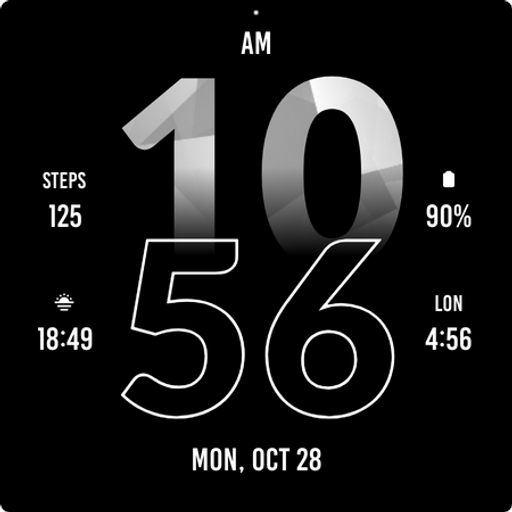
Active Sporty Watch Face
Paid
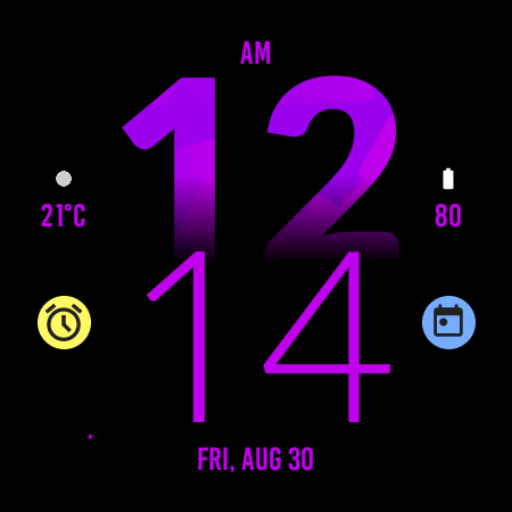
Active Purple Fit Watch Face
Paid
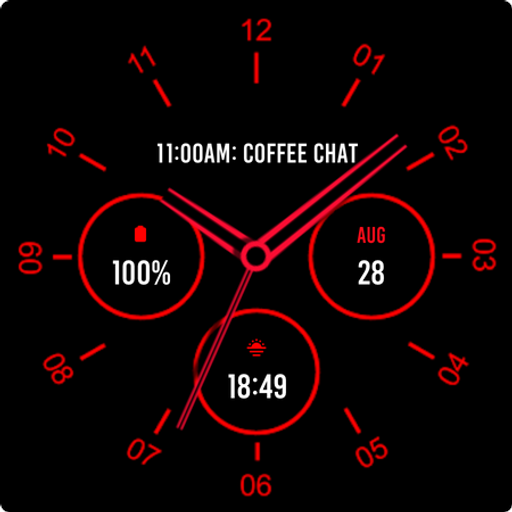
Analogue Red Watch Face
Paid
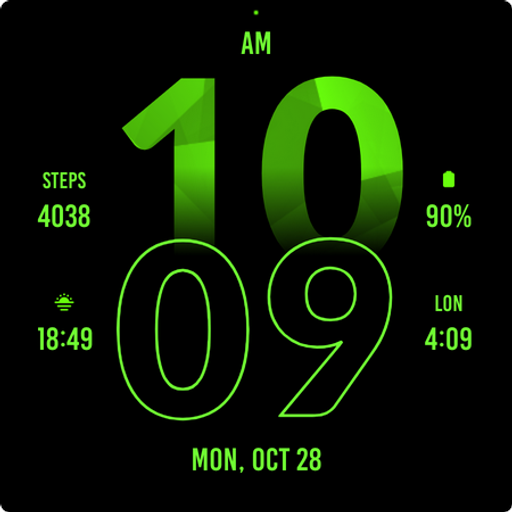
Active Green Fit Watch Face
Paid
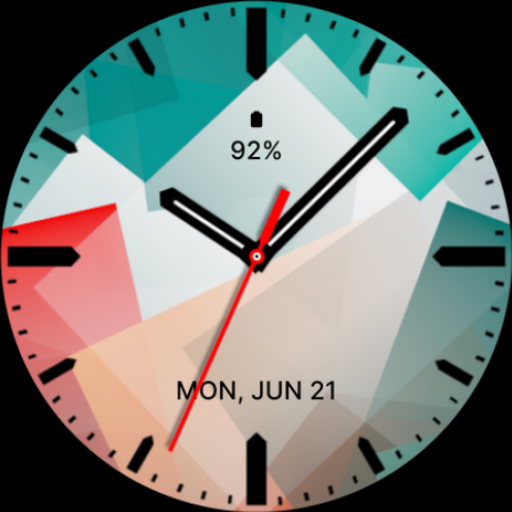
Abstract Analog Watch Face
Paid
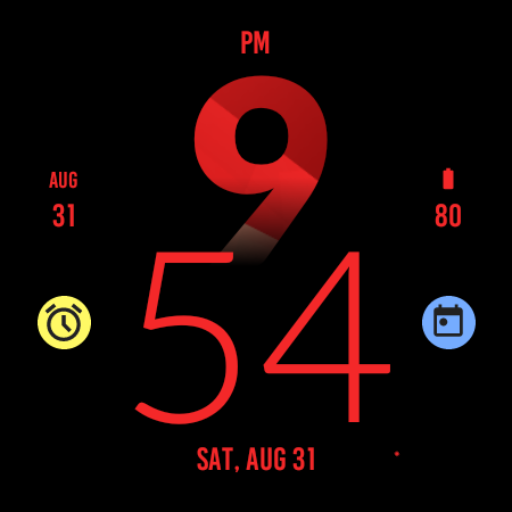
Active Red Fit Watch Face
Paid
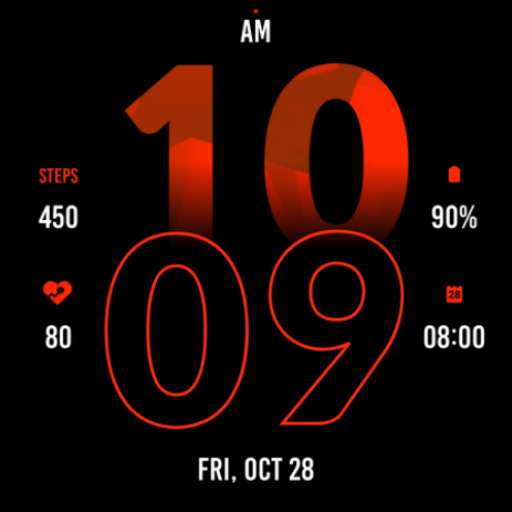
Active Red Watch Face
Paid
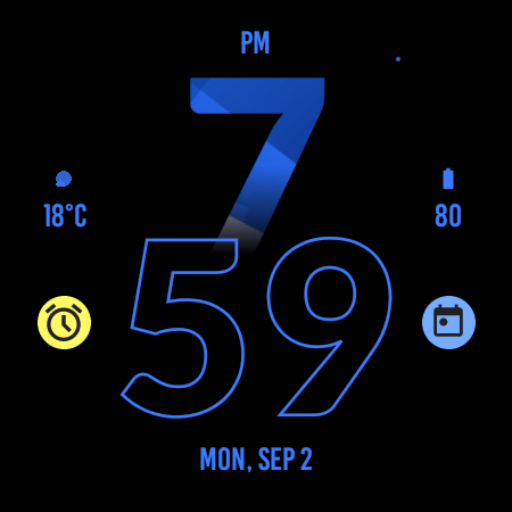
Active Blue Fit Watch Face
Paid
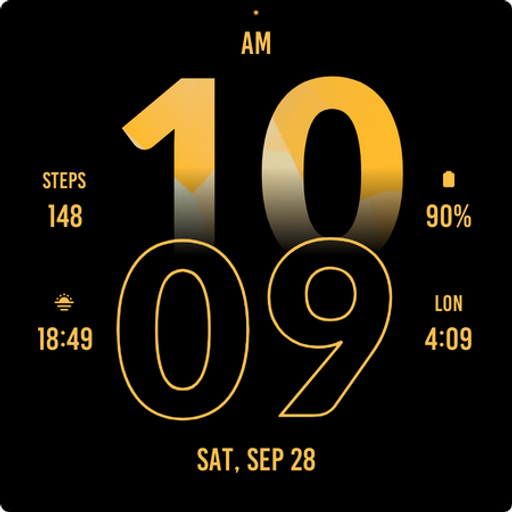
Active Yellow Fit Watch Face
Paid

Active Run Fit Watch Face
Paid
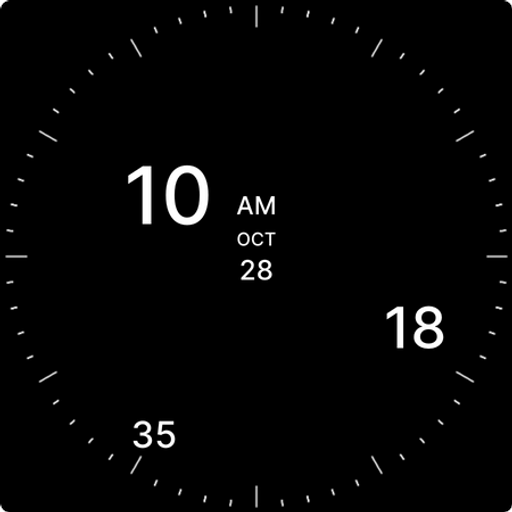
Analog Digital Watch Face
Paid
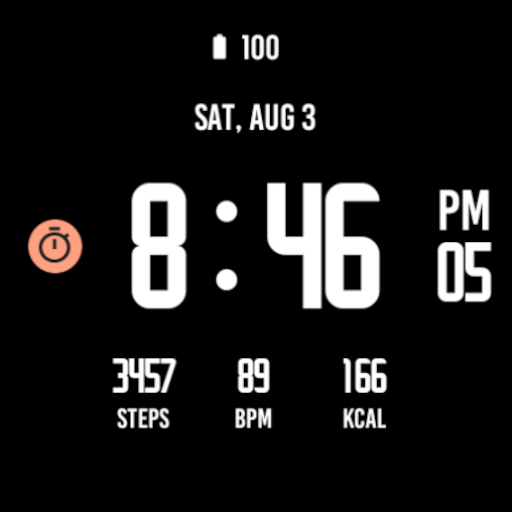
Active Black Watch Face
Paid
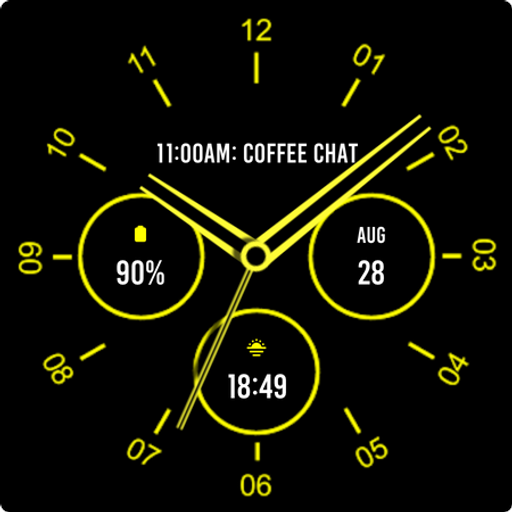
Analogue Yellow Watch Face
Paid

Army Digital Watch Face
Paid

Army Green Watch Face
Paid

Autumn Large Watch Face
Paid
Similar Apps

Scan this QR code to download

Forwarding you to the page at Google Play market in seconds...
Open Google Play market now