
Daylight Air Watch Face vVARY
zolawatchfaces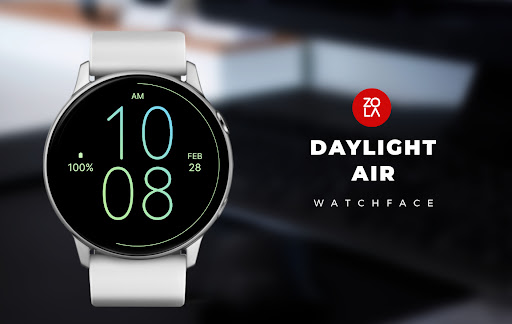
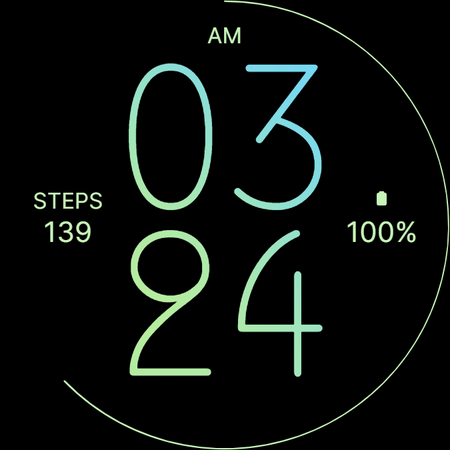


About this app
Developer Description
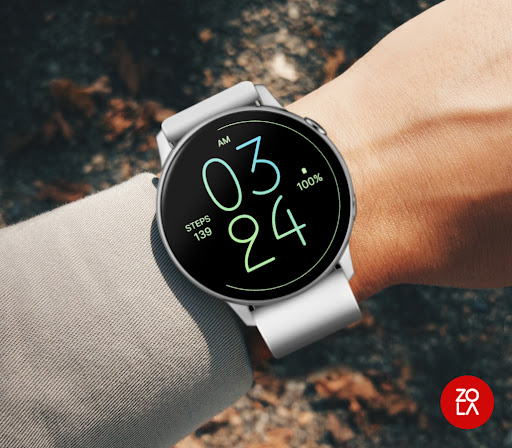
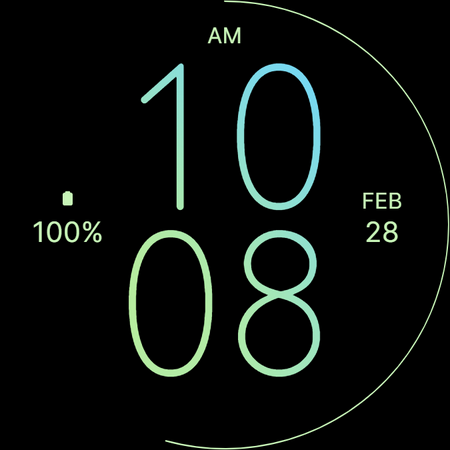
Beautiful minimal digital watch face for Wear OS
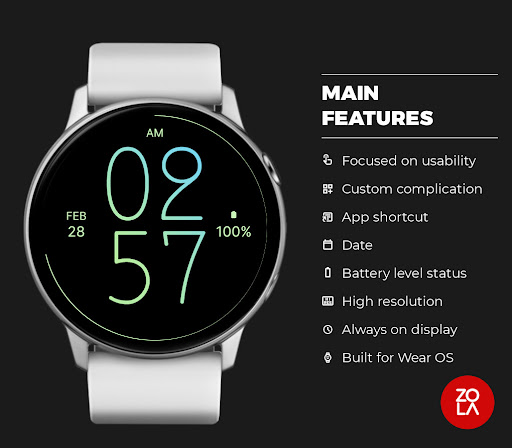
MAIN FEATURES:
- Highly Readable Design: enjoy a clear and easy-to-read digital time display.
- Hours Leading Zero: choose to display the hour with a leading zero (e.g., "01" or "1") based on your preference.
- 12/24-Hour Mode: automatically adapts to 12-hour or 24-hour format based on your device settings.
- AM/PM Indicator: displays an AM/PM marker when in 12-hour mode for clear time identification.
- Customizable Widget Complications: personalize your watch face with useful information such as step count, date, battery level, heart rate, weather, and more.
- Customizable App Shortcuts: tap to quickly launch your favorite apps directly from the watch face.
- Always-On Display: keep the time visible in a low-power mode for constant access.
- Optimized for Wear OS: built using the Watch Face Format for smooth and efficient performance on your Wear OS smartwatch.
NOTE:
The widget complications displayed in the application description are for promotional purposes only. The actual data shown in custom widget complications depends on the applications installed on your watch and the software provided by your watch manufacturer.
Version Information
- Version
- -
- Downloads
- 100+
- Updated on
- Dec 31, 2025
- Released
- Feb 14, 2024
- Requires
- Android Varies with device
Statistics
Google Play Rating History
Rating Distribution
Downloads Over Time
Daylight Air Watch Face has been downloaded times. Over the past 30 days, it averaged downloads per day.
Shaded area shows 30-day prediction based on historical trends
Historical data collection started recently. More data points will be available over time.
ApkTrusted Ratings & Reviews
More from zolawatchfaces
See more apps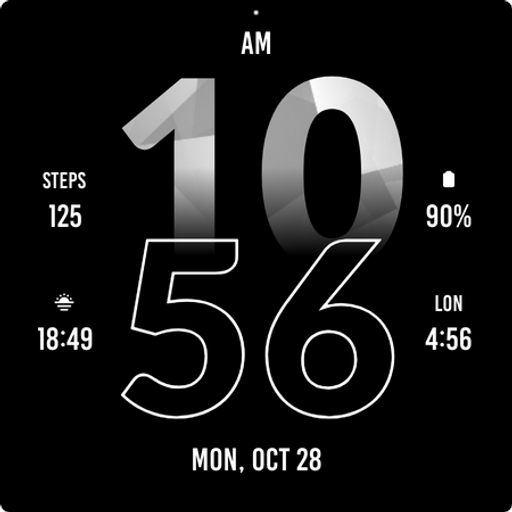
Active Sporty Watch Face
Paid
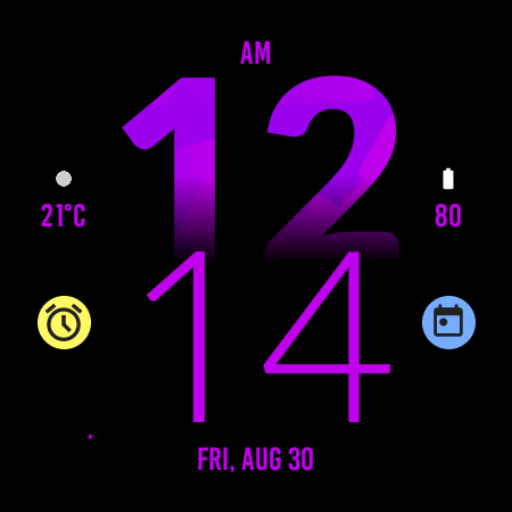
Active Purple Fit Watch Face
Free
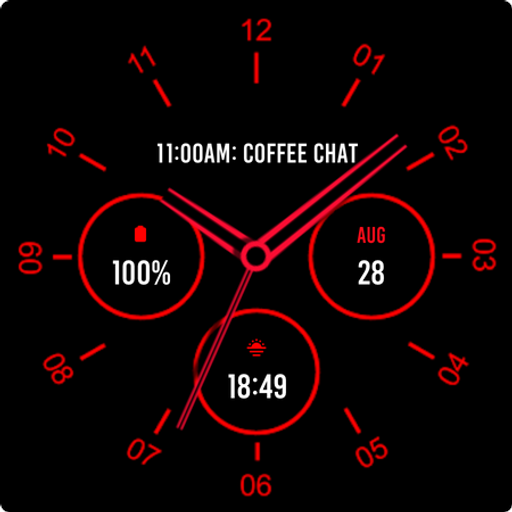
Analogue Red Watch Face
Paid
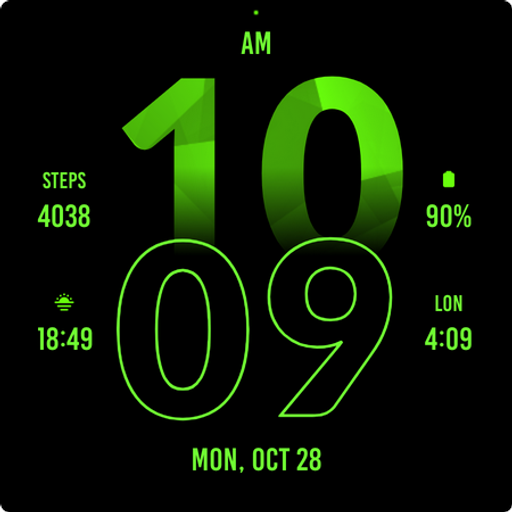
Active Green Fit Watch Face
Paid
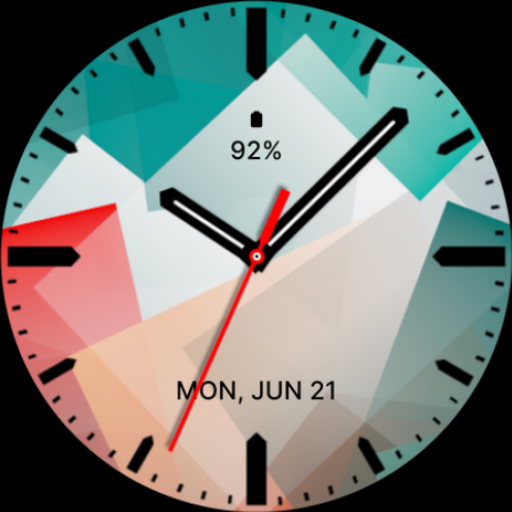
Abstract Analog Watch Face
Paid
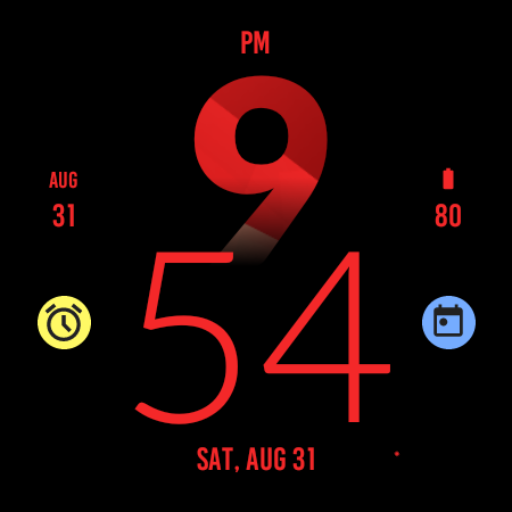
Active Red Fit Watch Face
Paid
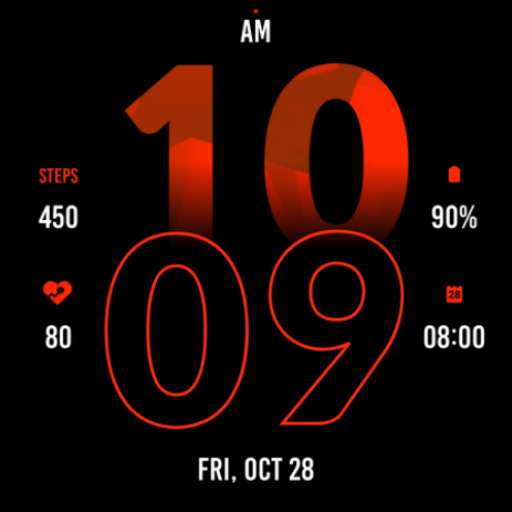
Active Red Watch Face
Paid
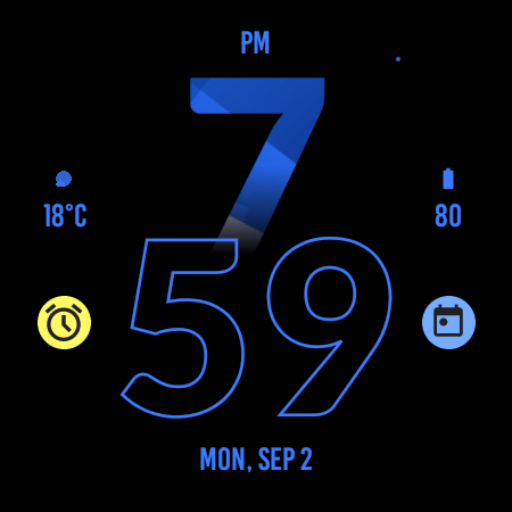
Active Blue Fit Watch Face
Paid
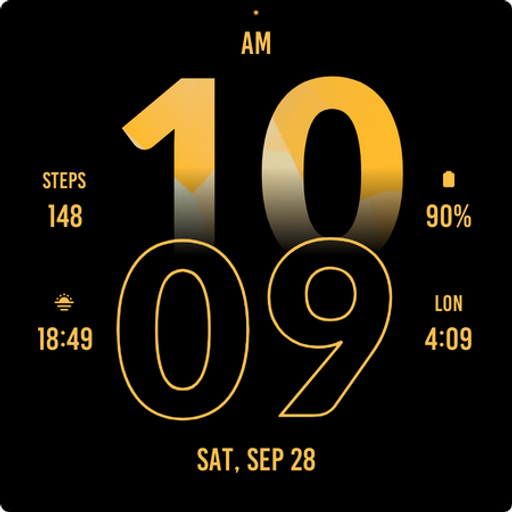
Active Yellow Fit Watch Face
Paid

Active Run Fit Watch Face
Paid
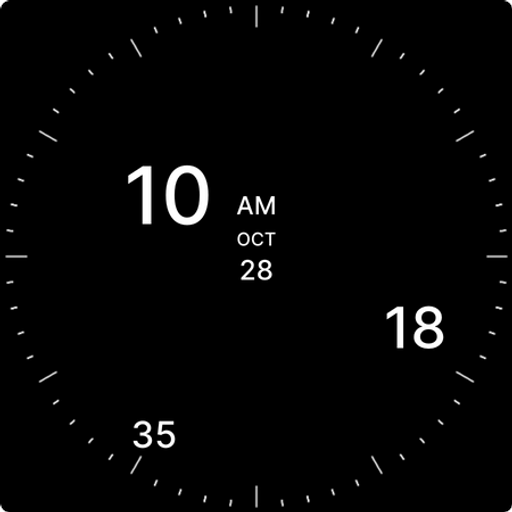
Analog Digital Watch Face
Paid
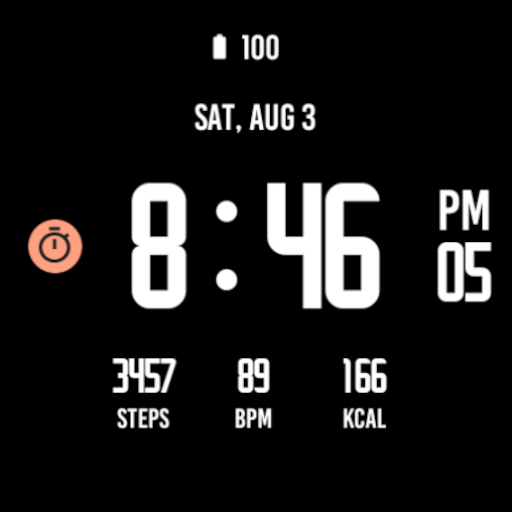
Active Black Watch Face
Paid
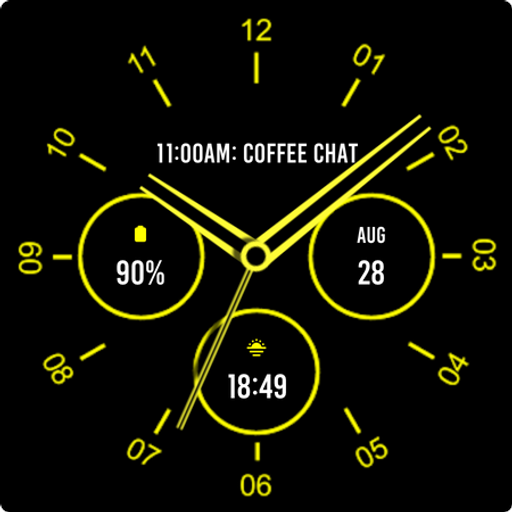
Analogue Yellow Watch Face
Free

Army Digital Watch Face
Paid

Army Green Watch Face
Paid

Autumn Large Watch Face
Paid
Scan this QR code to download

Forwarding you to the page at Google Play market in seconds...
Open Google Play market now