
Tulip Ultra Watch Face vVARY
zolawatchfaces


About this app
Developer Description
Tulip Ultra Watch Face for Wear OS
Main Features:
- Digital time display
- 12/24 hours mode based on device settings
- AM/PM marker
- Battery level status
- Date
- Customizable widget complications
- Customizable app shortcut
- Always on display
- Built for Wear OS smartwatches
Custom Widget Complications:
- SHORT_TEXT complication
- SMALL_IMAGE complication
- ICON complication
Installation:
- Make sure the watch device is connected to the phone
- On the Play Store, select your watch device from the install drop-down button. Then tap install.
- After a few minutes the watch face will installed on your watch device
- Alternatively, you can install the watch face directly from on-watch Play Store by searching this watch face name between quotation marks.
Note:
Widget complications shown in the application description are for promotional only. Custom widget complications data depends on your installed applications and watch manufacturer software. The companion app is only to make it easier to find and install the watch face on your Wear OS watch device.
Version Information
- Version
- -
- Downloads
- 10+
- Updated on
- -
- Released
- Apr 27, 2025
- Requires
- Android Varies with device
Statistics
Google Play Rating History
Rating Distribution
Downloads Over Time
Tulip Ultra Watch Face has been downloaded times. Over the past 30 days, it averaged downloads per day.
Shaded area shows 30-day prediction based on historical trends
Historical data collection started recently. More data points will be available over time.
ApkTrusted Ratings & Reviews
More from zolawatchfaces
See more apps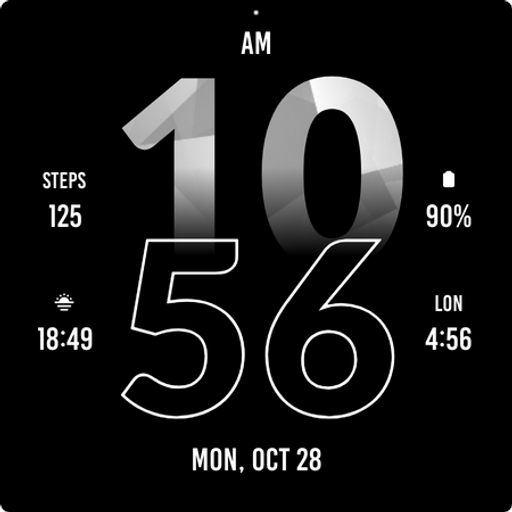
Active Sporty Watch Face
Paid
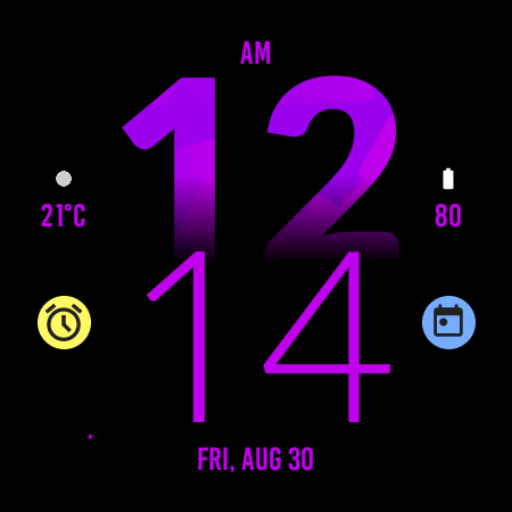
Active Purple Fit Watch Face
Paid
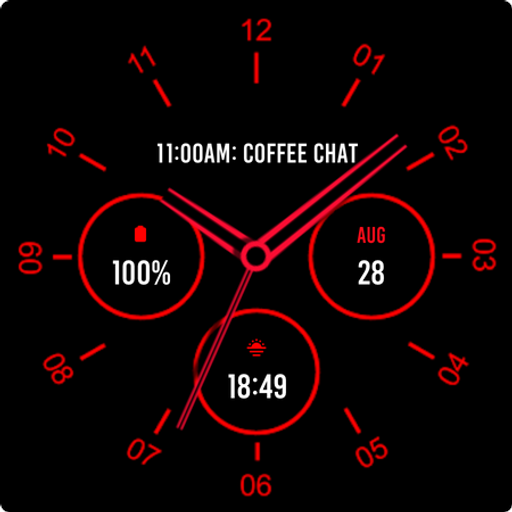
Analogue Red Watch Face
Paid
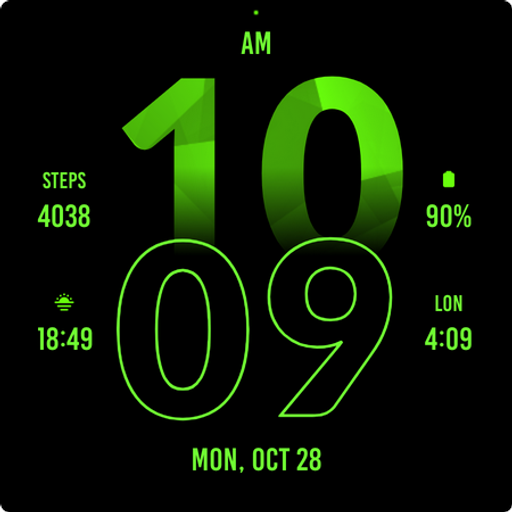
Active Green Fit Watch Face
Paid
Abstract Analog Watch Face
Paid
Active Red Fit Watch Face
Paid
Active Red Watch Face
Paid
Active Blue Fit Watch Face
Paid
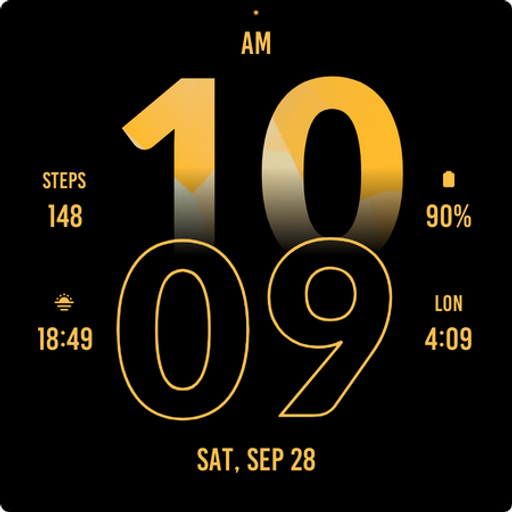
Active Yellow Fit Watch Face
Paid

Active Run Fit Watch Face
Paid
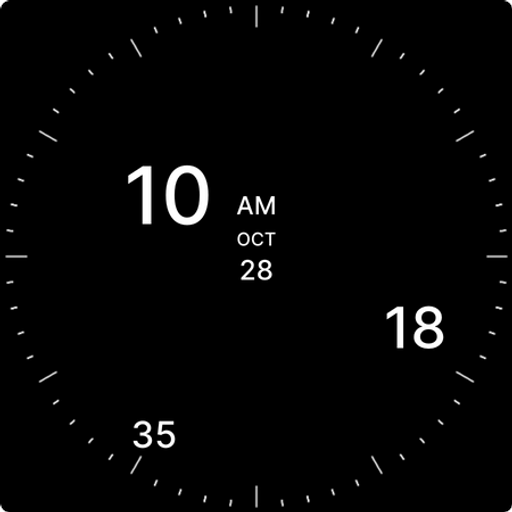
Analog Digital Watch Face
Paid
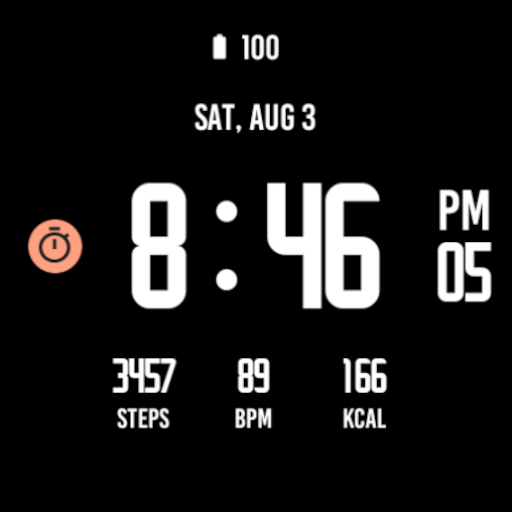
Active Black Watch Face
Paid
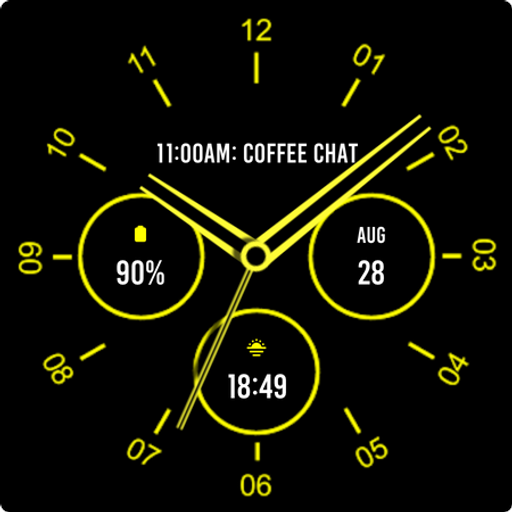
Analogue Yellow Watch Face
Paid

Army Digital Watch Face
Paid

Army Green Watch Face
Paid

Autumn Large Watch Face
Paid
Similar Apps
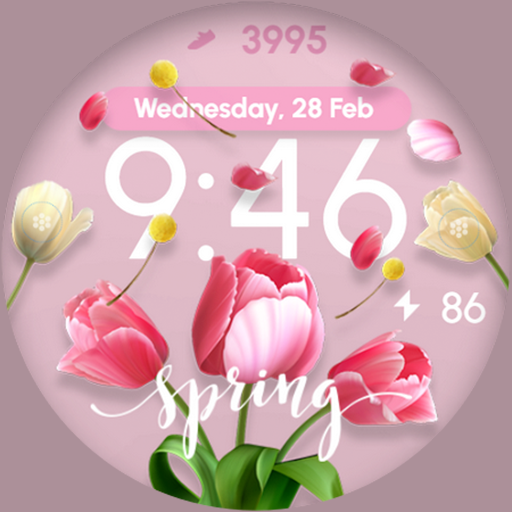
Flowers Spring Pastel - ReS14
Free
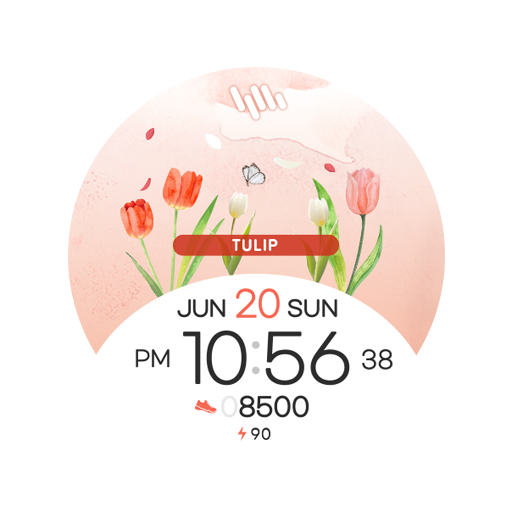
SamWatch Flower 2022 Tulip
Paid

SamWatch Flower 2024 Tulip
Paid

White Floral Spring Watch Face
Free
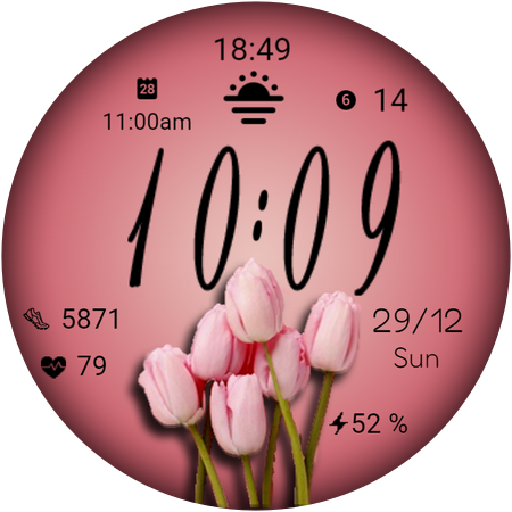
MFT WF 8
Free
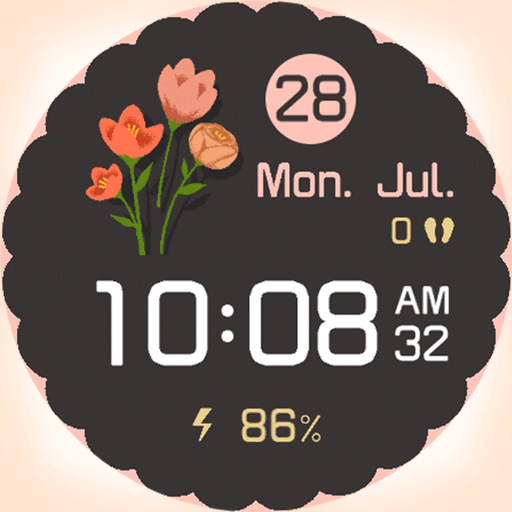
artifun.atsflower1.watchface
Free

EY37 Tulips 8 March WatchFace
Free
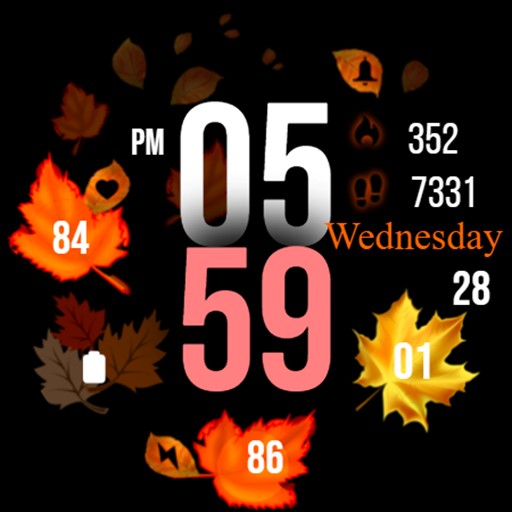
Autumn Vibes & Spring
Paid

PW99 Spring Flower Love
Paid
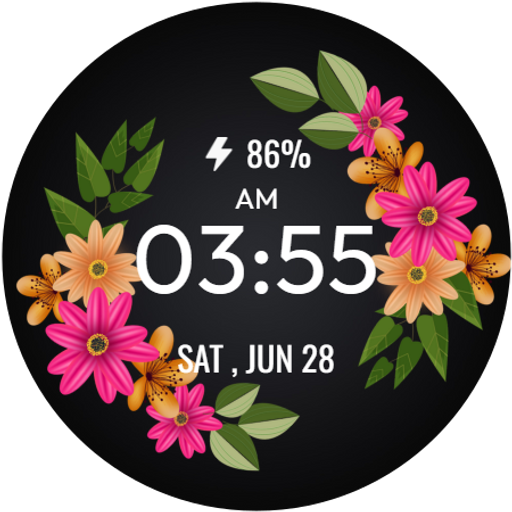
SpringTime WatchFace
Free

SWFall - Autumn Colors
Paid
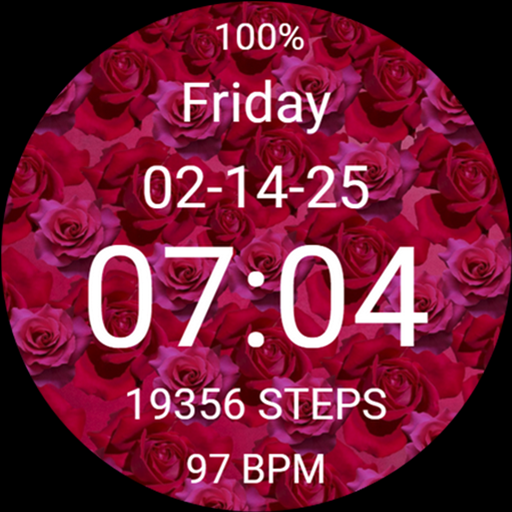
Valentine's Day Roses Flowers
Free

Flower Steps Watch Face
Paid

Spring Flowers
Paid

Butterfly Digital Watch Face
Paid

Flowers Spring Summer Watch 2
Free
Scan this QR code to download

Forwarding you to the page at Google Play market in seconds...
Open Google Play market now