
Wolf Watch Faces ULTRA SGW7 vVARY
Systorso Inc.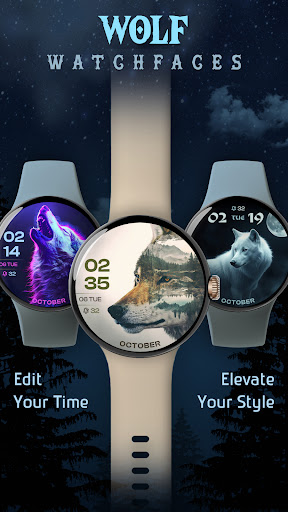

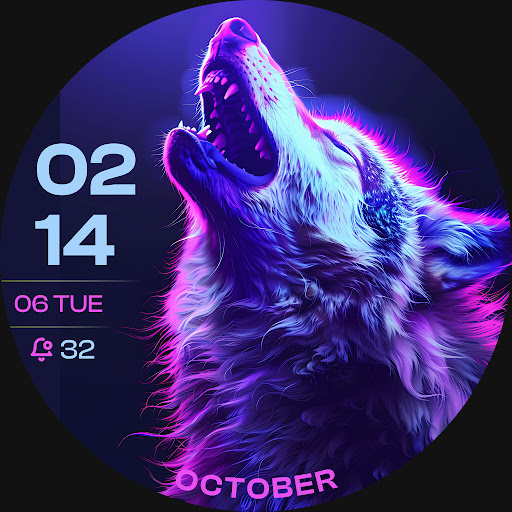

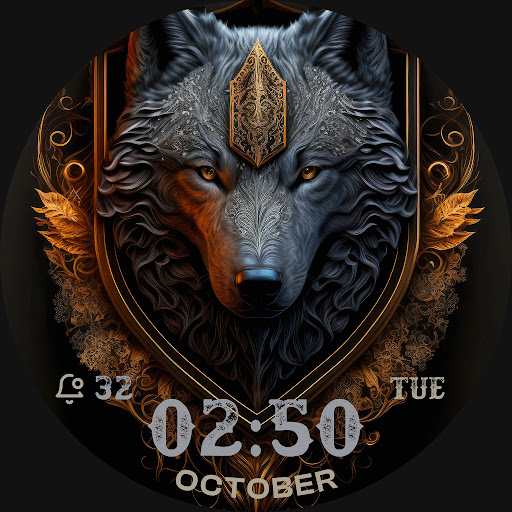
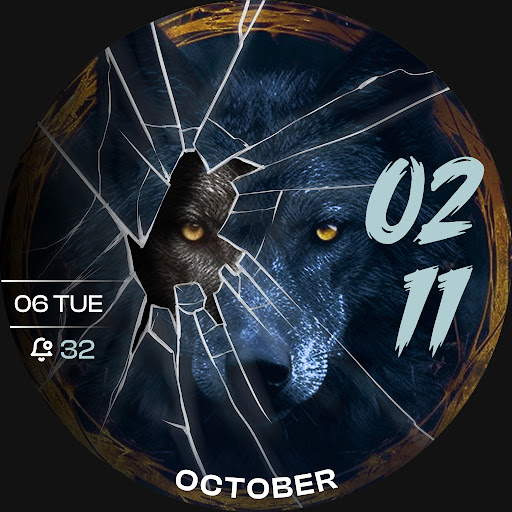
About this app
Developer Description
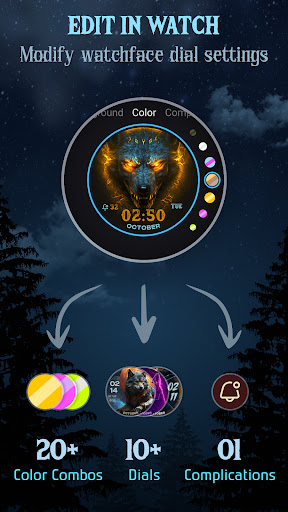
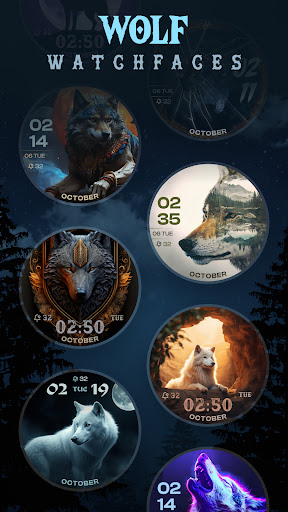
Personalize your Wear OS watch with stylish & functional digital wolf watch face
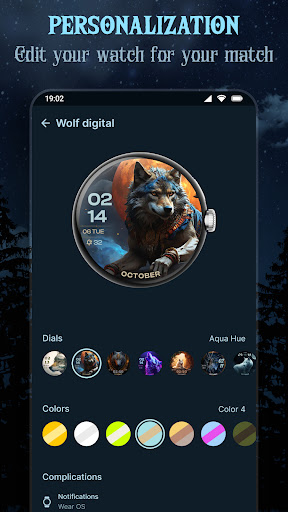
Customize your watch face to match your mood or occasion with options like color themes, complications, and Always-On Display (AOD) support. Personalize your Wear OS screen with creative, eye-catching digital designs that make your smartwatch truly unique.
Set the Wolf digital watch face effortlessly and enjoy a stylish, functional upgrade to your smartwatch experience. Make every glance at your watch a statement of your style!
Highlighted Features of Wolf Watch Faces App:
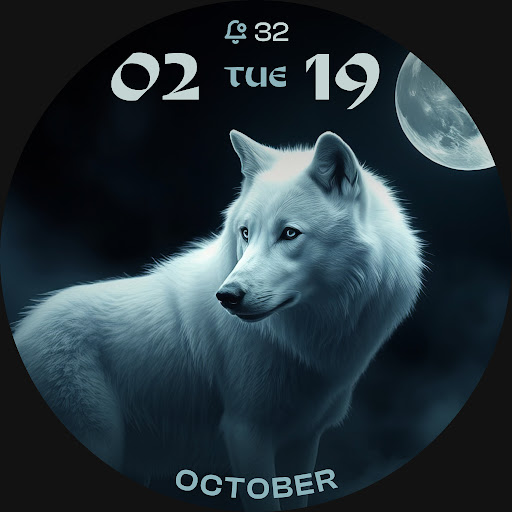
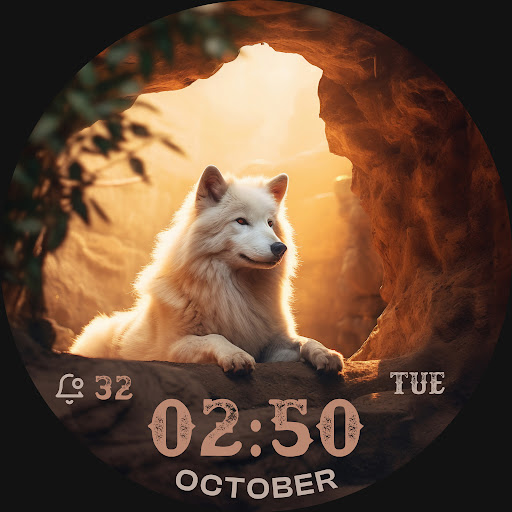
• Wolf Themed Digital Dials
• Attractive Color Options
• Customizable Complications
• AOD Support
• Supports Wear OS 3, Wear OS 4, and Wear OS 5 devices.
Supported Devices:
Wolf Watch Faces ULTRA SGW7 app is compatible with Wear OS devices (API Level 30+) that support Google's Watch Face Format.
- Galaxy Watch 7
- Galaxy Watch 7 Ultra
- Pixel Watch 3
- Fossil Gen 6 Smartwatch
- Fossil Gen 6 Wellness Edition
- Mobvoi Ticwatch Series
- Samsung Galaxy Watch 6
- Samsung Galaxy Watch 6 Classic
- Samsung Galaxy Watch5 & Watch5 Pro
- Samsung Galaxy Watch4 and Watch4 Classic and more.
Complications:
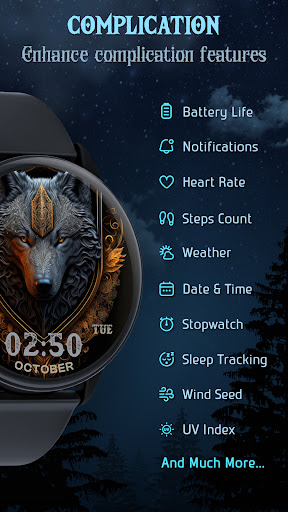
You can select and apply the following complications to your Wear OS smartwatch screen:
- Date
- Day of the week
- Day and date
- Next event
- Time
- Steps count
- Sunrise and sunset
- Watch battery
- World clock
Steps to Customize Watch Face & Set Complications:
Step 1 -> Touch and hold the display.
Step 2 -> Tap on the "Customize" option to personalize the watchface (dial, color, or complication).
Step 3 -> In complication fields select the preferred data to view on the display.
How to Download "Wolf Watch Faces ULTRA SGW7" on Wear OS watch:
1. Install via Companion App (Mobile App)
• Open the companion app on your phone and tap "Install" on your watch.
• If you don’t see a prompt on your watch, try toggling Bluetooth/Wi-Fi off and on again to resolve the issue.
2. Download From Wear OS Playstore
• Open the Playstore in Wear OS smartwatch
• In the search section, search for "Wolf Watch Faces ULTRA SGW7" and start download.
How to Set "Wolf Watch Faces ULTRA SGW7" Watch Face:
1. Touch and hold the display.
2. Swipe left or right to select the watch face or tap "Add watchface" to select it from the Downloaded section.
3. Scroll and find "Wolf Watch Faces ULTRA SGW7" watchface and Tap on that watch face to apply it.
Version Information
- Version
- -
- Downloads
- 100+
- Updated on
- Mar 11, 2025
- Released
- Mar 11, 2025
- Requires
- Android Varies with device
Statistics
Google Play Rating History
Rating Distribution
Downloads Over Time
Wolf Watch Faces ULTRA SGW7 has been downloaded times. Over the past 30 days, it averaged downloads per day.
Shaded area shows 30-day prediction based on historical trends
Historical data collection started recently. More data points will be available over time.
ApkTrusted Ratings & Reviews
More from Systorso Inc.
See more apps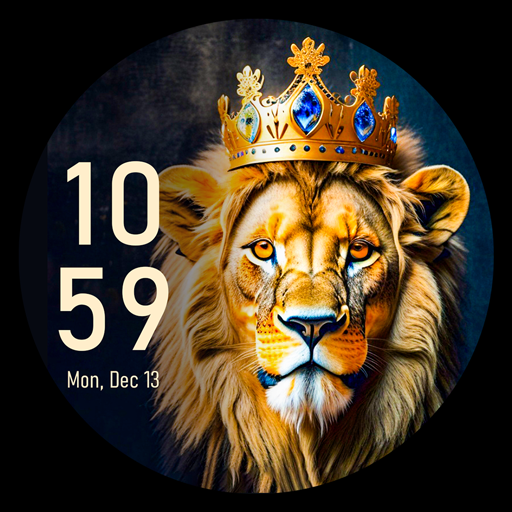
Lion Watch Face for Wear OS
Free

Dragon Watchfaces: Wear OS
Free

Neon Glow Watch Faces
Free

Rainbow Colorful Watch Faces
Free

Beautiful Birds Watch Faces
Free
Neon Mandala Watch Faces
Free
Lunar Moon Phase Watch Faces
Free

Retro Style Watch Faces
Free
Christmas Timefaces ULTRA SGW7
Paid
Lion Watchface ULTRA SGW7
Paid
Dragon Watch Faces ULTRA SGW7
Paid

Lunar Watch Faces ULTRA SGW7
Paid

Glitter Watchfaces Wear OS PRO
Free

Floral Watch Faces ULTRA SGW7
Paid

Neon Watchface ULTRA SGW7
Paid

Cyber Space Watch Face SGW7
Paid
Similar Apps

Wolf
Paid

ART012 Wolf
Paid

Wolf Story Watch Face
Free

Wolf Face
Paid

Wolf Spirit Digital Watchface
Free

3D Polar Bear 2
Paid

Wild Animals Watch Face 070
Paid
3D Polar Bear
Paid

Cute Wolf digital watch face
Paid

WatchFace FullMoon
Free

Weather Max
Paid

BFF14-Animation Howling Wolf
Paid

OT | Halloween Werewolf Watch
Free

Christmas Eve Moon Watch Face
Free

Watch Face - Moon Path
Free

artifun.winter1.watchface
Paid
Scan this QR code to download

Forwarding you to the page at Google Play market in seconds...
Open Google Play market now