ClickMeeting Webinar App v6.0.1
ClickMeeting Sp. z o.o.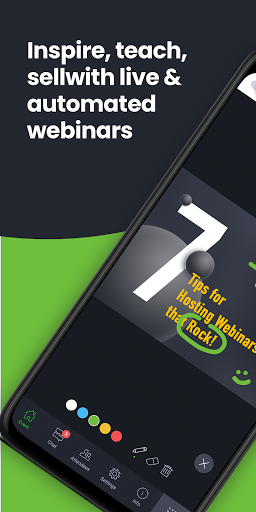


About this app
Developer Description
Join online events on the go with a user-friendly web events app
• Online meetings;
• Virtual classrooms;
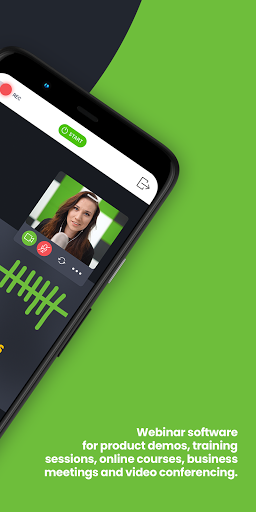
• Live, automated, or on-demand webinars.
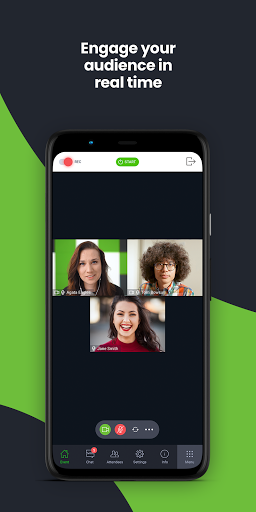
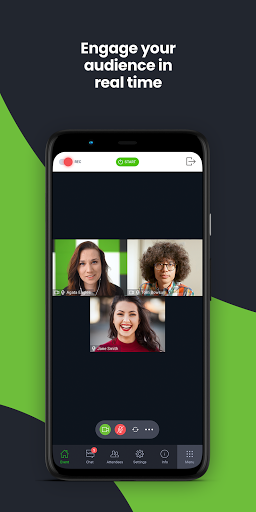
With fresh, intuitive UX design and stunning audio-video quality, the ClickMeeting video conferencing app is a top choice for sharing knowledge and collaboration on the go.
From now on, the app can work in the background, so your event is not going to turn off if:
• You use other apps in the meantime, for instance, to send a message to a friend;
• You don’t take any actions on your screen for a longer time.
Attendees:
What can you expect from using the app?
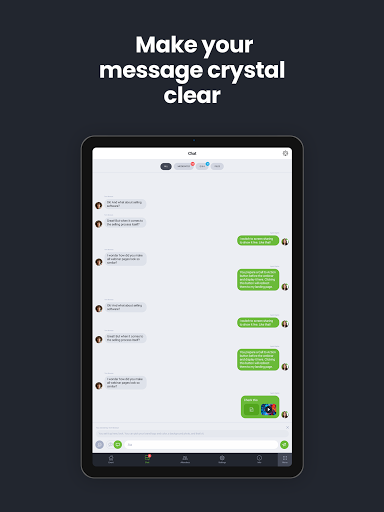
• No screen-swiping to view a presentation, a presenter, and a chat. You can see it all on one screen.
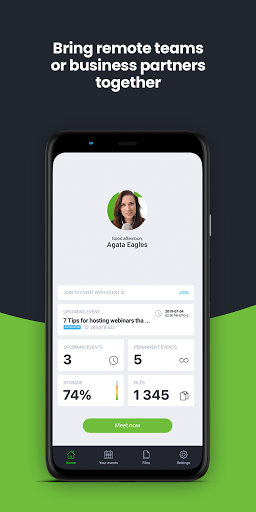
• An incredibly easy way to join online events.
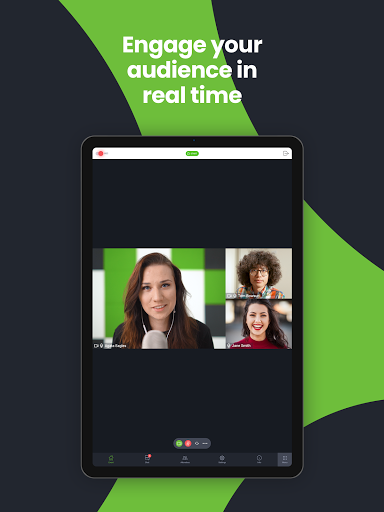
• The audio-video streaming quality will knock your socks off! :)
Organizers:
With the ClickMeeting app, you can:
• Broadcast paid webinars where attendees pay for joining your online expert events;
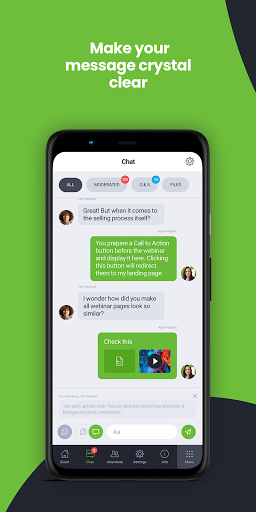
• Use a customized Call-To-Action button to redirect your events’ attendees to a landing page of your choice;
• Stream your events live on Facebook or YouTube;
• Interact with your audience in real-time through the Q&A mode;
• Make the most of your files stored in your cloud (Dropbox, OneDrive, Google Drive).
ClickMeeting – inspire, teach, sell, and collaborate
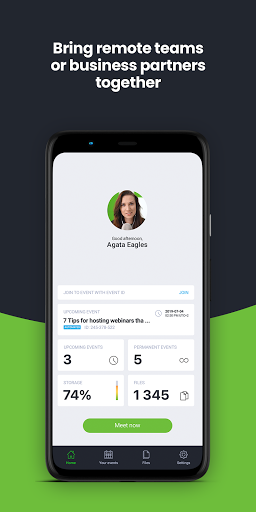
ClickMeeting is a browser-based web conferencing platform loved by thousands of business customers all over the globe. Flexibility and scalability make their webinar platform a top choice for solopreneurs, startups, small and medium companies, and large enterprises that discovered video conferencing as a perfect way to achieve their goals.
Who makes the most of ClickMeeting digital get-togethers?
• Marketers;
• Sales teams;
• Remote teams;
• Online teachers and trainers;
• C-level executives;
• Business and professional associations;
• HR specialists.
What types of online events can you host on the ClickMeeting web conferencing platform?
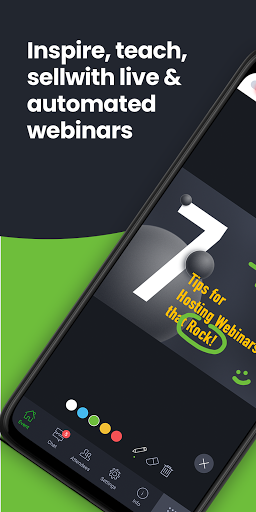
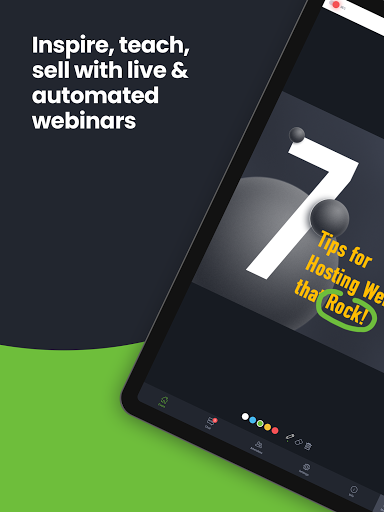
1. Live webinars. A classic and most popular version of webinars. You schedule your online event to happen at a specific time and, then, you meet your audience live. Live webinars are an ideal match for onboarding and training purposes as well as with sales events and product demos.
2. On-demand webinars. With this option, you pre-record your webinar to release it to your contacts, leads, or students so they can watch it anytime and anywhere they want. If your goal is generating leads and running online courses, on-demand webinars will be a way to go!
3. Automated webinars. Unlike on-demand events, you schedule automated webinars to take place on a specific day and hour. However, just like above, you need to have a recorded material first and then enrich them with tools like Call-To-Action, a video clip, or a survey.
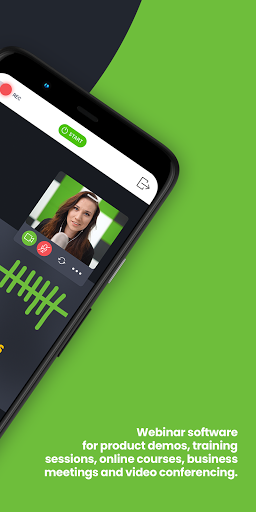
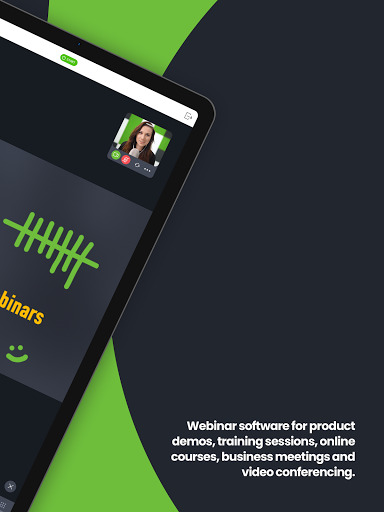
4. Online meetings. Planned in advance or organized spontaneously. Online meetings are smaller web gatherings where up to 25 participants can see, hear, and talk to each other in one virtual conference room. It’s a way to go if you’re on the lookout for a real-time collaboration tool and organize virtual meetups with your team, customers, or business partners.
5. Huge virtual events. Powered up with webcasting technology, huge virtual events give you a chance to stream your content for up to 10k viewers!
What's New
Version Information
- Version
- 6.0.1
- Downloads
- 1M+
- Updated on
- Nov 27, 2025
- Released
- Feb 16, 2012
- Requires
- Android 7.0
Statistics
Google Play Rating History
Rating Distribution
Downloads Over Time
ClickMeeting Webinar App has been downloaded times. Over the past 30 days, it averaged downloads per day.
Shaded area shows 30-day prediction based on historical trends
Historical data collection started recently. More data points will be available over time.
ClickMeeting Webinar App - Google Play Rankings
Top Rankings
| Rank | Country | Category | List | Change |
|---|---|---|---|---|
| — |
Ranking History in
No ranking data available yet. Rankings are updated daily.
#12 in Top Free Business in Poland


ClickMeeting Webinar App users say on Google Play
 Steven D.
I used Clickmeeting forthe first time and was a super impressed. I felt it was easy to use and setup. Highly recommend over other meeting apps.
 saadi kooshandeh
A lot of this program is interrupted and does not connect
 Stella Kay
Unable to have clickmeeting running in the background and do something else because it kicks you out of the meeting. I was trying to take notes as I listened to the lecturer but didn't work out.
 Dóri Szalai
Terrible webinar/meeting app. Impossible to log back in after a break as it doesn't accept the same email address anymore. Cannot contact support/help as the page always reports something is not correctly filled in, but it doesn't specify what. After multiple checks cannot guess more.
 Vladimir Kargov
The sound is incredibly loud and I can't make it quieter - the volume controls on my phone have no effect on the app's volume level! There are no builtin controls for the sound level either. Pretty sure you can damage your eardrums with that kind of sound level if you're wearing headphones. RESPONSE TO THE DEVELOPER: I've done all that and also contacted your support which informed me it's impossible to make the sound in the app any quieter. It looks like you have a serious bug with volume controls on your hands. I really hope no one suffers from a hearing loss because of the bug.
ApkTrusted Ratings & Reviews
Similar Apps

Zoho Meeting - Online Meetings
Free

RingCentral
Free
Webex Intune
Free

Comera - Video Calls & Chat
Free
Marco Polo - Video Messenger
Free

GoTo
Free

Smartsupp chat
Free

Jitsi Meet
Free

Zoho Cliq - Team Chat
Free
Tawasal SuperApp
Free

Webex
Free

Glide - Video Chat Messenger
Free

Zoom Rooms Controller
Free
Groundwire: VoIP SIP Softphone
Paid

botim
Free

Online chat, calls - Gem Space
Free
Scan this QR code to download

Forwarding you to the page at Google Play market in seconds...
Open Google Play market now