
Bass Sheet Reading v1.0.47
Musycom Apps









About this app
Developer Description
An app to practice reading Electric Bass sheet music anytime, wherever you are.
It includes:
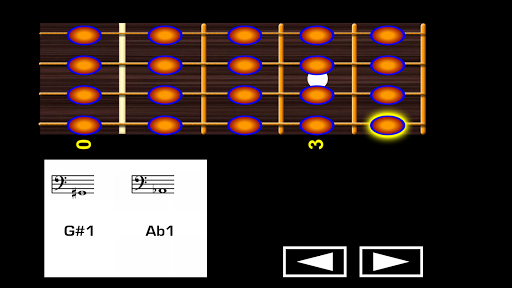
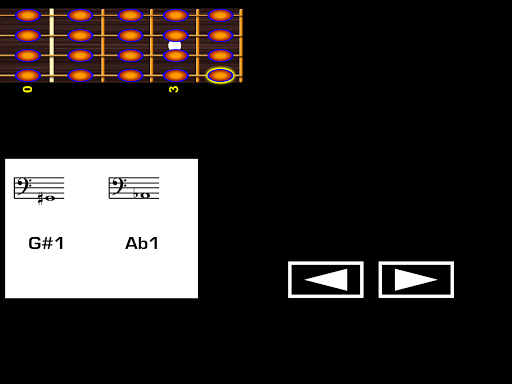
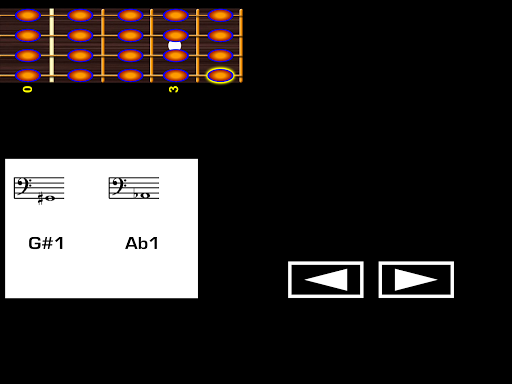
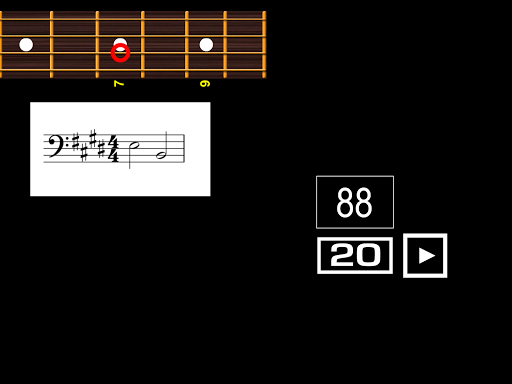
BASS GUITAR NOTES SECTION on which you can click any string and fret on the virtual bass guitar fretboard to see the corresponding note on the staff, its name and its pitch.
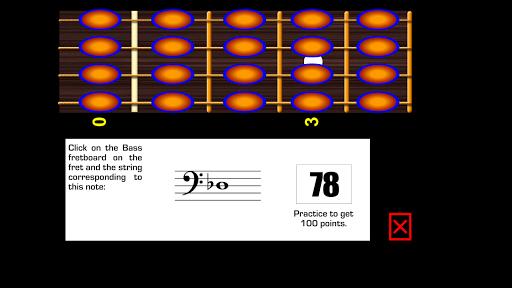
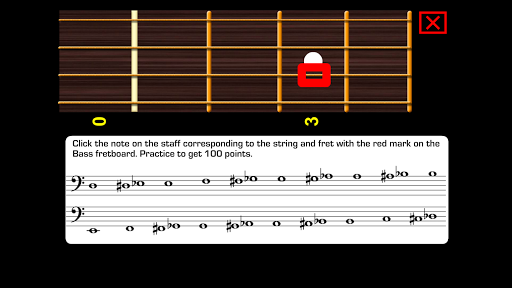
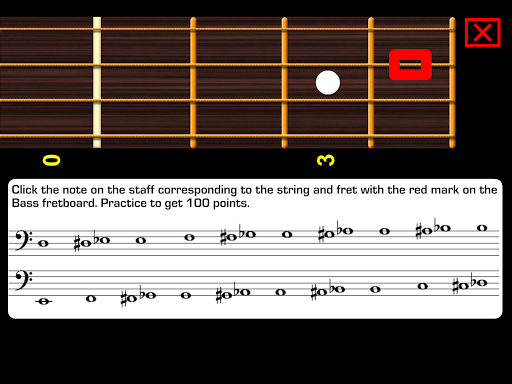
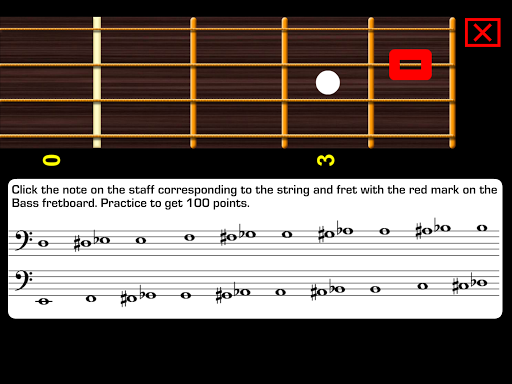
This section includes exercises on which notes appear on the staff and you have to click on the string and the fret corresponding to each particular note. Or in reverse: a string and fret are marked in red and you have to click the right note on the staff. This helps on being able to see a written note and relate it with the bass guitar fretboard or seeing an specific fretboard position and knowing which one is the corresponding note on the staff.
There are exercises without time limit to click and there are exercises with time limit to increase the speed to respond.
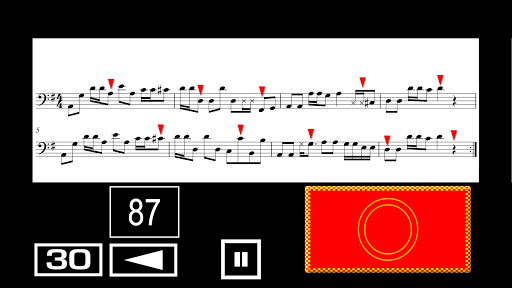
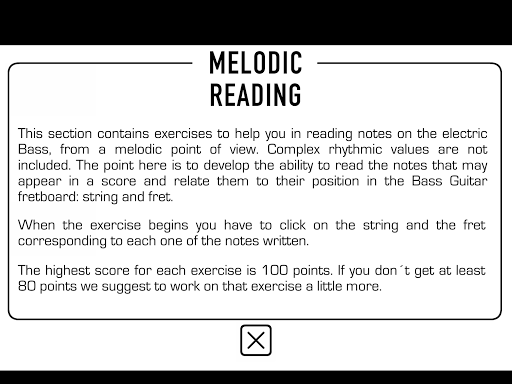
MELODIC READING SECTION (30 exercises):
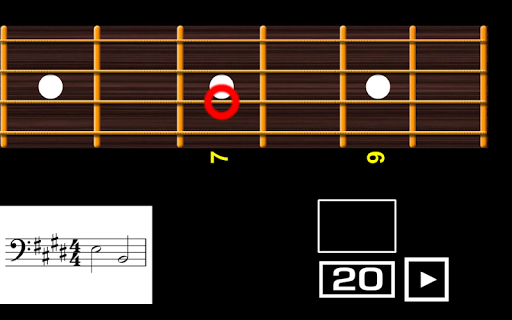
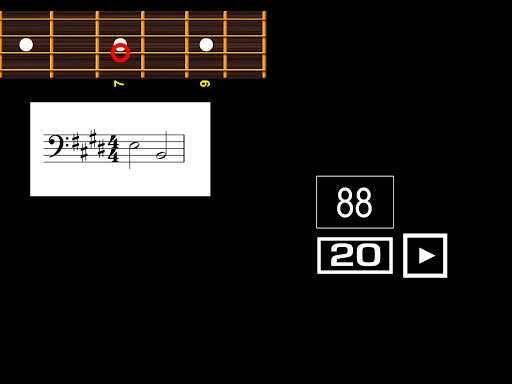
This section contains exercises to help you in reading notes on the Electric Bass, from a melodic point of view. Complex rhythmic values are not included here. The goal is to develop the ability to read the notes that may appear in a score in several key signatures and relate them to their position on the bass guitar fretboard: string and fret.
When the exercise begins you have to click with your left hand fingers (on the virtual bass guitar fretboard) on the string and the fret corresponding to each one of the notes written, in real time. You get points for each correct click.
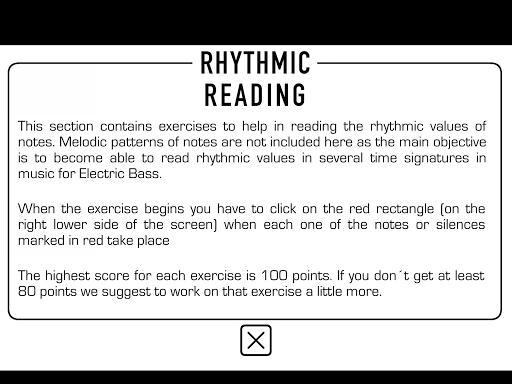
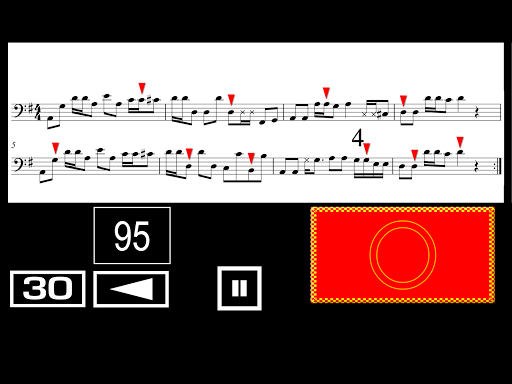
RHYTHMIC READING SECTION (30 exercises):
This section contains exercises to practice reading the rhythmic values of notes. Melodic patterns of notes are not included here as the main objective is to become more able to read rhythmic values in several time signatures in music for Bass Guitar.
When the exercise begins you have to click on the red rectangle (on the right lower side of the screen) when each one of the notes or silences marked in red take place in real time. You get points for each correct click.
In the same way as reading piano music, flute music, violin music or bass music, all require practice; reading Bass Guitar becomes easier if you practice it on a daily basis. This app allows you to practice anytime, anywhere.
Knowing how to read music is very useful if you get Bass Guitar lessons. Being able to understand a music score helps you to get a better understanding of any type of Bass Guitar music styles.
What's New
Version Information
- Version
- 1.0.47
- Downloads
- 10K+
- Updated on
- Jan 8, 2025
- Released
- Dec 10, 2019
- Requires
- Android 7.0
Statistics
Google Play Rating History
Rating Distribution
Downloads Over Time
Bass Sheet Reading has been downloaded times. Over the past 30 days, it averaged downloads per day.
Shaded area shows 30-day prediction based on historical trends
Historical data collection started recently. More data points will be available over time.
Bass Sheet Reading users say on Google Play
 stuart hookway
Havent used it yet but had a look and i can tell it'll be a brilliant app to learn how to read music, the best I've seen 👍
 Aaron Kepler
Switching the note prompt to landscape is a great improvement from the previous version. I would prefer if the fretboard was now on the bottom and the note prompts on the top. My thumbs frequently cover the prompts and score as I'm clicking the fretboard. Maybe some type of more obvious indicator of correct vs incorrect like flash the prompt green or red when the fret is clicked. Especially with my thumbs obstructing the score display, I sometimes can't tell whether I clicked the correct fret.
 Luc Droid
It can't be updated!
ApkTrusted Ratings & Reviews
More from Musycom Apps
See more apps








Scan this QR code to download

Forwarding you to the page at Google Play market in seconds...
Open Google Play market now