
Unified Remote Full v3.24.0
Unified Intents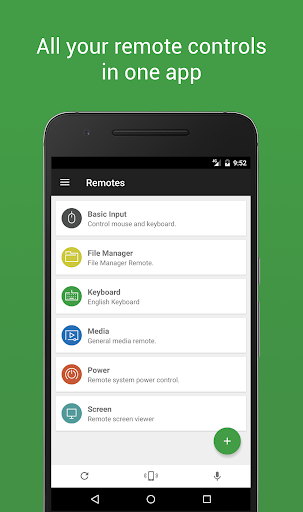
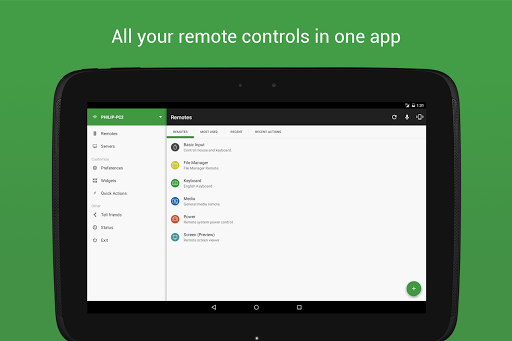
About this app
Developer Description
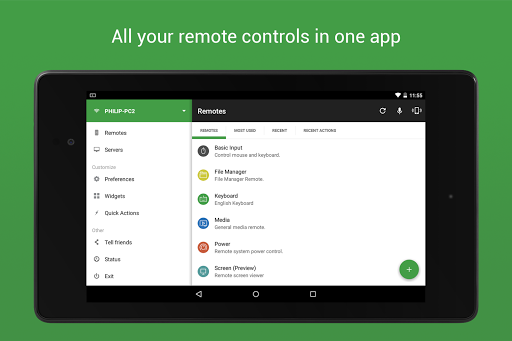
The one-and-only remote control for PC, Mac, and Linux
Server: https://www.unifiedremote.com
“Fantastic tool for those of you who want to have a remote control for their computer for watching TV, or maybe for listening to music.” – Gizmodo
Key Features
• Easy server and app setup, that just works.
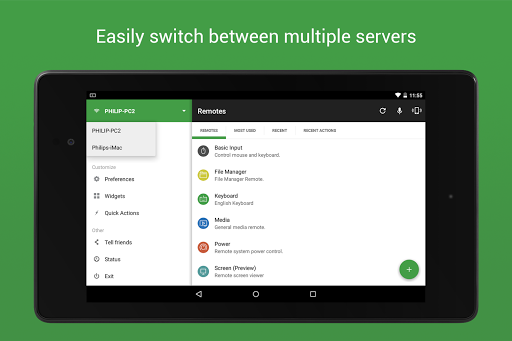
• Automatic server detection to easily find servers on your network.
• Server password protection and encryption for added security.
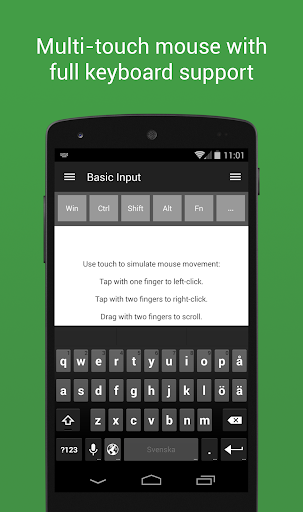
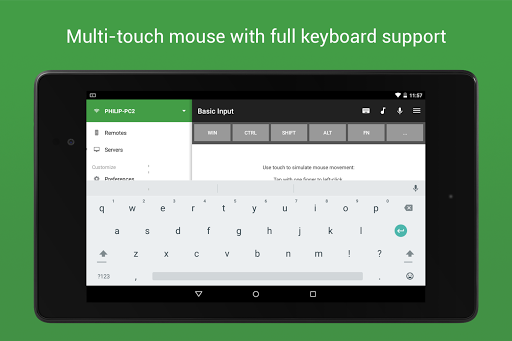
• Supports single and multi-touch mouse control.
• Wake On LAN to easily start your server.
• Includes light and dark color themes.
• Server is available for Windows, Mac, and Linux.
• Control other devices including Raspberry Pi and Arduino Yún.
• 18 free remotes
Full Version Features
• 90+ remotes
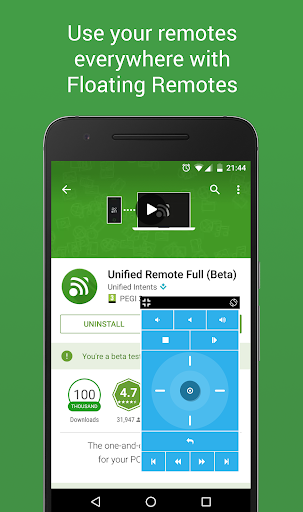
• Floating Remotes (use remotes over other apps)
• Custom Remotes
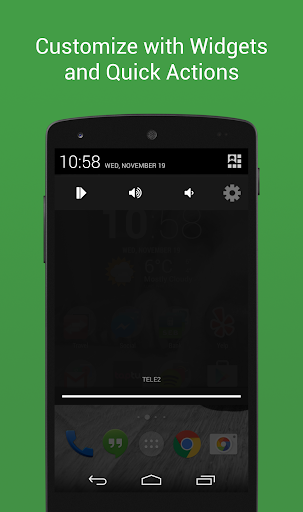
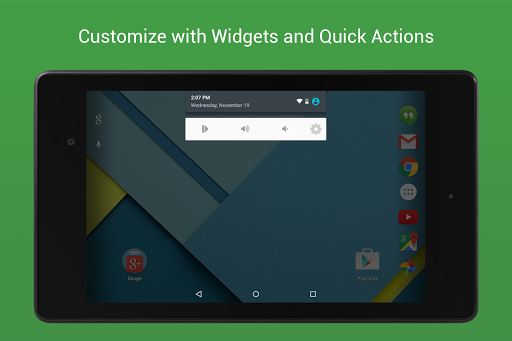
• Widgets & Quick Actions
• Voice commands
• Custom remotes
• IR actions
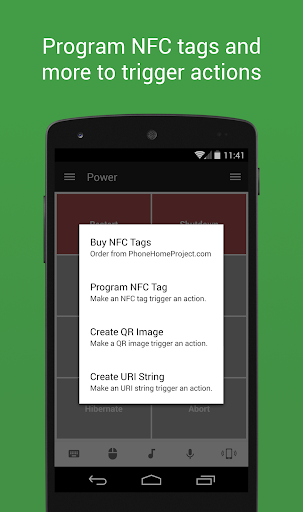
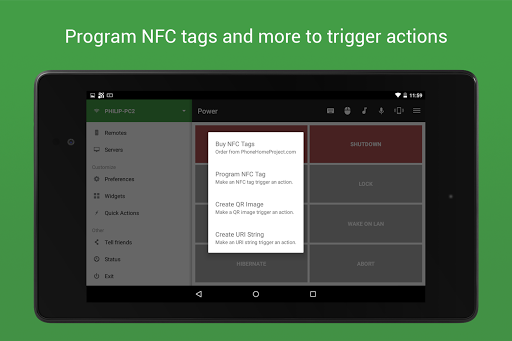
• NFC actions
• Android Wear (Quick Actions, Voice & Mouse)
Essentials
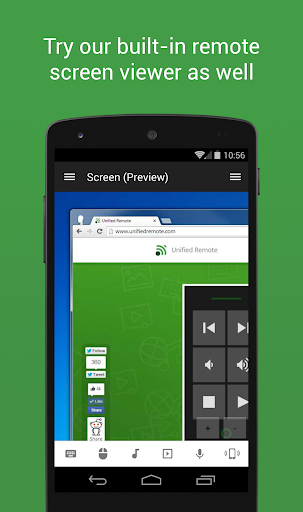
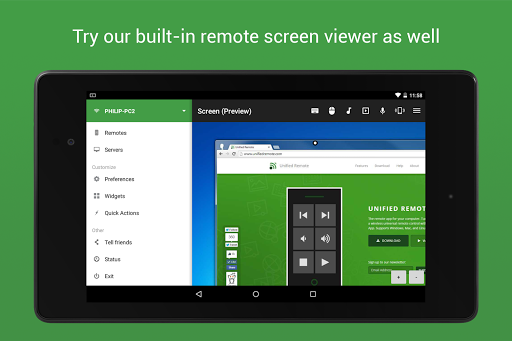
Mouse, Keyboard, Screen, Volume, and more.
Music
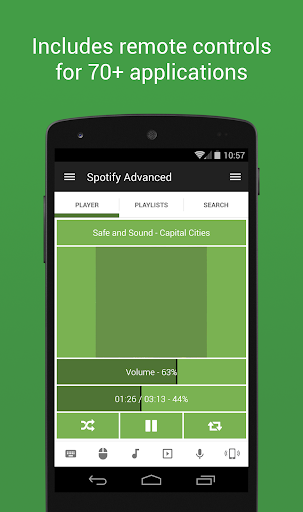
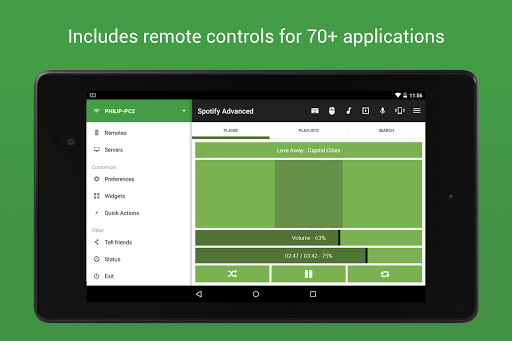
Spotify, iTunes, Google Music, Winamp, etc.
Video
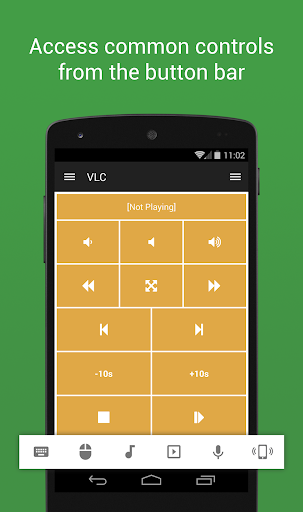
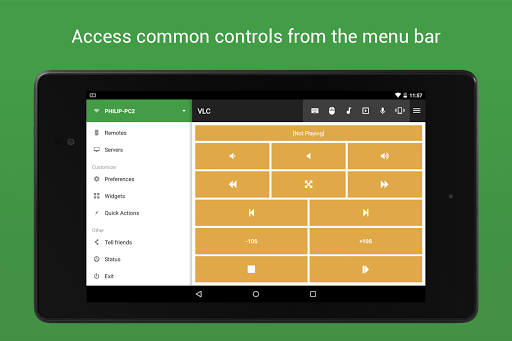
VLC, BSPlayer, Windows Media Player, PotPlayer, etc.
Media Center
Kodi (XBMC), Plex, Windows Media Center, Boxee, etc.
Streaming
YouTube, Netflix, Hulu
Presentations
PowerPoint, Keynote, Google Presentation
Browsers
Chrome, Internet Explorer, Firefox, Opera
Other
Power, Monitor, Files, Task Manager, Commands, etc.
All Remotes
https://www.unifiedremote.com/remotes
Note that some remotes are not available for all operating systems.
Permissions
• system alert window: for floating remotes.
• read phone status: for auto-pause when receiving calls.
• control NFC: for NFC actions.
• full network access: for server connection.
• view network connections: for server connection.
• view Wi-Fi connections: for server connection.
• pair with Bluetooth devices: for server connection.
• control vibration: for optional haptic feedback.
• prevent phone from sleeping: for optional wake-lock.
• transmit infrared: for IR remote control.
• install shortcuts: for launcher shortcuts.
What's New
Version Information
- Version
- 3.24.0
- Downloads
- 500K+
- Updated on
- Jul 31, 2024
- Released
- Apr 12, 2011
- Requires
- Android 5.0
Statistics
Google Play Rating History
Rating Distribution
Downloads Over Time
Unified Remote Full has been downloaded times. Over the past 30 days, it averaged downloads per day.
Shaded area shows 30-day prediction based on historical trends
Historical data collection started recently. More data points will be available over time.
Unified Remote Full - Google Play Rankings
Top Rankings
| Rank | Country | Category | List | Change |
|---|---|---|---|---|
| — |
Ranking History in
No ranking data available yet. Rankings are updated daily.
#23 in Top Paid Tools in United States
#9 in Top Paid Tools in Australia
#10 in Top Paid Tools in Canada
#18 in Top Paid Tools in Spain


Unified Remote Full users say on Google Play
 Paras
Paras
linux app is broken else all is great, edit: in recent update Linux keyboard issue is fixed, only some buttons pgup / pgdown crash the server
 Ples Andrei-Valentin
sometimes has trouble reconnecting and have to manually reset
 Tear Guss
works great but won't stop advertising itself. I have both paid for it (one time fee) AND subscribed to play pass. and it still pops up telling me to purchase.... also you can no longer make custom remotes on the app. you have to build a whole file on your computer instead which is hard. AND your super limited to layout and design even if you put in the work...
 Michael Belew
update: Latest version as of 10/27/25 is very buggy, with no obvious method in the app to report a bug. initial review: I have tried many PC mouse control apps and this one by far is the best. Not only do you get basic mouse and keyboard control, but there are controls for more than 70 common actions and applications. I switched to this app initially because my prior app was lagging. this app has had some issues in the past. I'm really hoping these bugs get resolved.
 Rasmus Brevik
I have had you for years on iPhone and directly bought this app again for Android when I got an Android phone, but it is absolutely unuseable. All functions but just moving the courser is no longer supported unless I manually end the Unified Remote task on the host PC and then restart the app again. Only then you can start using the app for more than the bare minimum. I mailed support months ago trying my best to help you bugfix but you don't care enough Update: not fixed & premium has expired
ApkTrusted Ratings & Reviews
More from Unified Intents
See more apps
Similar Apps

Yatse: Kodi remote and cast
Free
UniFi
Free
Home + Control
Free

Linksys
Free

RealVNC Viewer: Remote Desktop
Free

Termius - Modern SSH Client
Free

Blynk IoT
Free

nzb360 - Media Server Manager
Free

Home Assistant
Free

KrakenSDR RDF
Free

spacedesk - USB Display for PC
Free

RoboForm Password Manager
Free
Microsoft Intune
Free

Keeper Password Manager
Free

Sonos S1 Controller
Free

NETGEAR Orbi – WiFi System App
Free
Scan this QR code to download

Forwarding you to the page at Google Play market in seconds...
Open Google Play market now