AppLock - Lock apps & Pin lock v4.5.1
SailingLab: Focus on Security, Booster, Cleaner


About this app
Developer Description
App Lock can lock Apps, hide Photos and AppLocker supports fingerprint unlock
☀️——Highlights of AppLock——☀️
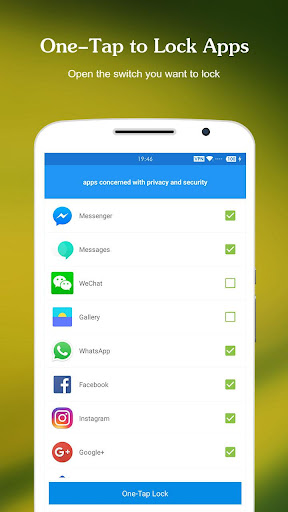
🔒 AppLock can lock Social apps: Facebook, Whatsapp, Messenger, Instagram, Tumblr, WeChat and so on. No one can peep 👀 at your private chat any more;
🔒 AppLock can lock System apps: Gallery, SMS, Contacts, Gmail, Settings, incoming calls and any app you choose. Prevent unauthorized access and guard privacy;
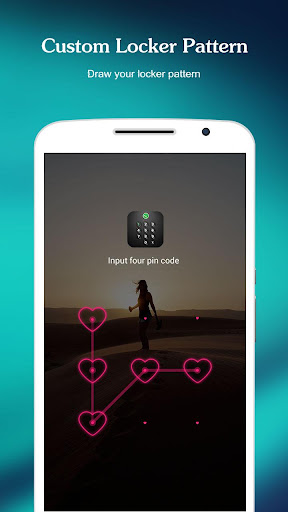
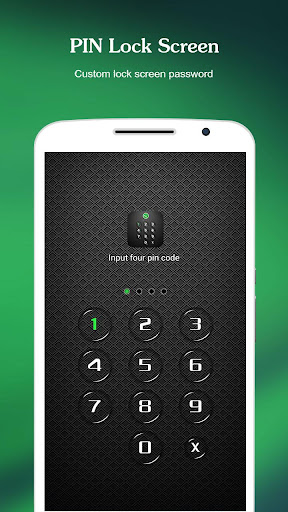
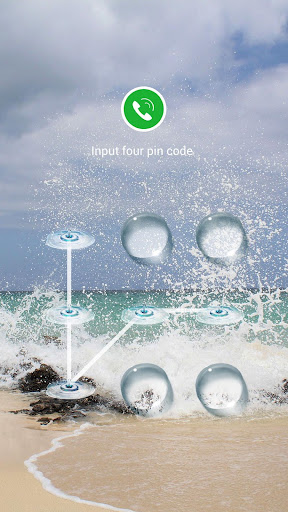
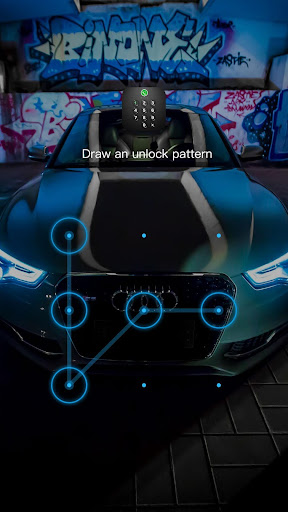
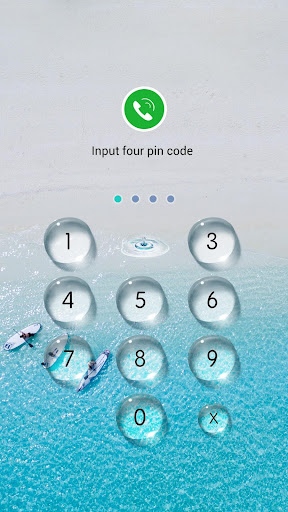
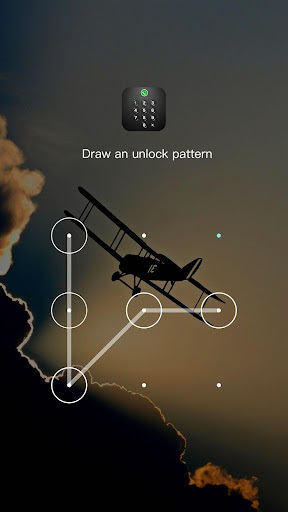
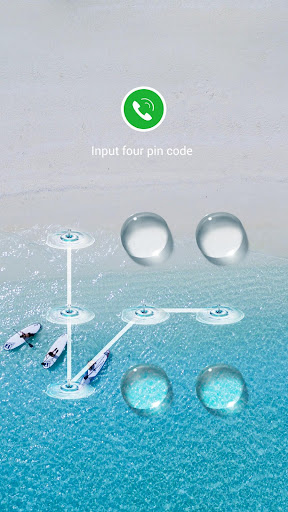
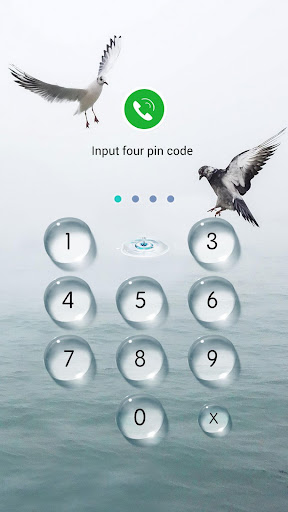
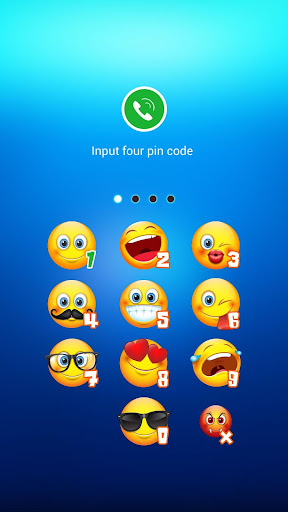
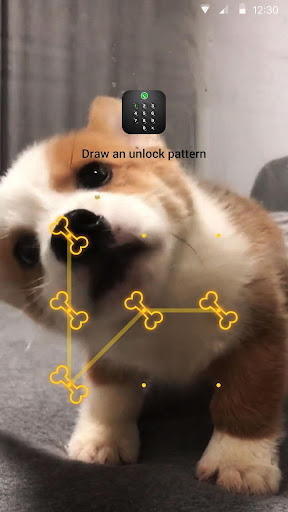
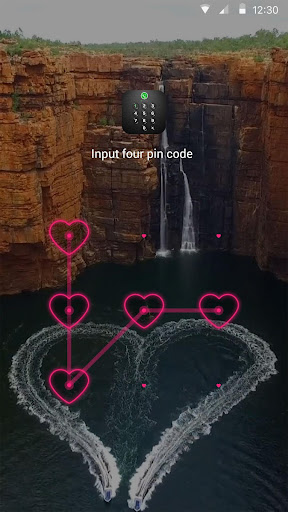
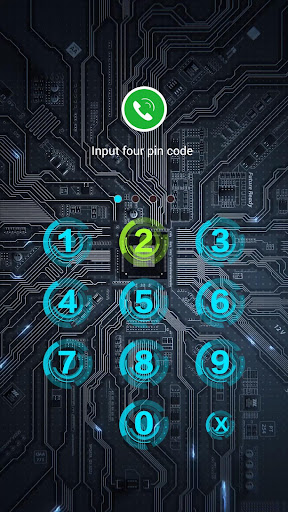
🔒 AppLock has multiple lock options: PIN Lock、Pattern Lock. choose your favorite style to lock apps .
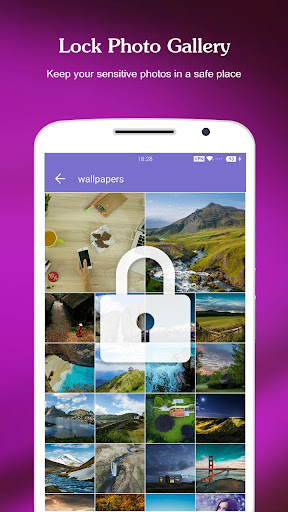
🔒 AppLock has photo vault. Keep safe gallery and hide your photos, videos without worrying about others see
🔒 AppLock support screen lock. Prevent strangers from using your phone without your permission.
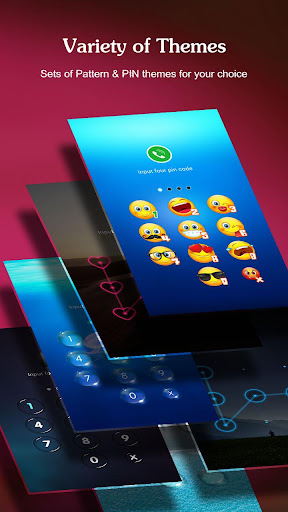
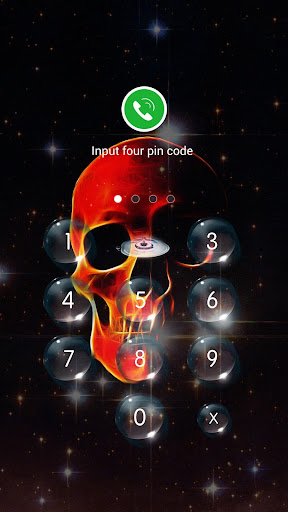
🔒 AppLock has rich themes:We have built-in sets of beautiful Pattern and PIN themes for your choice, will continue to update.
Tips:If you have a phone with a fingerprint reader that is either made by Samsung or is running Android Marshmallow, you can check the box in the App Lock settings labeled "Use fingerprint to unlock"
👮 Real-Time Protection
Monitor the new installation and app updating, real-time remind avoiding potential risks, keeping your devices safe.
🚀 Photo vault
Easily encrypt and hide photos & videos
👁 Intruder Selfie
Capture any intruder of your phone. Snaps photos of intruders who enters the wrong lockscreen.
📪 Message Security
Hiding notifications preview timely to protect your privacy. It gathers all chat notifications into one and makes them easier to read & manage.
ℹ️ Notification Cleaner
One-click cleaning of spam push notifications, No annoying notifications anymore.
🛡️ Safe Lockscreen
AppLock secure your phone from intruders with PIN and pattern lock security.
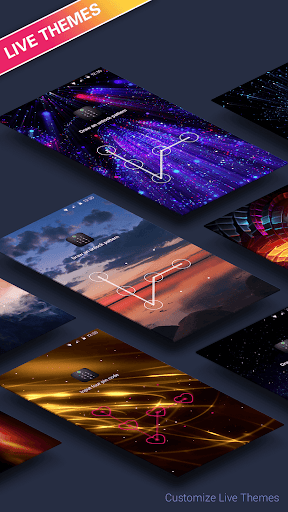
🌈 Live Theme
Live Theme features to make unlocking apps even more fun! We will regularly launch the new Live Themes.
Privacy Browser
The incognito mode and block trackers can ensure you private browsing.
——More Features——
* Lock application to prevent others are free to buy, uninstall applications!
* Lock setting to prevent misuse of the phone to change the system settings!
* Pattern Lock: simple and fresh interface, unlock faster!
* PIN lock: random keyboard. Much safer for you to lock apps
* Unlock with Fingerprint: Operation is more convenient and faster(The premise is that your phone hardware supports fingerprint unlocking)
* Lock screen timeout
* Lock 3G, 4G data, Wi-Fi, Bluetooth and more
* Lock new apps
* Uninstallation Prevention
* Set Lock Time to only activate lock at certain time
* Easy-to-use and user friendly GUI
——How it Works——
■ Download and install the Transparent Pattern Lock.
■ Go in setting and enable the lock.
■ Set your pattern.
■ To unlock draw your pattern and you open the lock and see you home screen.
——FAQ——
1. How to set my password at the first time?
🔔 Open AppLock -> Draw a pattern -> Confirm pattern;(or Open AppLock -> Enter PIN code -> Confirm PIN code)
Note: For android 5.0+, allow Applock to use usage access permission -> Find AppLock -> Allow usage access
2. How to change my password?
🔔 Open AppLock -> Settings -> Reset password -> Enter new password -> Reenter password
3. What should I do if I forget the AppLock Lite password?
🔔 Click “Forget Password” -> Enter Luck Number -> Enter new password -> Reenter password
Contact US: weDota2@gmail.com
In-app purchases
$9.99 - $59.99 per item
Version Information
- Version
- 4.5.1
- Downloads
- 100M+
- Updated on
- Oct 13, 2025
- Released
- Oct 12, 2016
- Requires
- Android 6.0
Statistics
Google Play Rating History
Rating Distribution
Downloads Over Time
AppLock - Lock apps & Pin lock has been downloaded times. Over the past 30 days, it averaged downloads per day.
Shaded area shows 30-day prediction based on historical trends
Historical data collection started recently. More data points will be available over time.
AppLock - Lock apps & Pin lock users say on Google Play
 Sanjithsumathi 2010sanjith
great app! I have used it in my previous device it's so helpful to lock apps , especially the apps that we don't want to seen by others .
 Shilpy Rajak
bht achha h..nyc app
 Tanisha Thakur
I don't but my papa is so streak so app look is nice🌸🙄
 Shayar Rana
good aap
 Eva Njuguna
Horrible experience. Ads keep popping up even before you can do anything on the app. And then it's as after ad, basically there's no going beyond the ads.
ApkTrusted Ratings & Reviews
More from SailingLab: Focus on Security, Booster, Cleaner
See more apps
Applock Live Theme - Butterfly
Free
AppLock - Car
Free
Applock Live Theme - Circuit
Free

AppLock Theme - Jellyfish
Free

Applock - girl
Free
AppLock - Sports Car
Free

AppLock Live Theme - Speedboat
Free

AI Keyboard - AI Assistant
Free

AppLock Live Theme - Earth
Free

AppLock - Merry Christmas
Free
Merry Christmas theme
Free

AppLock - Easter
Free
Applock - Kayak
Free
AppLock - Car
Free
AppLock - Balloon
Free
Applock - Coast
Free
Similar Apps
AppLock - Fingerprint
Free
App Lock: Fingerprint, Pattern
Free
AppLock Master
Free
App Locker - Lock App
Free
Applock - lock apps - pin lock
Free
AppLock
Free
Calculator Lock - Hide Photo
Free
LOCKit: App Lock, Photos Vault
Free
AppLock Pro - App Lock & Guard
Free
Calculator - Hide apps, Photo
Free
Calculator Lock - Hide Photos
Free
Hide Photo Vault &Videos
Free
Photo Lock: Hide Videos, Pics
Free
LockMyPix Safe Photo Vault
Free
My Folder : Safe Secure Hidden
Free
Photo Lock App - Hide Pictures
Free
Scan this QR code to download

Forwarding you to the page at Google Play market in seconds...
Open Google Play market now