AppLock v3.2.17
KewlApps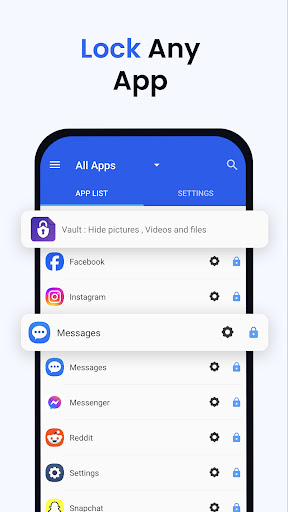
About this app
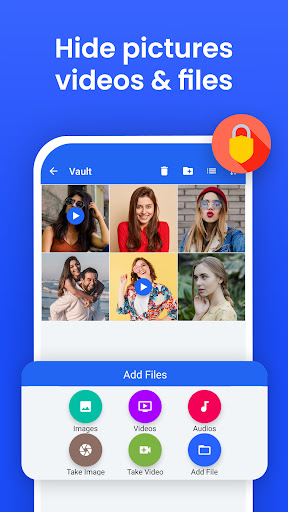
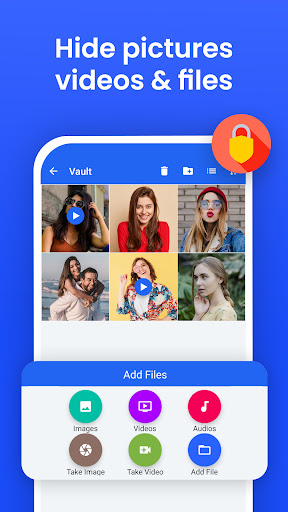
AppLock by KewlApps solves the problem of unauthorized access to sensitive apps and media on Android devices, benefiting individuals and families who share devices or have privacy concerns. With over 10 million downloads and a 4.5-star rating, it stands out in the Tools category for its simplicity and effectiveness. Compared to alternatives, AppLock's fingerprint support and lack of permissions make it a compelling choice, though its ad-supported model may deter some users. Its ability to hide photos and videos adds a layer of security beyond just app locking, making it a versatile tool for privacy-conscious users.
Pros
- AppLock's high download numbers and positive user rating indicate a well-received and reliable app, suggesting that it effectively addresses user needs for app and media security.
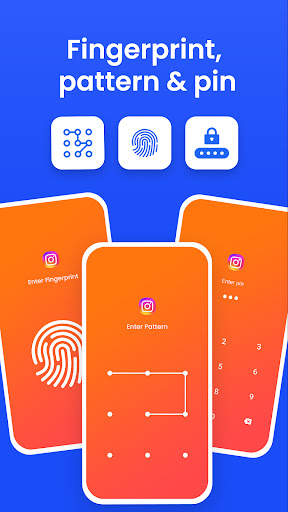
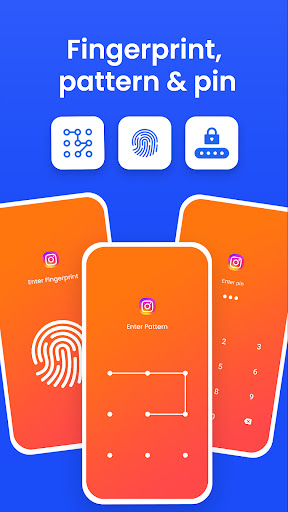
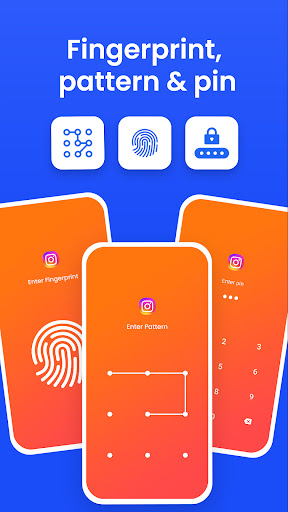
- The app's use of pattern, pin, and fingerprint locking methods provides users with flexible and secure options to protect their data, catering to different preferences and device capabilities.
- The developer, KewlApps, has a website and email for support, which is a positive indicator of their commitment to user support and feedback, potentially leading to more updates and improvements.
- AppLock's lack of permissions is a significant advantage, as it minimizes the risk of data misuse or unauthorized access, making it a trustworthy choice for users concerned about privacy.
- The option for in-app purchases to remove ads or access additional features provides users with a way to customize their experience, although the $5.49 price per item may be steep for some users.
Cons
- The presence of ads in a security-focused app may be seen as intrusive or even risky by some users, potentially undermining the app's purpose of providing a secure environment.
- The in-app purchase model, while optional, might be considered aggressive by some, especially given the relatively high price of $5.49 per item, which could deter users seeking a free or low-cost solution.
- Some users might find the app's features to be somewhat limited compared to more comprehensive security suites, which could offer additional functionalities like anti-virus scanning or more advanced privacy controls.
- Despite its high rating, some users may experience issues with the app's performance or compatibility with certain devices, which could impact its overall effectiveness and user satisfaction.
Best for: The ideal user for AppLock is likely an individual or family member who shares a device with others and is concerned about maintaining privacy and security for certain apps and personal media, such as parents seeking to restrict access to specific content or individuals wanting to protect sensitive information from unauthorized access.
Developer Description
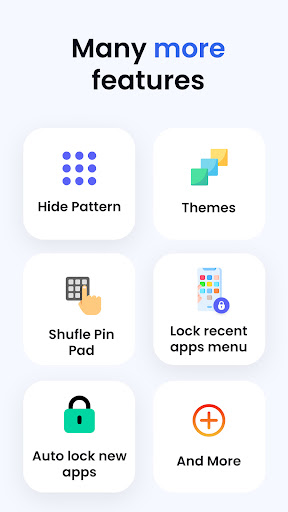
AppLock can lock apps, hide photos & videos with Pattern, Pin & Fingerprint.
---- Features -----
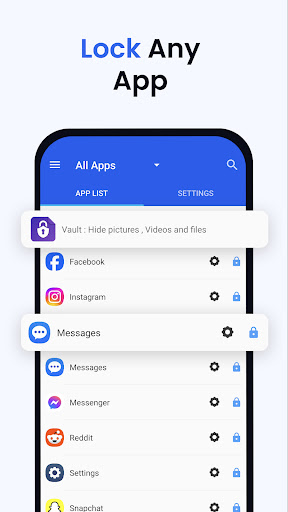
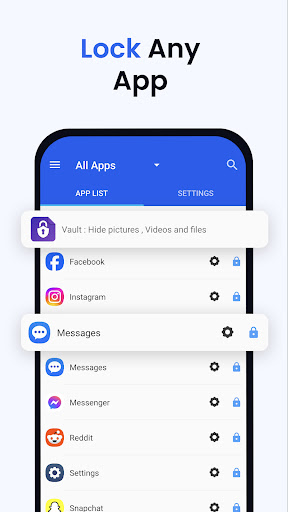
▶ Lock Apps / App Locker
AppLock allows you to lock apps like gallery , message apps , social apps and email apps with fingerprint , pin , pattern and crash screen.
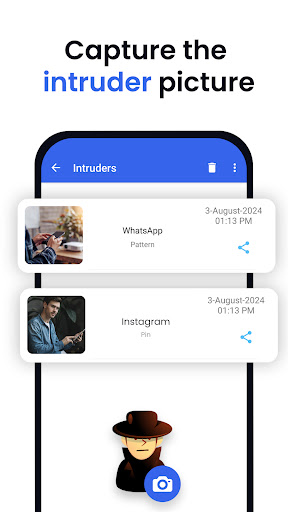
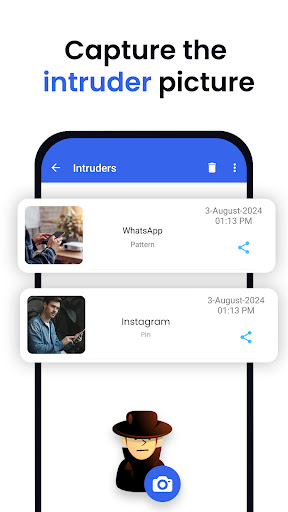
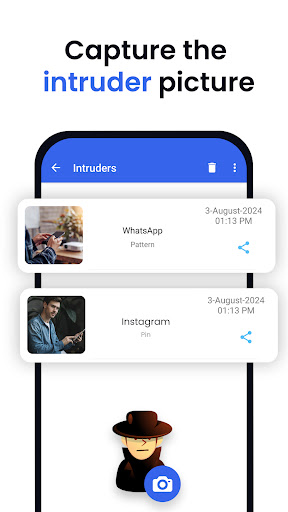
▶ Capture Intruder Picture
If someone tries to open locked apps with wrong password , AppLock will capture the pictuer of intruder from front camera and show you when you open AppLock.
▶ Lock Recent Apps
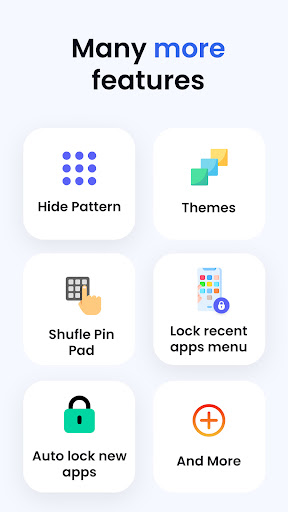
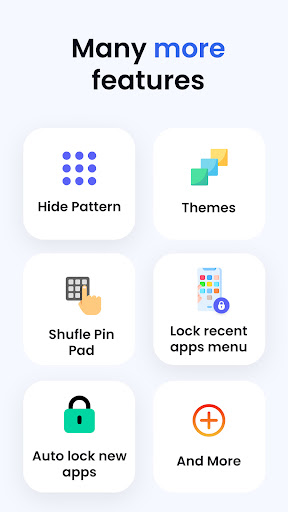
You can lock recent apps page so no one can see the content of recently used apps.
▶ Custom Settings
Use separate combination of locking methods with different pin or pattern for a specific apps.
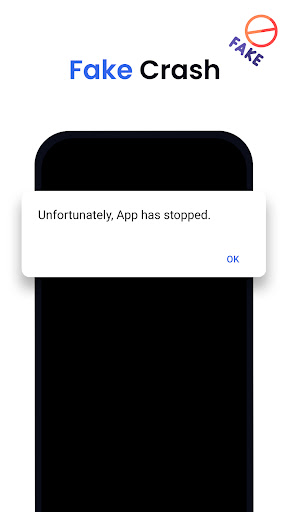
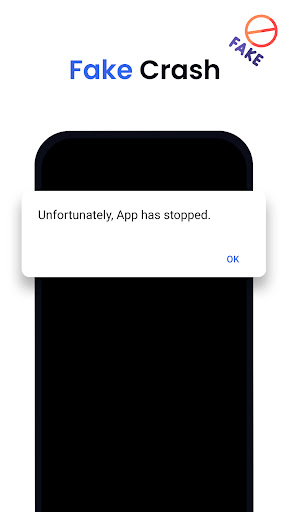
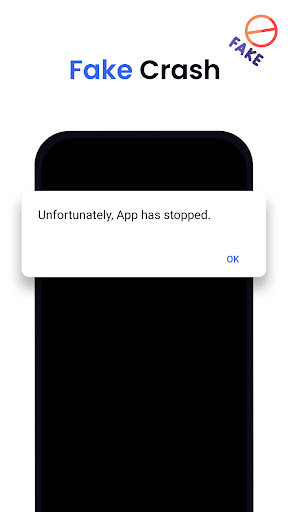
▶ Crash screen
set crash screen for locked app , so no one can know that if an app is locked.
▶ Fingerprint Support
Use fingerprint as secondary , or use only fingerprint to un-lock apps.
▶ Improved Lock Engine
AppLock use two locking engines , default engine is fast and the "Improved Lock Engine" is battery efficient with more features that does not drain your battery.
▶ Turn Off AppLock
you can turn off AppLock completely , just go to app settings and turn off the app.
▶ Lock Timeout
you can to re-lock apps after some time [1-60] minuets , immediately or after screen off.
▶ Simple and Beautiful UI
Beautiful and simple UI so you can perform any task easily.
▶ Lock Screen Theme
lock screen changes color according to the app that you locked , every time when lock screen appears you will experience AppLock differently.
▶ Prevent Uninstall
To protect AppLock from uninstall you can go to AppLock setting and press "Prevent Force Close/Uninstall".
FAQs
----------
Q 2: How can I create different pin & pattern for each application?
A: Select the app that you want to lock from App list, Lock the app and then click on Custom, Then enable "Custom Settings" and then change pin, and pattern.
Q 3: How can I prevent someone from uninstalling my AppLock?
A: Go to settings and click on “Prevent Force Close/Uninstall”. Then Lock your mobile Settings.
Q 4: Will AppLock works if I restart my Mobile?
A: Yes it will start working, and your locked apps will be protected.
Q 5: How can I check which apps are locked?
A: In the top right corner of AppLock From the drop-down menu select “Locked Apps”.
Q 6: What does “Lock recent apps” do?
A: This option prevents someone from seeing your recent Opened Apps.
Q 7: I installed AppLock, but there is no option to lock my apps with the fingerprint?
A: It depends on your mobile if your mobile has a fingerprint scanner and Android version 6.0 (Marshmallow) then finger print app lock method will also work.
Q 8: In my Huawei device when I open AppLock it again asks to On the Option of AppLock service?
A: Because you have not added AppLock in your Protected Apps list of your Huawei Mobile.
Q 9: What is "Crash Screen"?
A: If you enable Crash screen for some application it will show a window with a message of “App Crashed” after long pressing "OK" you can go to lock screen.
Q 10: How to enable Crash screen option in AppLock?
A: In, App List lock your desired app Click on “custom” and enable custom settings, and then enable “Crash.”
Q 15: How to uninstall AppLock?
A: First Remove AppLock from Device Admin from mobile settings or AppLock settings and then simply uninstall it.
Permissions:
• Accessibility Service: This app uses Accessibility services to enable "Improved Lock Engine" and stop battery drain.
• Draw Over Other Apps: AppLock uses this permission to draw lock screen on top of your locked app.
• Usage Access: AppLock uses this permission to detect if a lock app is opened.
• This app uses the Device Administrator permission : We use this permission to prevent other users from uninstalling this app so your locked content can be fully secured.
Privacy
Given AppLock's lack of permissions, it appears to be a secure choice for locking apps and hiding media, with minimal risk of data collection or misuse. However, users should remain cautious when using any security app and regularly review the app's terms and privacy policy to ensure they align with their comfort level. It's also advisable to use strong, unique patterns or pins and enable fingerprint locking for enhanced security.
Tips
For first-time users, setting up AppLock involves choosing a secure locking method and selecting which apps to protect, a process made easier by the app's intuitive interface. To get the most out of AppLock, users should regularly review and update their locked apps and media, ensuring that their security settings remain relevant and effective. Additionally, considering the ad-supported model, users might want to explore the in-app purchase option to remove ads and enhance their overall experience.
What's New
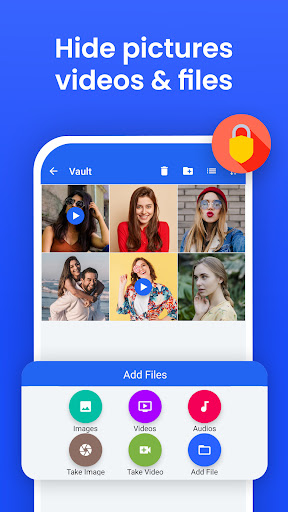
*** File Vault : Hide pictures , videos , files feature added ***
*** Themes added ***
*** Low battery consumption ***
*** Android 16 supported ***
*** Bugs are Bad, Mkay? , lots of bugs fixed ***
*** Lock recent apps added ***
*** FAST , FASTER , FASTEST ***
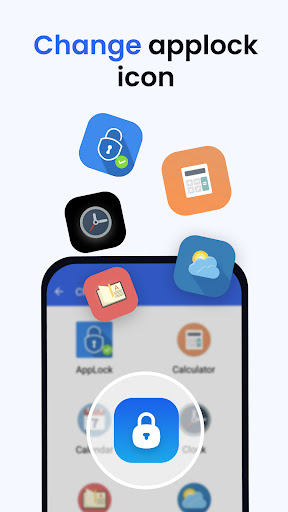
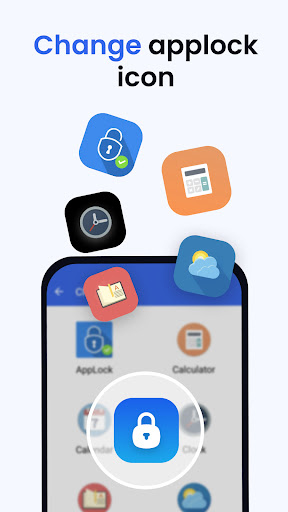
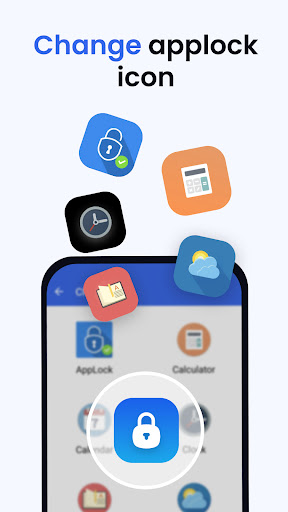
*** Hide Applock icon added ***
*** App uninstall lock added ***
*** Performance Improved ***
In-app purchases
$5.49 per item
Version Information
- Version
- 3.2.17
- Downloads
- 10M+
- Updated on
- Nov 25, 2025
- Released
- Mar 3, 2016
- Requires
- Android 6.0
Statistics
Google Play Rating History
Rating Distribution
Downloads Over Time
AppLock has been downloaded times. Over the past 30 days, it averaged downloads per day.
Shaded area shows 30-day prediction based on historical trends
Historical data collection started recently. More data points will be available over time.
AppLock users say on Google Play
 shark sharkyboi
app works perfectly, you can customiza a lot of things, there is a lot of features such as shuffling the pin pad. Also there isnt that many ads which i really like overall its an amazing app
 Philip Frank
It's a good app.
 Zulqr malik
ok
 Kassandra Hudson
I installed this app and it unfortunately has made my phone have issues by freezing my screen every so often. I seemingly don't have any issues with my phone so think it must be the app causing it as it only started once I installed this app. It's good to lock apps but auto disables on restart and is easily unlocked if you have a child who goes on your phone. Mine is a tween and found a way to disable the passcode and even change it without needing to enter the passcode. Needs stronger security.
ApkTrusted Ratings & Reviews
More from KewlApps
See more apps

Similar Apps
AppLock Pro - App Lock & Guard
Free
AppLock Master
Free
Hide Photo Vault &Videos
Free
App Lock: Fingerprint, Pattern
Free
LockMyPix Safe Photo Vault
Free
LOCKit: App Lock, Photos Vault
Free
AppLock - Fingerprint
Free
AppLock
Free
Photo Lock: Hide Videos, Pics
Free
App Lock - Applock Fingerprint
Free
Photo Lock App - Hide Pictures
Free
Calculator - Hide apps, Photo
Free
Applock - lock apps - pin lock
Free
App Locker - Lock App
Free
Authenticator App
Free
Calculator - Hide Photo, Video
Free
Scan this QR code to download

Forwarding you to the page at Google Play market in seconds...
Open Google Play market now