ArtRage: Draw, Paint, Create v1.4.5
Ambient Design Ltd.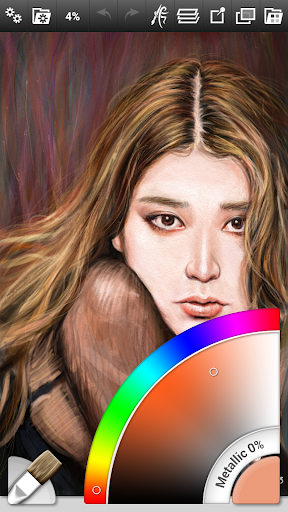

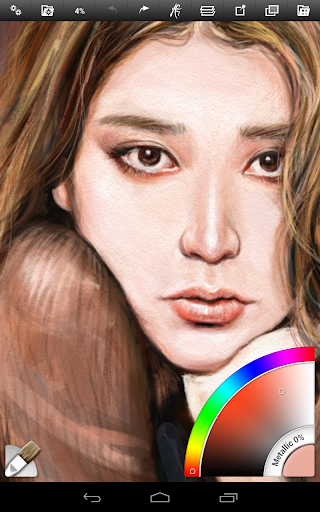
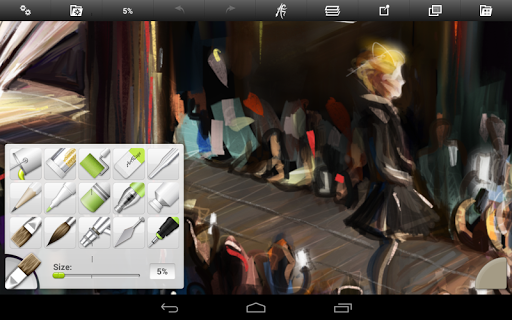
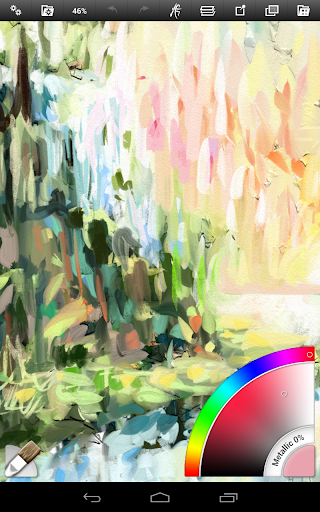
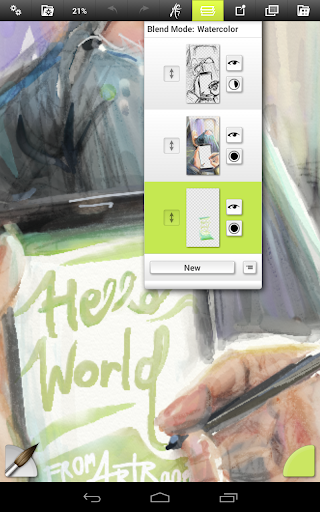
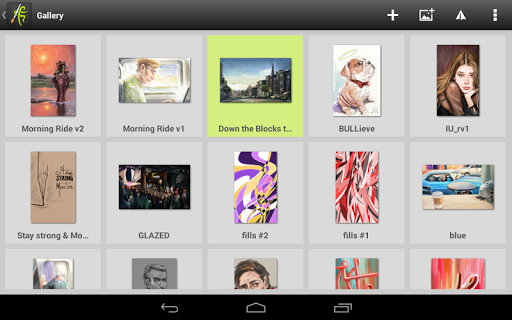
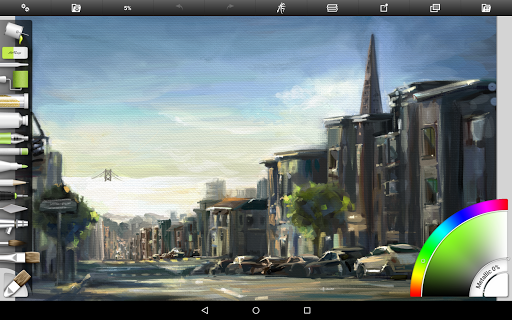
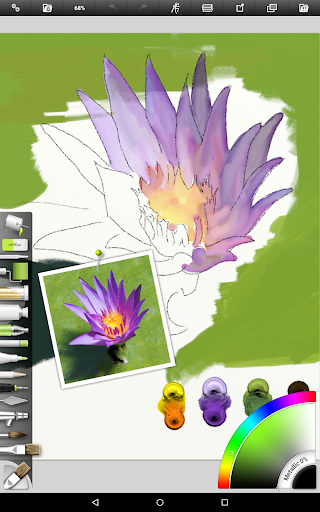
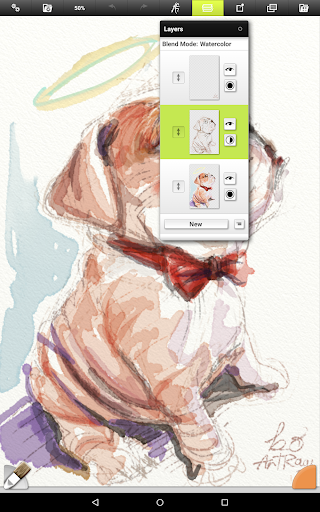

About this app
Developer Description
Real Paint on the Go! An entire artist's toolbox on your Android Device!
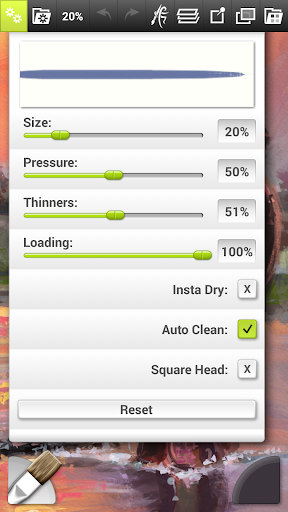
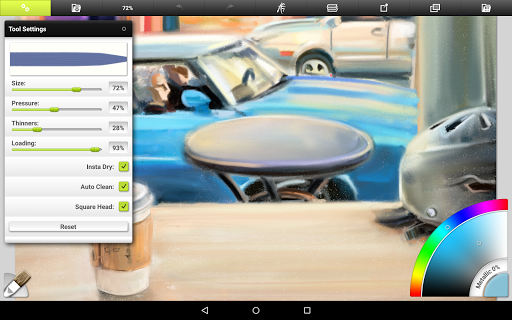
Each tool includes settings that mirror real world properties such as Paint Thinners, Pencil Softness, and other familiar properties. The app includes a range of default presets for every tool, and you can easily create your own specialized custom presets. It also supports pressure data from the Samsung S-Pen to add an element of natural expressiveness to your paint strokes.
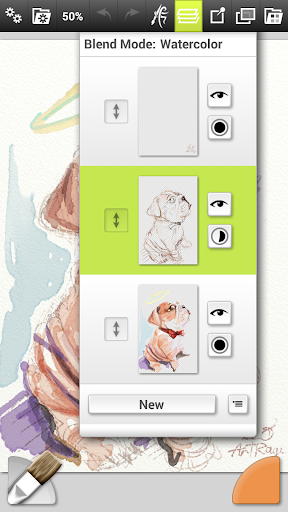
Along with the full range of familiar tools like the oil brush, inking pen and pencil tools, ArtRage includes important digital features like Layers with Blend Modes, a Fill Tool, the ability to add Reference and Tracing images while you draw, and more.
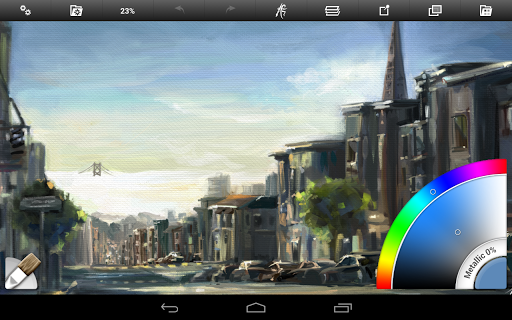
ArtRage for Android comes with an intuitive interface that keeps all the important settings readily available but gets out of your way as you work so that you creative flow isn't interrupted.
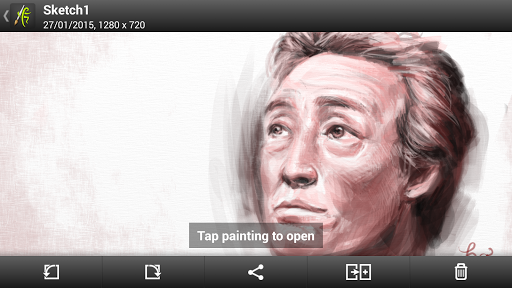
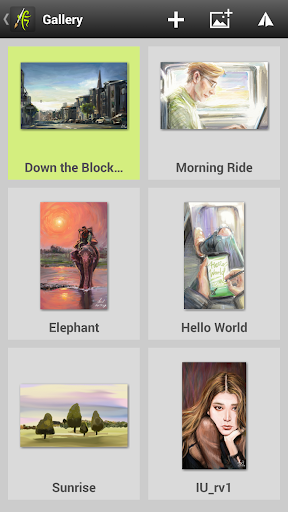
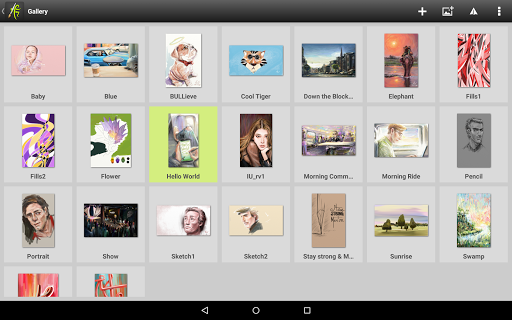
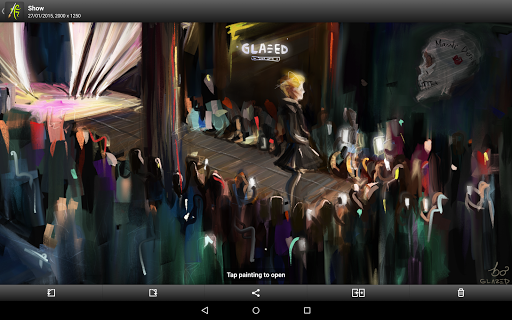
ArtRage Paintings are fully compatible with desktop versions of ArtRage, and can also be exported as PNG and JPG images. You can import photos as paint layers, reference images or tracing images. Record your paintings as Script files for playback at larger resolutions in our desktop software
Tools:
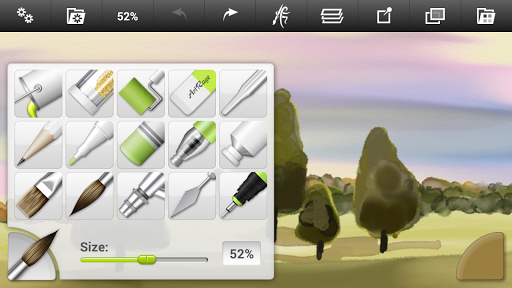
Oil Brush, Watercolor, Airbrush, Palette Knife, Paint Roller, Paint Tube, Ink Pen, Pencil, Felt Pen, Wax/Chalk Pastel, Eraser, Flood Fill, Glitter Tube, Gloop Pen.
Each tool has a range of settings that reflect familiar properties such as paint thinners or pencil tip softness. Tools apply texture as well as color, and blend under the brush.
Add unlimited Layers to your painting, adjust visibility and opacity, rearrange and merge. ArtRage also supports a full range of Photoshop Layer Blend Modes.
Interface:
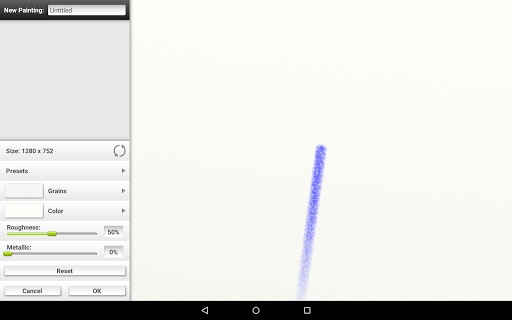
Designed for compact operation at different resolutions and screen orientations. The interface has been designed to maximize your creative space without hiding away critical functions such as tool and color selection. As you paint, it gets out of the way so that you don’t have to stop and manually adjust panels. With support for Multi-Touch gestures for canvas manipulation, Undo/Redo, and Brush Size, important shortcuts are available without needing menus. Also supports Stylus-only mode to avoid accidental finger painting.
Help & Support:
Includes a built in manual. Free product support available via our Forums or by email to our support team. Please contact us if you encounter any issues.
Forums: https://forums.artrage.com
Support: https://www.artrage.com/support
Permissions
ArtRage for Android requires access to storage, camera, and media on your device in order to load, open, export, and import resources for ArtRage. It requires network and licence connections for the Google Play licencing and PEN.UP.
ArtRage can be used offline. If you are having licence problems, see: https://www.artrage.com/faqs/cant-validate-artrage-android-asked-pay-google-play-store/
Also:
Thanks to Bo Paweena for the fantastic screenshots.
What's New
Version Information
- Version
- 1.4.5
- Downloads
- 100K+
- Updated on
- Oct 19, 2021
- Released
- Feb 1, 2015
- Requires
- Android 4.4
Statistics
Google Play Rating History
Rating Distribution
Downloads Over Time
ArtRage: Draw, Paint, Create has been downloaded times. Over the past 30 days, it averaged downloads per day.
Shaded area shows 30-day prediction based on historical trends
Historical data collection started recently. More data points will be available over time.
ArtRage: Draw, Paint, Create users say on Google Play
 Sid Saxon
I have used Artrage for 6 months now and have to say, as a beginner this is a truly Great App for Android. I'm sure it's the same for Windows and other OS's. I find it in depth and really easy to use as well as sofisticated and in depth. Are there more apps out there that is more useful for novice or better? Probably so! But for this guy this app fits the bill for me and I think it will for many others wanting to paint draw sketch or just create for themselves. Its good and will fit the bill.
 Mindy Rose
I like this app. I really like the reference option. It does get really buggy from time to time and will crash on occasion, but over all, not too many complaints. My main frustration is that there aren't any ruler tools to improve circles and straight edges. I know they're available on the desktop version, but I use my tablet and phone as I don't have access to a desktop. I'll give it five stars if you can put ruler tools in.
 Apple Jackson
Everything I want save for 1 deal-breaker. Settings just granular enough for high customizability w/o being overwhelming. Great blending & brush types/effects. DOESN'T have arguably MOST important tool in digital art: SELECTION TOOL! 👎 Can't use w/o it. Tried Vitae, but it seems to be identical so I was able to refund within the time limit. Selection tool is a make-or-break feature. Without it, I'm out. Spent hours looking for it cuz website implies it's there & doesn't say only on desktop.
 Kira
Kira
I'm not an artist but I do enjoy drawing random stuff from time to time and this app seemed interesting. However I was extremely disappointed by the lack of tools options it is seriously for the amount it had really didn't seem worth the price. Especially since Sketchbook has way more options and it's FREE. I regret getting this app but don't want to brother with going through the whole refund thing...if I could even still get a refund. Hope you guys add more options and maybe I would enjoy it.
 Roger Clemens
Remember when ArtRage was amazing? What happened?! Nothing looks how it used to. There's a LOT less tools. The blenders are gone now. Instead we have pallet knives which are completely awful. Finding out that Santa isn't real was less disappointing than this app.
ApkTrusted Ratings & Reviews
More from Ambient Design Ltd.
See more apps
Similar Apps
Easy Draw Animals
Free
Rudolph: Coloring book
Free
Christmas Coloring Pages
Free
Coloring Pages for Kids
Free
Finger Paint Coloring Book
Free
Magic Mitten
Free

Kids Drawing Games & Coloring
Free

Little Monster Home
Free
Rito Kids: Learn to Write
Free
StoryJourney
Free
One Story a Day -Early Readers
Free
Custom Kids Flashcards: Speak
Free
Alley's Treasure Hunt: Love Ot
Free
Kids 7 Minute Workout
Free

Hey, I have a mouth!
Free
Color Kids
Free
Scan this QR code to download

Forwarding you to the page at Google Play market in seconds...
Open Google Play market now