Weather Forecast Watch Face vVARY
amoledwatchfaces™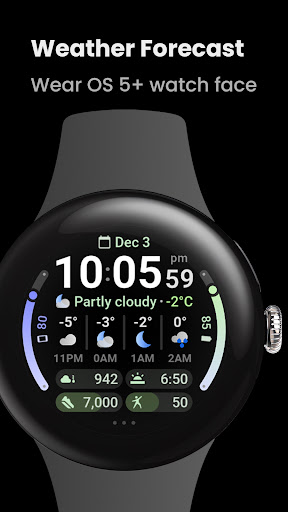


About this app
Developer Description
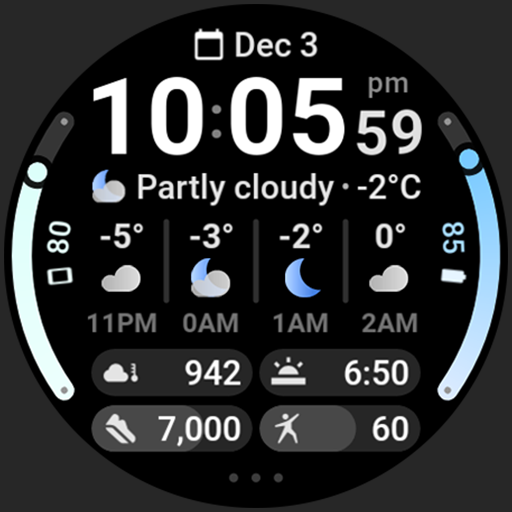
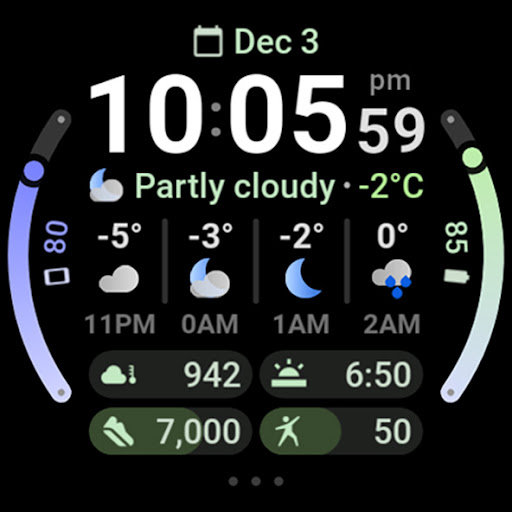
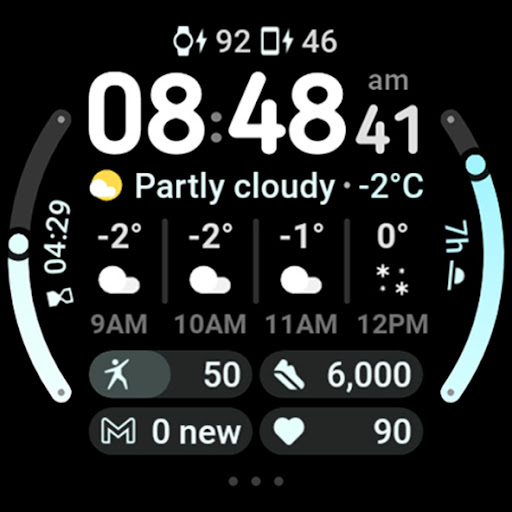
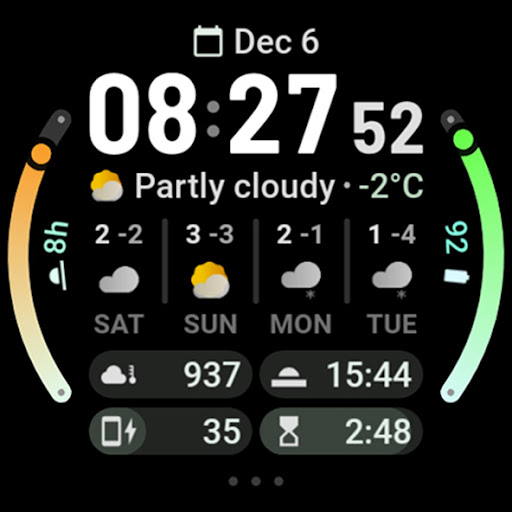
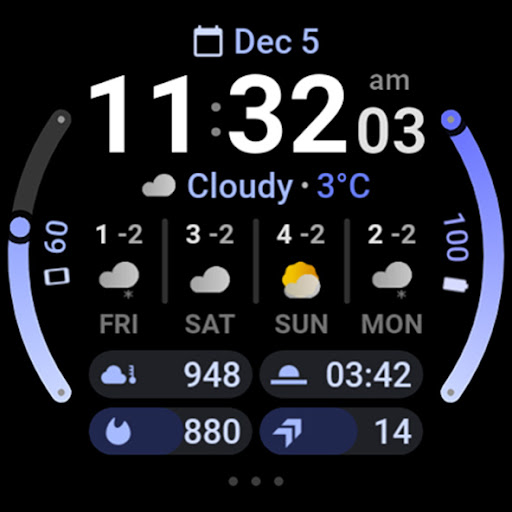
Hourly and daily weather forecast, current condition, temperature, UV and more!
Powered by Watch Face Format
Disclaimer for Galaxy Watch Users: The watch face editor in the Samsung Wearable app often fails to load complex watch faces like this one. This is not an issue with the watch face itself. It is recommended to customize the watch face directly on the watch until Samsung resolves this issue.
amoledwatchfaces.com
WEATHER DATA
• current condition icon
• current condition description
• current temperature
• today min-max temperature
• current UV Index
• current chance of rain
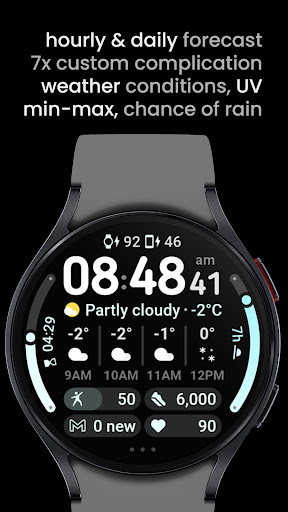
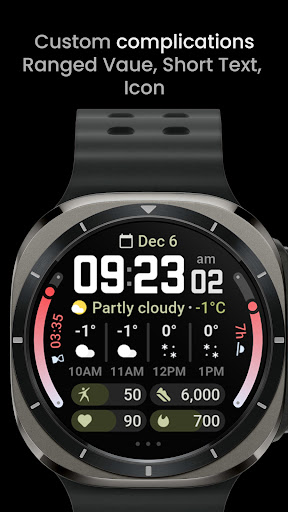
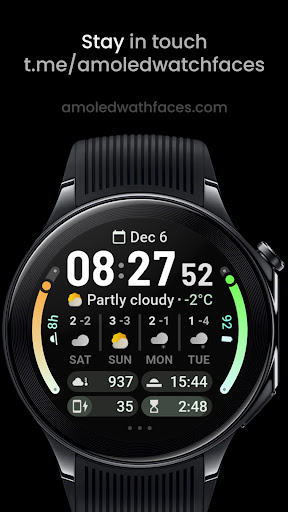
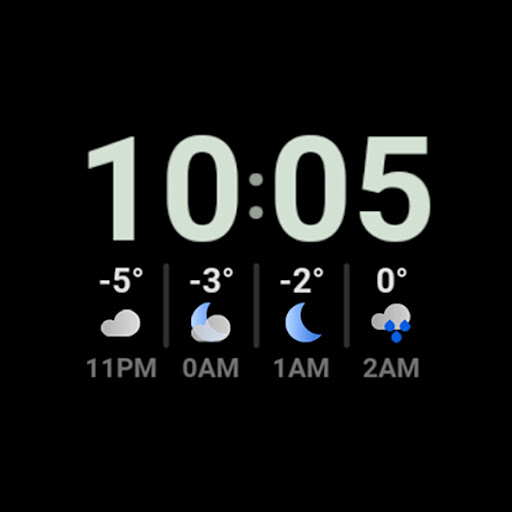
• hourly weather forecast (4 hours, condition, temperature)
• daily weather forecast (4 days, day condition, min-max temperatures)
FEATURES
• Watch Face Format 2
• current weather condition row animating every 5 second between different weather stats
• tap on weather forecast to switch between hourly and daily forecast!
• tap on current weather condition to launch weather app
• multilanguage
• flavors feature support (Wear OS 5)
• 7 custom complication slots (max)
• includes common complication types - RANGED_VALUE, SHORT_TEXT, MONOCHROMATIC_ICON
• optional digital clock fonts
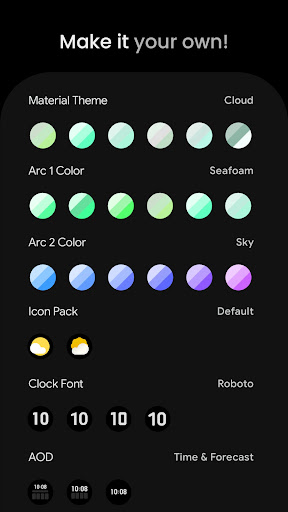
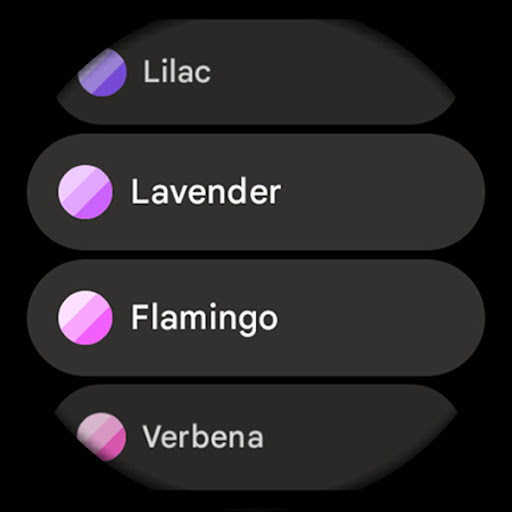
• material color themes (palette)
• make it your own, combine theme & arc slot colors
• three optional AOD looks
• 12/24 h time format with leading zero
• tap on digital clock to open alarm
• tap on 3 dots to open system settings
USER CONFIGURATIONS
• Material Theme (60+)
• Arc 1 Color (60+)
• Arc 2 Color (60+)
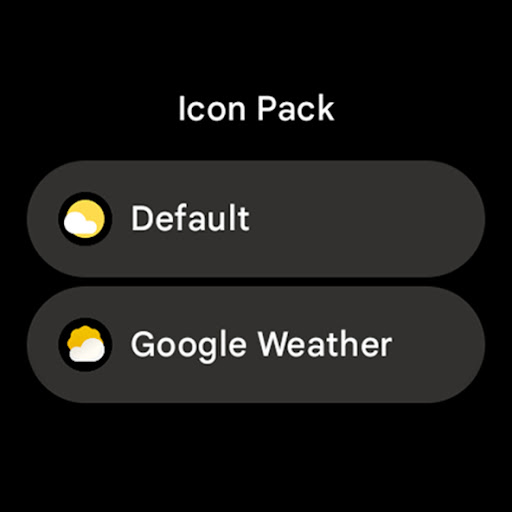
• Weather Icon Pack (2x)
• Clock Font (4x)
• AOD (3x)
• Temperature Bar (Toggle)
• Today Summary (Toggle)
• Custom Complications (7x)
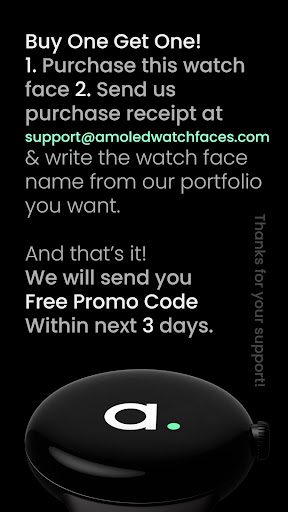
BUY ONE GET ONE OFFER!
amoledwatchfaces.com/bogo
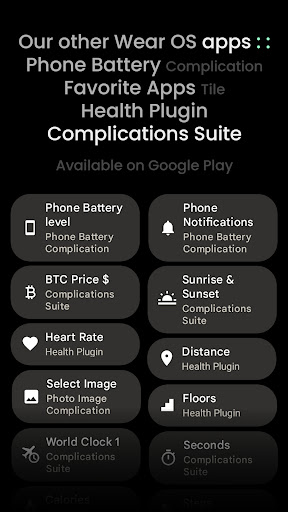
CUSTOM COMPLICATION APPS
amoledwatchfaces.com/apps
Installation and troubleshooting guide
amoledwatchfaces.com/guide
Please send any issues reports or help requests to our support address
support@amoledwatchfaces.com
Join our Telegram group for live support and discussion
t.me/amoledwatchfaces
Newsletter
amoledwatchfaces.com/contact#newsletter
amoledwatchfaces™ - Awf
What's New
• added notifications row (4x) support to wff2 version
v1.1.5
• fixed 'Clear' weather icon
v1.1.4
• added wff3 version with text auto size
v1.1.3
• today summary toggle fixes
v1.1.2
• fix for DST offset correction causing wrong forecast day names
v1.1.0
• added Today Summary toggle
v1.0.9
• removed unused source attribute from Inline Images
• swapped current temperature and condition positions
...
Version Information
- Version
- -
- Downloads
- 1K+
- Updated on
- Nov 21, 2025
- Released
- Dec 3, 2024
- Requires
- Android Varies with device
Statistics
Google Play Rating History
Rating Distribution
Downloads Over Time
Weather Forecast Watch Face has been downloaded times. Over the past 30 days, it averaged downloads per day.
Shaded area shows 30-day prediction based on historical trends
Historical data collection started recently. More data points will be available over time.
Weather Forecast Watch Face - Google Play Rankings
Top Rankings
| Rank | Country | Category | List | Change |
|---|---|---|---|---|
| — |
Ranking History in
No ranking data available yet. Rankings are updated daily.
#15 in Top Paid Weather in United States


#9 in Top Paid Weather in United Kingdom
 YoWindow Weather
Weather Forecast Watch Face
YoWindow Weather
Weather Forecast Watch Face
#13 in Top Paid Weather in Germany
#20 in Top Paid Weather in Saudi Arabia

Weather Forecast Watch Face users say on Google Play
 David M
The face itself is fantastic, but it's using Samsung Weather on my Ultra to show the weather, and Samsung Weather sucks and doesn't update without manually being refreshed. Please add an option to use Google Weather instead, as that actually works.
 Adam W
Great watchface, however as others have mentioned it needs another option for weather source data. If you have a samsung galaxy watch but not phone the samsung weather DOES NOT update automatically (been broken for probably a year now), yes this is samsung's problem at the root, but we need another solution I can't use this watchface without another weather source (and google weather is gone as well now)
 Andre Panday
The watch face functionality is experiencing issues, specifically with weather data not loading.
 Ricky Chin
Missing AQI readings on 'Complication 4'. Also somewhere between 12am to 6am, the daily weather readings shows errors: '--' and '!'
ApkTrusted Ratings & Reviews
More from amoledwatchfaces™
See more apps
Arcs N6 Watch Face
Paid

Angular Watch Face
Paid
Adventurer Watch Face
Paid

Apex SE Watch Face
Paid
Athlete 2 Lite: Watch face
Free

Athlete 1 Watch face
Paid

Athlete 2: Watch face
Free
Analog xT: Watch face
Free
Active 2: Watch face
Paid

Analog PRO: Watch face
Paid

Adaptive Watch Face
Paid
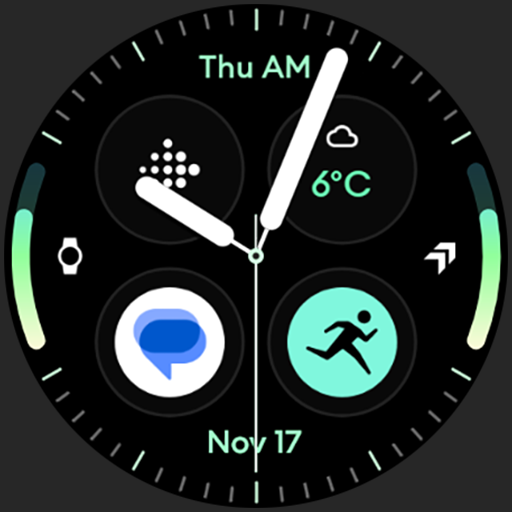
Analog M3 Watch Face
Paid
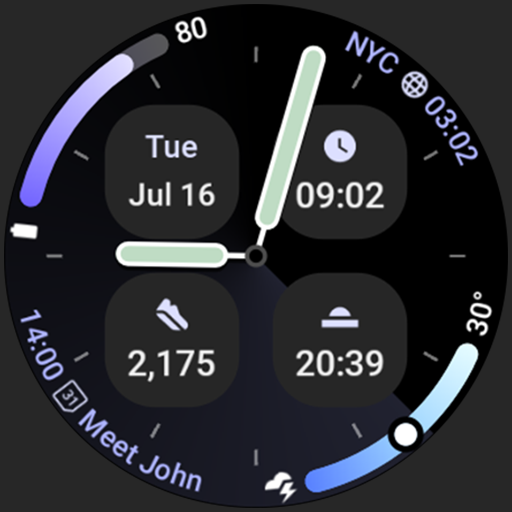
Analog M4 Watch Face
Paid

Apex 2.0 Watch Face
Free

Arcs D5 Watch Face
Free

Alpine Watch Face
Free
Similar Apps
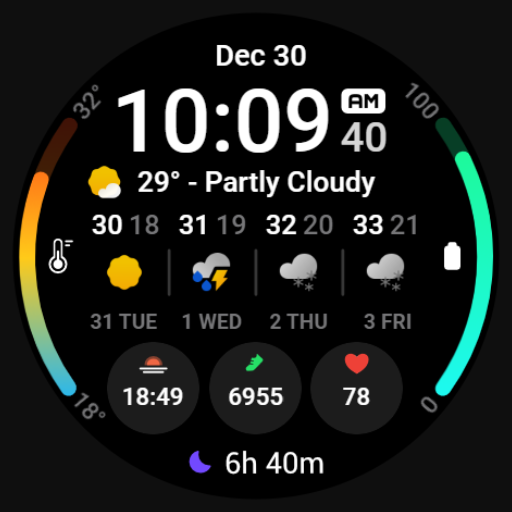
MDS449 Weather Forecast
Free

Informative WearOS 5 NTV576
Free

AD GriD - Watch Face
Free

PW39 Big Numbers Watch
Free

SamWatch Simple D Rev W 2024
Paid
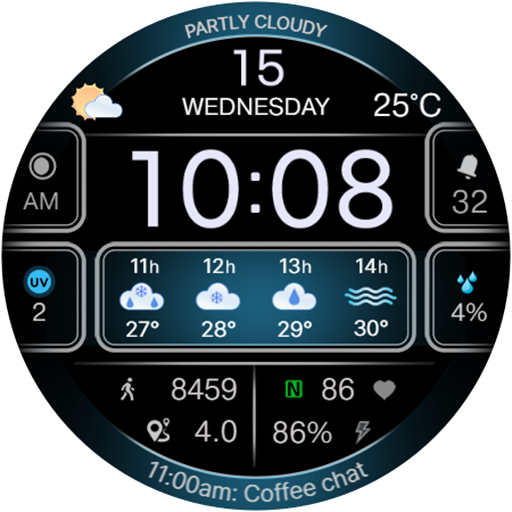
CFS103 Weather
Free

Modern Dashboard Watch Face 03
Free

Night 77 - watch face
Paid

SamWatch Dashboard G
Paid
JHW Digital Info: Watch face
Paid

SamWatch SIGN Y Weather
Free

Weather watchface 3
Paid

WFP 106 Information watch face
Free

Night 07D - Digital Watch Face
Paid

SG-147
Paid

LUXUS - elegant minimalist
Paid
Scan this QR code to download

Forwarding you to the page at Google Play market in seconds...
Open Google Play market now