
Weather watch face W9.5 v1.0.0
Futorum


About this app
The Weather watch face W9.5 app solves the problem of providing users with a visually appealing and informative watch face that displays atmospheric weather conditions. This app benefits users who value customization and are looking for a unique watch face experience. Compared to alternatives in the Weather category, Weather watch face W9.5 stands out with its moving backgrounds and day/night modes, but its lack of user rating data and limited downloads may raise concerns about its overall quality. The app's paid model and absence of ads are notable advantages, but its limited functionality and lack of updates may fall short of user expectations.
Pros
- The app's paid model ensures that users are not bombarded with ads, providing a seamless and uninterrupted experience.
- The developer, Futorum, has a dedicated website and email support, indicating a commitment to customer service and potential for future updates.
- The app's moving backgrounds and day/night modes offer a unique and visually appealing experience for users.
- The absence of permissions requests suggests that the app is relatively secure and does not pose significant privacy risks.
- The app's small size and varying Android requirement suggest that it may be compatible with a wide range of devices.
Cons
- The app's limited downloads and lack of user rating data raise concerns about its overall quality and popularity.
- The app's paid model may deter some users, especially considering the limited functionality and lack of updates.
- The app's developer website and email support, while a positive sign, do not guarantee timely updates or bug fixes.
- The app's lack of features and customization options may not justify the paid price point for some users.
Best for: The ideal user for the Weather watch face W9.5 app is a tech-savvy individual who values customization and is looking for a unique watch face experience, likely between the ages of 18 and 40, with a medium to high level of technical skill, and who is willing to pay a premium for a high-quality and ad-free experience.
Developer Description
Atmospheric weather watch face with moving backgrounds and day/night modes
This watch face for Wear OS 5+ is built around one core idea:
see the weather as it feels right now — instantly, calmly, and clearly.
Subtly moving weather backgrounds, adaptive day & night modes, and a distraction-free layout make this watch face both informative and atmospheric.
🧩 Built with Watch Face Format (WFF)
✔ Native Wear OS watch face format
✔ Optimized performance and battery efficiency
✔ Designed according to Google’s latest standards
🌦️ Dynamic Weather Backgrounds
✔ Weather backgrounds with subtle horizontal motion
✔ Slow left-to-right movement for a calm, atmospheric feel
✔ Designed to enhance depth without distraction
✔ Battery-friendly and optimized for smartwatch screens
🌗 Adaptive Background Modes
✔ Day / Night / Auto background switching
✔ Automatic day–night transition based on time
✔ Optional pure black background mode for maximum contrast and battery saving
🕰️ Clear Digital Time & Current Weather
✔ Large, easy-to-read digital time
✔ Current temperature and daily range
✔ Weather condition displayed clearly at a glance
✔ Carefully balanced contrast for all lighting conditions
🌡️ Optional Forecast Information
✔ Hourly forecast (3h / 6h / 9h / 12h)
✔ Daily forecast (today + 3 upcoming days)
✔ Precipitation chance and UV index
✔ Forecast blocks can be enabled or disabled in settings
⚙️ Customization
✔ 8 color themes
✔ Moving weather backgrounds or pure black background
✔ Automatic day / night mode
✔ 2 weather icon styles: realistic and classic
✔ App shortcuts and configurable complication
🔋 Smartwatch Essentials
✔ Battery level indicator
✔ Date and timezone
✔ Optimized layout for AMOLED displays
✔ Battery-friendly performance
🖤 Always-On Display (AOD)
✔ Dedicated low-power AOD mode
✔ Minimal contrast-safe layout
✔ Designed to preserve battery life
📱 Compatibility
✔ Designed exclusively for Wear OS 5+ (API 34+)
✔ Optimized for Galaxy Watch and Pixel Watch
⚠️ Not compatible with Wear OS 4 or earlier
🌐 Weather Data
Weather information is provided by The Weather Channel or your device’s default weather provider.
💎 Why choose this watch face?
• Focus on current weather, not clutter
• Calm, atmospheric design
• Multiple background modes for different situations
• Premium look with practical control
🔹 Stay Connected & Get Support 🔹
📢 Follow us for exclusive updates & new releases!
• Telegram - https://t.me/futorum
• Instagram - https://instagram.com/futorum
• Facebook - https://facebook.com/FutorumWatchFaces
• YouTube - https://www.youtube.com/c/FutorumWatchFaces
📧 Need help?
Contact us at: support@futorum.com – We're happy to assist you!
Privacy
Since the Weather watch face W9.5 app does not request any permissions, it is likely that it does not collect any sensitive user data. However, users should still be cautious when installing any new app and monitor their device's performance and battery life. It is also recommended to check the developer's website and email support for any updates or security patches.
Tips
To get the most out of the Weather watch face W9.5 app, users should first ensure that their device is compatible with the app's varying Android requirement. Users can then customize the watch face to their liking by selecting from the available moving backgrounds and day/night modes. Additionally, users can optimize the app's performance by closing other resource-intensive apps and monitoring their device's battery life.
Version Information
- Version
- 1.0.0
- Downloads
- 1K+
- Updated on
- Dec 16, 2025
- Released
- Dec 16, 2025
- Requires
- Android Varies with device
Statistics
Google Play Rating History
Rating Distribution
Downloads Over Time
Weather watch face W9.5 has been downloaded times. Over the past 30 days, it averaged downloads per day.
Shaded area shows 30-day prediction based on historical trends
Historical data collection started recently. More data points will be available over time.
Weather watch face W9.5 - Google Play Rankings
Top Rankings
| Rank | Country | Category | List | Change |
|---|---|---|---|---|
| — |
Ranking History in
No ranking data available yet. Rankings are updated daily.
#11 in Top Paid Weather in United States

#1 in Top Paid Weather in South Korea
#3 in Top Paid Weather in Italy
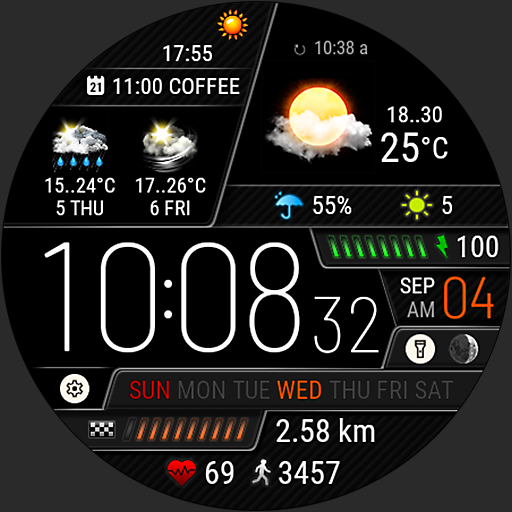
 Weather watch face W5.5
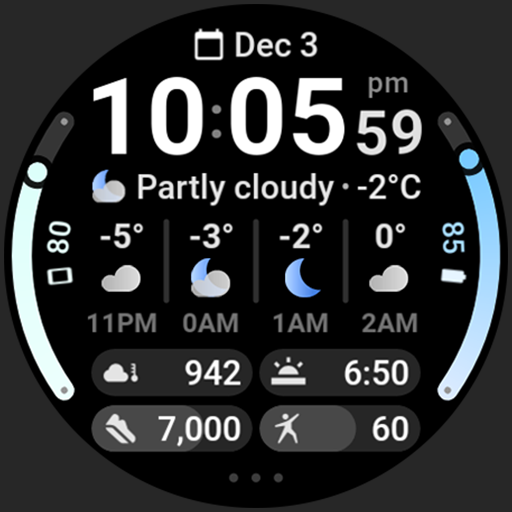
 Bold Weather - Watch face
#9 in Top Paid Weather in United Kingdom
Weather watch face W9.5 users say on Google Play
 Eve Bell
You finally made a weather watch face without steps. I'm thrilled with it. The changing graphics are a nice touch.
 Alan Ezequiel Lucchini
a beauty
 Iris L
The time for changing weather information is too short, it needs to be longer. Second observation: in the hourly weather the latest information is not displayed, it is a cloud with a question mark, please fix these problems.
ApkTrusted Ratings & Reviews
More from Futorum
See more apps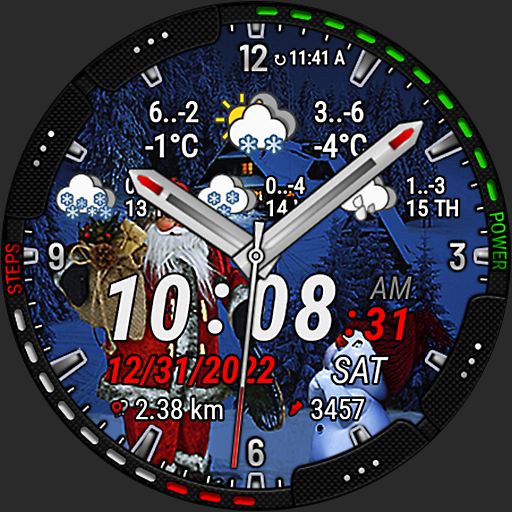
Christmas Weather Watch Face
Paid

Core X Genesis Watch Face
Paid
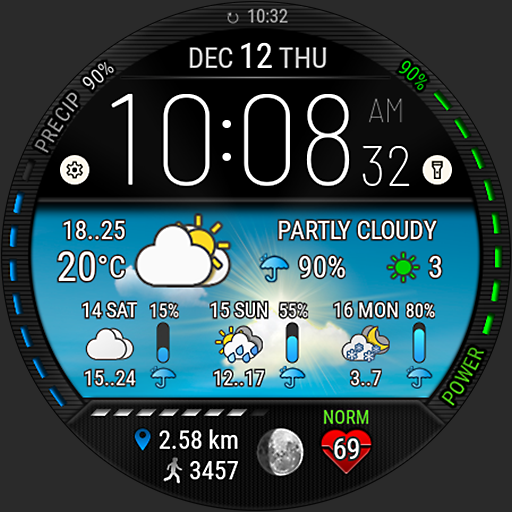
Digital Weather Watch face P5
Paid

Futorum H11 Digital watch face
Free
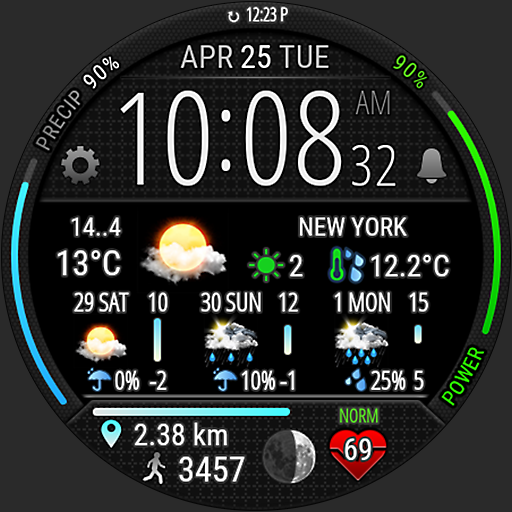
Digital Weather Watch face P4
Paid
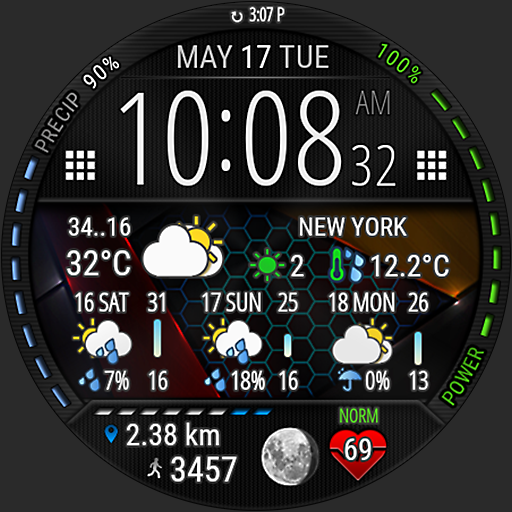
Digital Weather Watch face P1
Paid
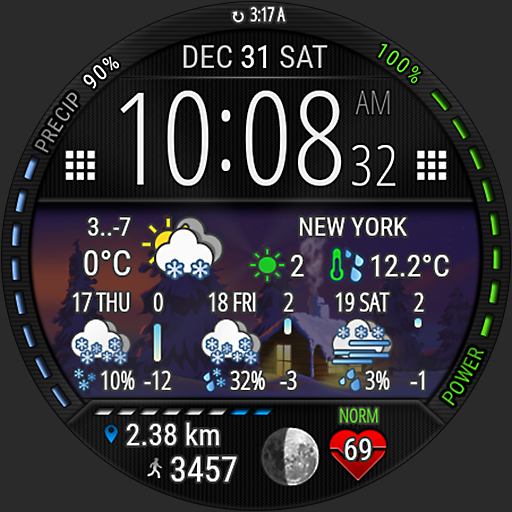
Digital Weather Watch face P3
Paid
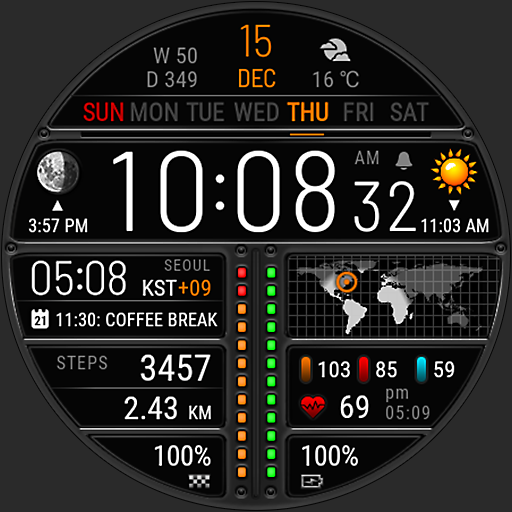
Futorum H6 Digital watch face
Free
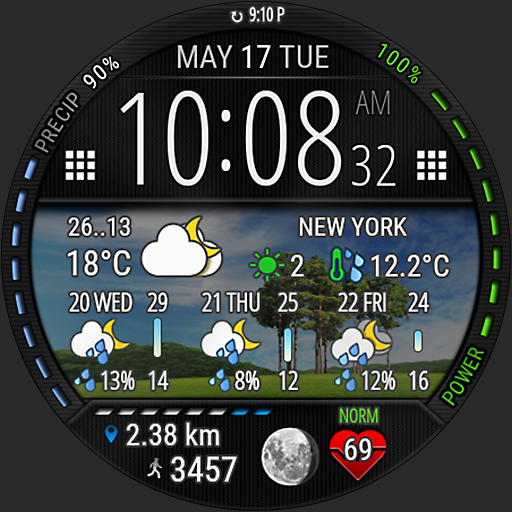
Digital Weather Watch face P2
Paid
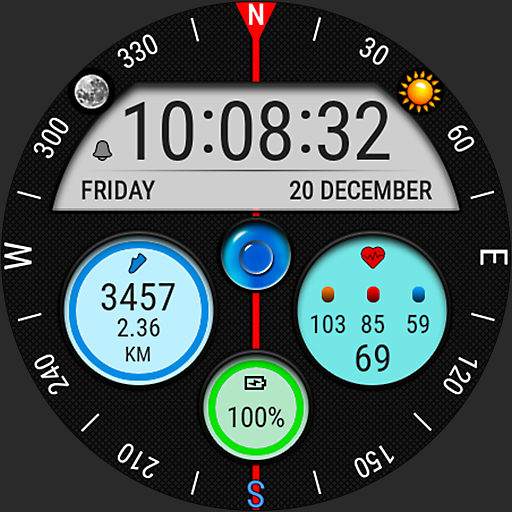
Futorum H18 Compass watch face
Free
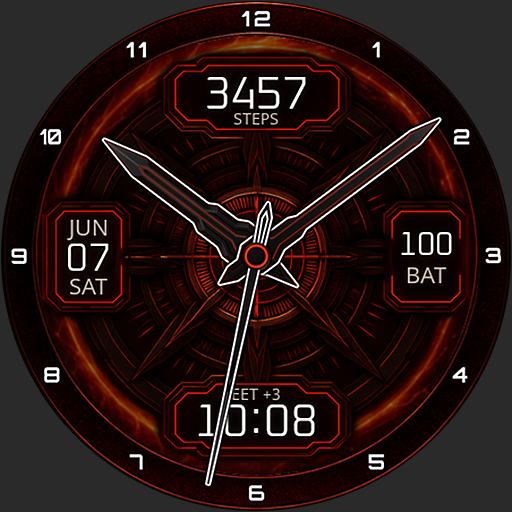
Core X Ignite Watch Face
Free
Surface elevation watch face
Free

Futorum H1 Digital watch face
Free
Futorum H10 Digital watch face
Free

Christmas Watch Face 2
Free
Futorum H2 Digital watch face
Free
Scan this QR code to download

Forwarding you to the page at Google Play market in seconds...
Open Google Play market now