
Kinetic Watch Face vVARY
amoledwatchfaces™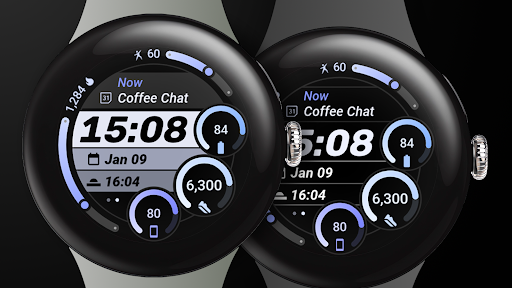
About this app
Developer Description
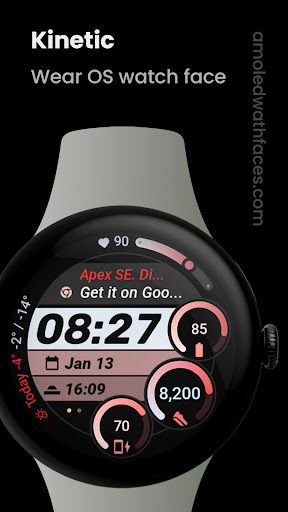
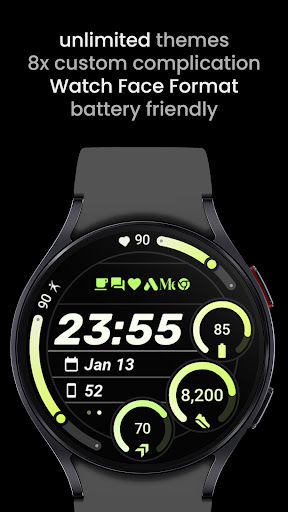
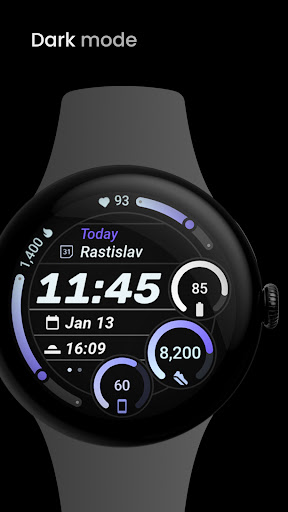
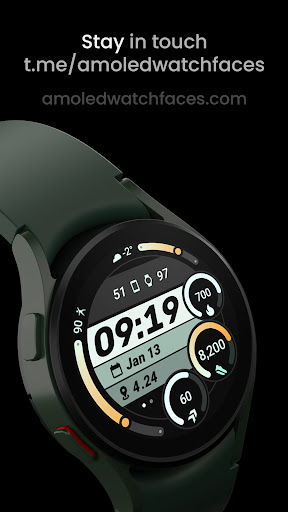
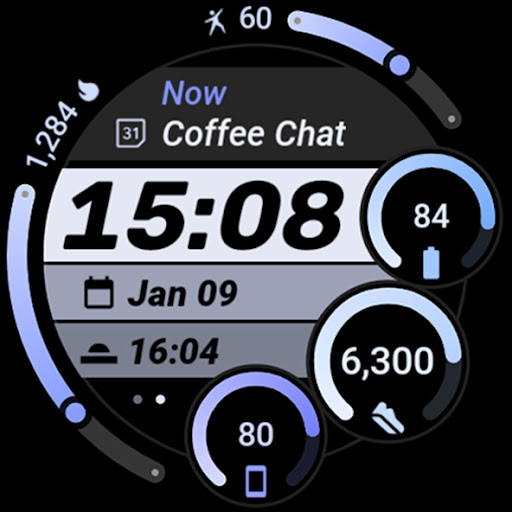
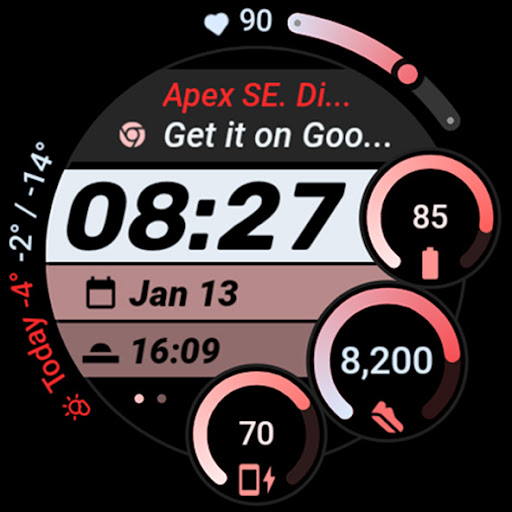
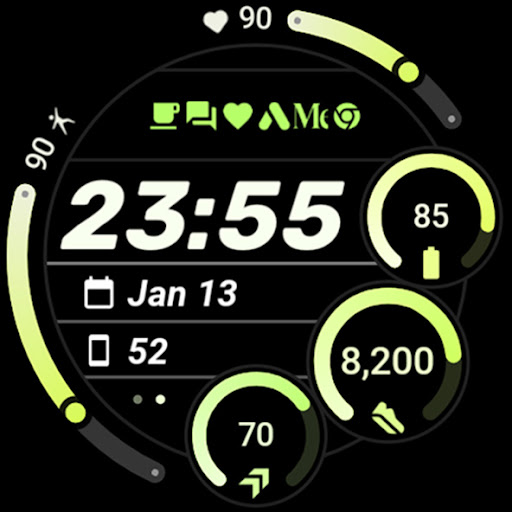
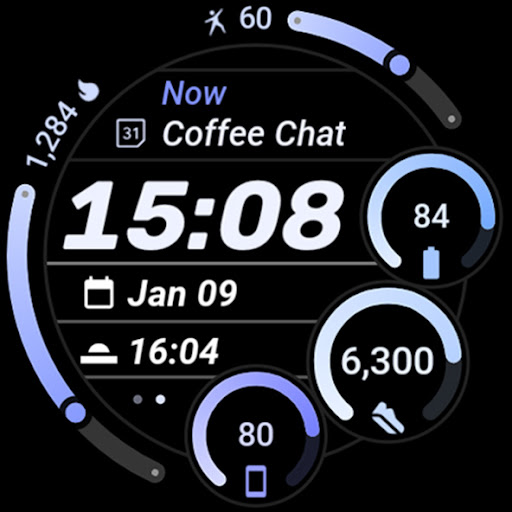
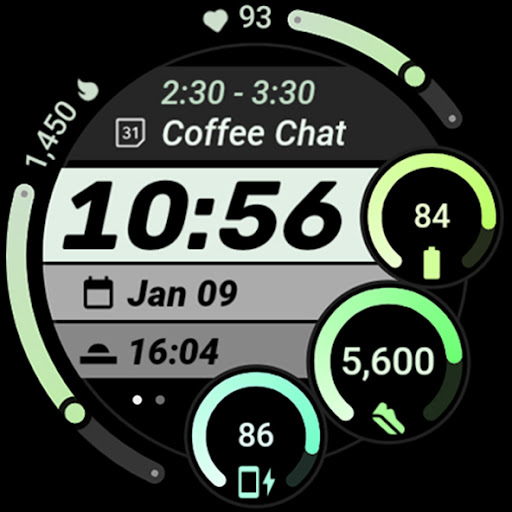
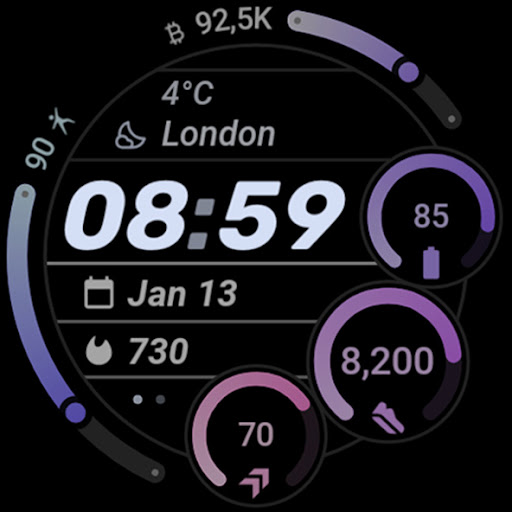
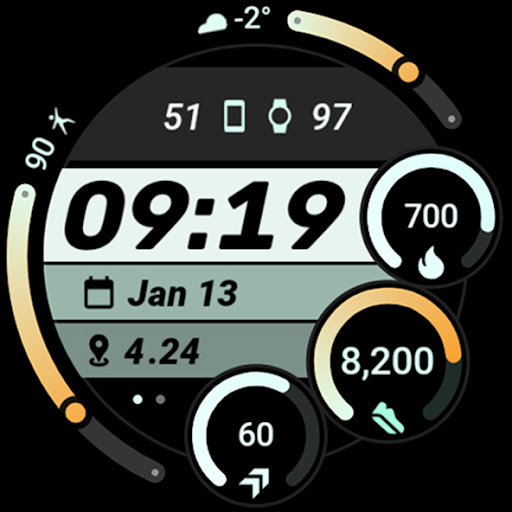
Stylish, dynamic watch face with themes, custom complications, and dark mode.
Kinetic Watch Face draws inspiration from the sleek design of the Speedometer watch face from Huawei Watch GT series.
Powered by Watch Face Format
Disclaimer for Galaxy Watch Users: The watch face editor in the Samsung Wearable app often fails to load complex watch faces like this one. This is not an issue with the watch face itself. We're waiting for a resolution from Samsung (OTA update)
amoledwatchfaces.com
BUY ONE GET ONE OFFER!
amoledwatchfaces.com/bogo
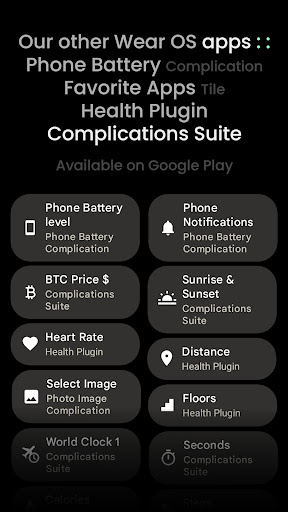
CUSTOM COMPLICATION APPS
amoledwatchfaces.com/apps
FEATURES
• Watch Face Format 1 / 2
• sleek, modern & sportive design
• 8 custom complication slots
• includes all common complication types - SHORT_TEXT, LONG_TEXT, RANGED_VALUE, MONOCHROMATIC_ICON
• 6 separately customizable arc and gauge themes
• optional dark mode
• battery friendly Digital Clock element
• flavors feature support (Wear OS 5)
• phone notifications complication support*
• dual batteries (watch / phone) support*
• multilanguage
• material color themes (palette)
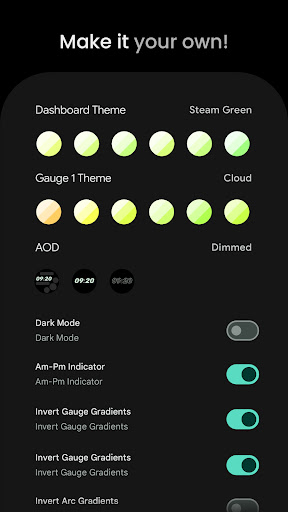
• make it your own, combine themes, gradients & inverted gradients
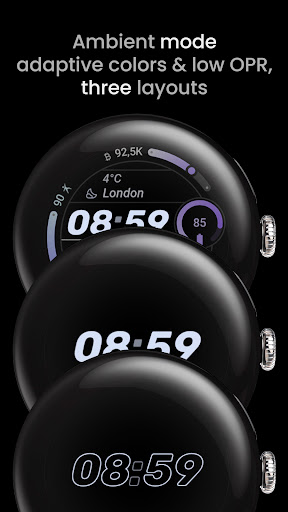
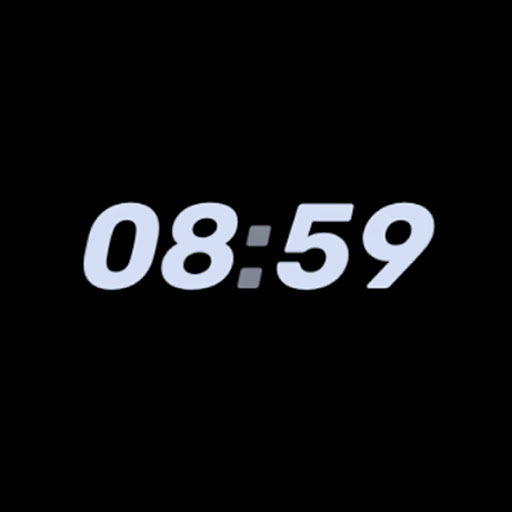
• three AOD styles
• tap digital clock to add alarm
* requires Phone Battery Complication app
https://play.google.com/store/apps/details?id=com.weartools.phonebattcomp
USER CONFIGURATIONS
• Dashboard Theme (60+)
• Gauge 1 Theme (60+)
• Gauge 2 Theme (60+)
• Gauge 3 Theme (60+)
• Arc 1 Theme (60+)
• Arc 2 Theme (60+)
• AOD (Dimmed, Time Only, Time Only Hollow)
• Bottom Indicator (am-pm dots, am-pm text, seconds)
• Custom Complications (8x)
• Dark Mode (Toggle)
• Invert Gauge Gradients (Toggle)
• Invert Arc Gradients (Toggle)
• Solid Progress Bars (Toggle)
Installation and troubleshooting guide
amoledwatchfaces.com/guide
Please send any issues reports or help requests to our support address
support@amoledwatchfaces.com
Join our Telegram group for live support and discussion
t.me/amoledwatchfaces
amoledwatchfaces™ - Awf
What's New
• added wff4 version
• removed some redundant xml attributes
• simplified dark mode
v1.1.0
• added Solid Progress Bars toggle
v1.0.9
• am-pm indicator replaced with bottom indicator (am-pm, am-pm text, seconds)
v1.0.8
• digital clock blinking colon fix (12h)
v1.0.7
• simplified digital clock wff code
v1.0.6
• fixed upper right complication slot size / bounding area
v1.0.5
• progress bars color optimization
• slightly increased gauges background alpha
...
Version Information
- Version
- -
- Downloads
- 500+
- Updated on
- Jul 31, 2025
- Released
- Jan 9, 2025
- Requires
- Android Varies with device
Statistics
Google Play Rating History
Rating Distribution
Downloads Over Time
Kinetic Watch Face has been downloaded times. Over the past 30 days, it averaged downloads per day.
Shaded area shows 30-day prediction based on historical trends
Historical data collection started recently. More data points will be available over time.
Kinetic Watch Face users say on Google Play
 Govind Damodaran
Excellent watch face for my pixel watch 4 and my aging eyes
 Prashant Ballal
takes too much time to open customization options in galaxy app. In response to developer's reply: same issue while doing it directly on watch.
ApkTrusted Ratings & Reviews
More from amoledwatchfaces™
See more apps
Arcs N6 Watch Face
Paid

Angular Watch Face
Paid
Adventurer Watch Face
Paid

Apex SE Watch Face
Paid
Athlete 2 Lite: Watch face
Free

Athlete 1 Watch face
Paid

Athlete 2: Watch face
Free
Analog xT: Watch face
Free
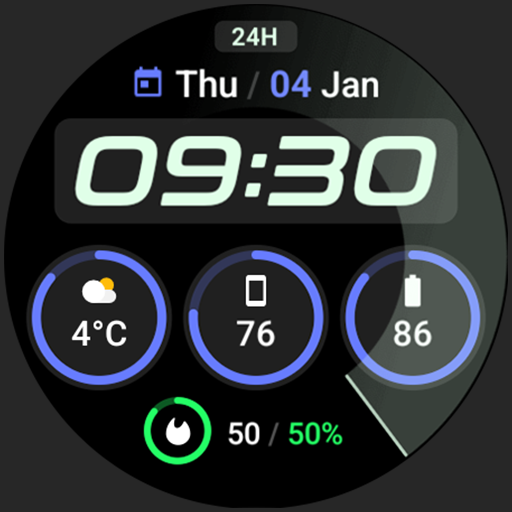
Active 2: Watch face
Paid

Analog PRO: Watch face
Paid

Adaptive Watch Face
Paid
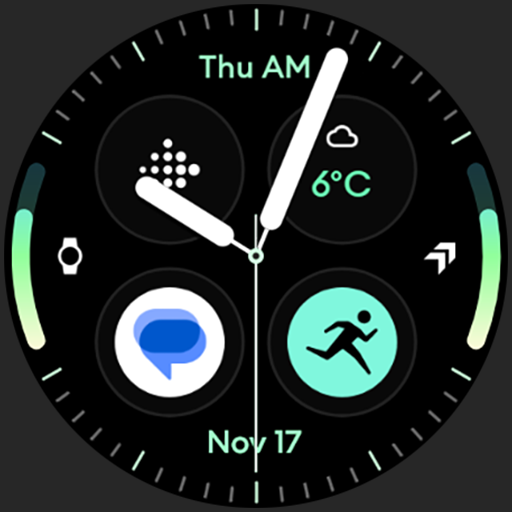
Analog M3 Watch Face
Paid
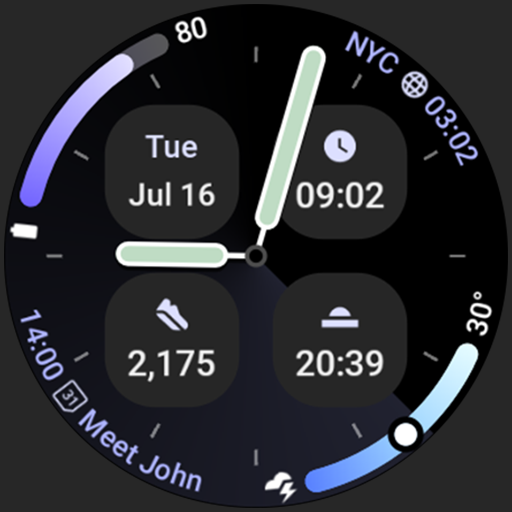
Analog M4 Watch Face
Paid

Apex 2.0 Watch Face
Free

Arcs D5 Watch Face
Free

Alpine Watch Face
Free
Similar Apps

SamWatch FIT H 2024
Paid

Watch face CNW-41
Paid

TVV Workout 4 Watch Face
Free
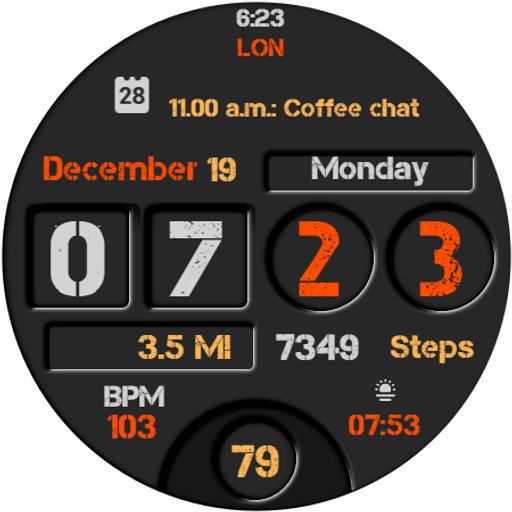
Everyday Watch Face
Paid

MDS114 Digital Watch Face
Free

Chester Neo watch face
Paid
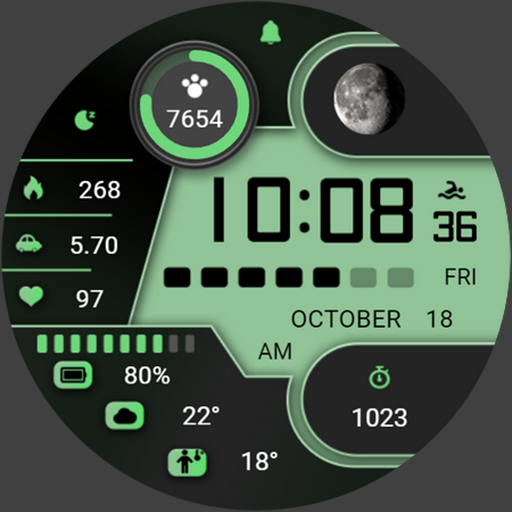
ZKinWatch Business Green Field
Paid

AD DualArc - Watch Face
Paid

MAHO012 Wear OS Watch Face
Paid

Modern Tick: Wear OS
Paid

TVV Workout 5 Watch Face
Free

PRADO 91 Digital Watch Face
Paid

SamWatch Utility B
Paid

KZY103
Paid

MDS460 Digital Watch Face
Free

Digital Dashboard 7
Paid
Scan this QR code to download

Forwarding you to the page at Google Play market in seconds...
Open Google Play market now