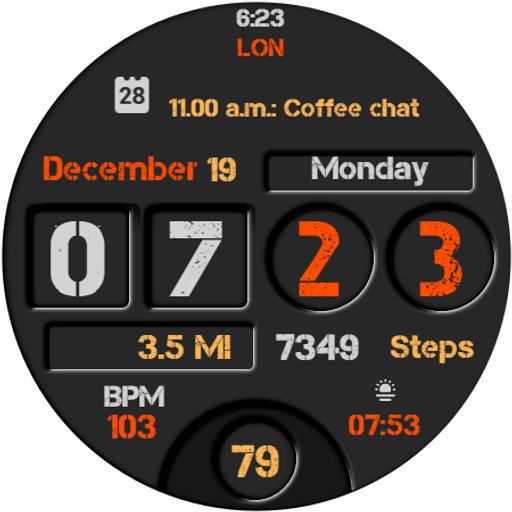
Everyday Watch Face vVARY
Cave Club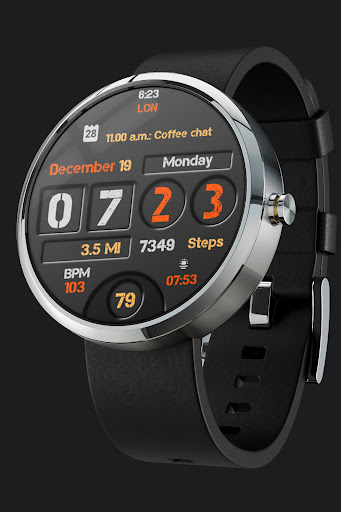


About this app
Developer Description
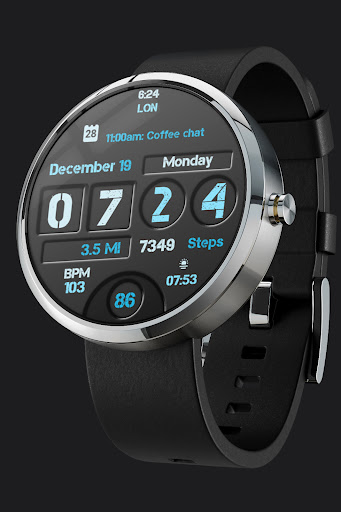
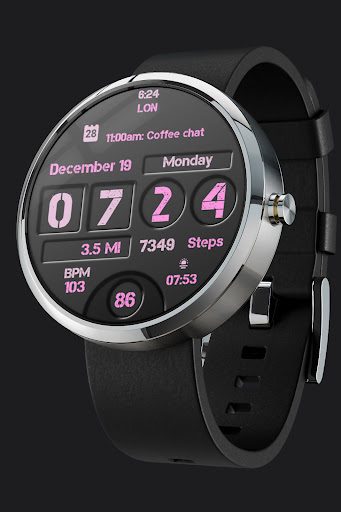
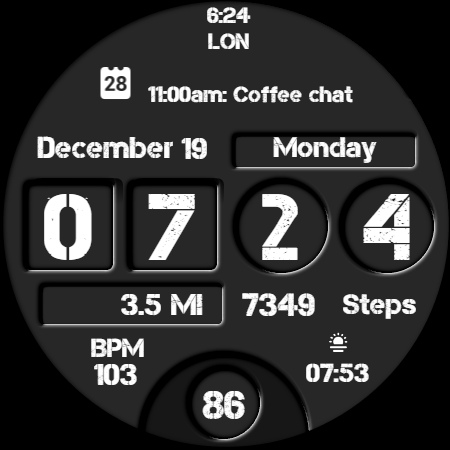
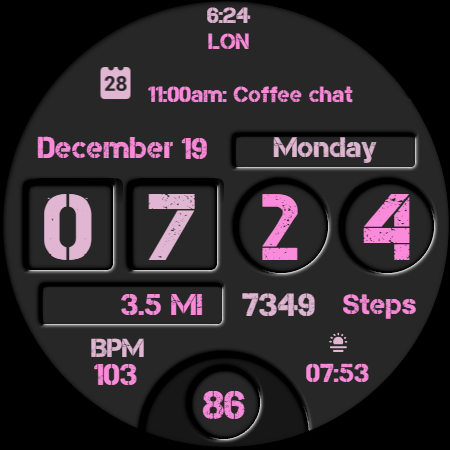
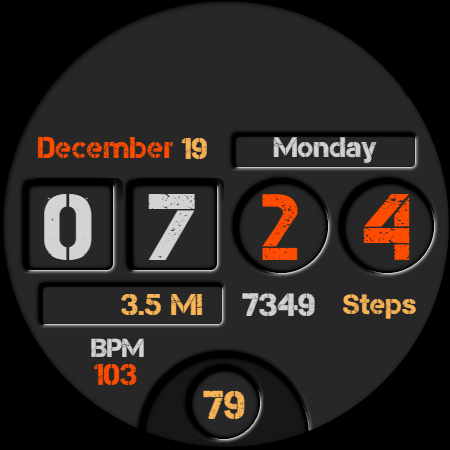
Digital Watch Face for Wear OS
Everyday color style watch.
★ Features:
• Time (24h)
• Day & Date
• Steps
• Km/Miles**
• Heart Rate (BPM)
• Battery status
• 3 Complication places
• AOD
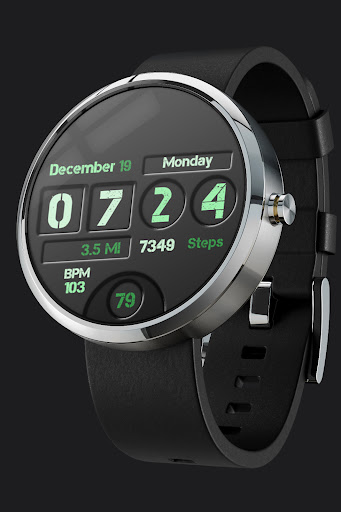
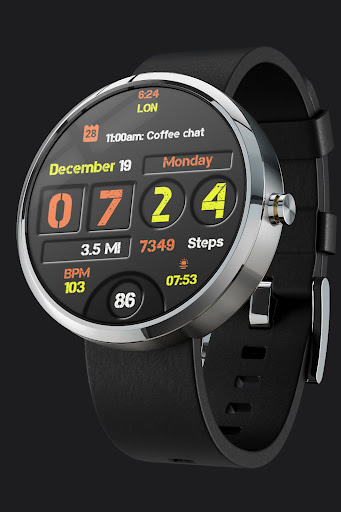
• 10 Color styles
** // Km to Miles //
Watch has to be connected to the phone via Bluetooth, change the regional language settings on your mobile phone, , after a while it will change on the watch, and Km or Miles will be displayed.
For example - change Eng USA to Eng CAN to get Km displayed.
//
Note before purchasing:
You don't have to worry , Google can charge you only one time for the content purchased from the same Google (Play Store) Account.
Sometimes the Play Store takes a little longer to confirm that you already bought the face watch app. Any additional order will be automatically refunded by Google, you will receive the money back.
There is no way to pay twice for the same watch face.
★ INSTALLATION NOTES:
//Make sure the watch is properly connected to the phone via Bluetooth//
You have to select your watch device from the install drop-down menu.
Select the target device in the Play Store app from the drop-down and tap on install.
1. Make sure the watch is properly connected to the phone, open the Phone App on the phone and tap on "Tap to continue" and follow instructions on watch.
After a few minutes, the watch face will be installed. You can choose the installed watch face.
App downloaded to your phone serves only as a placeholder to make it easier to install & find the watch face on your Wear OS watch.
or
2. Alternatively, try installing the watch face from a web browser on your PC.
- Open watch face link in a web browser (Chrome, Firefox, Safari...)
on PC or Mac.
This Link:
https://play.google.com/store/apps/details?id=com.caveclub.everyday
You can search for the watch face in
play.google.com or share a link from the Play Store app.
- Click 'Install on more devices' and select your watch. You must be logged with the same Google Account.
// LOOP Note //
If you're stuck at the payment loop (Play Store asks you to pay again), this could be a sync problem between your watch and Google Play server. You can try disconnecting / reconnecting the watch from your phone and try again. To do this quickly, set the "Airplane mode" on watch for 10 seconds. Please see "Note before purchasing" and "Installation Notes".
Cave Club
Version Information
- Version
- -
- Downloads
- 100+
- Updated on
- -
- Released
- Apr 5, 2024
- Requires
- Android Varies with device
Statistics
Google Play Rating History
Rating Distribution
Downloads Over Time
Everyday Watch Face has been downloaded times. Over the past 30 days, it averaged downloads per day.
Shaded area shows 30-day prediction based on historical trends
Historical data collection started recently. More data points will be available over time.
ApkTrusted Ratings & Reviews
More from Cave Club
See more apps
Cave Club Analog Black 001
Free

A4 Analog Watch Face
Paid

Analog 2 watch face
Paid

Clean Analog watch face
Paid

Analog classic watch face
Paid

Analog Informer
Paid

CC Analog Informer 02
Paid

CC Analog One
Paid

Club Automotive Watch Face
Paid

Cave Club AVIATION Classic
Paid

CC Bambe Watch Face
Free

BIG 2 watch face
Free

BIG Analog Watch Face
Paid
BIG Digital Watch Face
Paid

BIG Happy Watch Face
Paid
CC BIG minimal Watch Face
Paid
Similar Apps
TACT THREE: Watch face
Paid

PRADO 61 Digital Watch Face
Free

Modern Tick: Wear OS
Paid

Kinetic Watch Face
Paid

Pioneer Watch Face
Paid

AD Holo - Watch Face
Paid

Watch face CNW-41
Paid

TVV Workout 4 Watch Face
Free
AD PaneL - Watch Face
Paid

aad 17 dark 3D watch faces
Paid

Dream 46 camo watch face
Paid

MDS114 Digital Watch Face
Free
Grid Watch Face by HuskyDEV
Paid

ML2U 169 Watch Face
Paid

SamWatch Simple M 2 FIT 2022
Paid

SamWatch FIT H 2024
Paid
Scan this QR code to download

Forwarding you to the page at Google Play market in seconds...
Open Google Play market now