
Pioneer Watch Face vVARY
amoledwatchfaces™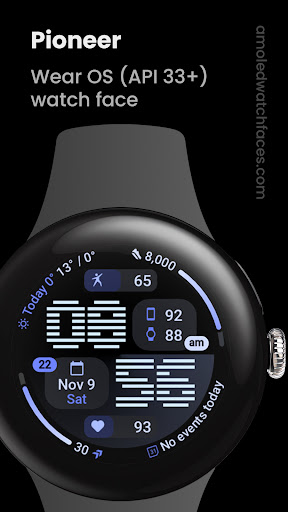

About this app
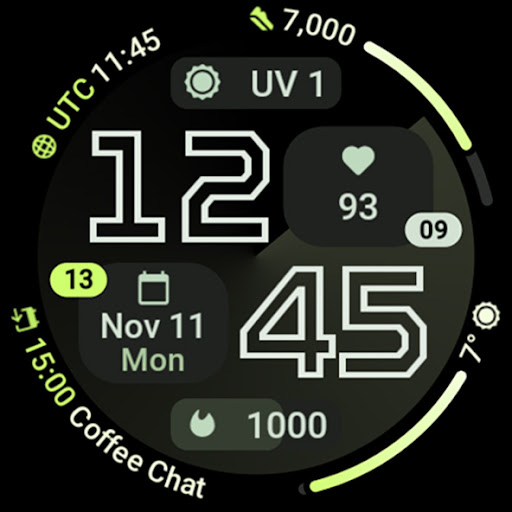
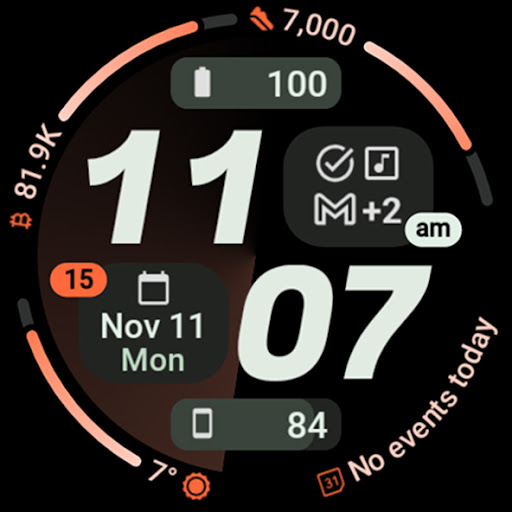
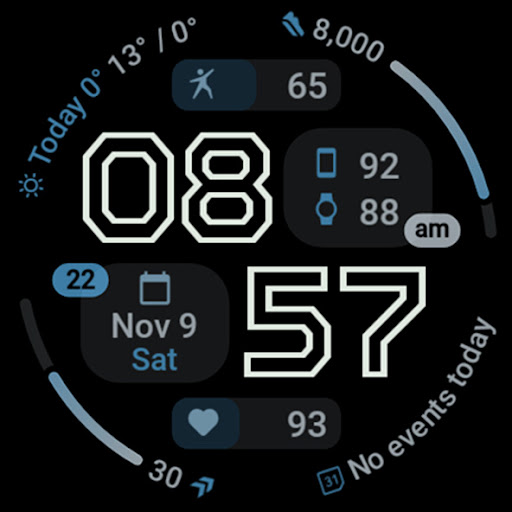
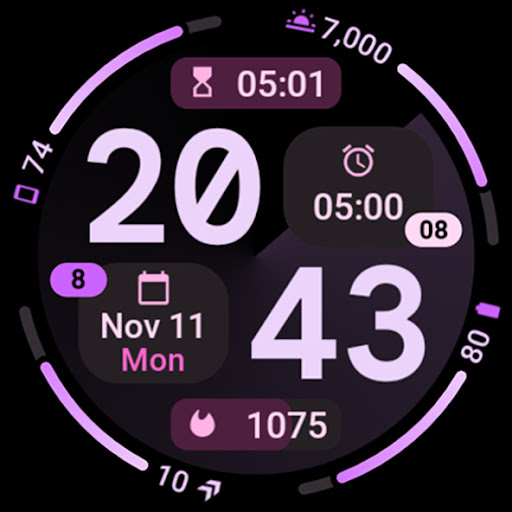
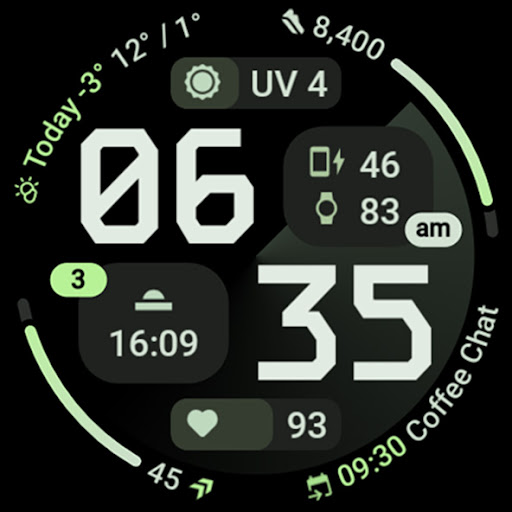
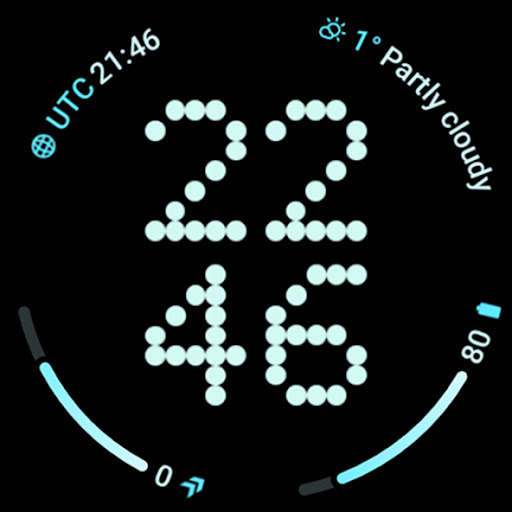
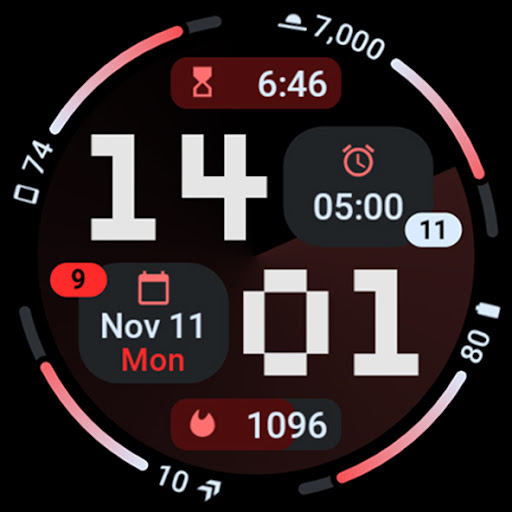
The Pioneer Watch Face app solves the problem of limited customization options for smartwatch users, particularly those seeking a material design aesthetic with versatile clock fonts and complication slots. This app benefits users who value flexibility and personalization in their wearable technology, setting it apart from other watch face alternatives with its high level of customization. Compared to other apps in the Personalization category, Pioneer Watch Face stands out with its excellent user rating and lack of ads or in-app purchases, making it a premium offering. However, its relatively low download numbers may indicate a niche appeal or limited marketing reach.
Pros
- The app's excellent user rating of 4.6 out of 5 indicates a high level of user satisfaction, suggesting that the developer has successfully met the needs and expectations of its target audience.
- With no ads or in-app purchases, the Pioneer Watch Face provides an uninterrupted and premium user experience, justifying its paid model and setting it apart from freemium alternatives.
- The app's lack of permissions requests is a significant advantage, indicating that the developer respects user privacy and does not collect unnecessary data, which is a rare trait in modern apps.
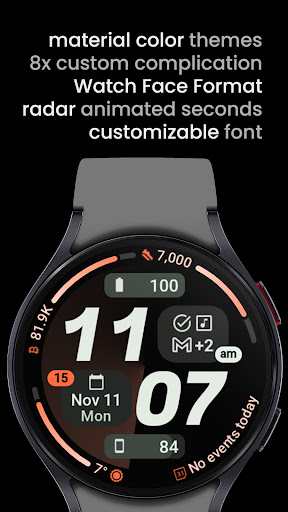
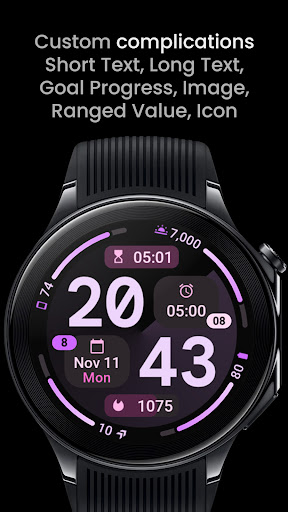
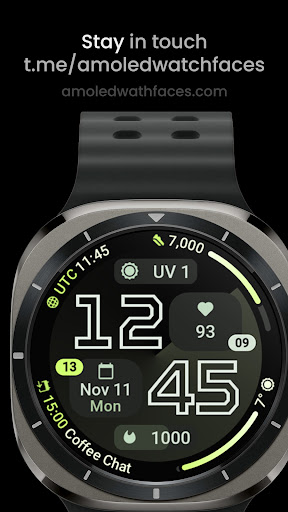
- The material themes and 8 complication slots offer a high degree of customization, allowing users to tailor their watch face to their individual preferences and needs, which is a key selling point for this app.
- The developer's reputation, as evident from their website and email support, suggests a commitment to customer service and potential for future updates and improvements.
Cons
- The relatively low download numbers may indicate limited awareness or appeal of the app, which could impact its long-term viability and the developer's ability to invest in updates and new features.
- The paid model, although justified by the lack of ads and high-quality experience, may deter some users who are accustomed to free or freemium alternatives, potentially limiting the app's market share.
- The app's compatibility may vary with devices, which could lead to inconsistent performance or compatibility issues for some users, highlighting the need for thorough testing and debugging.
- The absence of a free trial or demo version may make it difficult for potential users to assess the app's value and suitability before making a purchase, which could lead to refund requests or negative reviews.
Best for: The ideal user for the Pioneer Watch Face app is a tech-savvy individual, likely between the ages of 25 and 45, who values customization and personalization in their wearable technology and is willing to pay for a premium, ad-free experience, with a focus on material design and versatility in their smartwatch interface.
Developer Description
Packed with material themes, clock fonts & 8 complication slots for flexibility!
// Not suitable for rectangular watches
Powered by Watch Face Format
Disclaimer for Galaxy Watch Users: The watch face editor in the Samsung Wearable app often fails to load complex watch faces like this one. This is not an issue with the watch face itself. It is recommended to customize the watch face directly on the watch until Samsung resolves this issue.
amoledwatchfaces.com
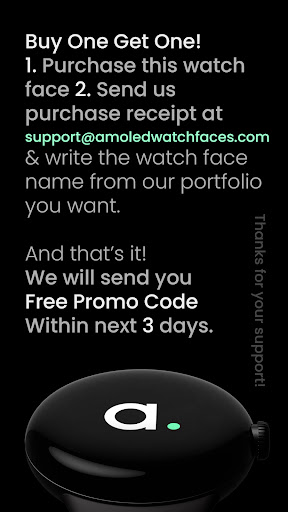
BUY ONE GET ONE OFFER!
amoledwatchfaces.com/bogo
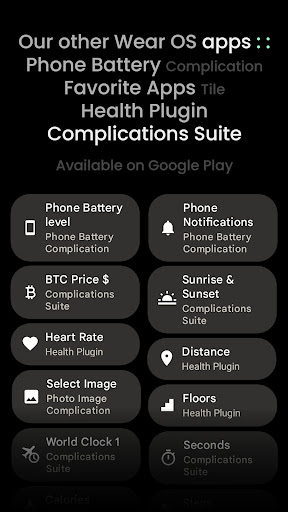
CUSTOM COMPLICATION APPS
amoledwatchfaces.com/apps
FEATURES
• Watch Face Format 1 / 2
• compatible with latest Wear OS devices (Galaxy Watch7 / Pixel Watch 3)
• flavors feature support (Wear OS 5)
• 8 custom complication slots (max)
• includes common complication types - SHORT_TEXT, LONG_TEXT, RANGED_VALUE, MONOCHROMATIC_ICON, SMALL_IMAGE
• GOAL_PROGRESS complication type support (Readiness)
• optional markers / index & watch hand styles
• phone notifications complication support*
• dual batteries (watch / phone) support*
• seconds indicator (radar style)
• multilanguage
• unique & optional digital clock fonts
• material color themes (palette)
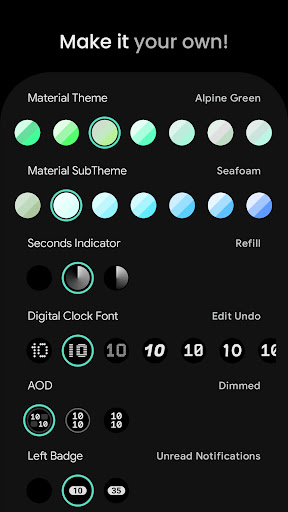
• make it your own, combine theme & subTheme & time color
• am-pm & unread notification count & seconds badge
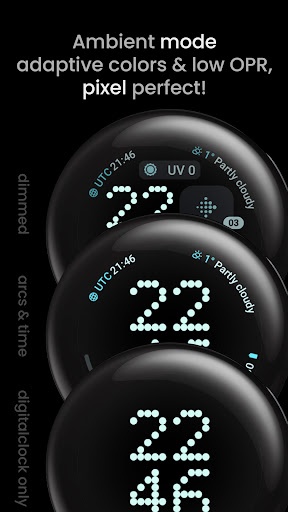
• three optional AOD looks
• 12/24 h time format with leading zero
* requires Phone Battery Complication app
https://play.google.com/store/apps/details?id=com.weartools.phonebattcomp
USER CONFIGURATIONS
• Material Theme (60+)
• Material SubTheme (60+)
• Time Color (60+)
• Seconds Indicator (None, Refill, One-Way)
• Digital Clock Font (10x)
• AOD (3x)
• Left Badge (None, Unread NC, Seconds)
• Right Badge (None, Am-Pm, Seconds)
• Progress Bar Gradients (Toggle)
• Custom Complications (8x)
Installation and troubleshooting guide
amoledwatchfaces.com/guide
Please send any issues reports or help requests to our support address
support@amoledwatchfaces.com
Join our Telegram group for live support and discussion
t.me/amoledwatchfaces
Newsletter
amoledwatchfaces.com/contact#newsletter
amoledwatchfaces™ - Awf
Privacy
Given the app's lack of permissions requests, users can be confident that their data is not being collected or shared without their knowledge. However, as with any paid app, users should be cautious when entering payment information and ensure that they are using a secure connection. To further protect their privacy, users can review the developer's website and support email for any data collection or usage policies.
Tips
To get the most out of the Pioneer Watch Face app, users should explore the various material themes and clock fonts to find the combination that best suits their style. Additionally, users can optimize the app's performance by ensuring that their smartwatch is running the latest software version and by closing unnecessary apps to conserve battery life. By taking advantage of the 8 complication slots, users can also customize their watch face to display the information that is most important to them.
What's New
• watchface.xml improvements
v1.0.4
• moved seconds indicator from Condition to ListConfiguration (wff2)
v1.0.3
• changed complication type priority in inner slots
v1.0.2
• fixed InlineImage dimensions
v1.0.1
• MONOCHROMATIC_IMAGE is now prioritized over SMALL_IMAGE in the side boxes complication slots
v1.0.0
• initial release
Version Information
- Version
- -
- Downloads
- 1K+
- Updated on
- Jul 29, 2025
- Released
- Nov 8, 2024
- Requires
- Android Varies with device
Statistics
Google Play Rating History
Rating Distribution
Downloads Over Time
Pioneer Watch Face has been downloaded times. Over the past 30 days, it averaged downloads per day.
Shaded area shows 30-day prediction based on historical trends
Historical data collection started recently. More data points will be available over time.
Pioneer Watch Face users say on Google Play
 Adam Gieroń
I highly recommend this watch face developer. Every watch face is made with love and attention to detail. Lots of customisation.
 tim hood (timzhood)
Good but repeatedly crashes my Pixel Watch at least once or twice each day. So reverted to Utility face and all is well.
ApkTrusted Ratings & Reviews
More from amoledwatchfaces™
See more apps
Arcs N6 Watch Face
Paid

Angular Watch Face
Paid
Adventurer Watch Face
Paid

Apex SE Watch Face
Paid
Athlete 2 Lite: Watch face
Free

Athlete 1 Watch face
Paid

Athlete 2: Watch face
Free
Analog xT: Watch face
Free
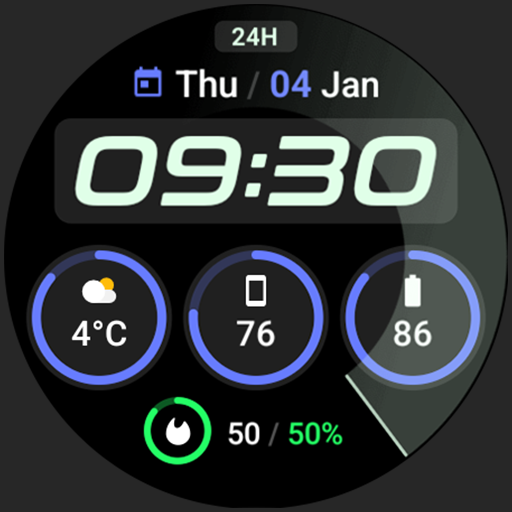
Active 2: Watch face
Paid

Analog PRO: Watch face
Paid

Adaptive Watch Face
Paid
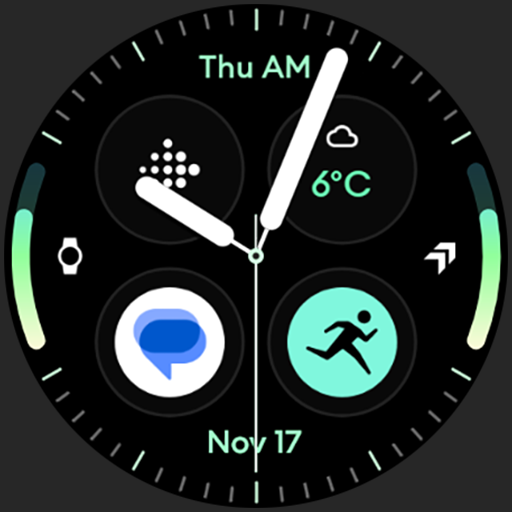
Analog M3 Watch Face
Paid
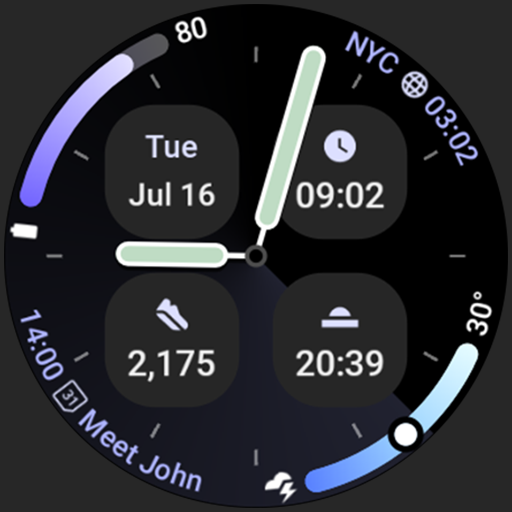
Analog M4 Watch Face
Paid

Apex 2.0 Watch Face
Free

Arcs D5 Watch Face
Free

Alpine Watch Face
Free
Similar Apps

PW26 Sleek Digits Master
Free

SamWatch FIT H 2024
Paid

SG-105
Free

MD286 Digital watch face
Paid

Digital Dashboard 7
Paid

AD DualArc - Watch Face
Paid

Digital 10
Free
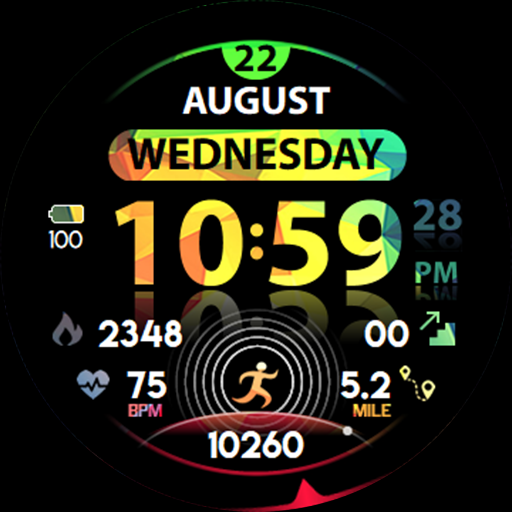
Ficture Reflecto
Paid
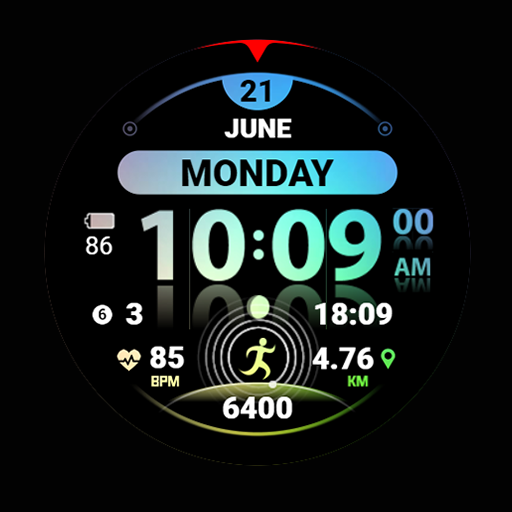
Ficture Reflecto Light
Free

SamWatch PointColor 35 2024
Paid
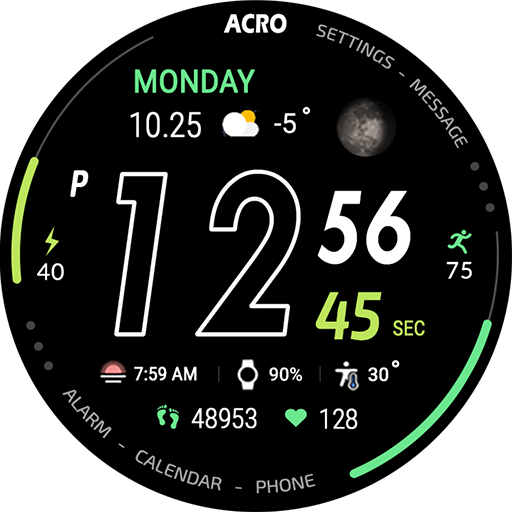
ACRO Sport Run2 Watchface
Paid
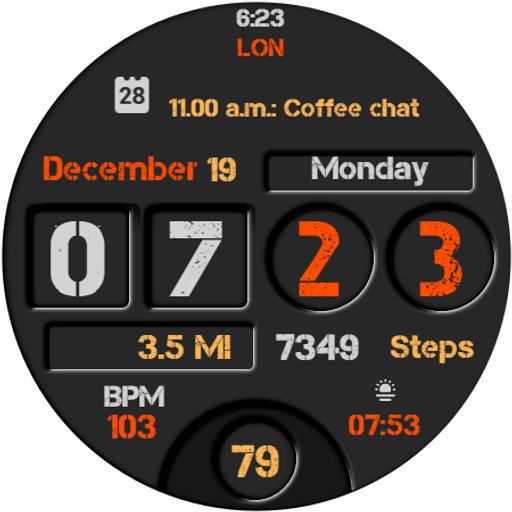
Everyday Watch Face
Paid

JJ-Digital006M Watch Face
Free

TVV Digital 4 Watch Face
Paid

WFP 241 Digital watch face
Paid

Gradient Green Light ZKinWatch
Paid
Scan this QR code to download

Forwarding you to the page at Google Play market in seconds...
Open Google Play market now