
Outlined Watch Face vVARY
amoledwatchfaces™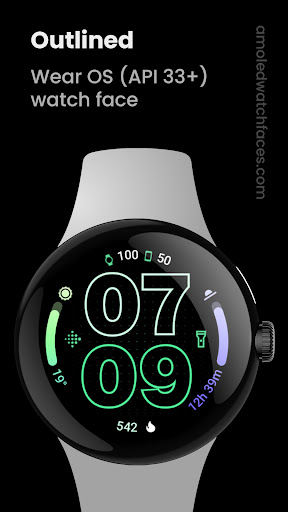

About this app
Developer Description
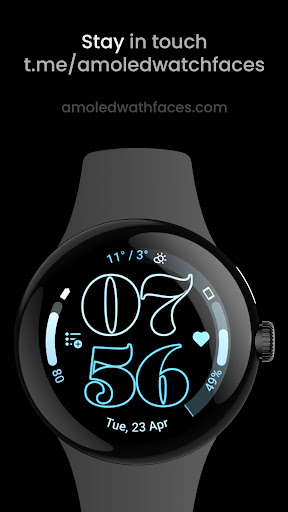
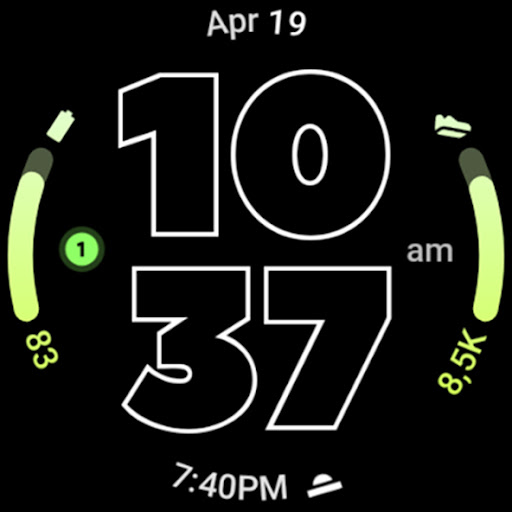
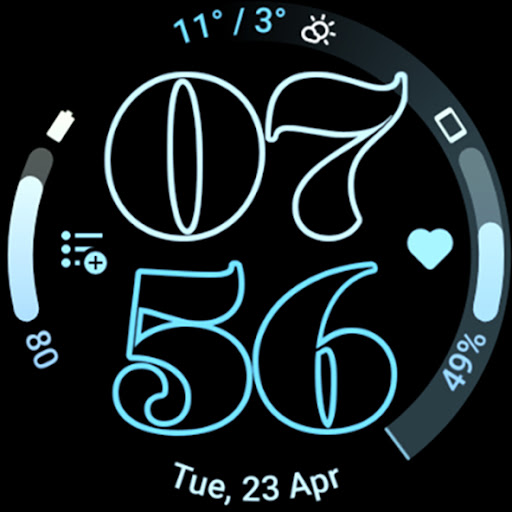
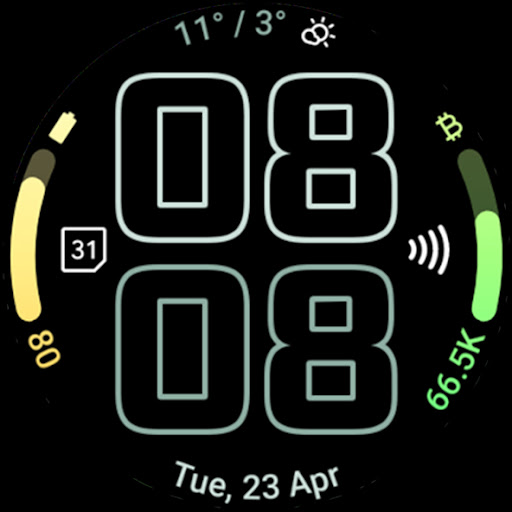
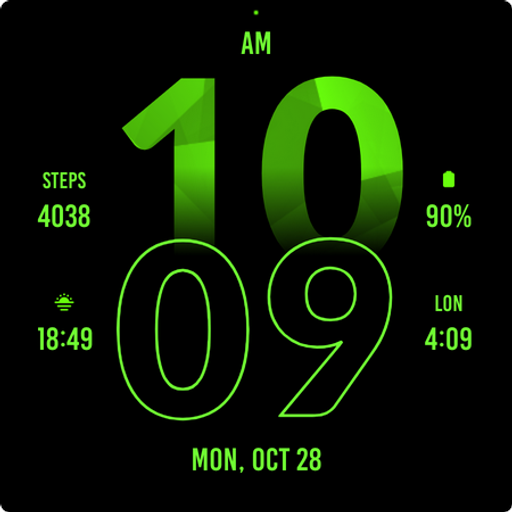
Customizable Outlined Fonts. Watch Face Format. Battery friendly Digital Clock.
// Not suitable for rectangular watches
Powered by Watch Face Format
amoledwatchfaces.com
BUY ONE GET ONE OFFER!
amoledwatchfaces.com/bogo
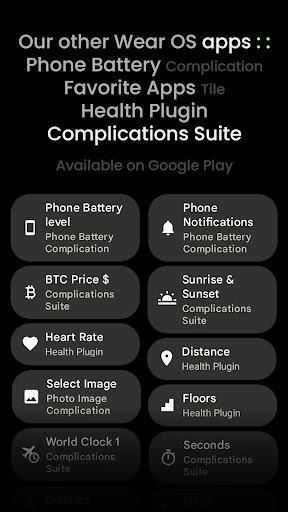
CUSTOM COMPLICATION APPS
amoledwatchfaces.com/apps
FEATURES
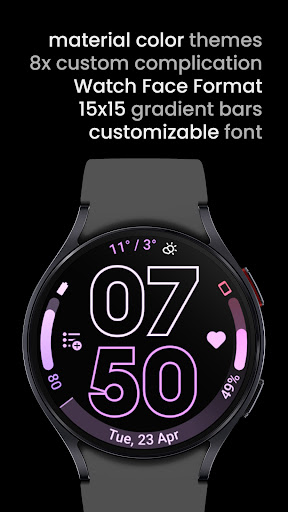
• Watch Face Format
• two gradient arc complication slots
• combined watch / phone batteries complication support!
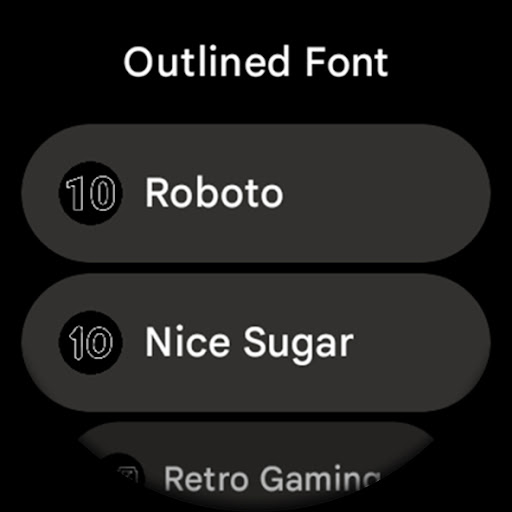
• unique / selectable outlined Digital Clock fonts
• true black background
• battery friendly!
• high-res design
• unique material you color themes
• fully compatible with Pixel Watch 2 & Galaxy Watch6
• make it your own, customize each progress bar gradient individually when ranged value complication is used
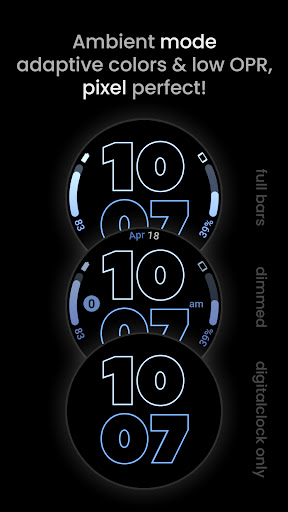
• burn-in protection
• optional wave styled seconds indicator
• different settings to create your unique daily companion
• three AOD styles with an option to use only Digital Clock and fully offload to MCU (battery++)
USER CONFIGURATIONS
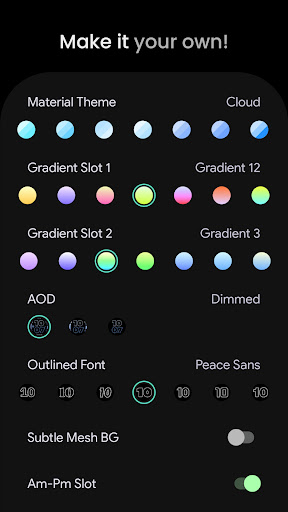
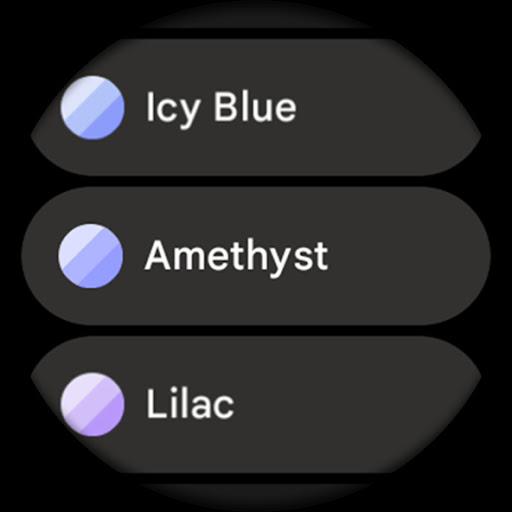
• Material Theme (60+)
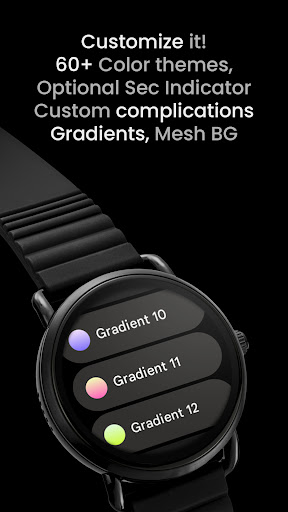
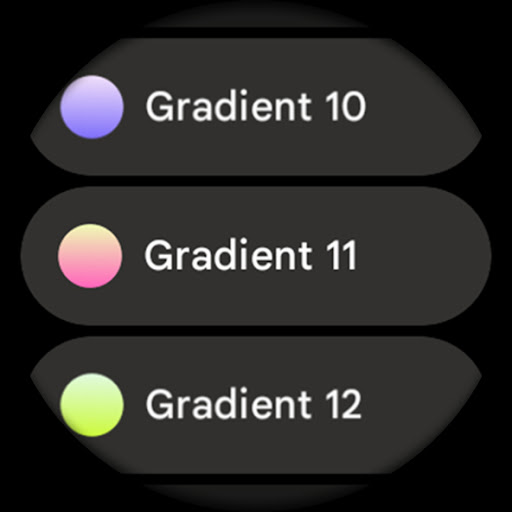
• Gradient Slot 1,2 (19 Gradients, White, Tint)
• Outlined Font (10x)
• AOD (Style - 3x)
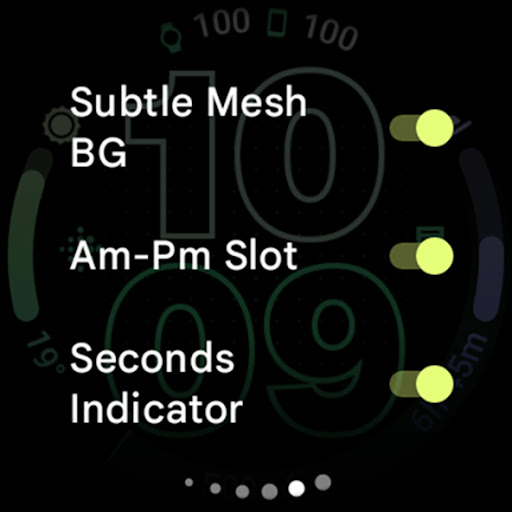
• Subtle Mesh Background (Toggle)
• Am-Pm Slot (Toggle) - turns one complication into am-pm indicator (12h)
• Seconds Indicator (Toggle) - wave style
• Tint Icons (Toggle) - monchromatic icon complication slots tinting
• Custom Complication (8x) - two custom app shortcuts
Installation and troubleshooting guide
amoledwatchfaces.com/guide
Please send any issues reports or help requests to our support address
support@amoledwatchfaces.com
Join our Telegram group for live support and discussion
t.me/amoledwatchfaces
Newsletter
amoledwatchfaces.com/contact#newsletter
amoledwatchfaces™ - Awf
What's New
• added wff3 version
• small watchface.xml improvements
v1.3.0
• added digital clock leading zero setting (Wear OS 5+)
v1.2.9
• dual batteries icon colors final fix
v1.2.6
• added WFF 2 version
• added Wear OS 5 flavors
• switched to unified watchface.xml
v1.2.5
• dual batteries slot improvements
v1.2.3
• added three new gradient bar options
• icon complication slot adjustments
v1.2.2
• upper/lower complication slot fixes
...
Version Information
- Version
- -
- Downloads
- 10K+
- Updated on
- Jul 25, 2025
- Released
- Apr 22, 2024
- Requires
- Android Varies with device
Statistics
Google Play Rating History
Rating Distribution
Downloads Over Time
Outlined Watch Face has been downloaded times. Over the past 30 days, it averaged downloads per day.
Shaded area shows 30-day prediction based on historical trends
Historical data collection started recently. More data points will be available over time.
Outlined Watch Face - Google Play Rankings
Top Rankings
| Rank | Country | Category | List | Change |
|---|---|---|---|---|
| — |
Ranking History in
No ranking data available yet. Rankings are updated daily.
#32 in Top Paid Art And Design in United States

#4 in Top Paid Art And Design in Spain
![[KNA002] SHINE](https://play-lh.googleusercontent.com/HYtcBfdbRJFqpzqyj7byfnIkcf0BHii-bT4ZIZTlc5F6hT6oT_0fEkdtMahkuUOecQ)
#10 in Top Paid Art And Design in Brazil
 GIMP
Outlined Watch Face
GIMP
Outlined Watch Face
#16 in Top Paid Art And Design in United Kingdom
Outlined Watch Face
Outlined Watch Face users say on Google Play
 Augusto
Pixel and AOD-perfect. One of my main choices as a digital WF with less information.
 Mayank Singh
This has lots of complication options and bits of customizations too. I just wish there was an option to display only the progress bar at the left and right and not the percentage values below it. Either case, the percentage values are in a different orientation making it tough to read them already.
 Joelism Grim
I like the face but I turned off the am / pm feature and now it won't display again, conflict with that space being both for complication and the am/pm icon I think? Edit. I've worked out it needs a complication to be set for that spot (any available one) and then the am pm will show up.
 Teresa LeBleu-Williams
Looks nice but won't allow me to change any options after the first time I set them. It crashes every time I try to change anything.
 naveen noothi
Not supporting Samsung watch 7 please don't purchase this app because no refund
ApkTrusted Ratings & Reviews
More from amoledwatchfaces™
See more apps
Arcs N6 Watch Face
Paid

Angular Watch Face
Paid
Adventurer Watch Face
Paid

Apex SE Watch Face
Paid
Athlete 2 Lite: Watch face
Free

Athlete 1 Watch face
Paid

Athlete 2: Watch face
Free
Analog xT: Watch face
Free
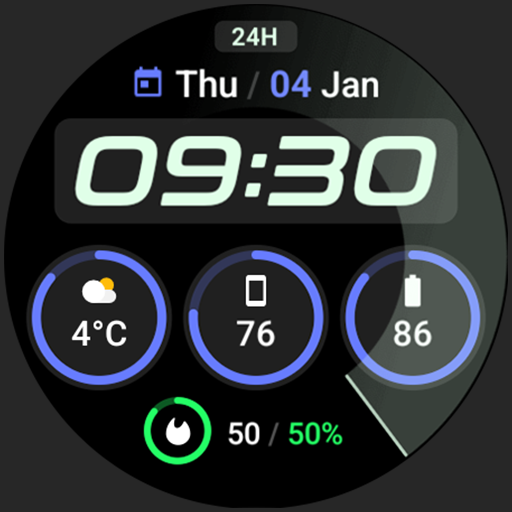
Active 2: Watch face
Paid

Analog PRO: Watch face
Paid

Adaptive Watch Face
Paid
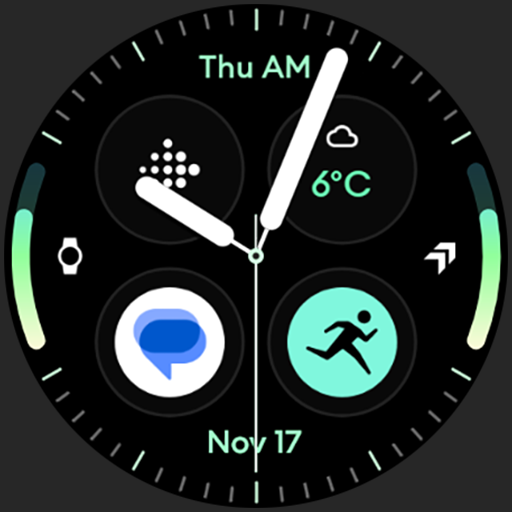
Analog M3 Watch Face
Paid
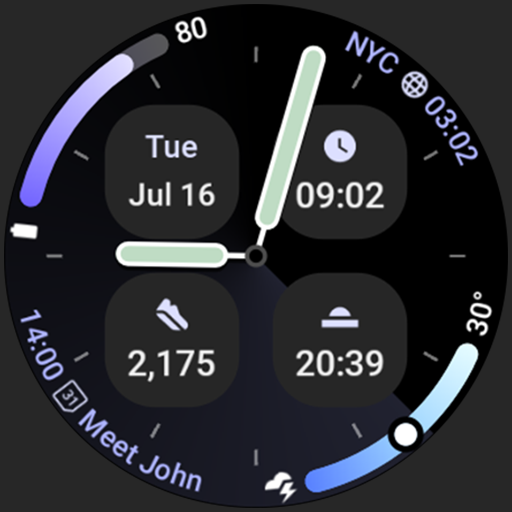
Analog M4 Watch Face
Paid

Apex 2.0 Watch Face
Free

Arcs D5 Watch Face
Free

Alpine Watch Face
Free
Similar Apps
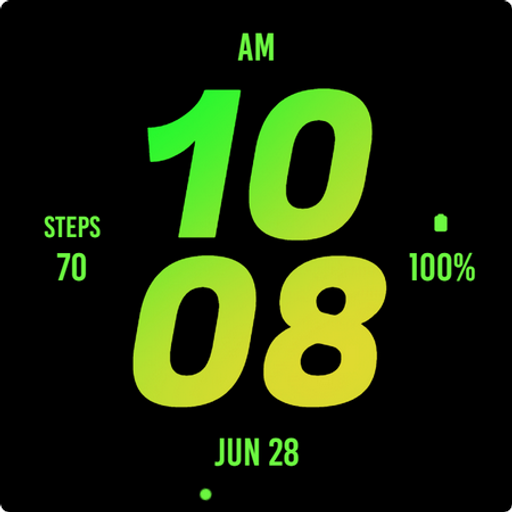
Mango Bold Watch Face
Free

Digital X6
Free

Active Mango Watch Face
Paid

Digital Watch Face Key 016
Free
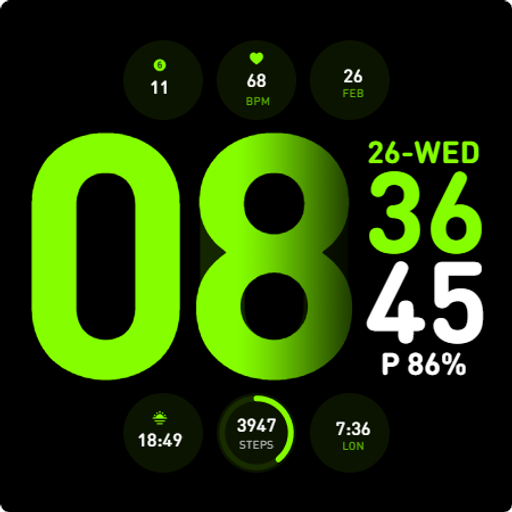
JAZZ Watch Face
Free

Destiny Watch Face
Paid

Watch Face H8
Paid
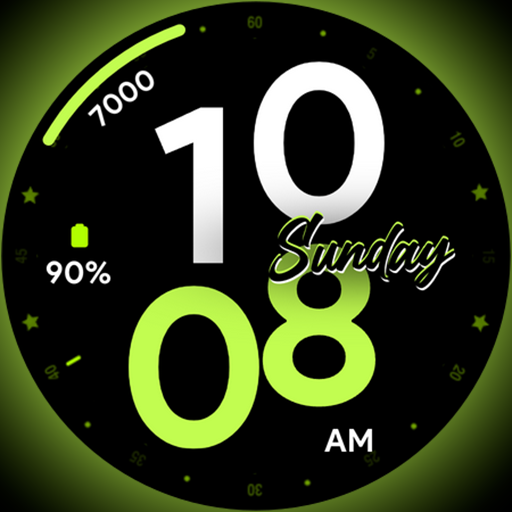
Night Stars - Watch face
Paid
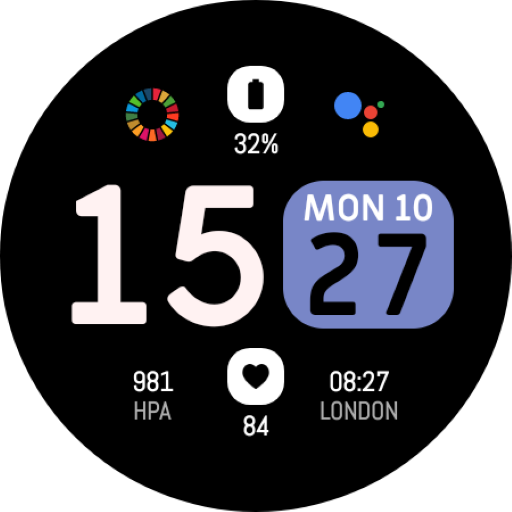
EXD140: Digital Watch Face
Paid
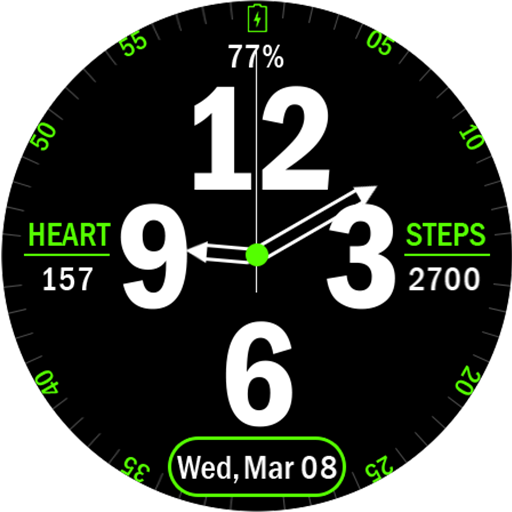
Key032 Analog Watch Face
Free
Active Green Fit Watch Face
Paid

Army Green Watch Face
Paid

ACRO Mini Point Sports Watch
Free

PW27 Digi Glow Deluxe Watch
Paid

MONO Watch Face
Free

Digital Sport color7 WatchFace
Free
Scan this QR code to download

Forwarding you to the page at Google Play market in seconds...
Open Google Play market now