Image Converter - HEIC to JPG v1.0.19
TAPUNIVERSE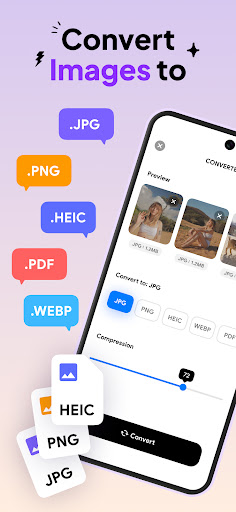




About this app
Developer Description
Convert image to JPG PNG HEIC PDF, support almost all kinds of image formats
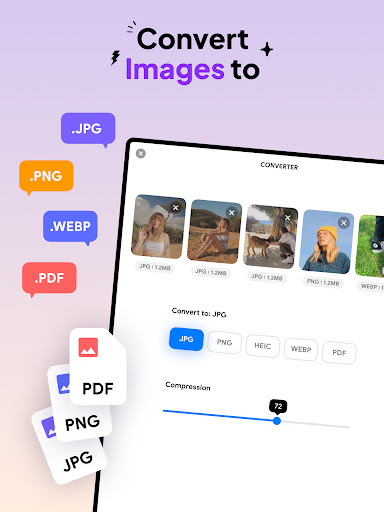
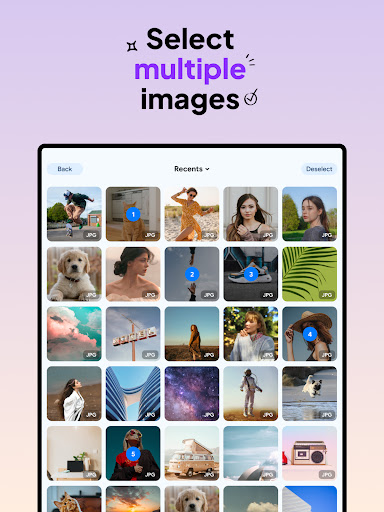
This handy picture converter supports almost any image formats to convert to JPG, PNG, HEIC and PDF. Whether you want to convert JPEG to PDF, or PNG to PDF, this app has everything that you need. This picture converter also offers batch conversion, which will make it easier and faster for you to convert multiple photos at a time.
Key Features:
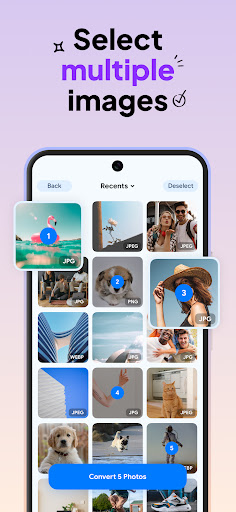
- Convert image with batch conversion
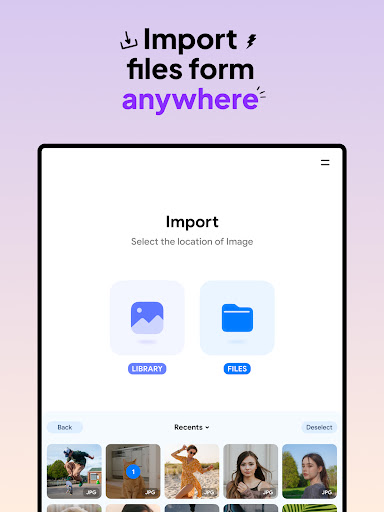
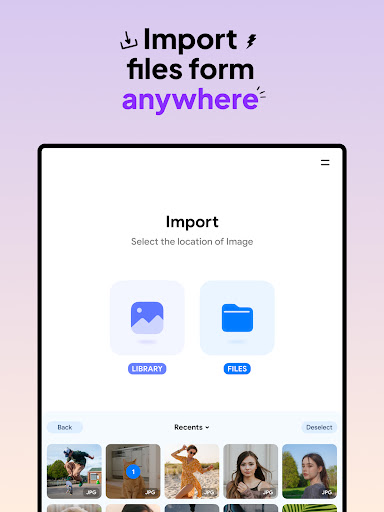
- Seamless integration with various photo sources
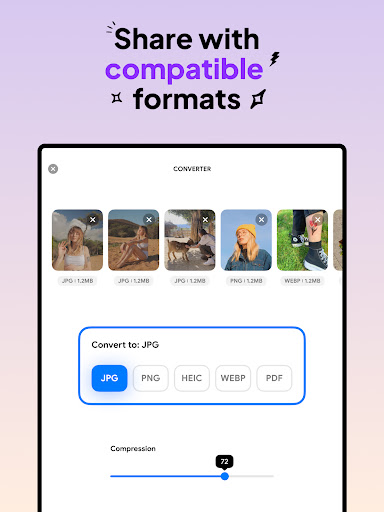
- Support almost all image formats to convert to JPG or any other format such as PNG to PDF
- Preserve image quality and resolution during conversion
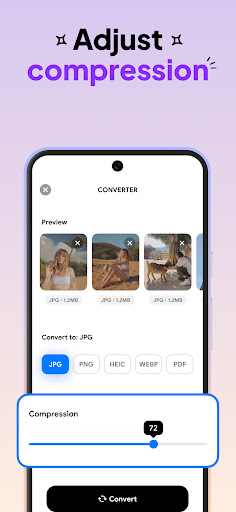
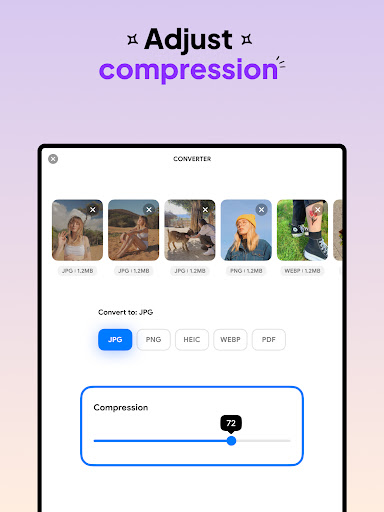
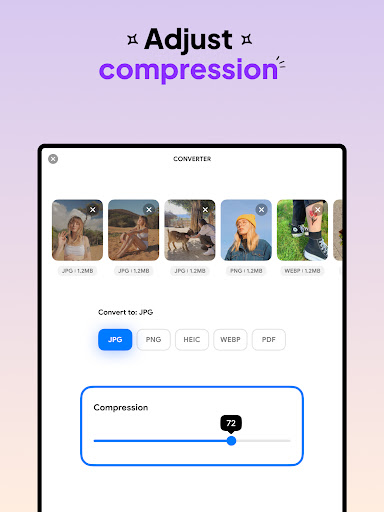
- Compress photos and freely adjust compression quality using Image Converter - HEIC to JPG
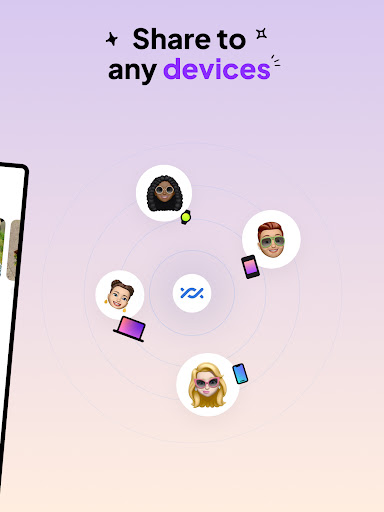
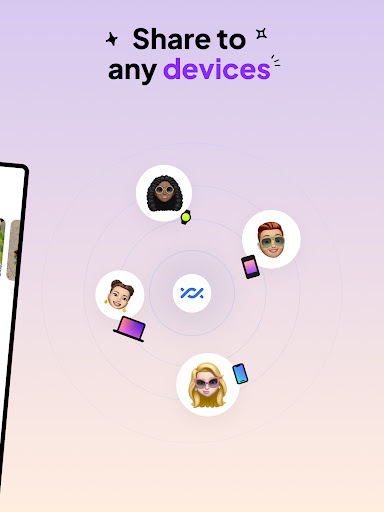
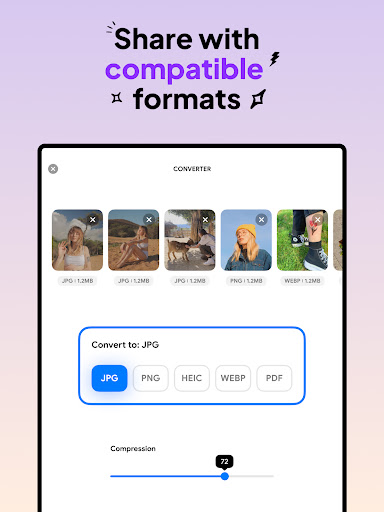
- Save and share JPG to PDF or any converted files across devices in compatible formats.
How to Use Image Converter - HEIC to JPG:
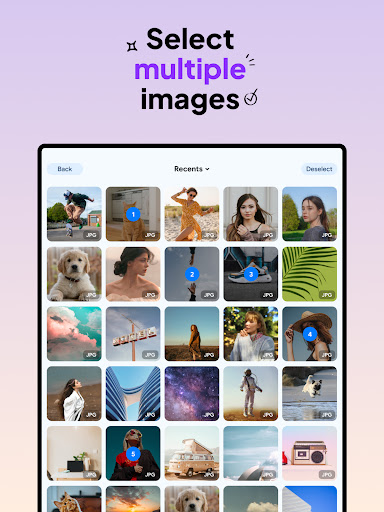
1. Select your input files, from JPG PNG to any other format that you need to convert image
2. Select image format and compression quality
3. Wait for your photos convert to JPG, HEIC, PNG to PDF in seconds
4. Save or share to your desired destination
Switch effortlessly between popular image formats such as JPG PNG, HEIC and even PDF, all within a few taps. Fine-tune your picture converter process with the flexibility to compress photos and change the compression level freely. With user-friendly interface, this Image Converter - HEIC to JPG helps you to convert image with ease and fast, support all image formats as input, ensuring you can effortlessly convert to JPG, PNG or even HEIC, PDF.
Experiencing the powerful features of Image Converter - HEIC to JPG and speed up the process of converting images and compress photos. Convert image and transform multiple files at once with ease, save and share HEIC, JPG, PNG to PDF files to your gallery or to any device.
Download Image Converter - HEIC to JPG now, a powerful picture converter where quality, efficiency and convenience converge.
What's New
Version Information
- Version
- 1.0.19
- Downloads
- 50K+
- Updated on
- Sep 18, 2025
- Released
- Jan 4, 2024
- Requires
- Android 9
Statistics
Google Play Rating History
Rating Distribution
Downloads Over Time
Image Converter - HEIC to JPG has been downloaded times. Over the past 30 days, it averaged downloads per day.
Shaded area shows 30-day prediction based on historical trends
Historical data collection started recently. More data points will be available over time.
Image Converter - HEIC to JPG - Google Play Rankings
Top Rankings
| Rank | Country | Category | List | Change |
|---|---|---|---|---|
| — |
Ranking History in
No ranking data available yet. Rankings are updated daily.
#33 in Top Paid Art And Design in United States
 Outlined Watch Face
Image Converter - HEIC to JPG
Outlined Watch Face
Image Converter - HEIC to JPG
#35 in Top Paid Art And Design in Pakistan


#35 in Top Paid Art And Design in Mexico

#36 in Top Paid Art And Design in Thailand
Image Converter - HEIC to JPG users say on Google Play
 Christopher S
CLEAN* (read below), SIMPLE (in a good way), EASY (to use) and FAST app, to Batch (Multi) Convert Images, from for example png to jpg. *Also checked this app with "Muntashir's "App Manager" (by "Muntashir" on Github)". This Image Converter has: - No malicious trackers only the 3 common google play ones (the normal kind you know) - No links but to google play (also normal) So its super CLEAN! Keep that up developers!
 Abdu Ali
add more extensions please, we need .ico extenstion and .bmp, let it be general and complete, please
 Hansraj Bhatt
App needs a lot of improvement. Basic improvements and features are needed. Choosing files is a difficult task. Batch conversion is a complicated procedure. Location to save converted photos is also missing. Straight purchase without any trial option is not a very professional way. Optional features include provisioning resize option. Rest is ok, it does the job of conversion well.
 Enrico Ferretti
Does the job, but uses a lot resources. Bogs down my galaxy 23+ literally the very second I open the app. Even before I tell it which photos to convert. Stays bogged down while converting, which I kinda expected, but did not expect 16 HEIC photos to take this long to convert to PNG. They're photos for crying out loud... Not videos.
 Nagayuki Toshisaka
Why does an image converter need to run at startup??? It's an app you need perhaps once every few weeks, no need to constantly hog system resources . What business does it have to require permission to view the phone's network connections?? No, thanks!
ApkTrusted Ratings & Reviews
More from TAPUNIVERSE
See more apps
Resume Builder - CV Maker
Paid

Stitch Photos: Long Screenshot
Paid
Blur Photo - Blur Background
Free
Image to PDF - PNG to PDF
Paid

Audio Converter - MP4 to MP3
Free
Background Remover - PNG Maker
Free
Remove Objects: Object Remover
Free

Passport Photo: ID Photo Print
Paid

Business Card Maker: Logo Card
Paid

AI Anime Filter - Anime AI
Free
AI Photo Editor: AI Expand
Free

Blend Photos - Photo Blender
Paid

AI Anime Generator: AI Anime
Free

AI Art Generator: AI Picture
Free

Cartoon Photo Editor
Paid
Print Photo - Print to Size
Paid
Similar Apps

Banano Pro İmage Generator
Paid

PixaGen: Ai image generator
Paid

Image Toolbox - Edit & Convert
Free

Personio
Free

PicWish: AI Photo Editor
Free

Apowersoft Background Eraser
Free

3D Photo: Imager
Paid
Pixlr AI Photo Editor
Free

Gallup Access
Free

Prisma Art Effect Photo Editor
Free

Photo Scan App by Photomyne
Free

GenZArt: Fast AI Art Generator
Free

AI Photo Generator - Fotorama
Free
Artisse - Realistic AI Photos
Free

UPDF - AI-Powered PDF Editor
Free

MindMeister - Mind Mapping
Free
Scan this QR code to download

Forwarding you to the page at Google Play market in seconds...
Open Google Play market now