AI Photo Editor: AI Expand v1.0.42
TAPUNIVERSE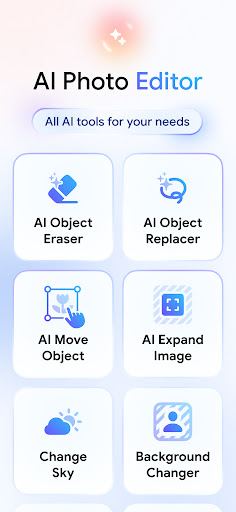

About this app
Developer Description
AI image editor for object remover, background changer and hair color changer
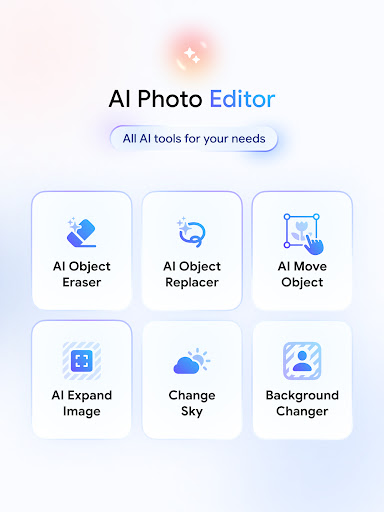
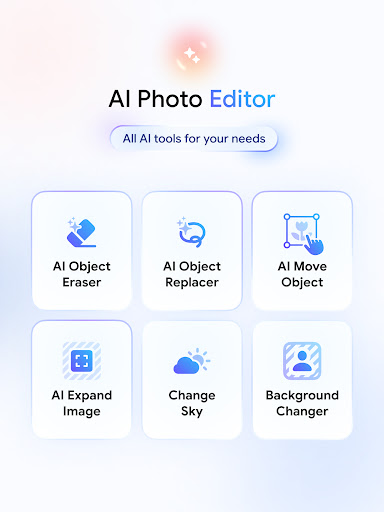
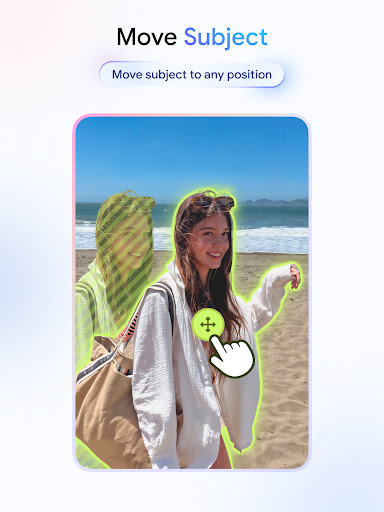
As a super app for editing photo, this AI photo editor applies the most advanced AI technology like Generative Fill with AI replace and AI expand image, AI filter, AI generator can do various tasks like AI background generator or background changer, AI clothes changer, hair color changer or sky editor. This app ensures to give you the most convenient experience for your photo retouch needs.
No need for extensive editing skills, AI Image Editor makes your life easier and your photos better. This AI photo editor is equipped with advanced tools like Generative Fill, AI replace, and AI photo extender to help you turn your photos into professional-quality content in seconds.
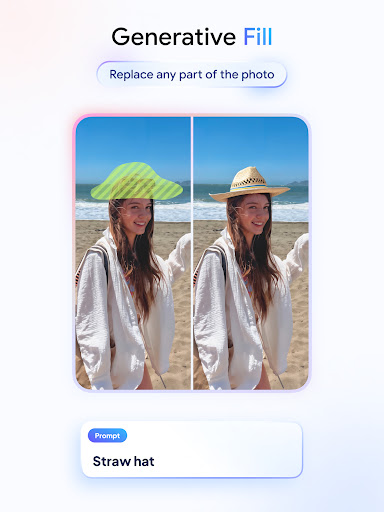
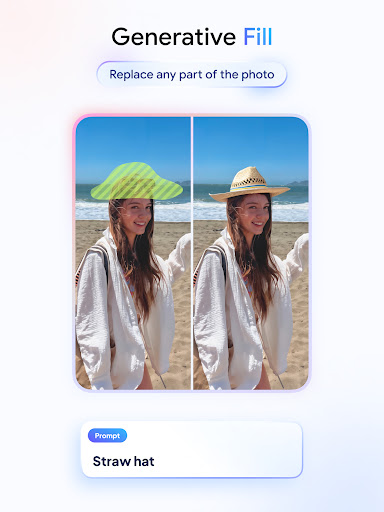
Generative Fill: editing photo has never been more easy
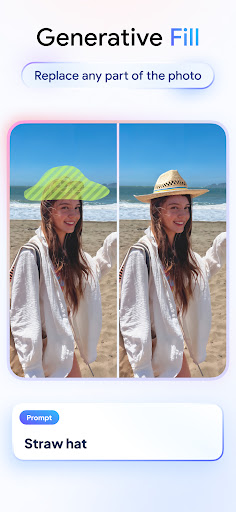
One of the standout features is the Generative Fill Tool, which using AI remove objects or to help you to remove people from photo within seconds. The AI seamlessly blend the surrounding area, leaving no trace like a magic eraser.
Not only function as an object removal, you can also use this tool as an AI replace object and change any element in your picture effortlessly.
By taking advantage of AI technology, anything can be done with AI photo editor. With Generative Fill, it's easy to create a professional headshot or switch up outfits as you can use this like an AI clothes changer. If you want to see what you would look like with a new hairstyle and color before deciding to change hair style, this app is the perfect hair color changer for you.
You can also use this tool to fix and remove red eye in your photos.
Get creative with AI background generator, AI photo extender, and sky editor
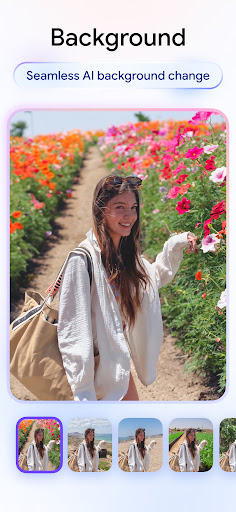
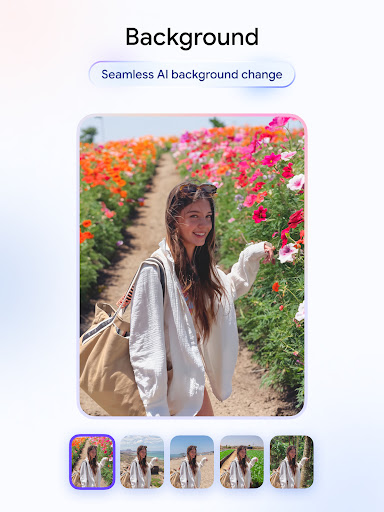
A powerful background remover to remove background, change background using AI background generator and create eye-catching visuals that stand out from the crowd. Tell your friend you're on a trip to Bali? One tap and AI Image Editor will make it happen.
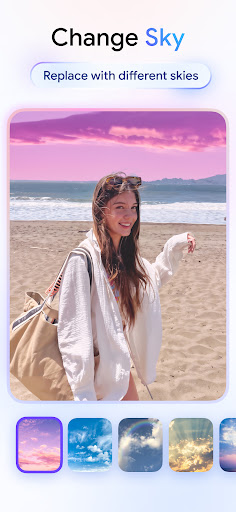
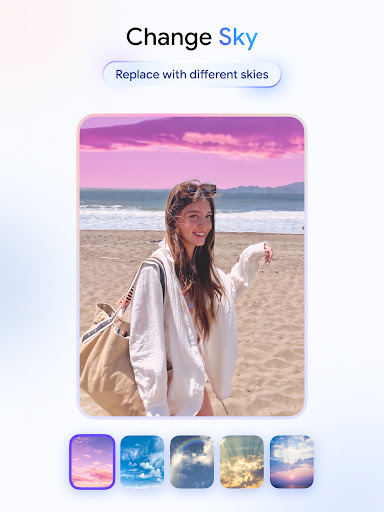
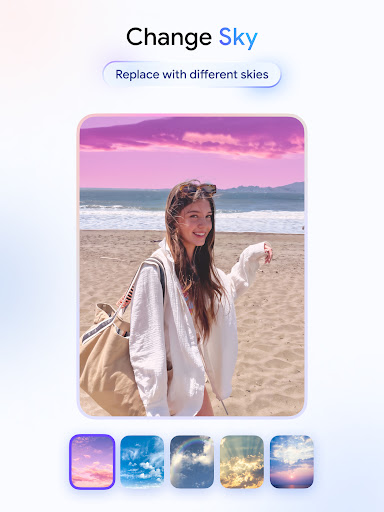
Whether you want to create a dreamy sunset or a stormy sky, the power is in your hand with the magic sky editor.
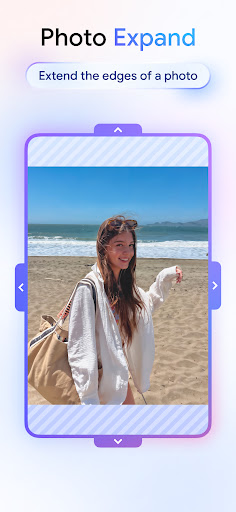
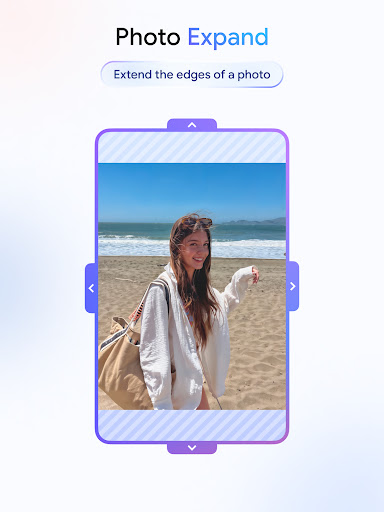
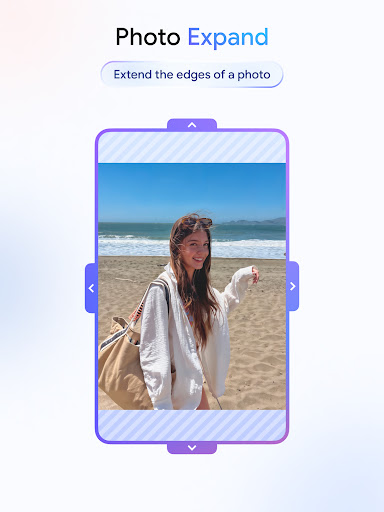
Seamlessly expand image edges with realistic details with AI photo extender tool, which give you the ability to use AI expand image and give your picture a polished, professional look.
Transform your photo into art with AI Filter
By using image to image AI, this AI Filter can transform your images into art style like 3D cartoon, anime picture or digital illustrations, making your content stand out
What you can create with AI photo editor:
- Using AI background generator or remove objects for product image for e-commerce and online marketplace.
- Change background or using AI clothes changer and hair color changer feature for profile picture or portrait photography.
- Create a clean and aesthetic photo for engaging content for Instagram, Facebook, etc with remove objects and AI replace.
- PNG maker and make a sticker collection from your photos with remove background
- Unleash your creativity with our available AI filter effects
...
How to use AI Image Editor
- Open a photo from your gallery
- Remove background or use AI background generator
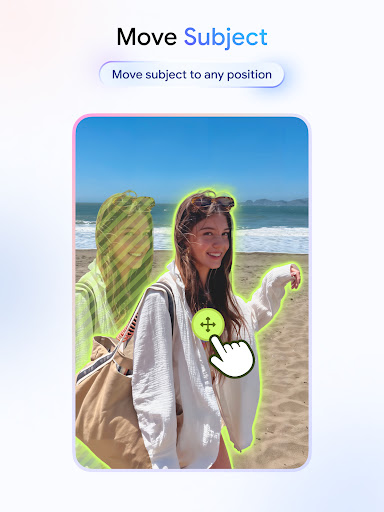
- Image edit with AI remove objects, generative fill features
- Adjust the aspect ratio with crop image or use AI expand image to provide more space for creativity
- Export your creation to gallery or share directly to social media platforms.
What's New
In-app purchases
$0.99 - $39.99 per item
Version Information
- Version
- 1.0.42
- Downloads
- 100K+
- Updated on
- Sep 28, 2025
- Released
- Aug 23, 2024
- Requires
- Android 7.0
Statistics
Google Play Rating History
Rating Distribution
Downloads Over Time
AI Photo Editor: AI Expand has been downloaded times. Over the past 30 days, it averaged downloads per day.
Shaded area shows 30-day prediction based on historical trends
Historical data collection started recently. More data points will be available over time.
AI Photo Editor: AI Expand users say on Google Play
 Androiddc5
Very good app and the best possible app available in the PlayStore that can reimagine, erase and correct the desired photos according to you.
 P Damon27
almost perfect editing.We want to see "enhance image quality to low quality and old photos". need to improve AI background changing and removing elements.
 Dillon Coffey
tried 10 time to remove a picture on a wall and just have a blank wall left me a grey square or shadow
 Oatmeal Joey Arnold
it can extend photos
 Đorđe M.
i wanted to ai-expand my photo, and in the expanded space an explicit image was inserted 😅 control your ai... the random explicit image seemed to be a personal photo so I suppose you're storing peoples' photos to train your ai
ApkTrusted Ratings & Reviews
More from TAPUNIVERSE
See more apps
Image Converter - HEIC to JPG
Paid
Resume Builder - CV Maker
Free

Stitch Photos: Long Screenshot
Paid
Image to PDF - PNG to PDF
Paid

Audio Converter - MP4 to MP3
Free

Blur Photo - Blur Background
Free

Remove Objects: Object Remover
Free

Background Remover - PNG Maker
Free

Passport Photo: ID Photo Print
Paid

Business Card Maker: Logo Card
Paid
AI Anime Filter - Anime AI
Free

Blend Photos - Photo Blender
Paid
AI Anime Generator: AI Anime
Free

AI Art Generator: AI Picture
Free

Cartoon Photo Editor
Paid
Print Photo - Print to Size
Paid
Similar Apps

Facewow: AI Headshot Generator
Free

Lift: AI Photo Editor
Free

AI Photo Eraser - Inpaint Lab
Free

Fotogenic : Face & Body Editor
Free

AI Image Generator - Monet
Free

Oji: AI Avatar Photo Generator
Free

Artisse - Realistic AI Photos
Free

AI Photo Generator - Fotorama
Free

PicMa: AI Video&Photo Enhancer
Free

GenZArt: Fast AI Art Generator
Free

Banano Pro İmage Generator
Free

PicWish: AI Photo Editor
Free

Prisma Art Effect Photo Editor
Free

ARTA: AI Art & Photo Generator
Free

FaceOff: AI Photo Generator
Free

KaCha: AI Video Generator
Free
Scan this QR code to download

Forwarding you to the page at Google Play market in seconds...
Open Google Play market now