Calculator - unit converter vVARY
Mobile, ASUSTek Computer Inc.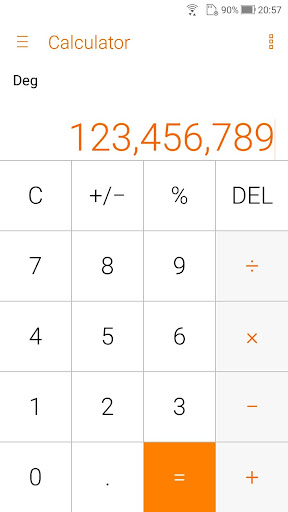






About this app
Developer Description
Your most simple, handy, and stylish calculator with unit converter!
Make easy calculations with ASUS Calculator. This app has simple yet intuitive interface that lets you calculate fast, smooth, and easy. It provides all kinds of features that meet your calculating needs and demands.
Key features
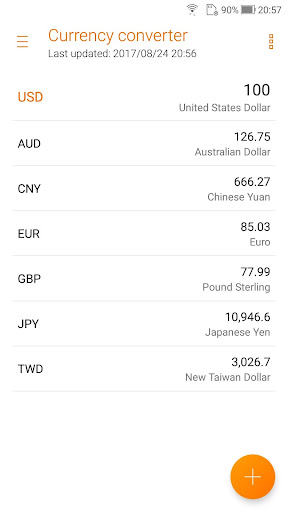
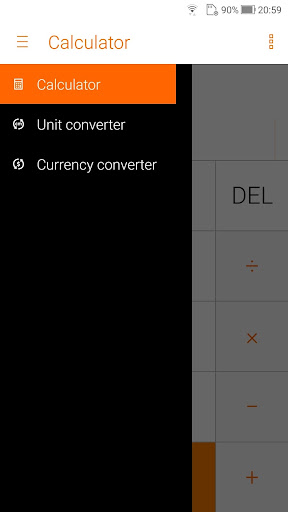
* Unit converter
Conversion of Length, area, weight, volume, speed
* Basic or root operators
+, -, ×, ÷
* Swipe left/right to switch views
Swipe left for standard mode, swipe right for other operators
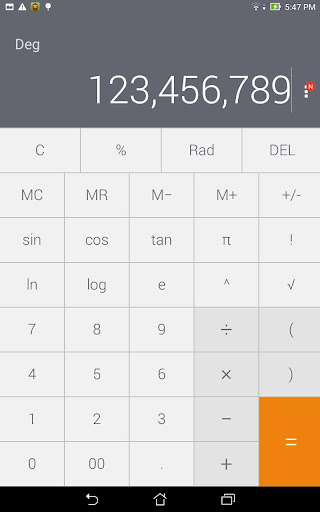
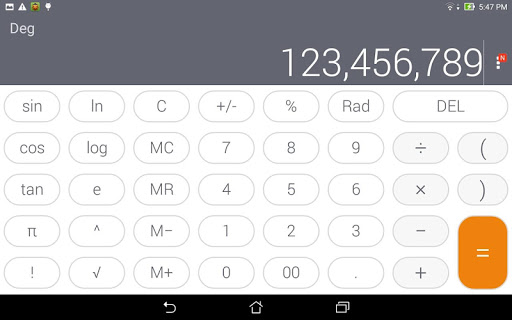
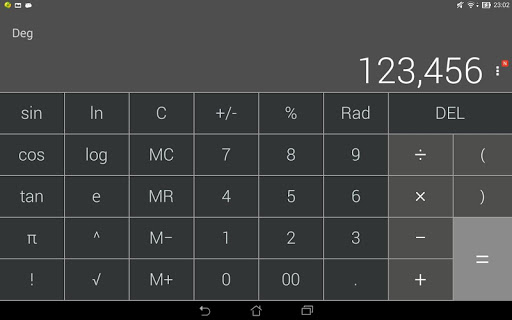
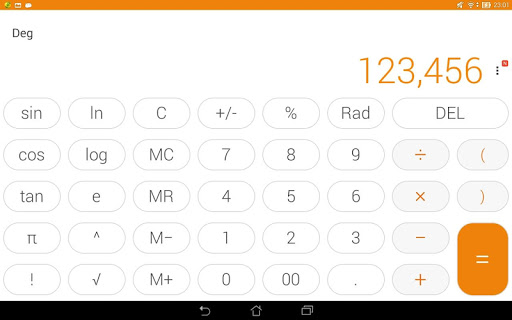
* Standard mode/Scientific mode
Tilt to switch between standard mode and scientific mode
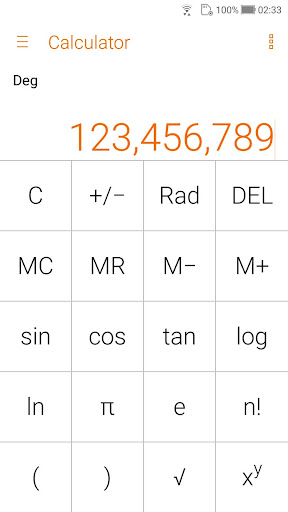
* Other operators
Like %, √, !, π, e,log,ln
* Trigonometric functions in degree or radians
sin,cos,tan, in DEG or RAD
* Easy edit operations
Such as cut, copy, or paste of results in any editing app
* History display
Easy to see your previous calculations via History display
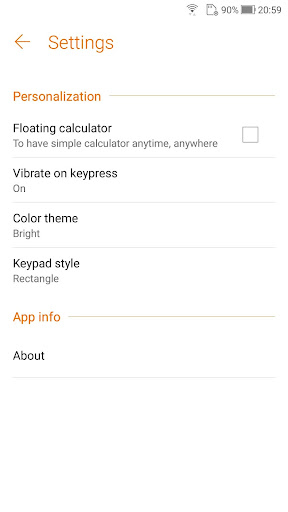
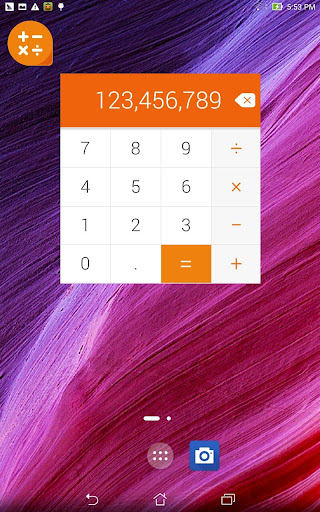
* Floating calculator
Floating Calculator app for quick calculations
* Auto-adjustment of the font size
Fit more digits on the display
* Thousand separators
Helps you count the numbers easily
* Allows a combination of operators in one expression
e.g. √(125÷5) + sin(30x3)
* Easy edit of the inputs using a cursor
Like add, delete, or change a number/operator
What's New
- Fixed bugs
v4.0.0.52
- Change the source of currency exchange rate
- Fine-tune UI design
- Fixed bugs
v4.0.0.0
- Brand new ZenUI 4.0 design
- Remove classic color theme
- Support theme change
- Support app & pinned shortcut
Version Information
- Version
- -
- Downloads
- 100M+
- Updated on
- Feb 26, 2019
- Released
- Jun 30, 2014
- Requires
- Android Varies with device
Statistics
Google Play Rating History
Rating Distribution
Downloads Over Time
Calculator - unit converter has been downloaded times. Over the past 30 days, it averaged downloads per day.
Shaded area shows 30-day prediction based on historical trends
Historical data collection started recently. More data points will be available over time.
Calculator - unit converter users say on Google Play
 Fransisco Blond
ASUS factory installed calculator, that is all the calculator you would ever need. It's not only the calculator but also a unit converter, which features a crazy good currency converter, mainly due to it being highly modifiable. Well.... In my opinion the best currency converter, out of all stand-alone currency converter apps I've tried. The best calculator application I have used on Android.
 Poongavanam S
Good one with unit converter.
 Ajit Kumar Prabhakar (Akshay)
Have to improve user interface else all good
 Keenan Green
Does not include the auto fraction display that the base Google calculator has, pain in the butt for a tradesman.
 den ca
NEVER BUY AN ASUS DEVICE! APPS ARE RARELY UPDATED.
ApkTrusted Ratings & Reviews
More from Mobile, ASUSTek Computer Inc.
See more apps


Similar Apps



Scan this QR code to download

Forwarding you to the page at Google Play market in seconds...
Open Google Play market now