The Weather Window vVARY
BarefootDials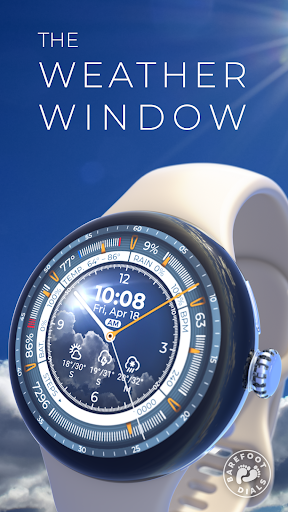











About this app
Developer Description
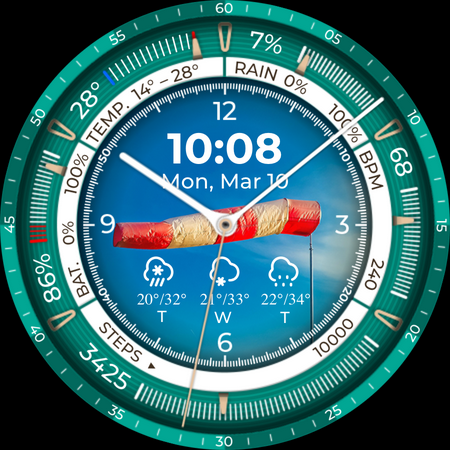
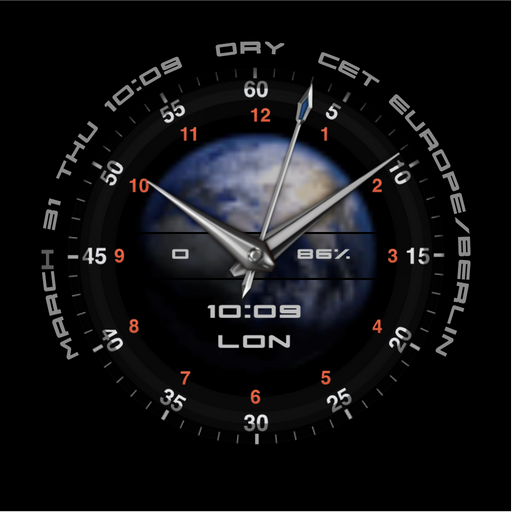
An information-rich, weather and sport focused digital-analog hybrid design
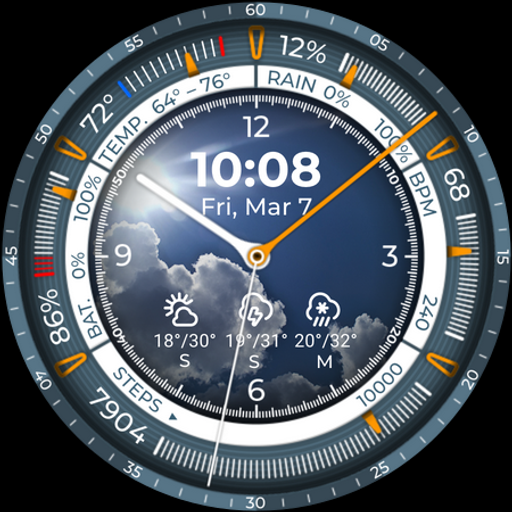
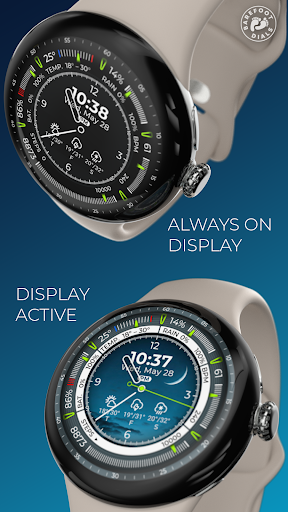
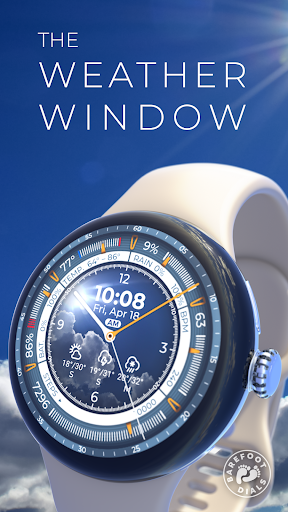
The Weather Window watch face cleverly combines style and information:
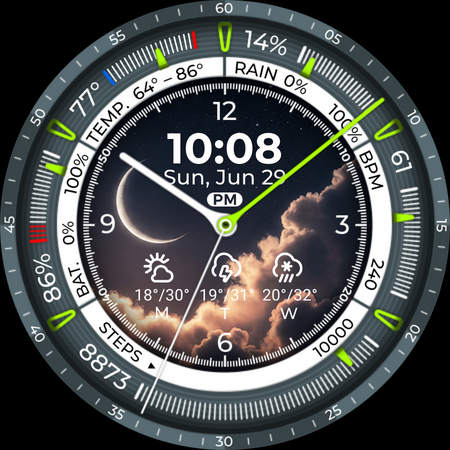
Hybrid Display: Enjoy the best of both worlds – classic analog hands (hour, minute, second) meet a clear digital display for time and date.
Comprehensive Data at a Glance: Stay fully informed with:
• Time (Analog & Digital)
• Date
• Current Temperature & Day's Temperature Range
• Chance of Rain (%)
• Battery Level
• Steps Taken
• Heart Rate (BPM)
• Weather Forecast Icons with Temperature Ranges
Visual Weather Representation: The centerpiece is the central digital display featuring a photo that matches the current weather conditions. This gives you a quick visual grasp of the weather. (Good to know: These weather images are built directly into the watch face and are not downloaded live from the internet.)
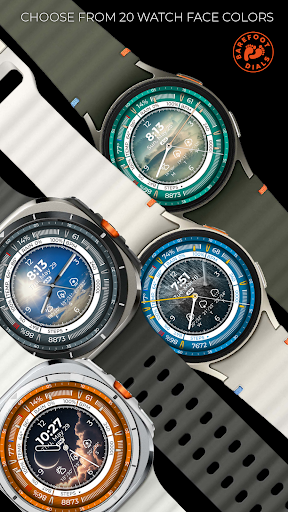
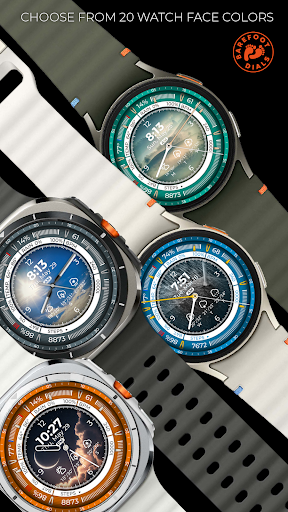
Your Personal Style: Make it yours! Choose from 20 color themes and 5 hand styles to customize the watch face to your taste.
Important Note: This watch face does not currently support user-customizable complications.
Please Note:
• Loading weather data, especially the weather images, might take a moment depending on your watch's processor speed and memory. Sometimes, briefly switching to another watch face and back can help speed things up.
• Some watches (e.g., Samsung Galaxy Watch) may require you to enable permissions for weather data or location in the phone's companion app or directly in the watch settings.
• This watch face requires at least Wear OS 5.0.
Phone App Functionality:
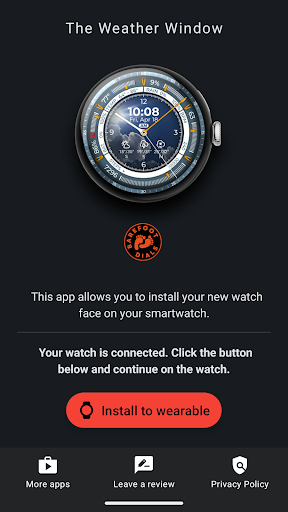
The companion app for your smartphone is solely for assisting with the installation of the watch face onto your watch. Once the installation is successfully completed, the app is no longer needed and can be safely uninstalled.
What's New
Fixed a bug that caused a blurred minute display on the always on display.
Version Information
- Version
- -
- Downloads
- 1K+
- Updated on
- Aug 13, 2025
- Released
- Apr 2, 2025
- Requires
- Android Varies with device
Statistics
Google Play Rating History
Rating Distribution
Downloads Over Time
The Weather Window has been downloaded times. Over the past 30 days, it averaged downloads per day.
Shaded area shows 30-day prediction based on historical trends
Historical data collection started recently. More data points will be available over time.
The Weather Window users say on Google Play
 Mike Murray
Easy to download and easy to understand. I have alot of watch faces for my ultra watch this is my favourite weather face it's so easy to understand and it looks really good to i would recommend this one if you want weather watch face.
 Don
Don
doesn't work
ApkTrusted Ratings & Reviews
More from BarefootDials
See more apps
Flower of Power
Paid
Banoffee Pie
Paid
Fusion Hybrid
Paid
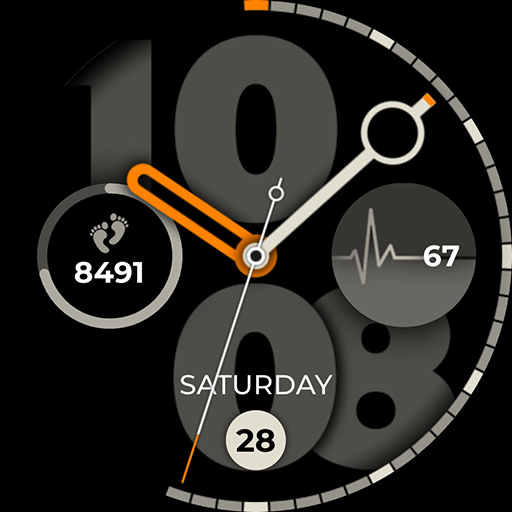
Incremental Watch Face
Paid

Concentric Space
Paid
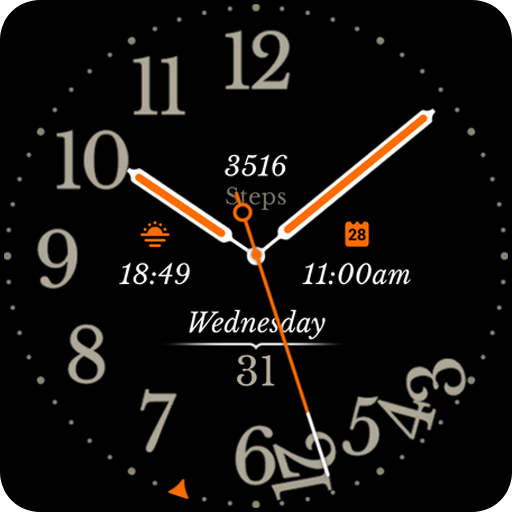
Destructive Second Hand
Paid
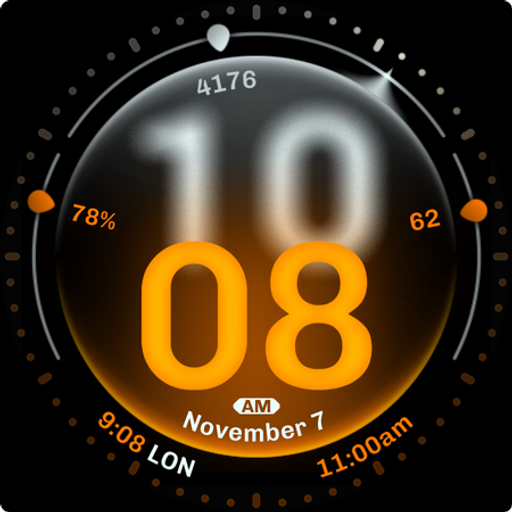
Dominant Minute Watch Face
Paid

"Be Prepared" Weather Dial
Paid
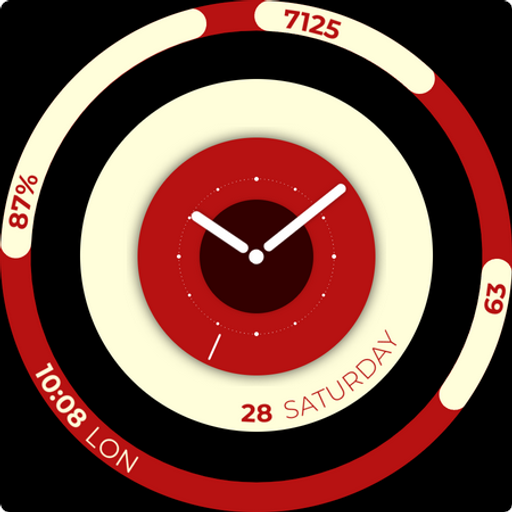
Balance Board
Paid
Black Forest Pie
Paid
Just Time
Paid
Kairos Watch Face
Paid
Lambo Watch Face
Free
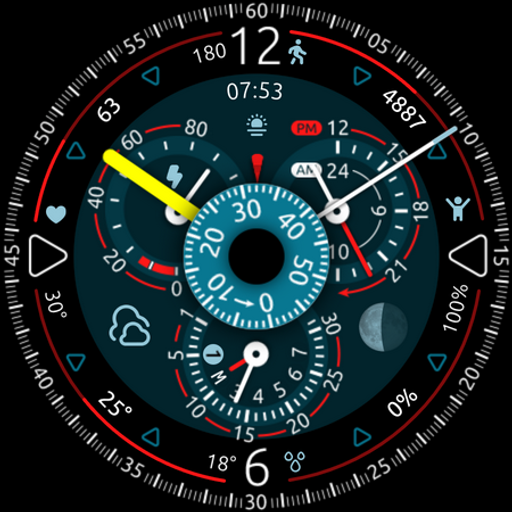
OrbiCentric
Paid

Overtake
Paid
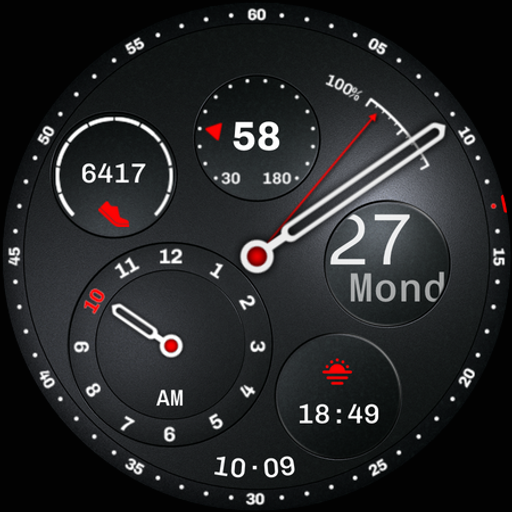
Regulator Watch Face
Paid
Similar Apps

Digital 9
Paid

Analog Health Tracking - RE56
Paid

World Time 057
Paid

OMG 340 - Minimal Watch Face
Paid

Omnis Digital Watch Face
Free

Oogly World Animation
Free

BRN204 : Watch Face
Free

Manticora Watch Face
Paid

EXD064: Classic Military Face
Paid
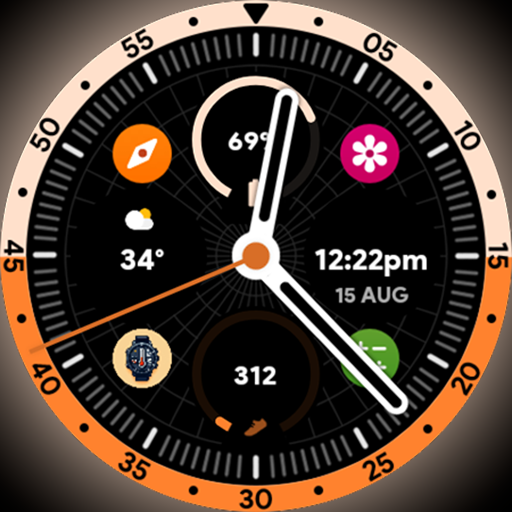
Horizon Analog - Watch face
Paid

MTG 4A11
Paid
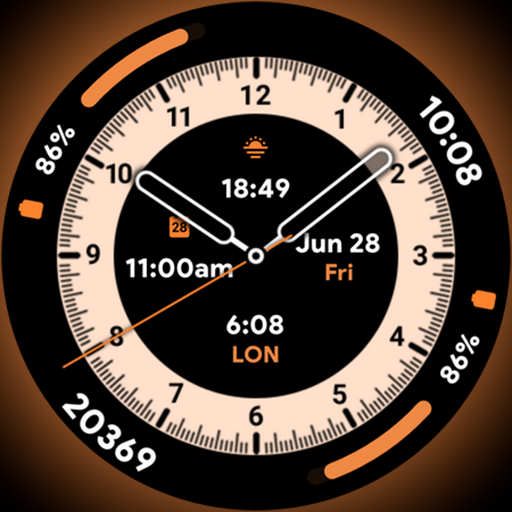
Ultra Dial 3 - Watch face
Paid

Chrono Fusion
Paid

Your Day Watch Face
Paid
Elza Watchface for Wear OS
Free

CC Clean Black Analog
Paid
Scan this QR code to download

Forwarding you to the page at Google Play market in seconds...
Open Google Play market now