Cast to TV - Screen Mirroring v13.6.0
iKame Applications - Begamob Apps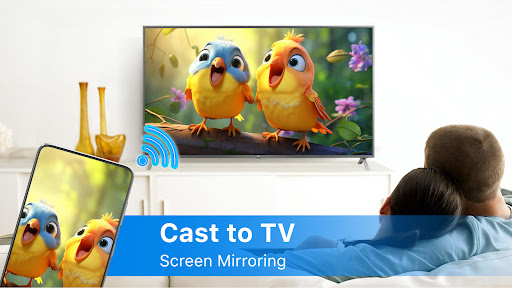
About this app
Developer Description
Cast to TV - Screen Mirroring helps streaming phone to TV screen in high quality
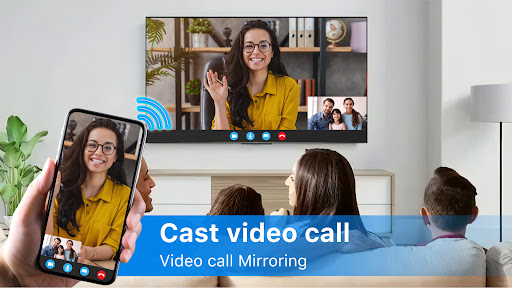
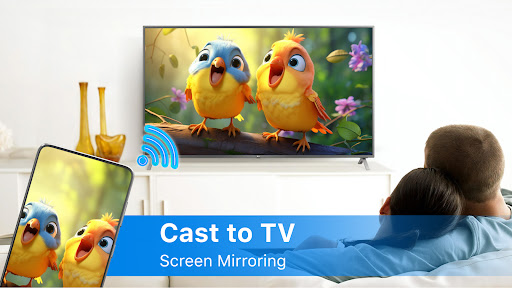
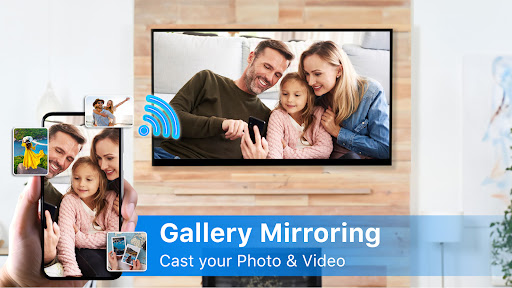
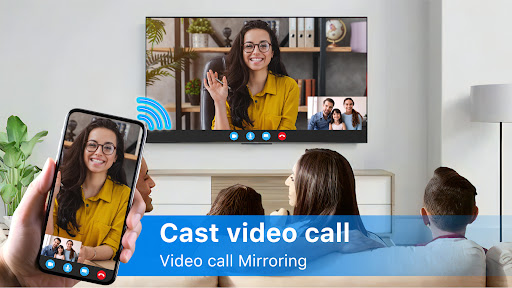
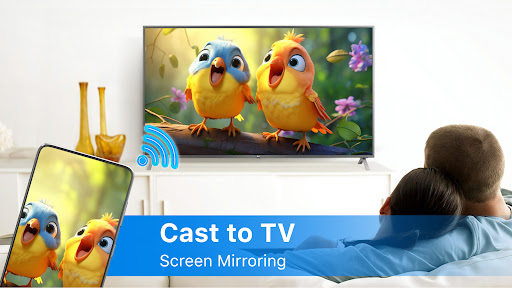
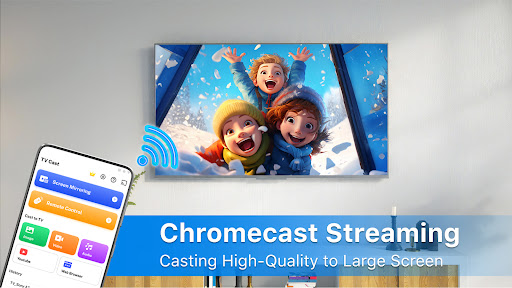
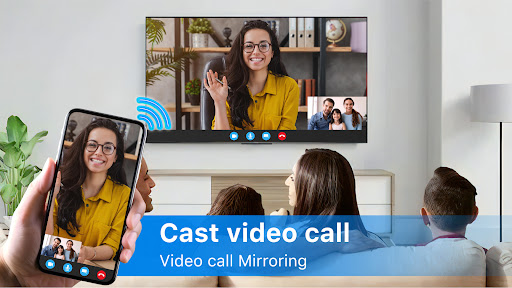
Cast to TV - Screen Mirroring allows you to mirror your smartphone on the TV screen in high quality. You will be able to stream videos, music, photographs, and other content to your large TV. With Cast to TV - Screen Mirroring app you can cast phone and tablet content quickly and reliably to TV.
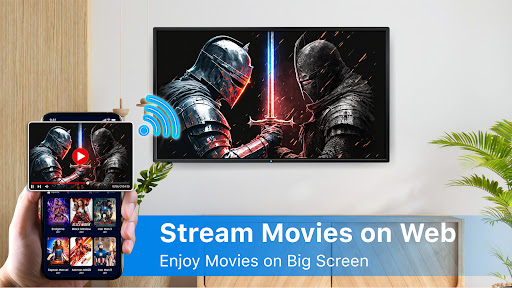
By connecting your phone to a TV screen with the Cast to TV - Screen Mirroring app, you can quickly stream movies from your phone to your large-screen TV. This app will help you scan and mirror the screen of your Android phone or tablet on smart TV.
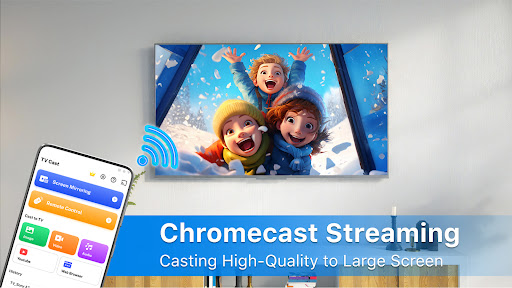
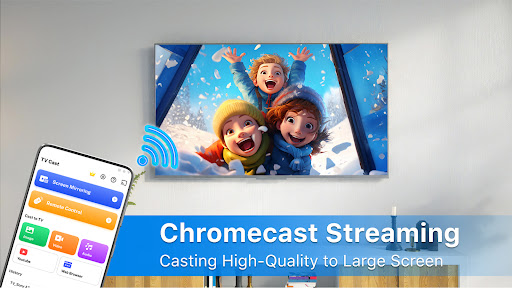
You can cast local and web films, music, and photos to your TV, Chromecast, RokuTV, Amazon FireTV or Fire Stick, Xbox, Apple TV, or other DLNA devices with Cast to TV. Stream videos and movies on TV right now by casting to TV!
🏅🏅🏅Features:
● Simple phone control of TV functions like volume, pause, fast-forward, and next/previous.
● Cast videos to your TV.
● Playback of videos locally.
● Auto search for available cast devices & streaming devices.
● Automatically recognize video, audio, and photo files on your device and SD Card.
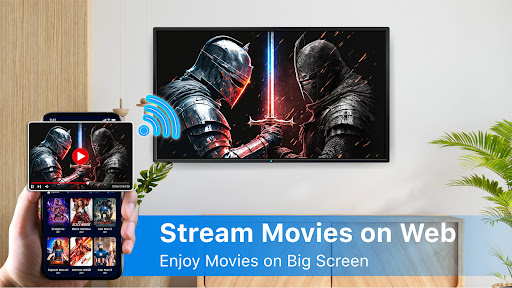
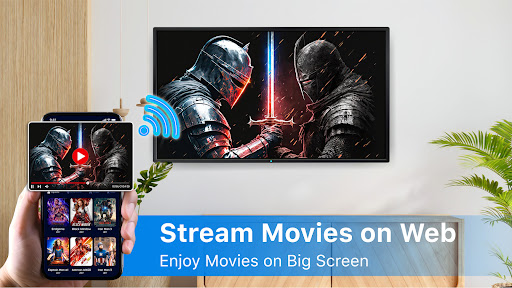
● Built-in browser for streaming web videos.
● Add local video, local audio to Play Queue.
● Play media in shuffle, loop, repeat mode.
● Design for video cast, music cast & photo slideshow cast.
Stream your favorite movies: Stream movies, videos, photos and apps on big smart TV screen.
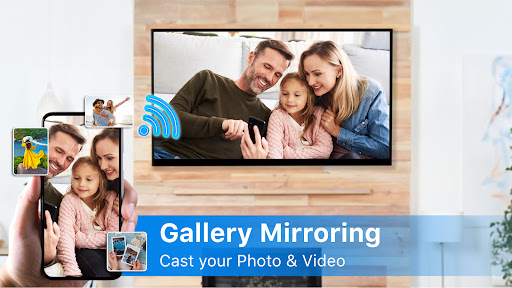
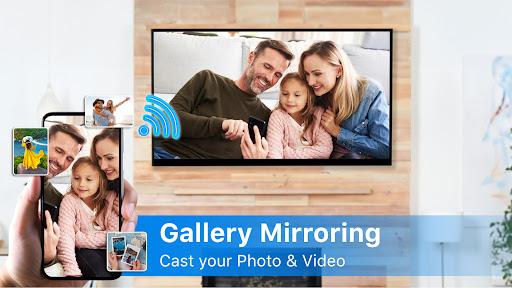
Cast your best family moments: Cast to TV - Screen Mirroring allows you to open window in smart TV screen from your smartphone. Screen mirroring is useful for streaming movies, videos, access photos and apps on the TV screen. Sharing your phone screen on TV screen now is very easy.
📺All Cast in One. With Cast to TV, you can cast to:
☆ Chromecast
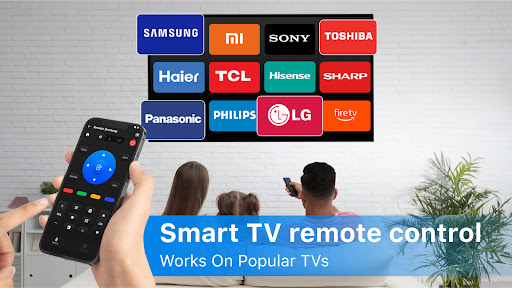
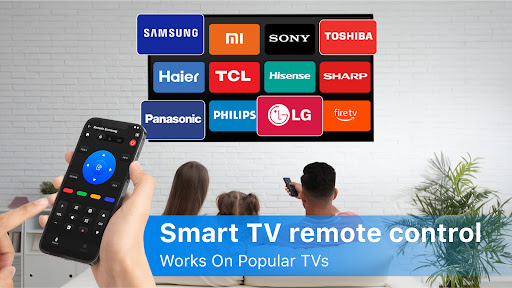
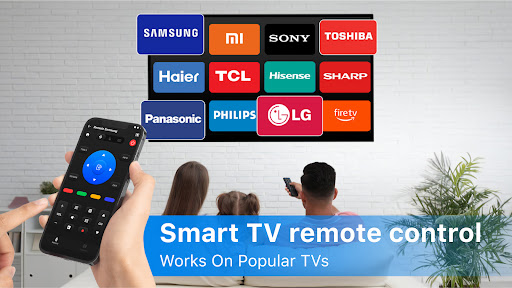
☆ Smart TVs: Samsung, LG, Sony, Hisense, Xiaomi, Panasonic, etc.
☆ Xbox One and Xbox 360
☆ Amazon Fire TV and Cast to Fire Stick
☆ Apple TV and Airplay
☆ RokuStick and RokuTVs
☆ Other DLNA receivers
Cast to TV is the most effective mirroring method for screen mirroring in real-time speed. If you want to cast video from Android to tv, you’d better try Cast to TV - Screen Mirroring.
How To Use:
1. Your TV should support Wireless Display or any sort of Display Dongles.
2. The TV must be connected to WI-FI network same as your phone.
3. Launch the app and connect the app to your TV.
4. Tap "Screen Mirroring" button and go for "Start Mirroring" button to get it started.
Before you Start:
Before connecting the device, make sure VPN is turned off.
The TV must be connected to WI-FI network same as your phone.
Features of "Cast to TV - Screen Mirroring" app:
- Connect your phone to the TV in two simple and quick steps.
- Screen mirroring everything amazing from your phone to your TV through the cast to tv app.
- Control everything conveniently: volume, pause, fast forward, rewind video with no delay.
- Cast to TV and enjoy the best experience of watching videos and movies
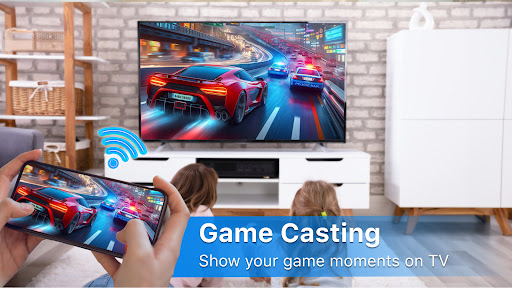
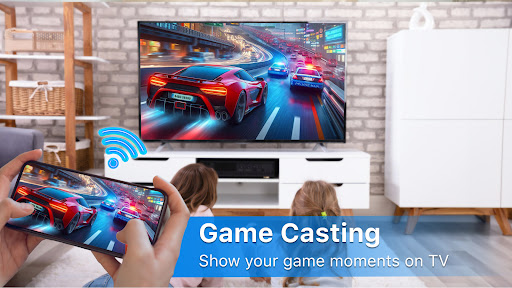
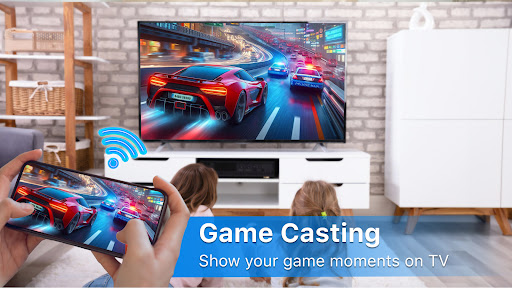
- Enjoy music, play games on your smart TV.
- Access Youtube, IPTV easily.
- Use Remote control for smart TVs.
- Cast phone screen to big TV screen faster.
Disclaimer:
iKame Application - Begamob App is not an affiliated entity of Google or any of the other brands mentioned and Cast to TV - Screen Mirroring application is not an official product of any of the other brands mentioned.
What's New
- Cast Chromecast
In-app purchases
$2.99 - $33.99 per item
Version Information
- Version
- 13.6.0
- Downloads
- 1M+
- Updated on
- Jan 6, 2026
- Released
- Nov 27, 2022
- Requires
- Android 7.0
Statistics
Google Play Rating History
Rating Distribution
Downloads Over Time
Cast to TV - Screen Mirroring has been downloaded times. Over the past 30 days, it averaged downloads per day.
Shaded area shows 30-day prediction based on historical trends
Historical data collection started recently. More data points will be available over time.
Cast to TV - Screen Mirroring users say on Google Play
 Adupa Daniel
For sure am really enjoying
 abton otwoma
not really in use but nice
 Kingcid
sometimes it works sometimes it doesn't for the cost it should work better
 Satya Priyanka Buddala (Srisaanvi)
It was ok, it connected to my TV but asked for money to share screens, it should mention the it is an played app.
 Sussiq E
Absolute garbage. Can't screen mirror without a monthly subscription. pop-up afs everywhere.
ApkTrusted Ratings & Reviews
More from iKame Applications - Begamob Apps
See more apps
Language Translator: Translate
Free

QR Code Scanner & Barcode Scan
Free
AI Translate All Languages
Free

PDF Reader - PDF Viewer
Free

Document Reader: PDF, Word Doc
Free

PDF Scanner - Document Scanner
Free

LumosAI - AI Chat Assistant
Free

File Recovery & Photo Restore
Free

Music Player - Mp3 Music App
Free

iNotebook: Ai Note Taker
Free
Similar Apps

Cast for Chromecast & TV Cast
Free
Screen Mirroring: Cast to TV
Free

LG ThinQ
Free

VIDAA Smart TV
Free
SmartLife - Smart Living
Free
SmartHome (MSmartHome)
Free

IPTV Player - Smart Live TV
Free
Samsung TV Plus - TV & Movies
Free

SmartThings
Free

spacedesk - USB Display for PC
Free

Smart Transfer: File Sharing
Free

Amazon Fire TV
Free
Spectrum TV
Free

Sight & Sound TV
Free

Linksys
Free

MERCUSYS
Free
Scan this QR code to download

Forwarding you to the page at Google Play market in seconds...
Open Google Play market now