
SmartThings vVARY
Samsung Electronics Co., Ltd.

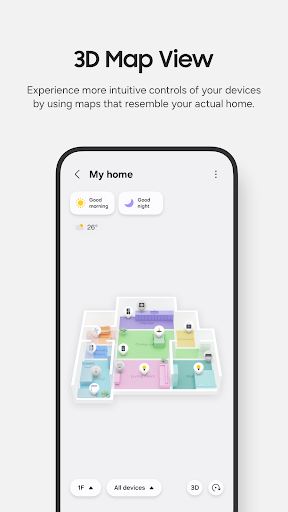
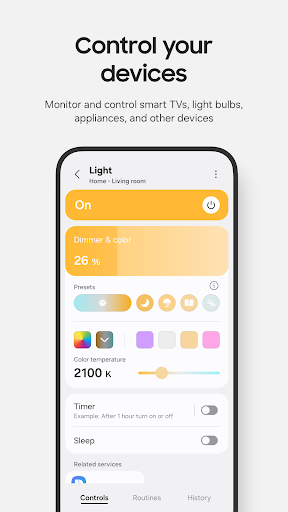
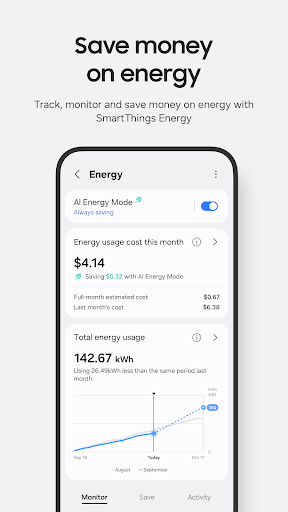
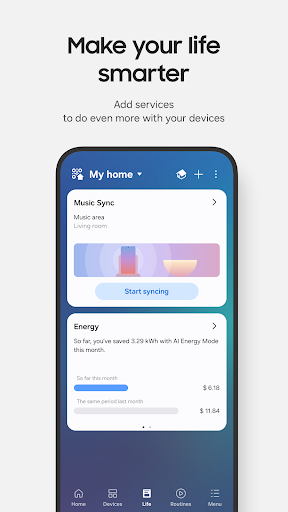

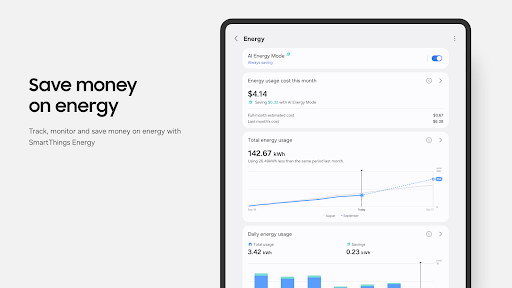
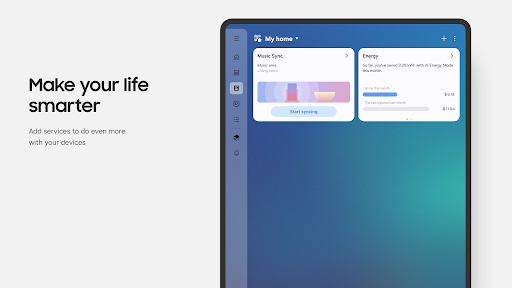
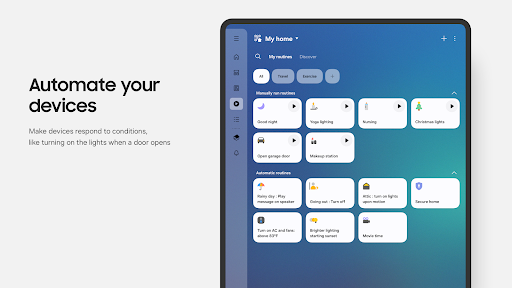



About this app
The SmartThings app solves the problem of managing and controlling various Samsung devices and compatible smart home appliances from a single interface, benefiting most those who own multiple Samsung or SmartThings-compatible devices. Compared to alternatives in the Lifestyle category, SmartThings stands out for its seamless integration with Samsung devices and extensive compatibility with a wide range of smart home devices. However, its effectiveness can be limited by the requirement for devices to be compatible with the SmartThings ecosystem. Overall, it offers a convenient solution for smart home management, making it a top choice for those invested in the Samsung ecosystem.
Pros
- With over 1 billion downloads and a high user rating of 4.6/5, SmartThings boasts significant social proof and credibility, indicating a well-designed and functional app that meets user needs.
- The app's free model without ads or in-app purchases ensures a clean and uninterrupted user experience, focusing on functionality rather than monetization.
- The developer, Samsung Electronics Co., Ltd., is a reputable company known for its quality products and services, which adds to the trustworthiness and reliability of the app.
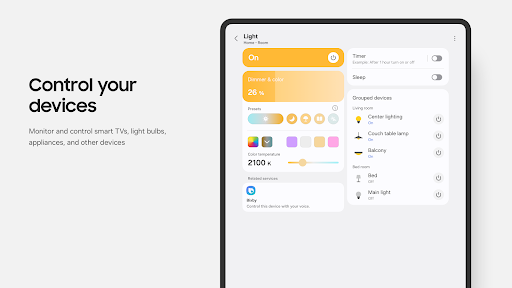
- SmartThings' ability to control and monitor various devices from a single interface enhances convenience and efficiency for users, making it a valuable tool for smart home management.
- The app's offline capability and accessibility features contribute to its overall performance and user experience, ensuring that it remains useful even without a constant internet connection.
Cons
- One concern is the potential limitation imposed by the requirement for devices to be compatible with SmartThings, which might not be suitable for users with devices from other manufacturers.
- Although the app does not request any permissions, which is a positive aspect in terms of privacy, it relies on the Samsung account and device compatibility, which might raise concerns about data collection and usage.
- Some users might experience compatibility issues or difficulties in setting up certain devices, which could lead to frustration and a negative user experience.
- The app's effectiveness can also be influenced by the quality of the internet connection and the smart home devices being used, which are factors outside the app's control but impact its performance.
Best for: The ideal user for the SmartThings app is someone who owns multiple Samsung or SmartThings-compatible devices, values convenience and efficiency in managing their smart home, and has a basic understanding of smart home technology, including those who are looking to integrate their devices into a seamless and controlled environment.
Developer Description
Control your Samsung Smart TVs, appliances, and SmartThings-compatible devices
SmartThings is compatible with 100s of smart home brands. So, you can control all of your smart home gadgets in one place, including your Samsung Smart TV and smart home appliances.
With SmartThings, you can connect, monitor and control multiple smart home devices quicker and easier. Connect your Samsung smart TVs, smart appliances, smart speakers and brands like Ring, Nest and Philips Hue - all from one app.
Then control your smart devices using voice assistants including Alexa, Bixby and Google Assistant
[Key Features]
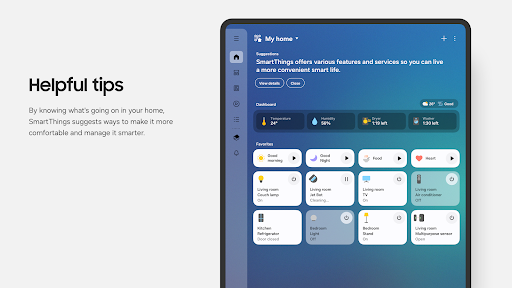
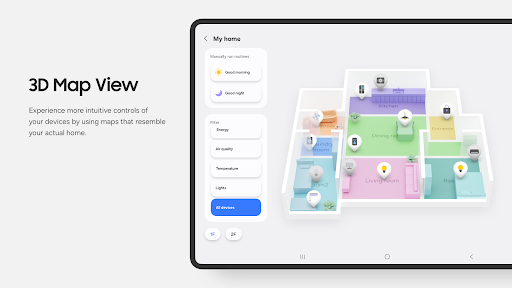
- Control and check in on your home from wherever you are
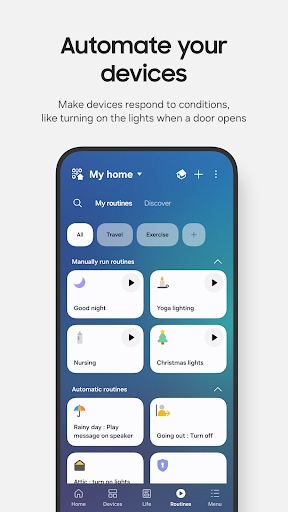
- Build routines that are set on time, weather, and device status, so your home runs smoothly in the background
- Allow shared control by giving access to other users
- Receive status updates about your devices with automated notifications
※ SmartThings is optimized for Samsung smartphones. Some features may be limited when used with other vendors' smartphones.
※ Some features may not be available in all countries.
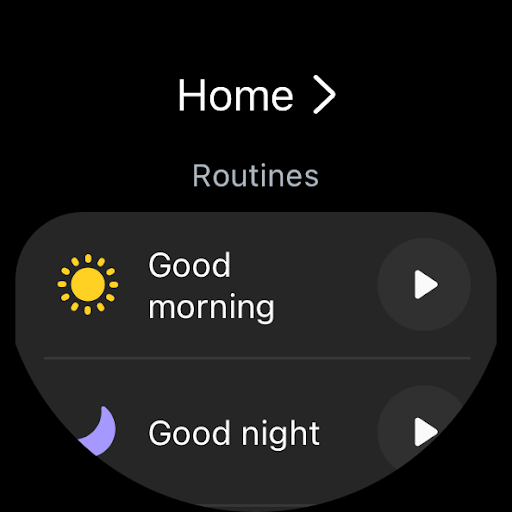
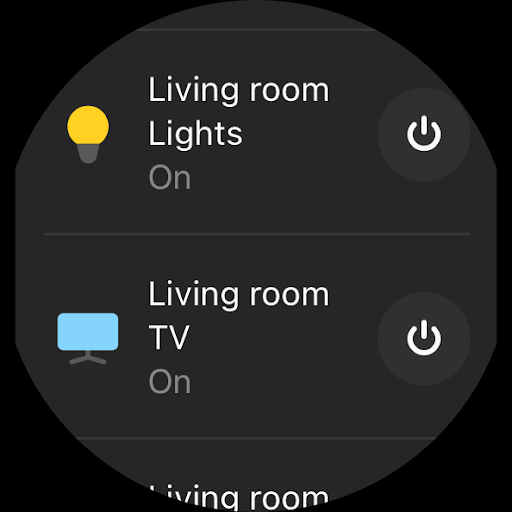
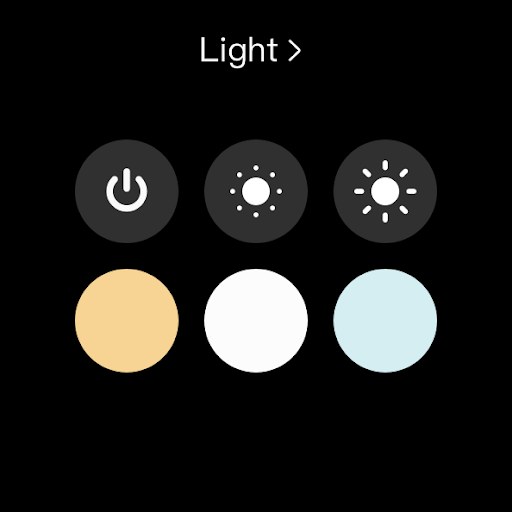
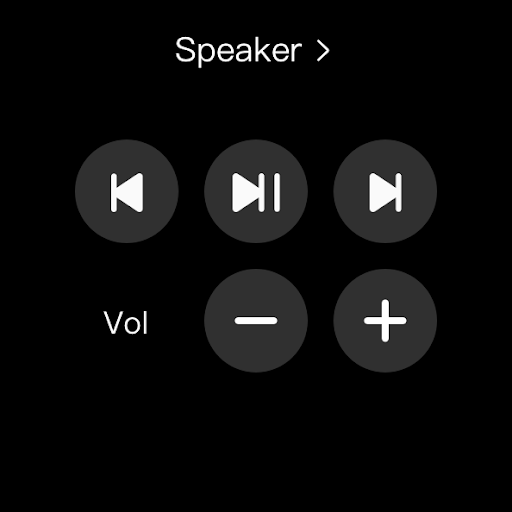
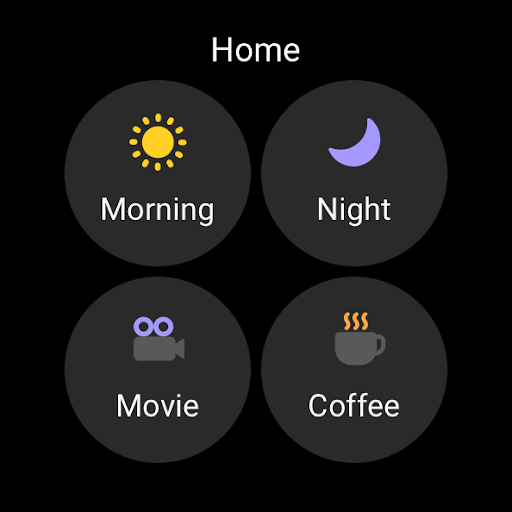
※ You can also install SmartThings on Wear OS-based watches.
※ SmartThings for Wear OS is only available when the watch is connected to a mobile phone. You can get a quick access to routine run and device control by adding SmartThings tile on your watch. We provide SmartThings complications that allow you to enter SmartThings app service directly from watchface.
[App requirements]
Some mobile devices may not be supported.
- Memory size : 3GB over
※ App permissions
The following permissions are required for the app. You can use the app without optional permissions, but some functions may be limited.
[Optional access permissions]
• Location : Used to locate your devices, create routines based on your location, and scan for nearby devices using Wi-Fi
• Nearby devices : (Android 12 ↑) Used to scan for nearby devices using Bluetooth Low Energy (BLE)
• Notifications : (Android 13 ↑) Used to provide notifications about SmartThings devices and features
• Camera : Used to scan QR codes so you can easily add members and devices to SmartThings
• Microphone : Used to add certain devices to SmartThings using high-frequency sounds
• Files and media : (Android 12) Used to save data and share content
• Photos and videos : (Android 13 ↑) Used to play photos and videos on SmartThings devices
• Music and audio : (Android 13 ↑) Used to play sound and video on SmartThings devices
• Phone : (Android 12 ↑) Used to make calls on smart speakers
• Contacts : (Android 12 ↑) Used to get phone numbers of your contacts to send text message notifications
• Physical activity : (Android 12 ↑) Used to detect when you start pet walks
[Wear OS Optional access permissions]
• Nearby devices : (Wear OS 3.5 ↑) Used to scan for nearby devices using Bluetooth Low Energy (BLE)
• Notifications : (Wear OS 4.0 ↑) Used to provide notifications about SmartThings devices and features
• Microphone: Communicate with nearby devices using a microphone and speaker
Privacy
Given that SmartThings does not request any permissions, it appears to prioritize user privacy. However, users should still be cautious about the data collected through their Samsung account and ensure they understand how their data is used. Regularly reviewing and updating the app, as well as ensuring all connected devices are secure, can help maintain the overall security of the smart home ecosystem.
Tips
To get the most out of SmartThings, users should start by ensuring all their devices are compatible and properly connected to the app. Utilizing the app's automation features can enhance convenience and efficiency. Additionally, regularly checking for updates and new features can help users optimize their smart home experience and troubleshoot any issues promptly.
What's New
Version Information
- Version
- -
- Downloads
- 1.0B+
- Updated on
- Jan 5, 2026
- Released
- Apr 17, 2017
- Requires
- Android Varies with device
Statistics
Google Play Rating History
Rating Distribution
Downloads Over Time
SmartThings has been downloaded times. Over the past 30 days, it averaged downloads per day.
Shaded area shows 30-day prediction based on historical trends
Historical data collection started recently. More data points will be available over time.
SmartThings - Google Play Rankings
Top Rankings
| Rank | Country | Category | List | Change |
|---|---|---|---|---|
| — |
Ranking History in
No ranking data available yet. Rankings are updated daily.
#50 in Top Free Lifestyle in United States


#19 in Top Free Lifestyle in Spain


#19 in Top Free Lifestyle in Poland


#20 in Top Free Lifestyle in Mexico


SmartThings users say on Google Play
 Sagun Mandi
toiii vick
 Chris Euler
getting signed in was a pain but I was finally able to succeed there. let's see if things go better in the app.
 Karan Bhaliya
👍
 Phone Apps
When it comes to the Smart Tag2, I liked the pop-up compass that's triggered when near the SM2, if it actually popped it. All required features and still no compass. The "hot / cold" tracking lags, and the vibrating feature no longer active. Tested tracking with an SM2 on the other side of the room. literally laid the phone on top of the SM2, and the app still stated the device was nearby. True statement, but very different from when the compass and vibration features were actually functional.
 Brian Kennedy
Samsung seems to not understand backward compatibility. I've used the app off an on for many years. Every time they make a change they seem to break what works. The recent update has broken the ability to associate services from "Smart Life" devices. I'd like to use the application, but this latest change has pretty much closed the door on that.....😮💨😔
ApkTrusted Ratings & Reviews
More from Samsung Electronics Co., Ltd.
See more apps
Smart Tutor for SAMSUNG Mobile
Free

One Hand Operation +
Free

Galaxy Buds Core Manager
Free
POWERbot-S
Free
Samsung WE VoIP
Free
Samsung Accessory Service
Free

Galaxy Buds FE Manager
Free
Galaxy Buds FE Manager
Free

Galaxy Buds Pro Manager
Free

Samsung Plus 2
Free

Galaxy Buds3 Manager
Free

Galaxy Buds2 Manager
Free

Galaxy Buds Manager
Free

Galaxy Buds3 FE Manager
Free
POWERbot-E
Free

Galaxy Buds3 Pro Manager
Free
Similar Apps

Smart Connect
Free

Link to Windows
Free

Xiaomi Home
Free
SmartLife - Smart Living
Free
Home Assistant
Free

Microsoft OneDrive
Free
Lenovo
Free

AnyDesk Remote Desktop
Free

Xiaomi Community
Free

LG ThinQ
Free

TeamViewer Remote Control
Free

realme Link
Free

Tuya - Smart Life,Smart Living
Free

Cast for Chromecast & TV Cast
Free
SmartHome (MSmartHome)
Free
Hik-Connect - for End User
Free
Scan this QR code to download

Forwarding you to the page at Google Play market in seconds...
Open Google Play market now