
Vault v6.3.2
Cloak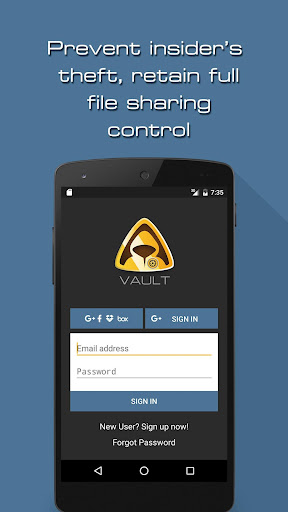

About this app
Vault, developed by Cloak, solves the problem of secure file sharing by incorporating Digital Rights Management (DRM), making it an excellent choice for individuals and businesses looking to protect sensitive information. This app benefits professionals and organizations most, as it provides a secure way to share files without compromising confidentiality. Compared to other productivity apps, Vault stands out due to its focus on security and ease of use, but its limited feature set might make it less appealing to those seeking a comprehensive productivity suite. With a perfect 5.0 rating and over 5,000 downloads, Vault demonstrates a strong reputation among its user base.
Pros
- Vault's high user rating of 5.0, combined with its download numbers, indicates a strong social proof and a well-regarded app among its users, suggesting a reliable and efficient file sharing experience.
- The app's lack of permissions requests is a significant advantage, as it minimizes potential privacy concerns and ensures that users' data is not unnecessarily accessed or shared.
- The developer, Cloak, provides a professional website and support email, indicating a commitment to customer support and transparency, which is essential for an app dealing with sensitive information.
- The absence of ads and in-app purchases means that users can enjoy the app without interruptions or additional costs, enhancing the overall user experience and making it more appealing for professional use.
- Vault's focus on security through DRM makes it a valuable tool for anyone needing to share confidential files, providing an additional layer of protection against unauthorized access.
Cons
- One concern is the app's limited feature set, which might not appeal to users seeking a more comprehensive productivity suite, potentially limiting its adoption among users with diverse needs.
- The small number of total ratings, despite being all positive, might not fully represent the app's performance and user satisfaction across a broader audience, making it essential for potential users to try the app themselves.
- There is a lack of information on how the app handles file encryption and decryption processes, which could raise concerns about the security of the files being shared, and users should be aware of this before using the app for sensitive data.
- The requirement for Android 8.0 or higher might exclude users with older devices, limiting the app's accessibility to a wider range of Android users.
Best for: The ideal user for Vault is a professional or business owner who frequently needs to share sensitive or confidential documents, such as legal contracts, financial reports, or proprietary information, and requires a secure, easy-to-use platform to do so without compromising the integrity of the shared files.
Developer Description
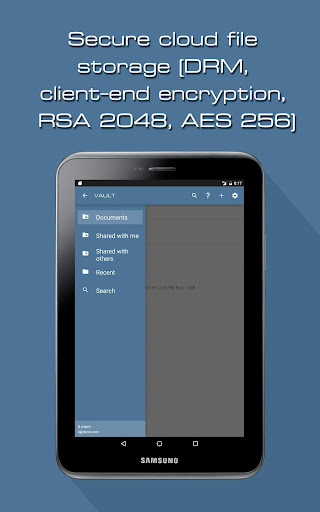
Secure file sharing with DRM (Digital Rights Management)
Our product is based on advanced public key encryption service that removes the need to share file passwords or encryption keys.
Moreover, it works across major platforms: Windows, MacOS X, Linux, Android and iOS devices. Access your protected files anywhere, anytime!
Security features include:
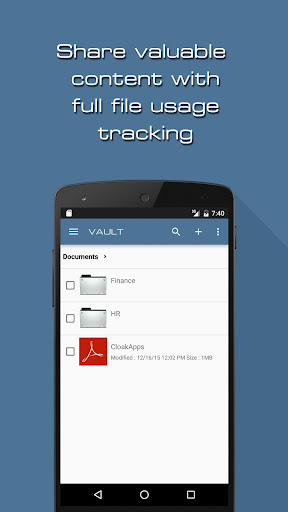
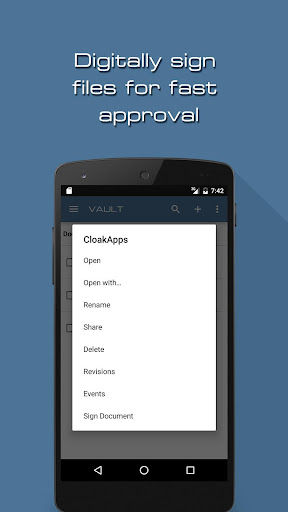
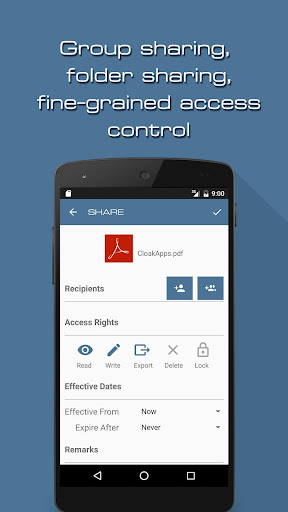
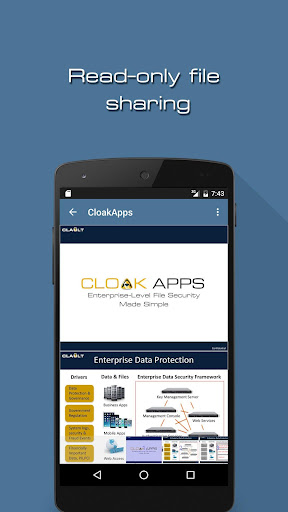
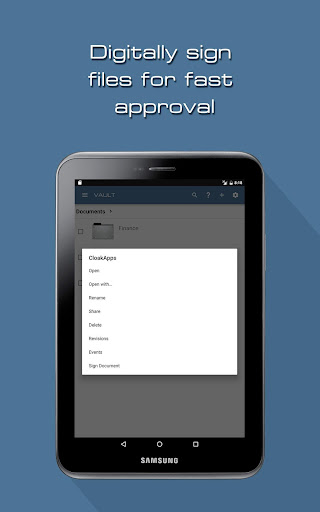
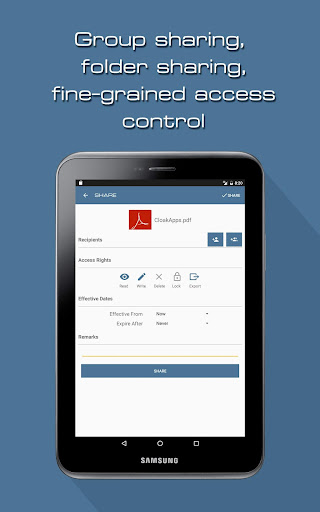
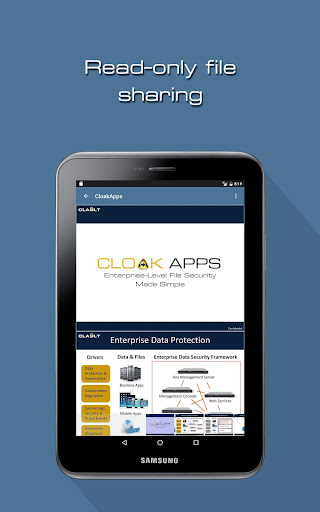
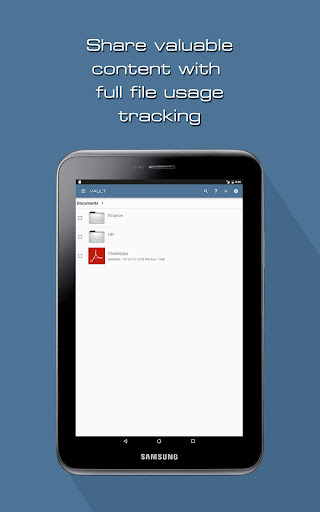
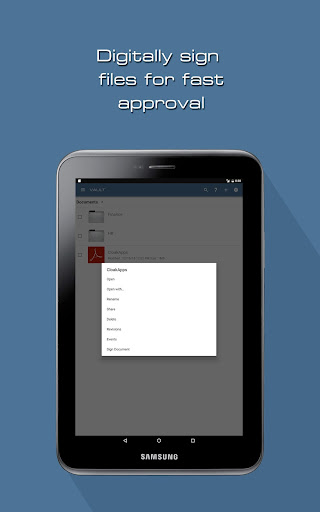
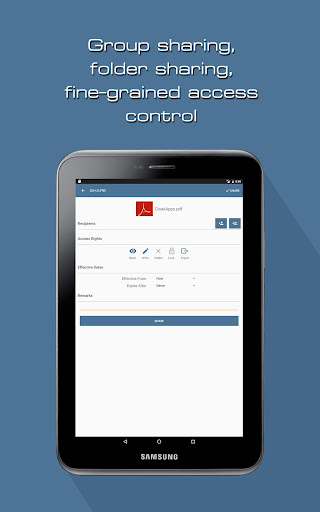
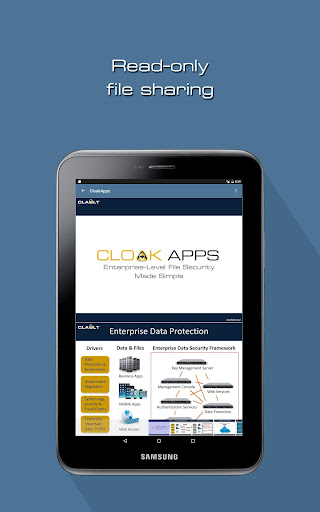
1. Digital rights management. Share text / markdown, pdf and images with read-only access to specific recipients. Documents and folders can be shared to individual users or hierarchical user groups, with fine-grained access rights.
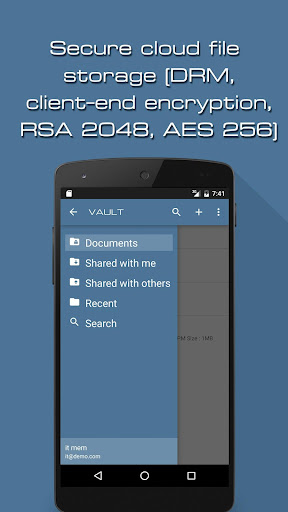
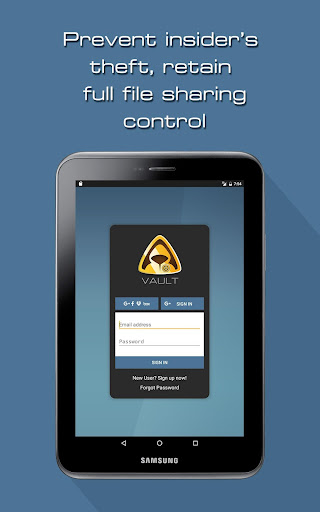
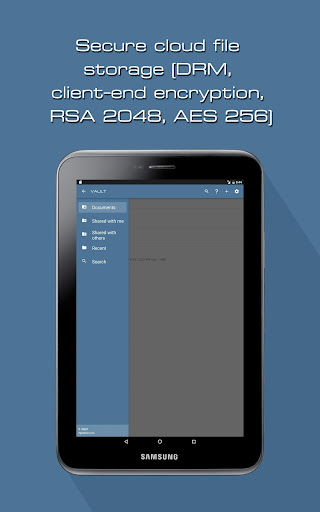
2. Client-end encryption. Vault uses public key encryption. The data is never encrypted or unencrypted solely in the cloud; it is always done on the user's device.
3. Mobile endpoint control. Since each device is tied to a unique key, stolen device's file access can be easily revoked.
4. End-to-end document protection. Documents are protected throughout their life cycle, when they are at rest, in-transit or in-use.
5. Version control. Automatic versioning with options including locking, deletion and adding descriptions for individual version items.
6. Transfer of large files (over 1GB) is supported by splitting the data into smaller segments, which are independently encrypted. This allows recovery from network interruptions and automatic resumption of incomplete uploads and downloads.
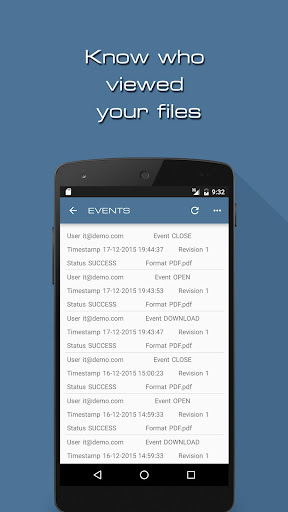
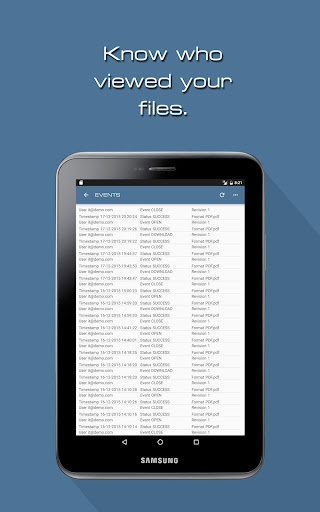
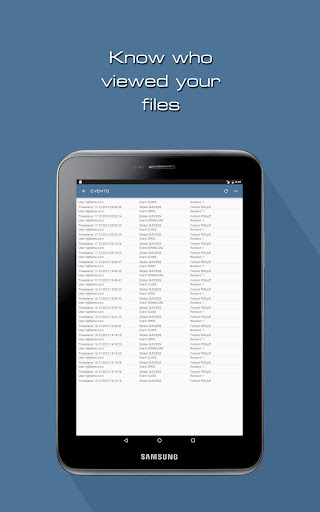
7. Audit trails. Track your team’s usage using event logs, and know who read which documents at what time.
Vault is free to download and is not plagued by advertisements.
Advanced security specifications:
1. Encryption:
a. Client-end encryption
b. Client-end key generation
c. Unique cryptographic key for each user and device
d. AES encryption (256 bit)
e. RSA encryption (2048 bit)
f. Multiple encryption layers
2. Enterprise Single Sign-On (Active Directory through *Cloak Gateway)
3. Multi-Factor Authentication (with *Cloak Gateway)
4. Key Management Tools for:
a. Lost certificate recovery
b. Endpoint migration
c. User revocation
d. Device revocation
e. Document license syncing
f. Document migration
6. Rights Management
a. Fine-grained document access control
b. Read, edit, download, lock and delete sharing rights
c. Sharing by users
d. Sharing by hierarchical user groups (circle)
e. Sharing of folders
7. Audit/Tracking
a. Audit trace for document usage, user activities and administration tasks
8. Version Control
a. Document version and format control
b. Lock feature to prevent accidental deletion
* Cloak Gateway is an enterprise solution.
Privacy
Given that Vault requests no permissions, the risk of data collection or unauthorized access is significantly minimized. However, users should still be cautious when sharing files, ensuring they are sharing with trusted parties and understanding the implications of DRM on file accessibility. It's also advisable to review the developer's privacy policy for any data handling practices.
Tips
To get the most out of Vault, users should first familiarize themselves with the app's DRM features and how they apply to shared files. Setting up a secure method for sharing and receiving files is crucial, and users should explore any additional security settings provided by the app. Regularly checking for updates can also ensure that users have the latest security patches and features.
What's New
Version Information
- Version
- 6.3.2
- Downloads
- 5K+
- Updated on
- Dec 11, 2025
- Released
- Oct 8, 2013
- Requires
- Android 8.0
Statistics
Google Play Rating History
Rating Distribution
Downloads Over Time
Vault has been downloaded times. Over the past 30 days, it averaged downloads per day.
Shaded area shows 30-day prediction based on historical trends
Historical data collection started recently. More data points will be available over time.
Vault users say on Google Play
 A Google user
همون بالایی
A Google user
Good
A Google user
After u place your pix and vids in the vault, they become inviewable. App claims that it can't find the license for ur media...to sync ur other devices. Scam
ApkTrusted Ratings & Reviews
More from Cloak
See more apps
Similar Apps






Scan this QR code to download

Forwarding you to the page at Google Play market in seconds...
Open Google Play market now