Video compressor: MP3 convert v1.2.5
Advance Appsol Technologies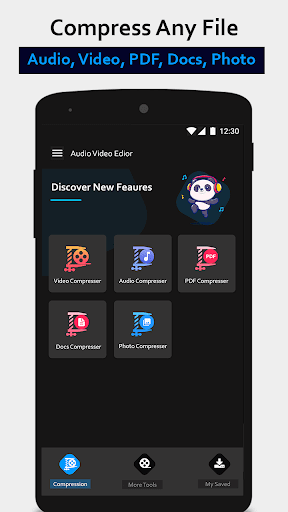


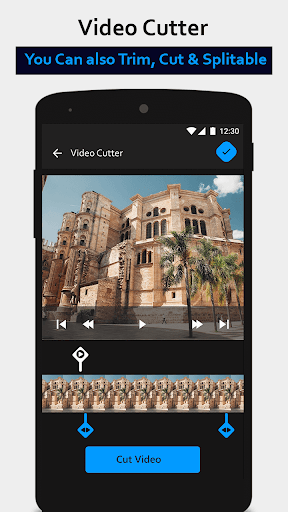
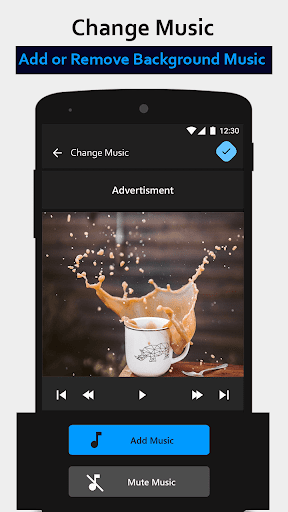
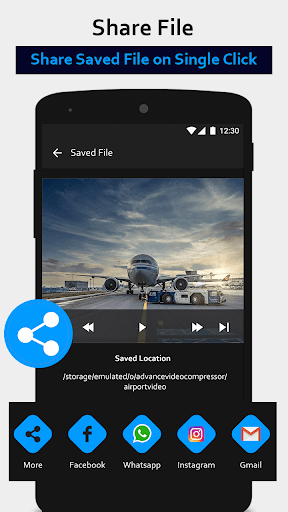
About this app
Developer Description
This video compressor is useful to compress video and to convert mov to mp4
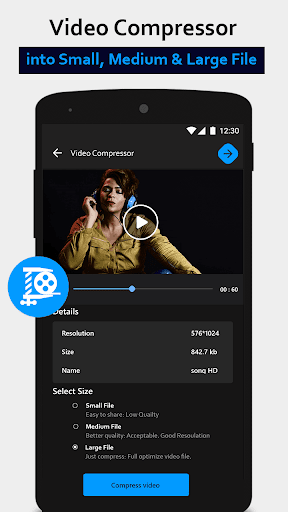
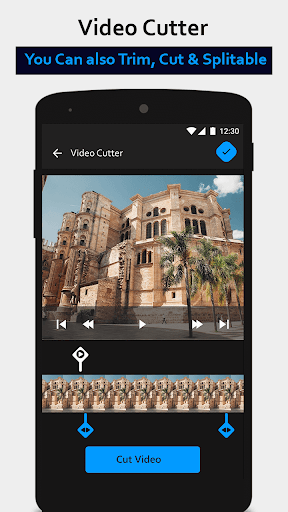
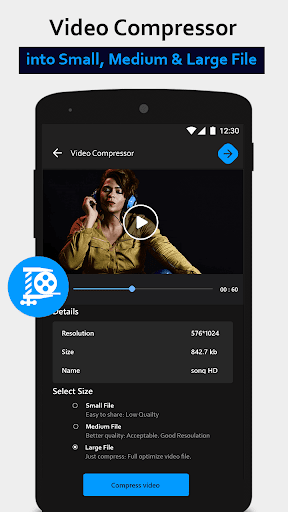
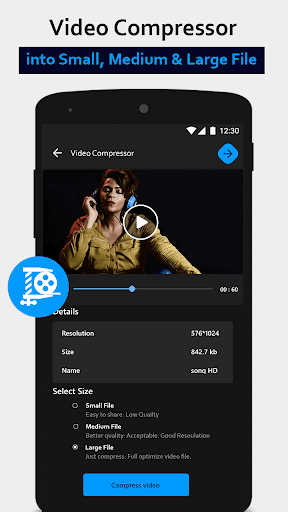
Are you tired of struggling with large video files that consume excessive storage space? Our Video Compressor is here to rescue you. With just a few simple steps, you can easily compress your videos, reducing their size without compromising their quality.Our Video Compressor supports a wide range of video formats, including MOV and MP4, and offers multiple compression options to suit your needs. You can choose from various compression between file size and video quality. With the ability to resize videos, scale videos, and downsize them, you have full control over how your videos are compressed
👉 Compress video and audio with high/normal/low-quality
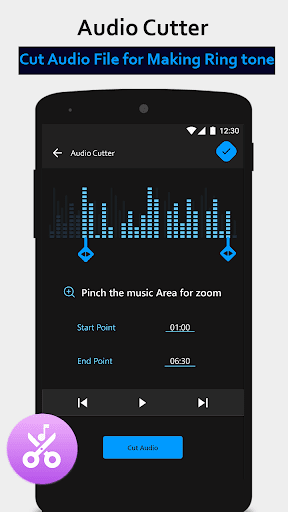
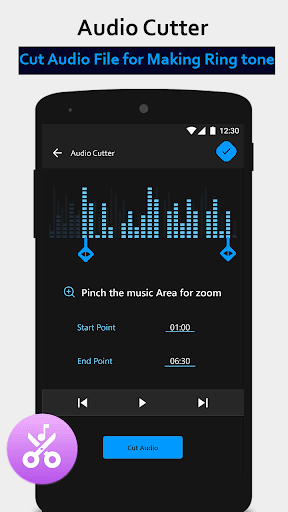
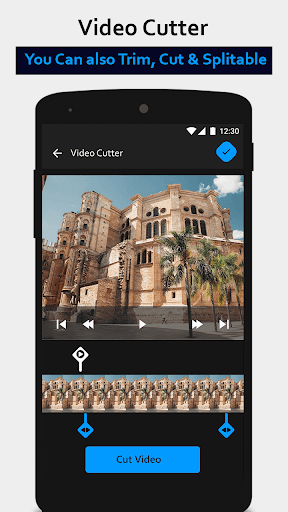
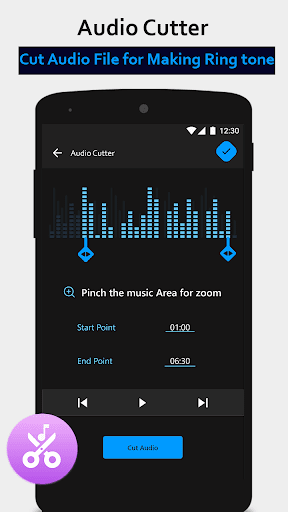
👉 Audio cutter in this app can resize audio file and compress them into smaller sizes.
👉 Compress video to the size you need.
👉 It has Mp4 converter that helps in the conversion of multi-format video files.
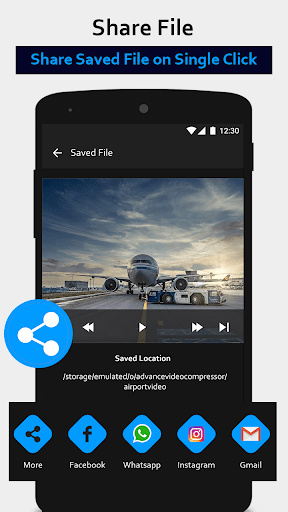
👉 Share compressed video via any media app.
👉 Resize any photo by using this unique image resizer.
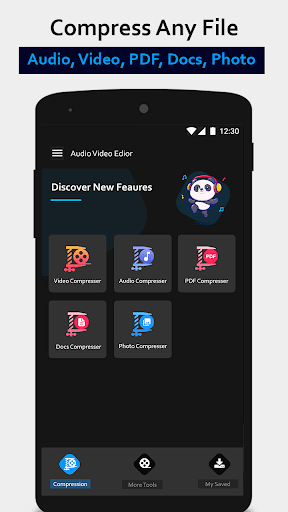
👉 Pdf compressor is best to convert large pdf files into smaller ones for easy sharing.
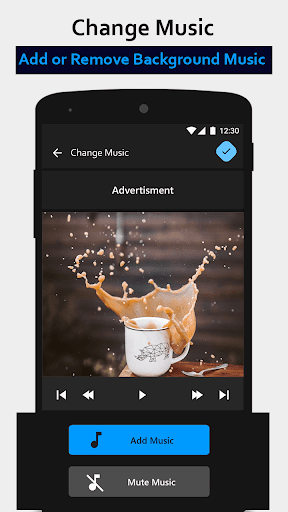
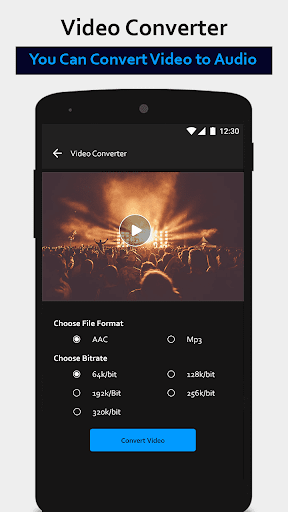
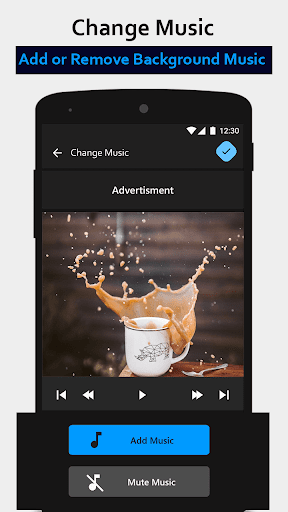
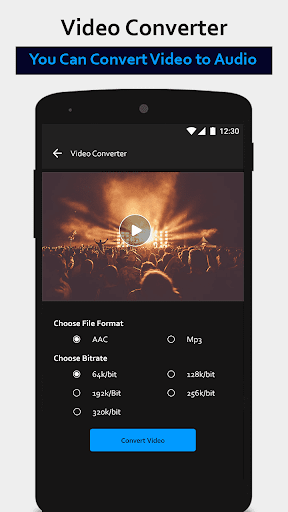
Not only does our app excel at compressing videos, but it also serves as an efficient MP3 Converter. You can easily extract the audio from your videos and convert them into high-quality MP3 files. This feature is ideal for creating audio files from music videos, video podcasts, or any other video content that contains audio you want to save separately.
One of the standout features of our Video Compressor and MP3 Converter app is its ability to perform seamlessly and without any loss of quality. We understand the importance of preserving the original content and ensuring that the compressed videos and converted MP3 files maintain their integrity. You can enjoy smaller file sizes without compromising on the visual or audio experience.
Video compressor: MP3 convert also has:
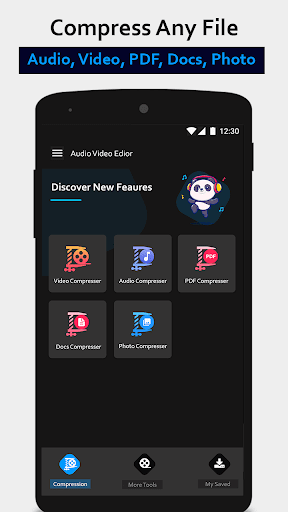
Video Compressor
It can compress video from mov to mp4in almost every video format. You can also choose the compression quality of the file in this video compressor free for android.
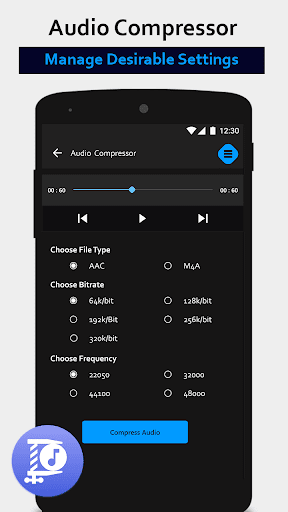
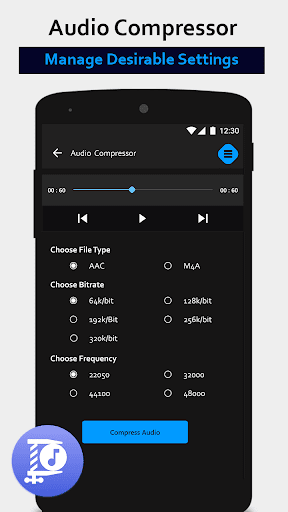
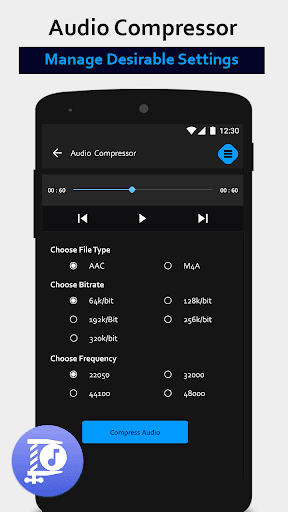
Audio Compressor
This mp3 converter can compress original audio files to the shrieked size. Free up your gadget space by compressing audio files.
Image Resizer:
This Image compressorwith the best compression can be used to reduce photo size without losing photo quality.
Pdf compressor
This video compressor has an amazing feature to reduce pdf size. PDF compressor allows you to resize large PDF files to small pdf for easy sharing.
Whether you're a professional videographer, a content creator, or an everyday user who wants to optimize their video and audio files, our Video Compressor and MP3 Converter app is the perfect companion. With its comprehensive set of features, including video editing capabilities, compression settings, and file format conversion, it has everything you need to manage your media files effectively.
Say goodbye to large and unwieldy videos and hello to a more streamlined and efficient video management experience. Download our Video Compressor and MP3 Converter app today and start enjoying the benefits of a compact and optimized media library. Experience the power of video compression without sacrificing quality, and take control of your video and audio files like never before.
What's New
In-app purchases
$0.99 - $7.49 per item
Version Information
- Version
- 1.2.5
- Downloads
- 100K+
- Updated on
- Oct 30, 2024
- Released
- Jun 19, 2020
- Requires
- Android 5.0
Statistics
Google Play Rating History
Rating Distribution
Downloads Over Time
Video compressor: MP3 convert has been downloaded times. Over the past 30 days, it averaged downloads per day.
Shaded area shows 30-day prediction based on historical trends
Historical data collection started recently. More data points will be available over time.
Video compressor: MP3 convert users say on Google Play
 Annette Waldron
wow amazing really pleased how fast it was compressed. I'm not a techie and i was scared of doing it wrong but it was so easy
 John Ko cho
Nice app 👌 👍 easy to use but some advertisements for disturbance
 Sumaira Ishtiaq
good
 Smearix *
Failed to compress one of my videos
 iTrend Now
WORST EVER. Ad comes on screen and doesn't go away, no option to go back.
ApkTrusted Ratings & Reviews
More from Advance Appsol Technologies
See more apps
Collage Maker – Framed Picture
Free

Qibla Direction - Qibla Finder
Free

Beautify: Beauty makeup editor
Free
Text to speak : Translator
Free
Water tracker: Drink reminder
Free

Quran: Last 10 Surah - 5 Surat
Free

Voice Changer - Voice recorder
Free

Text on photo - Text Editor
Free

Expense Tracker
Free

Voice Typing Calculator
Free
Event Reminder - ToDo List App
Free

Doc Scanner – PDF Creator
Free
Similar Apps



Scan this QR code to download

Forwarding you to the page at Google Play market in seconds...
Open Google Play market now