Text to speak : Translator v2.0.9
Advance Appsol Technologies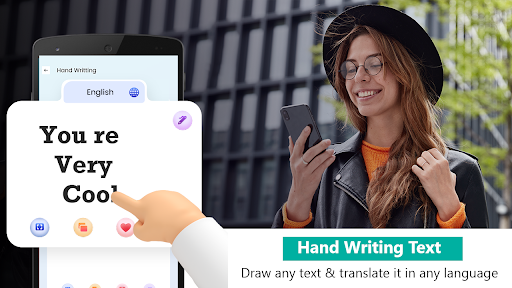
About this app
Developer Description
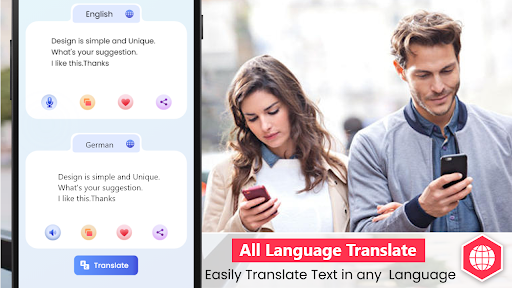
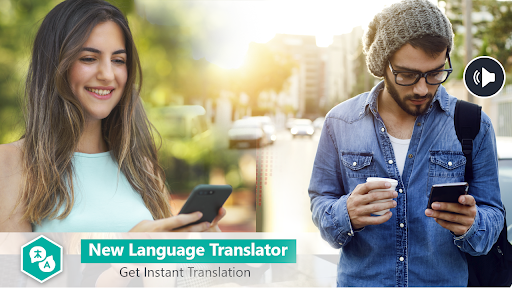
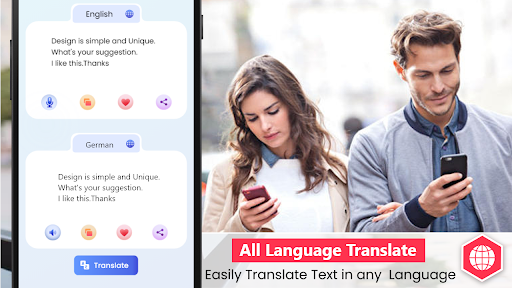
Text to speech translator helps you translate in over 90+ languages quickly
Text to speech is the ultimate translator for Android for communicating with foreigners Speaking different languages. This Translator, Text to speechgives translation in multiple ways and can provide translation of any text in a variety of ways.
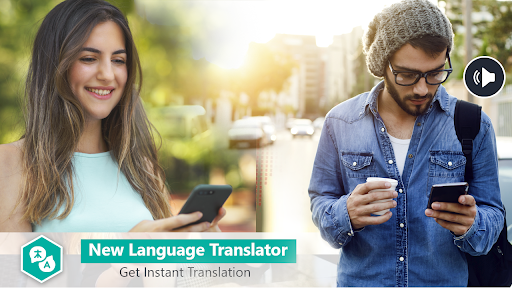
This translator is best for translation from any language to any other language you want. It is useful because it translates the Speech of any language into the text of your desired language so you can communicate easily.
Key Features of Text to speech: Translator:
- Text to speech Voice Recognition
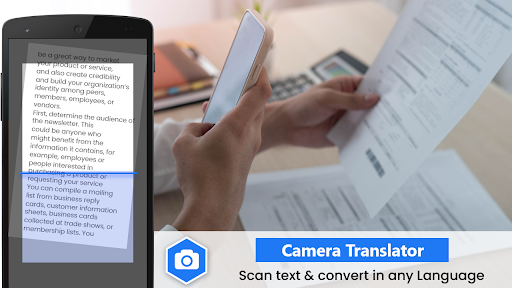
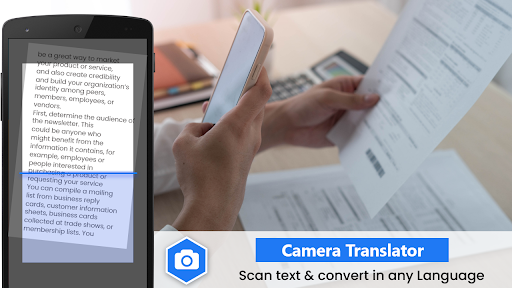
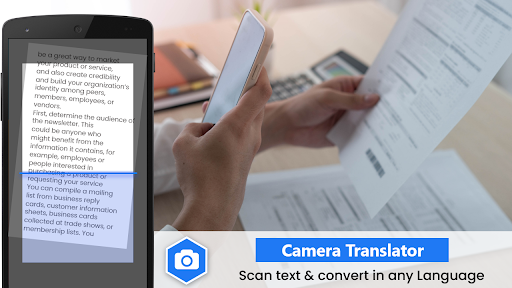
- Camera translator (OCR)
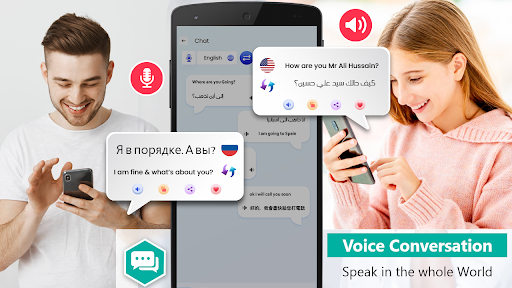
- Voice Translator
- Multiple Languages Supported
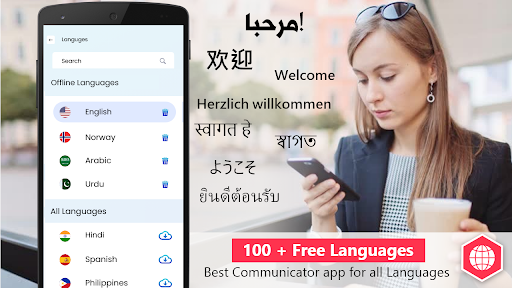
- Offline translator
- Photo Translator
- Mark Favorite Text
- Dark and Light Mode
How these Features Work:
☛ Text to speech Voice Recognition:
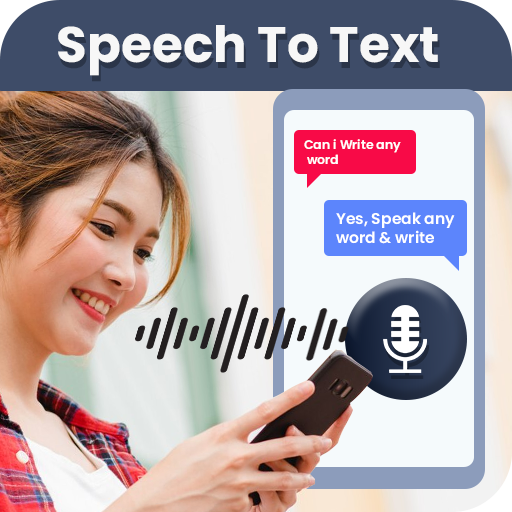
Speak to text translator converts any speech into text of any language widely popular in the world.
☛ Camera translator, OCR:
This Text to speech translator works as a photo translator. Just click a photo of written text and this OCR supported translator will convert it to text and then translate for free in over 90+ languages accurately.
☛ Voice translator:
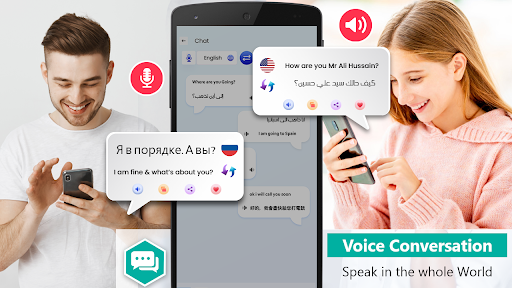
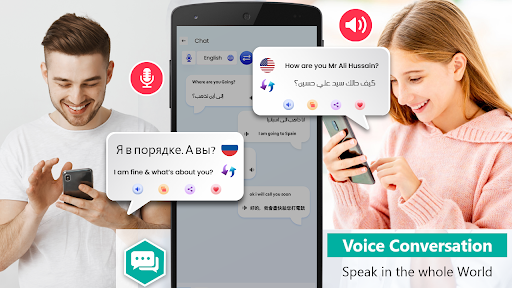
In this translator you can talk to foreign people like a normal conversation. This speech to text can translate your language to the desired language. Just Speak in the app and it will translate the whole conversion.
☛ 90+ languages:
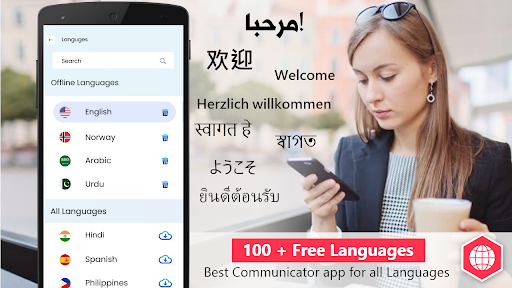
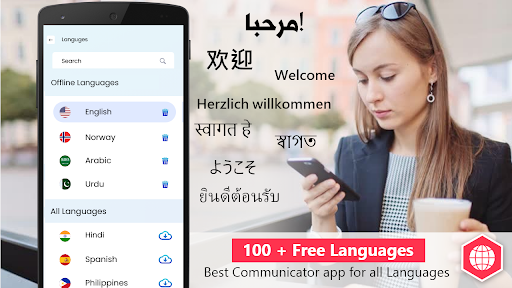
This translator has over 90+ languages supported, and these languages are completely free, which means you can talk to literally anyone on the globe in any language.
☛ Offline translator:
You can have the free translator offline with you, for that you just need to download the desired language while having a stable internet connection. Once it's downloaded you can translate the downloaded language wherever and whenever.
☛ Mark favorite:
In this Text translator, you can mark your commonly used text/phrases as your favorite.
☛ Dark and Light Theme:
Speak to Text translator can please your taste in the theme on your phone. If you like dark themes on your phone you can change the translator setting to dark and enjoy it with the best aesthetic pleasure.
How to use it?
1. To use the speech to text feature just select the spoken language and it will translate it into the desired language.
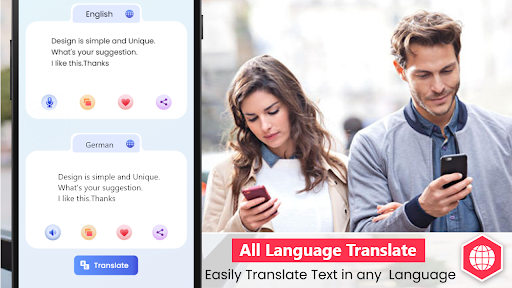
2. To use the chat translation just choose your language and select the desired language to start chatting.
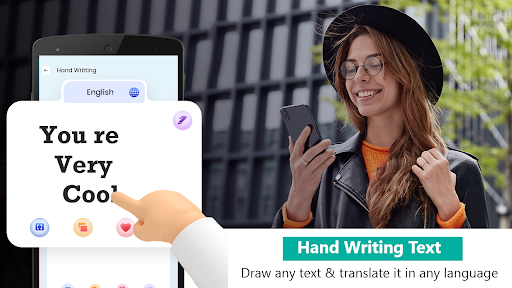
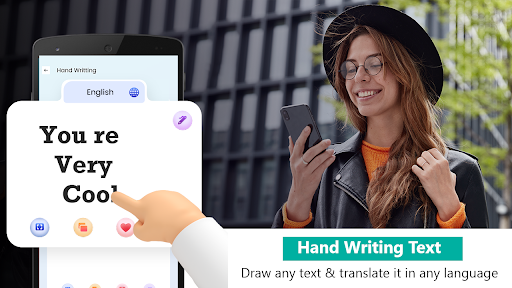
3. To use the handwriting translation feature just write the text with finger tips and it will translate it immediately.
Permissions:
For the photo translation this translator needs some permissions like camera to take a picture to translate and also the gallery if you want any photo from your phone to be translated in any other language, as well as microphone access to act as a speech to text translator.
Text to speech Translator can be a:
✓ Japanese translator
✓ Korean translator
✓ German translator
✓ Russian translator
✓ Chinese translator
✓ French translator
✓ Spanish translator
✓ Russian translator
✓ Dutch translator
✓ Arabic translator
✓ Hindi translator
✓ Italian translator
✓ Indonesian translator
✓ Malay translator
And many more, these are just a few popular ones.
What's New
In-app purchases
$6.49 per item
Version Information
- Version
- 2.0.9
- Downloads
- 100K+
- Updated on
- Apr 29, 2024
- Released
- Jun 24, 2020
- Requires
- Android 5.0
Statistics
Google Play Rating History
Rating Distribution
Downloads Over Time
Text to speak : Translator has been downloaded times. Over the past 30 days, it averaged downloads per day.
Shaded area shows 30-day prediction based on historical trends
Historical data collection started recently. More data points will be available over time.
Text to speak : Translator users say on Google Play
 Qadeer's Entertainment
Speech 2 text is a good and brilliant app that records all voices and converts him a message quickly and easily. It is also available for language translator
 K.N.Shastry Advocate
Very nice app. It just closes if we don't speak for a second.It doesn't wait long for a person to speak.oncewe start Mike it should not close itself until we close it. Please correct this problem. Thank you
 yaseen yaseen769
yas
 ali akbar
nice
 vince aqua
only ads ads and ads but it did absolutely nothing and absolutely useless
ApkTrusted Ratings & Reviews
More from Advance Appsol Technologies
See more apps
Collage Maker – Framed Picture
Free
Qibla Direction - Qibla Finder
Free

Beautify: Beauty makeup editor
Free
Water tracker: Drink reminder
Free

Quran: Last 10 Surah - 5 Surat
Free
Video compressor: MP3 convert
Free

Voice Changer - Voice recorder
Free

Text on photo - Text Editor
Free

Expense Tracker
Free

Voice Typing Calculator
Free
Event Reminder - ToDo List App
Free

Doc Scanner – PDF Creator
Free
Scan this QR code to download

Forwarding you to the page at Google Play market in seconds...
Open Google Play market now