
Hybrid Watch Face CUE134 vVARY
Creation Cue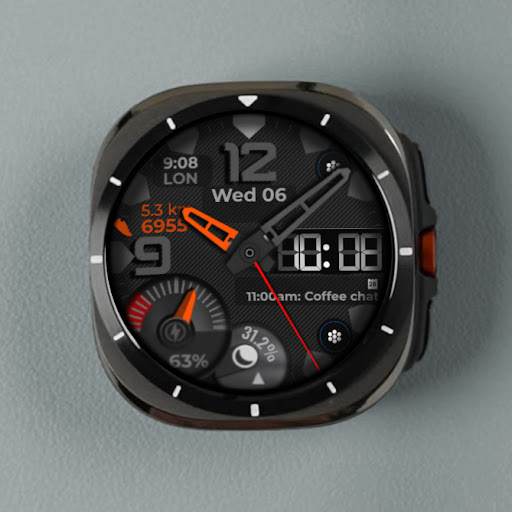
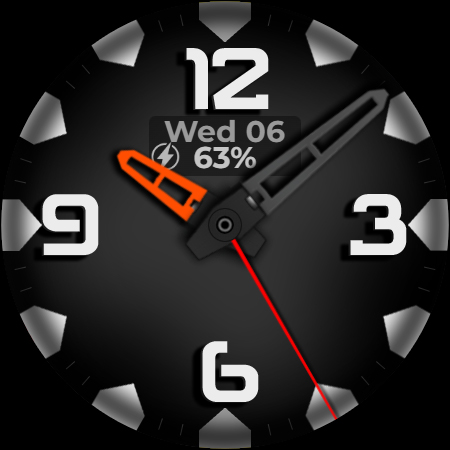
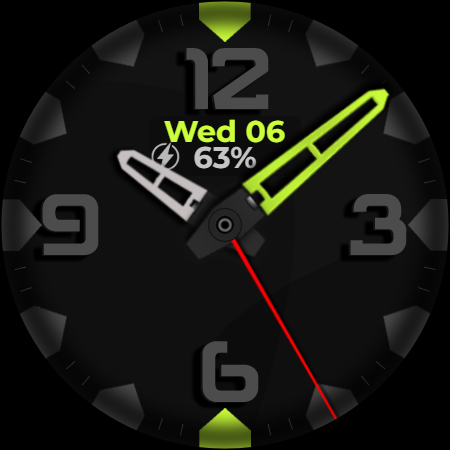
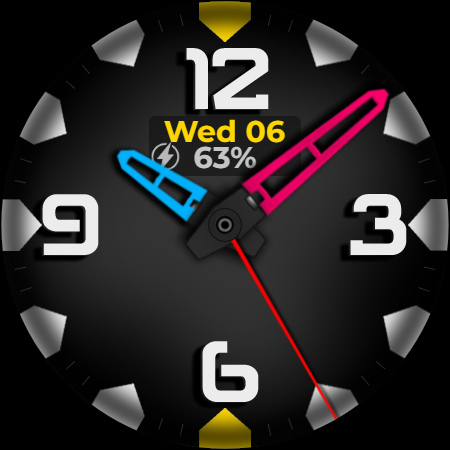
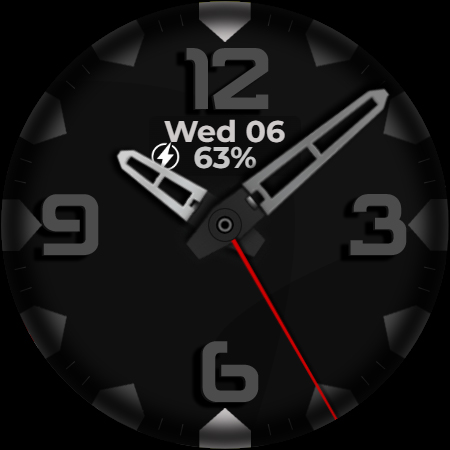
About this app
Developer Description
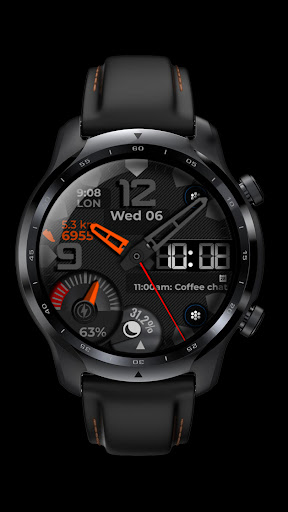
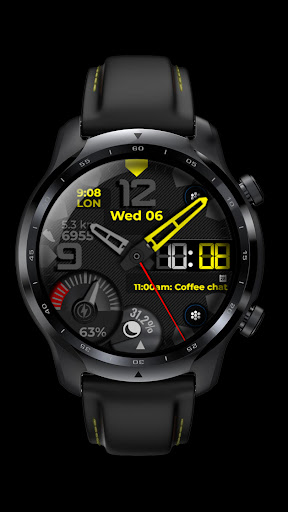
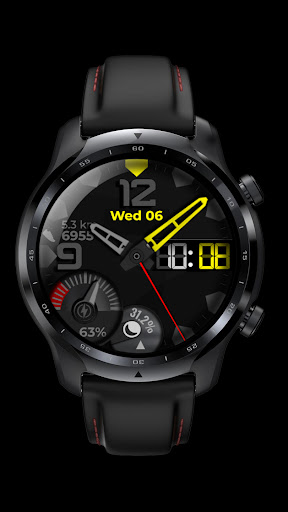
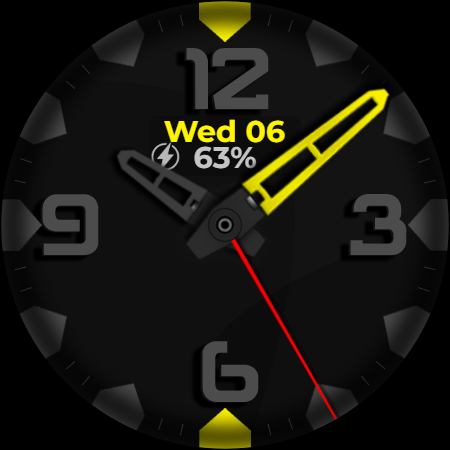
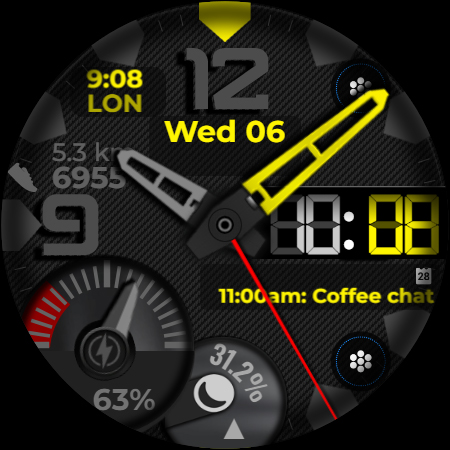
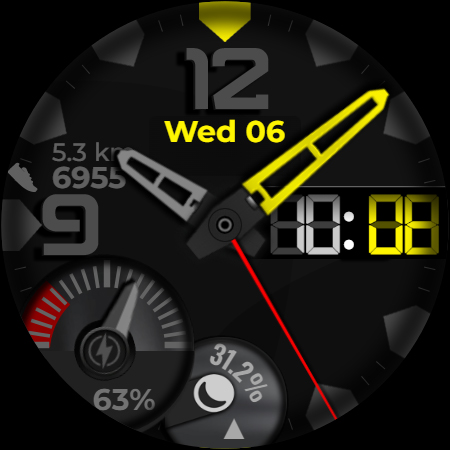
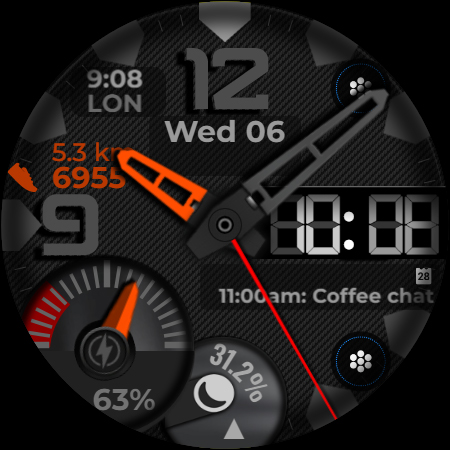
Classic meets digital: a sleek hybrid watch face with customizable options.
Key Features:
▸24-hour format or AM/PM for the digital display that can be turned off.
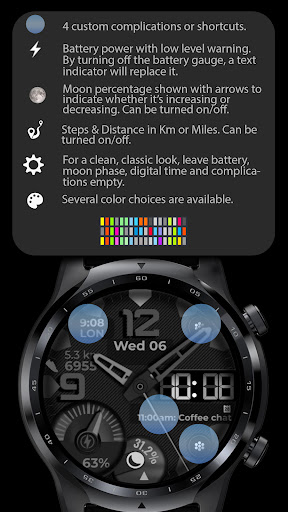
▸ Steps & Distance in Km or Miles. Can be turned on/off.
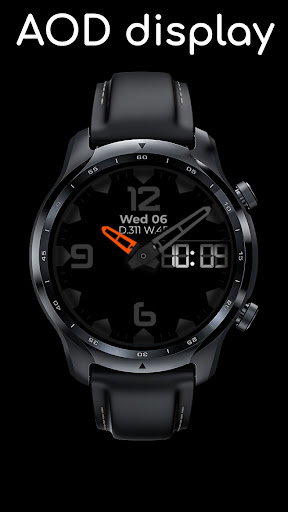
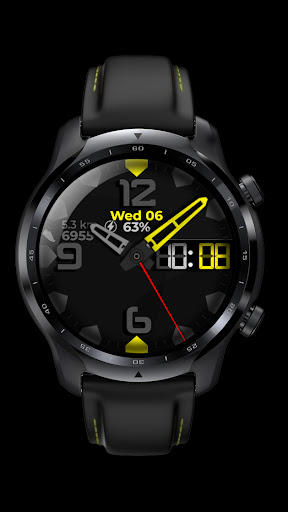
▸ Week and Day in Year display in AOD mode.
▸Battery gauge can be turned off. By turning off the battery gauge, a text indicator will replace it.
▸Moon percentage shown with arrows to indicate whether it’s increasing or decreasing. Can be turned on/off.
▸📉 An extreme heart rate warning display appears when your heart rate is abnormally low or high at the 12 position.
▸In AOD mode, the day and week of the year are displayed.
▸You can add 4 custom complications on the watch face.
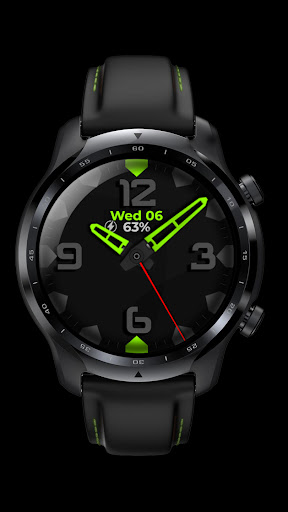
▸Multiple color themes available.
⚠️ Keep in mind that this watch face includes numerous customization settings, which may temporarily demand your watch’s processing power during configuration. For the best experience, set it up directly on your watch. After setup, it will run smoothly without additional strain on processing power.
Feel free to experiment with the different areas available for custom complications to discover the optimal placement that suits your needs and preferences.
If you encounter any problems or installation difficulties, please contact us so we can assist you with the process.
Email: support@creationcue.space
What's New
・Enhanced performance and stability.
・Total black background added.
・Updated to comply with Google Play’s new guidelines.
Version Information
- Version
- -
- Downloads
- 500+
- Updated on
- Jul 15, 2025
- Released
- Nov 6, 2024
- Requires
- Android Varies with device
Statistics
Google Play Rating History
Rating Distribution
Downloads Over Time
Hybrid Watch Face CUE134 has been downloaded times. Over the past 30 days, it averaged downloads per day.
Shaded area shows 30-day prediction based on historical trends
Historical data collection started recently. More data points will be available over time.
Hybrid Watch Face CUE134 users say on Google Play
 Etienne Willemse
WOW!!!! Superb design. Thank you for super cool job done. I highly recommend you to get this face today. You will be so happy . Thanks
ApkTrusted Ratings & Reviews
More from Creation Cue
See more apps
Digital Watch Face CUE111
Paid
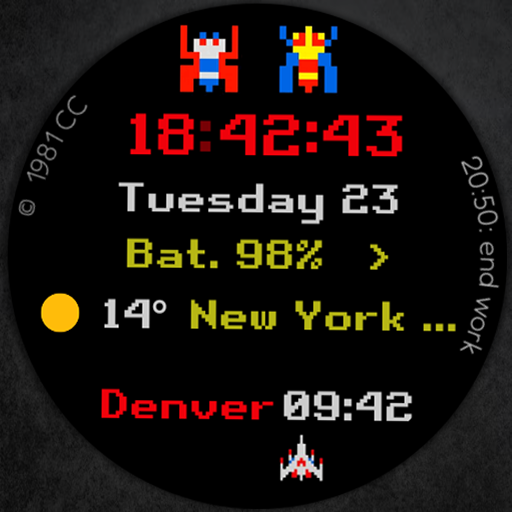
Digital Watch Face CUE108
Free

Digital Watch Face CUE100
Paid

Digital Watch Face CUE105
Paid
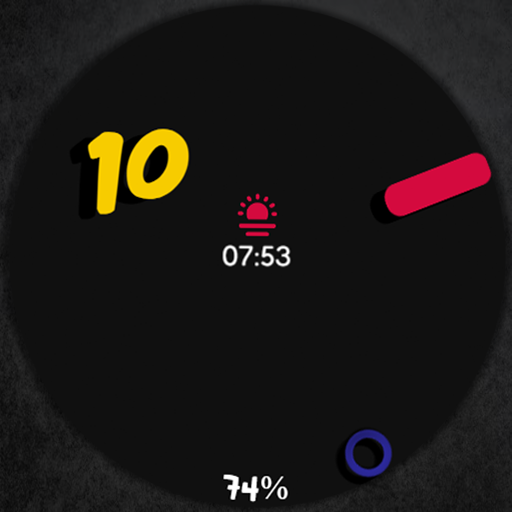
Digital Watch Face CUE024
Paid

Digital Watch Face CUE101
Paid

Digital Watch Face CUE102
Paid
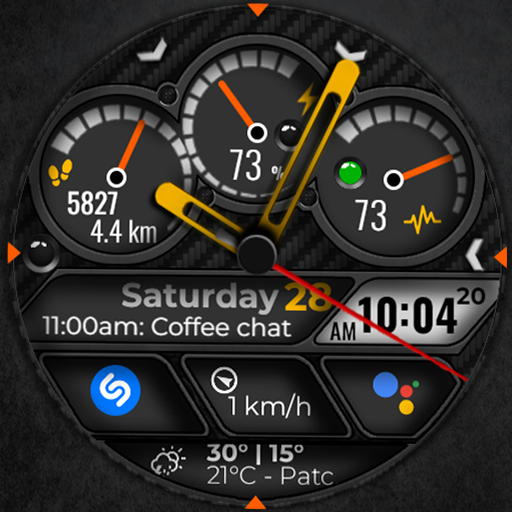
Digital Watch Face CUE103
Paid

Digital Watch Face CUE104
Paid

Digital Watch Face CUE099
Paid

Digital Watch Face CUE106
Paid

Digital Watch Face CUE107
Free

Digital Watch Face CUE098
Paid

Digital Watch Face CUE109
Paid
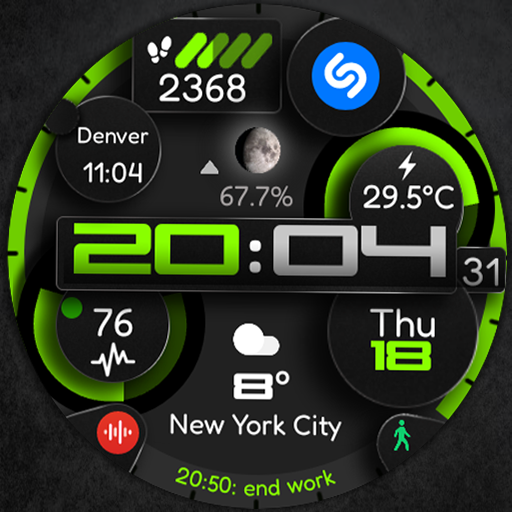
Digital Watch Face CUE110
Paid

Digital Watch Face CUE097
Paid
Similar Apps
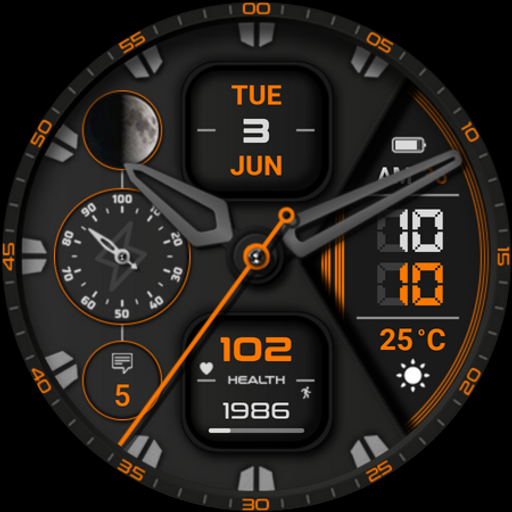
Watch face CNW0023
Paid

Ballozi OPTIM Hybrid Analog
Paid

KZY005
Paid
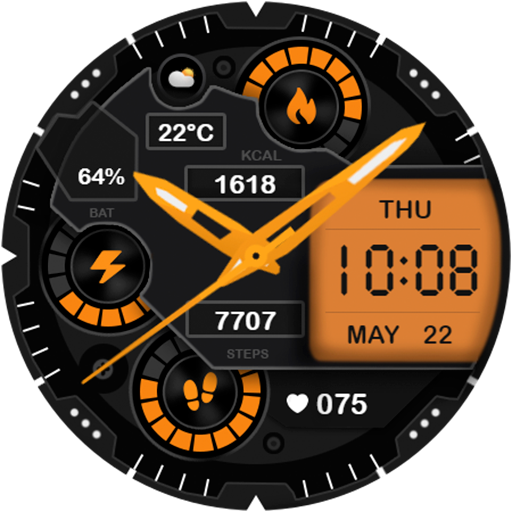
Digital CoreDrive Watch Face
Paid

DB049 Hybrid Watch Face
Paid

CFS127 Techno Style
Paid

Dream 148 Analog watch face
Paid

Watch face CNW-33
Paid

Brutal Weather Hybrid IW12
Paid

PAS Watch Face
Free

Wear Watch Face 071
Free
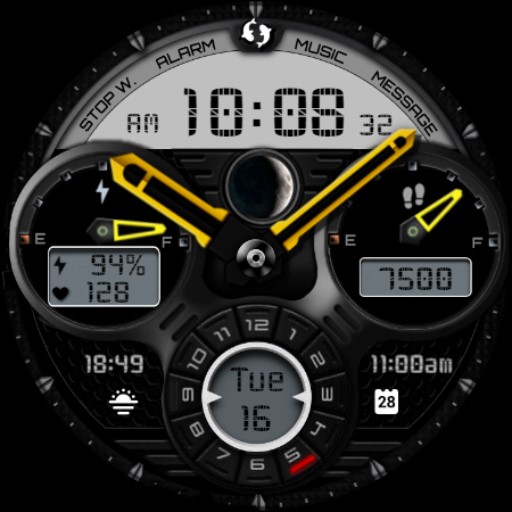
Beast Dark Analog Watch IN47
Free

Dream 43 analog watch face
Free

NTV123 - Hybrid Colors
Free

Hybrastaff V
Paid

W-Design WOS027 - Watch Face
Paid
Scan this QR code to download

Forwarding you to the page at Google Play market in seconds...
Open Google Play market now