
Watch Face CUE141 vVARY
Creation Cue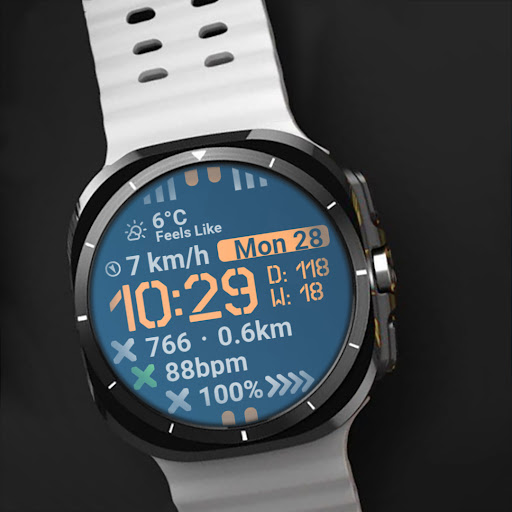




About this app
The Watch Face CUE141 app solves the problem of bland and uninspiring watch faces for users seeking a minimalist, industrial design aesthetic. This app benefits users who value simplicity and a military-inspired look, setting it apart from more elaborate or flashy alternatives in the Personalization category. With its sharp, angular details, it stands out for its unique design, but may fall short for users seeking more feature-rich or customizable watch faces. Given its paid model and lack of ads or in-app purchases, it offers a clean user experience.
Pros
- The app's minimalist design is a significant advantage for users who prefer a clean and simple watch face, making it easy to read and understand at a glance.
- With no ads or in-app purchases, the paid model ensures a distraction-free experience, which is a significant pro for users who value an uninterrupted experience.
- The developer's decision to not request any permissions is a notable advantage, as it alleviates concerns about data privacy and security.
- The app's small size and lack of permissions suggest it should have minimal impact on device performance, making it a good choice for older devices or those with limited storage.
- The developer provides a clear website and email for support, indicating a commitment to user feedback and potential updates.
Cons
- The lack of user ratings and limited download numbers may indicate a lack of community feedback or support, which could be a concern for potential users.
- The app's limited functionality, being solely a watch face, might not justify the paid model for some users who expect more features for their money.
- There is no information on update frequency or the developer's plans for future enhancements, which could leave users wondering about long-term support.
- The app's compatibility with various devices and watch models is not explicitly stated, which could lead to compatibility issues for some users.
Best for: The ideal user for the Watch Face CUE141 app is likely an individual with a keen eye for minimalist design, possibly within the 25-45 age range, who values simplicity, readability, and a touch of industrial chic in their watch face, and is willing to pay a small fee for a unique, ad-free experience without needing extensive customization options.
Developer Description
A minimalist military watch face with sharp, angular, and industrial details.
Key Features:
▸24-hour format or AM/PM for the digital display.
▸Heart rate monitoring with red alert for extremes (red X rotates on wrist movement). Can be left empty or replaced with custom complication.
▸Distance-made display in km or miles. Can be left empty or replaced with custom complication.
▸Battery power with low battery warning animation (red X rotates on wrist movement) and charging animation.
▸Tap to open actions.
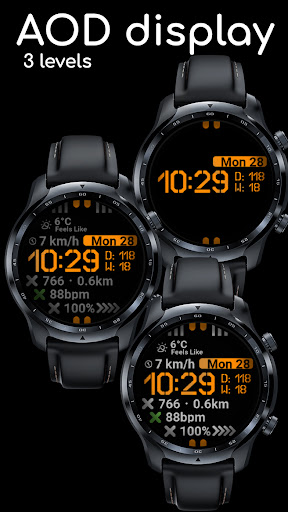
▸In AOD mode, the week and day of the year are displayed in the seconds position. 3 AOD levels available.
▸You can add 6 complications on the Watch Face.
▸Multiple color themes available.
Feel free to experiment with the different areas available for custom complications to discover the optimal placement that suits your needs and preferences.
If you encounter any problems or installation difficulties, please contact us so we can assist you with the process.
✉️ Email: support@creationcue.space
Privacy
Given that the Watch Face CUE141 app requests no permissions, the risk of data collection or privacy breaches appears to be minimal. However, users should still be cautious when installing any app, ensuring they are downloading from trusted sources like the official Play Store. It's also advisable to monitor the app's behavior and performance over time for any unexpected changes.
Tips
To get the most out of the Watch Face CUE141, users should first ensure their device is compatible and that their watch supports custom faces. For optimal performance, it's recommended to restart the device after installation and to check for any available updates. Additionally, exploring the app's settings, if any, can help in customizing the watch face to better suit personal preferences.
What's New
Version Information
- Version
- -
- Downloads
- 100+
- Updated on
- Jul 3, 2025
- Released
- Jan 16, 2025
- Requires
- Android Varies with device
Statistics
Google Play Rating History
Rating Distribution
Downloads Over Time
Watch Face CUE141 has been downloaded times. Over the past 30 days, it averaged downloads per day.
Shaded area shows 30-day prediction based on historical trends
Historical data collection started recently. More data points will be available over time.
Watch Face CUE141 users say on Google Play
 Mohammed Sarfarazuddin
Excellent watch face! Looking fantastic on GW Ultra.
ApkTrusted Ratings & Reviews
More from Creation Cue
See more apps
Digital Watch Face CUE111
Paid
Digital Watch Face CUE108
Free

Digital Watch Face CUE100
Paid

Digital Watch Face CUE105
Paid
Digital Watch Face CUE024
Paid

Digital Watch Face CUE101
Paid

Digital Watch Face CUE102
Paid
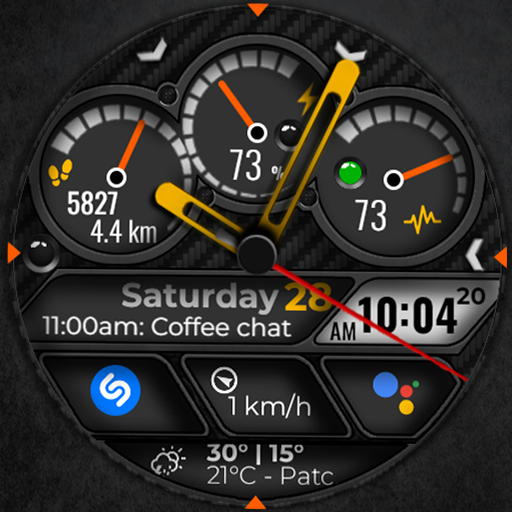
Digital Watch Face CUE103
Paid

Digital Watch Face CUE104
Paid

Digital Watch Face CUE099
Paid

Digital Watch Face CUE106
Paid

Digital Watch Face CUE107
Free

Digital Watch Face CUE098
Paid

Digital Watch Face CUE109
Paid
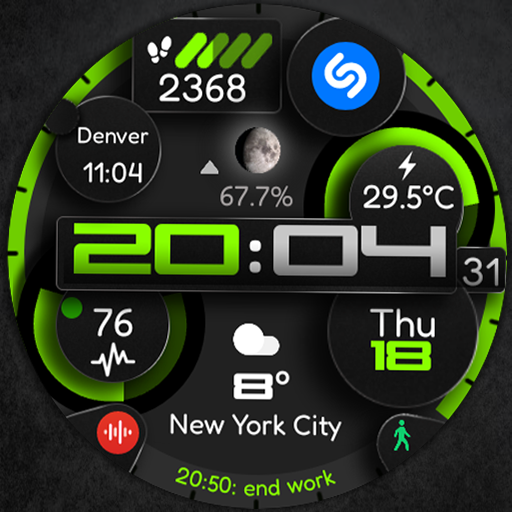
Digital Watch Face CUE110
Paid

Digital Watch Face CUE097
Paid
Similar Apps

AD Digital Blocs - Watch Face
Free

WALKER IN A ROUND
Free

Clean view
Free

Orange LED Watch Face
Free
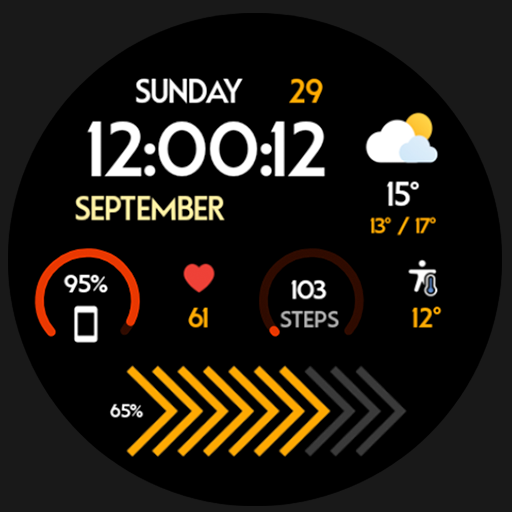
Nighty Digital 40 - watch face
Paid

LOOP
Paid

IWF AllNew Digi Pro watchface
Paid

Desert watch face
Free

SPL002 Simplicity
Paid
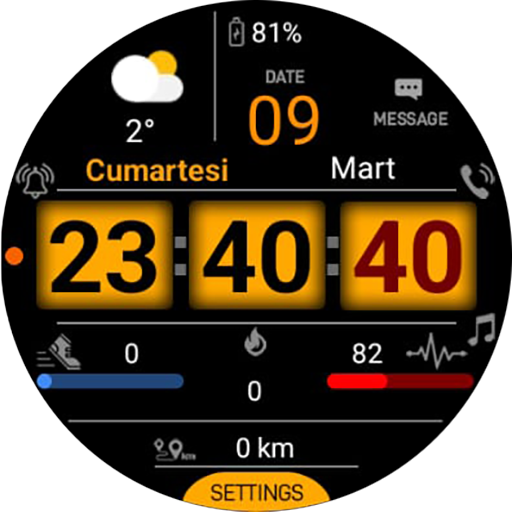
SO993 Watchface
Free

Sentinel
Free

SamWatch Big C
Paid

328 PS
Free

Big Time
Free

KZY097
Paid

Bold Horizon SMA Watch Face-42
Free
Scan this QR code to download

Forwarding you to the page at Google Play market in seconds...
Open Google Play market now