
Watch Face CUE154 vVARY
Creation Cue


About this app
Developer Description
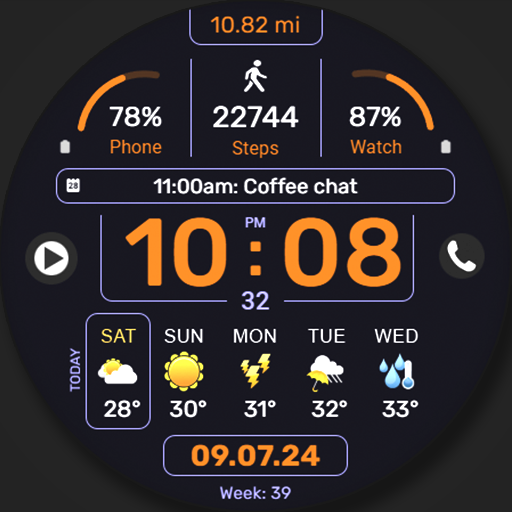
Watch Face, modern, clean, colorful showcasing Weather with clear segments.
Key Features:
▸24-hour or AM/PM format.
▸Steps and distance-made display in km or miles.(Can be turned off).
▸ Current weather display with temperature, UV index, precipitation chance, min max day's temperature and weather condition (text & icon). Each UV index level is represented by a different color for easy recognition.
▸ Forecast for the next two days includes icons, minimum and maximum temperatures, and precipitation percentage.
▸Battery power indication with low battery red flashing warning light.
▸Charging indication.
▸When heart rate reaches critical levels, an alert will pop up over the bottom forecast zone.
▸At night, the background will dim slightly for a smoother appearance.
▸You can add 2 short text complications, 1 long text complication and two image shortcuts on the Watch Face.
▸Three AOD dimmer levels.
▸Multiple color themes available.
All details like the weather and date will automatically appear in the language set as default on the system.
🌦️ Weather Info Not Showing?
If the weather data doesn’t appear, make sure your watch is connected to your phone via Bluetooth and that location permissions are enabled in both the phone and watch settings. Also, ensure the default Weather app on your watch is set up and working. Sometimes it helps to switch to another watch face and then back. A few minutes may be needed for the data to sync.
Experiment with different areas to find the best fit for your desired complications.
If you encounter any problems or installation difficulties, please contact us so we can assist you with the process.
✉️ Email: support@creationcue.space
Version Information
- Version
- -
- Downloads
- 500+
- Updated on
- Jul 2, 2025
- Released
- May 13, 2025
- Requires
- Android Varies with device
Statistics
Google Play Rating History
Rating Distribution
Downloads Over Time
Watch Face CUE154 has been downloaded times. Over the past 30 days, it averaged downloads per day.
Shaded area shows 30-day prediction based on historical trends
Historical data collection started recently. More data points will be available over time.
Watch Face CUE154 users say on Google Play
 Christina Bates
I had an issue with the weather interfacing with the watch, and I contacted CreationCue with the issue. They were very helpful in arriving at a solution and went above and beyond to ensure my happiness. This is unusual for developers, and I wanted to give this developer the props they deserve. Thanks again!
ApkTrusted Ratings & Reviews
More from Creation Cue
See more apps
Digital Watch Face CUE111
Paid
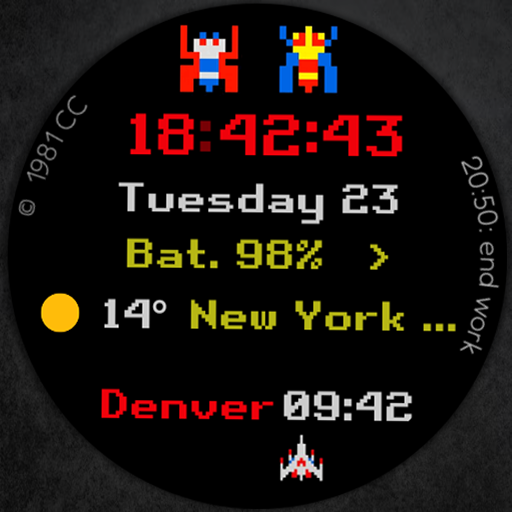
Digital Watch Face CUE108
Free

Digital Watch Face CUE100
Paid

Digital Watch Face CUE105
Paid
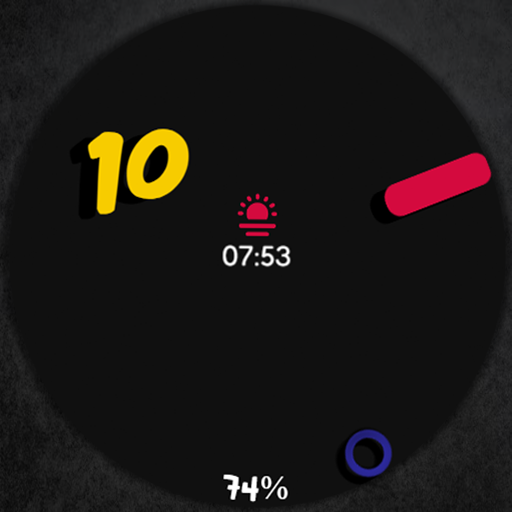
Digital Watch Face CUE024
Paid

Digital Watch Face CUE101
Paid

Digital Watch Face CUE102
Paid
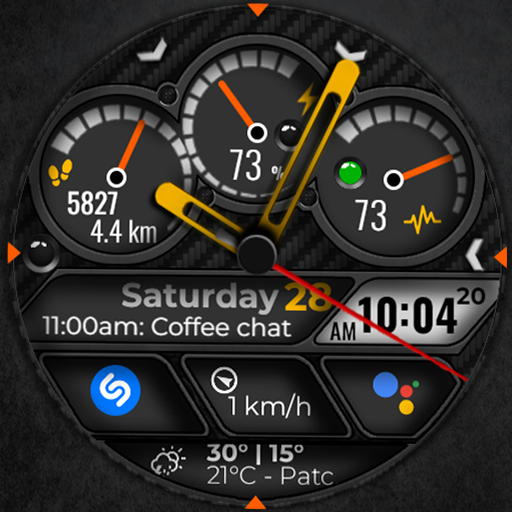
Digital Watch Face CUE103
Paid

Digital Watch Face CUE104
Paid

Digital Watch Face CUE099
Paid

Digital Watch Face CUE106
Paid

Digital Watch Face CUE107
Paid

Digital Watch Face CUE098
Paid

Digital Watch Face CUE109
Paid
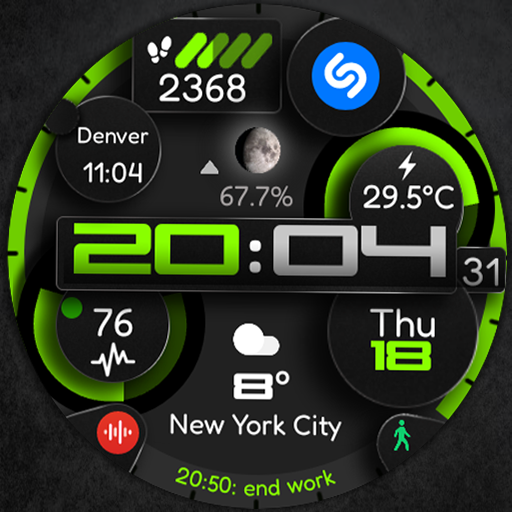
Digital Watch Face CUE110
Paid

Digital Watch Face CUE097
Paid
Similar Apps

HMK WD133
Paid

WFP 125 Digital watch face
Paid

Digital Watch Face: OMG 53
Paid

DB038 Digital Sport
Paid

Bella Digital Watch Face
Paid
WFP 341 Informer watch face
Free

Digital Weather Sports Face
Free

Weather watch face W7.5
Paid

DB054 Flow Motion
Paid

PW102 Smart Analog Watch Face
Paid

PRADO 82 Weather Forecast
Paid

Activity Dash Watch Face
Paid

Weather Informer Watch Face
Paid

SamWatch Digital Weather
Paid

SamWatch Digital Weather 4
Paid

Weather smo502
Free
Scan this QR code to download

Forwarding you to the page at Google Play market in seconds...
Open Google Play market now