
AR001 Watch Face vVARY
AppRerum






About this app
Developer Description
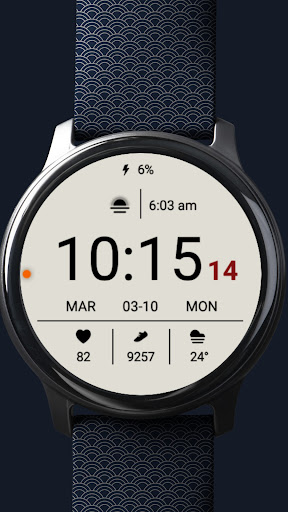
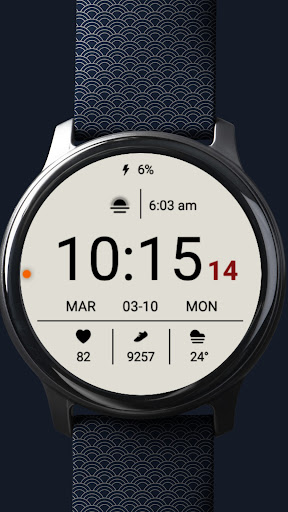
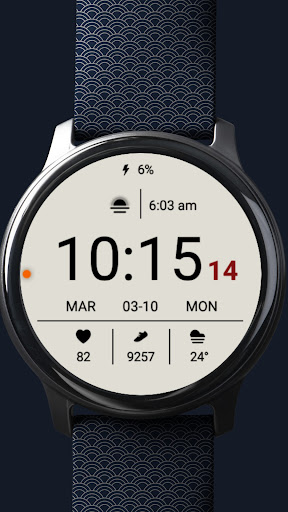
Sleek Wear OS watch face with light/dark modes and 3 customizable complications!
🌟 Key Features:
✅ Dual Color Modes: Switch effortlessly between light and dark modes to match your style or mood.
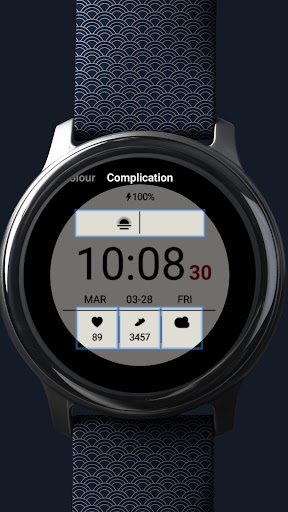
✅ 3 Customizable Complications: Personalize your watch face by choosing the information you want to see, such as steps, heart rate, weather, or more.
✅ One Line Complication: Add an extra layer of customization with a dedicated line complication.
✅ Minimal and Modern Design: Stay focused with a clean layout that's easy to read at a glance.
✅ Battery Status Display: Always keep track of your battery percentage.
✅ Date and Time Display: Clearly shows the current time, day, and date.
✅ Ambient Mode Support: Designed for low-power ambient display, ensuring readability without draining the battery.
⚙️ Customization Options:
Select complications that matter to you.
Switch between light and dark themes.
Customize complications for fitness, weather, health, and more.
⚡ Battery Usage Note:
Light mode may consume more battery than average. Use it considering battery performance.
📲 How to Set Up:
Install the AR001 Watch Face on your Wear OS device.
Tap and hold the watch face to enter customization mode.
Choose and set your desired complications and style.
🔄 Compatibility:
Designed exclusively for Wear OS devices.
Not compatible with other operating systems like Tizen or HarmonyOS.
❗ Note:
Ensure your device is running the latest Wear OS version for optimal performance.
Some features may vary based on device capabilities and permissions.
Upgrade your smartwatch style with the AR001 Watch Face – where elegance meets functionality!
What's New
Version Information
- Version
- -
- Downloads
- 500+
- Updated on
- Mar 11, 2025
- Released
- Mar 11, 2025
- Requires
- Android Varies with device
Statistics
Google Play Rating History
Rating Distribution
Downloads Over Time
AR001 Watch Face has been downloaded times. Over the past 30 days, it averaged downloads per day.
Shaded area shows 30-day prediction based on historical trends
Historical data collection started recently. More data points will be available over time.
AR001 Watch Face users say on Google Play
 William Maddler
Nice and simple! Love it! Only critique is I'd like to see more color options but, other than that, a great face!
 J C
J C
This minimalist watch face is almost perfect except for 1 detail: the red seconds display cannot be changed to a different color. The white and black themes are both nice, but as someone who has difficulty seeing red, the fixed color is an issue. Would give 5 stars if an update could allow for different color options like yellow or grey for the seconds.
ApkTrusted Ratings & Reviews
More from AppRerum
See more apps
Black Cat Animated Watch Face
Paid

Nothing Inspired 2A Watch Face
Paid

AR VOID Watch Face
Paid

Pixel Minimal Pro Watch Face
Paid

Pixel Style Watch Face
Free

Nothingness 2 Watch Face
Paid

Pixel Style Plus Watch Face
Paid

Neon Digital 108 Watch Face
Paid

Nothing Inspired 3 Watch Face
Paid

Pixel Clean Watch Face
Paid

Currency Converter
Free

Pixel Scale Watch Face
Paid

Nothing Inspired Watch Face
Paid

CardyOz - Smart Card Manager
Free

Pixel Track Plus Watch Face
Paid

Race Watch Face
Paid
Similar Apps

HMKWatch Digital 088
Free

Time Canvas Digital Watch Face
Paid
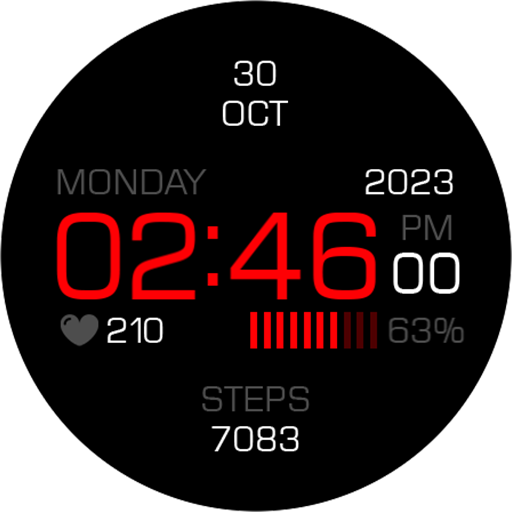
Key099 Digital Watch Face
Free
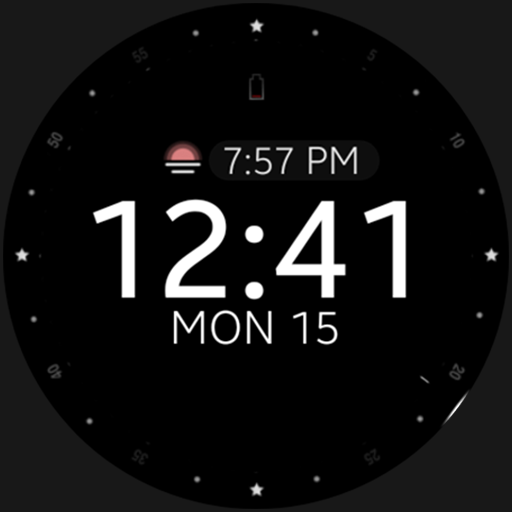
Battery v2 Digital watch face
Paid

Minimal BOLD - Watch Face
Paid
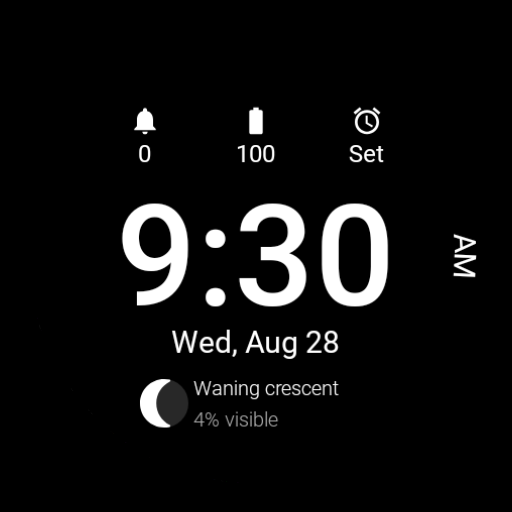
Roboto Digital
Free
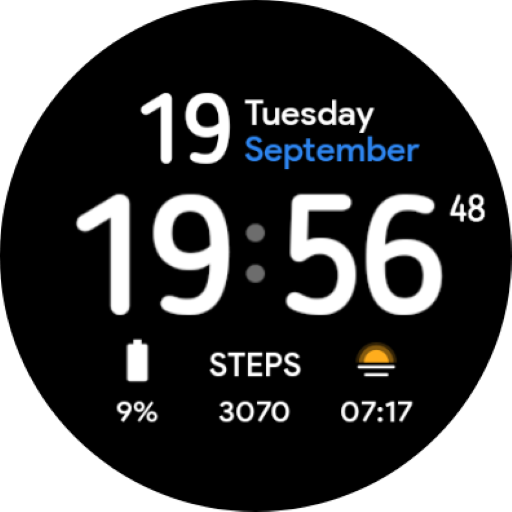
Minimal Visual: Watch face
Paid

PW93 Digit Ease Watch Face
Paid

Pure Black Watch Face
Paid
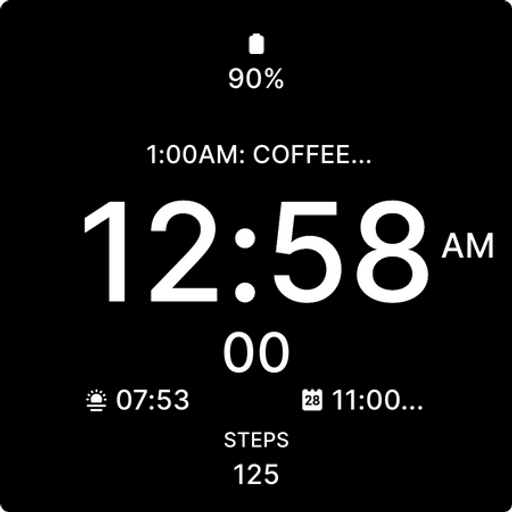
Minimalist Black Watch Face
Paid
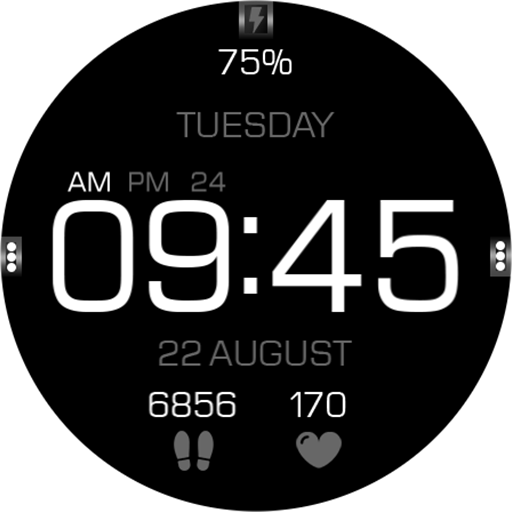
Key056 Digital Watch Face
Paid

EXD075: Minimal Watch Face
Paid
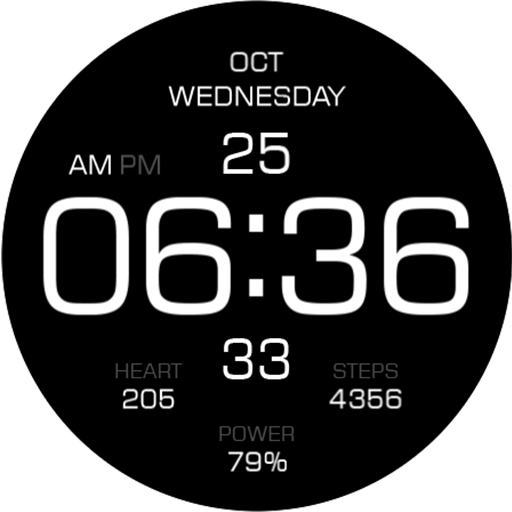
Key104 Digital Watch Face
Paid
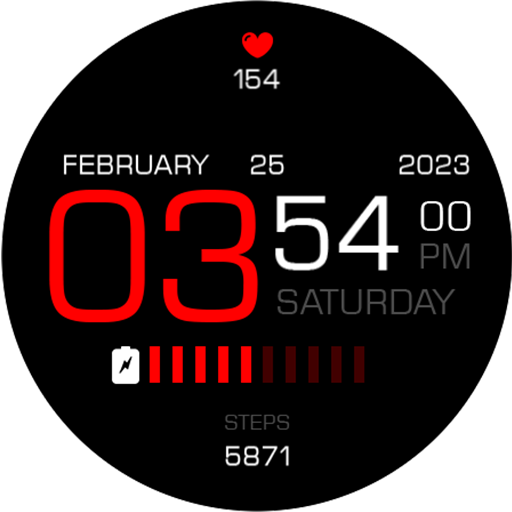
Key069 Digital Watch Face
Free
Flower Animated watch face
Free

FUTURE
Paid
Scan this QR code to download

Forwarding you to the page at Google Play market in seconds...
Open Google Play market now